 ProMapRanker
Best Grok AI Alternatives in 2026

Key takeaways
- ChatGPT is the best all round alternative, with a free plan, broad tools, and a low cost entry tier.
- Claude leads for long documents, careful writing, and code, and it is the pick for work that needs structure over many pages.
- Gemini is the natural alternative if your work already lives in Gmail, Docs, and Drive, thanks to deep Google integration.
- Perplexity is the research pick, since it puts sources beside answers and supports deeper web research.
- DeepSeek and Meta AI are the best no cost options, with DeepSeek strongest for reasoning and coding on a budget.
Quick comparison
| Pick | Great for | Pricing starts at | Free tier | |
|---|---|---|---|---|
 ChatGPT | Best all round assistant | $8 per month | Yes | Visit |
 Claude | Long documents and coding | $20 per month | Yes | Visit |
 Gemini | Google Workspace users | $4.99 per month | Yes | Visit |
 Perplexity | Cited web research | $20 per month | Yes | Visit |
 Microsoft Copilot | Microsoft 365 documents | See website | Yes | Visit |
 DeepSeek | Free reasoning and coding | Free | Yes | Visit |
 Meta AI | Free help inside social apps | Free | Yes | Visit |
 Mistral Le Chat | Privacy focused European option | $14.99 per month | Yes | Visit |
The best grok ai alternatives
The tools below are alternatives to Grok AI only. Grok itself is not listed here, since this article is for people who want a different assistant. Each pick covers general chat, writing, coding, or research, and all eight were available to consumers in October 2026. Prices are starting consumer prices, and free plans vary in model access and usage limits.
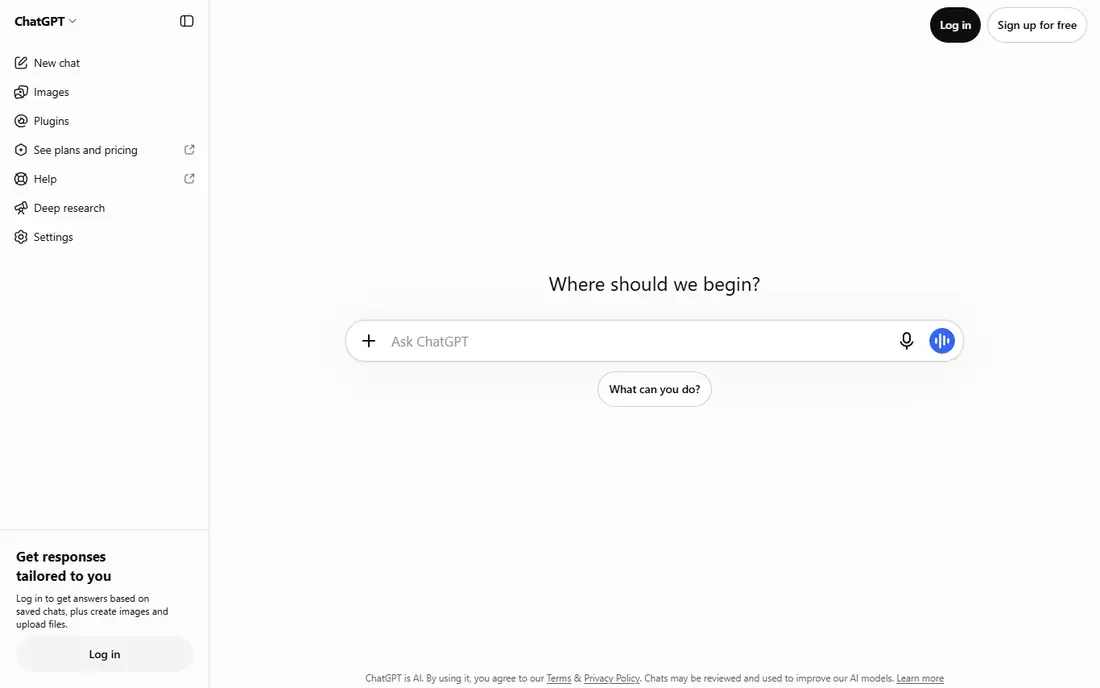
ChatGPT is the most direct replacement for a general AI assistant. It answers questions, drafts and edits text, explains code, summarises documents, and generates images, all in one chat. The free plan has become more generous in 2026, with reports of unlimited text chats subject to abuse controls, which makes it a strong default for people who do not want to pay at first.
The paid entry tier, ChatGPT Go, adds higher limits at a low monthly price, while Plus adds more capable models and tools such as Codex for coding work. The trade-off is that heavy users can still hit limits, and the top Pro tier is far more expensive. For most everyday use, though, ChatGPT covers the widest ground with the least friction, and it is the alternative we would suggest first.
- Broadest range of everyday tools
- Free plan with unlimited text chats in recent reports
- Custom GPTs and coding help on paid plans
- Free plan caps some extras like image and voice features
- Paid tiers jump in price for heavy power users
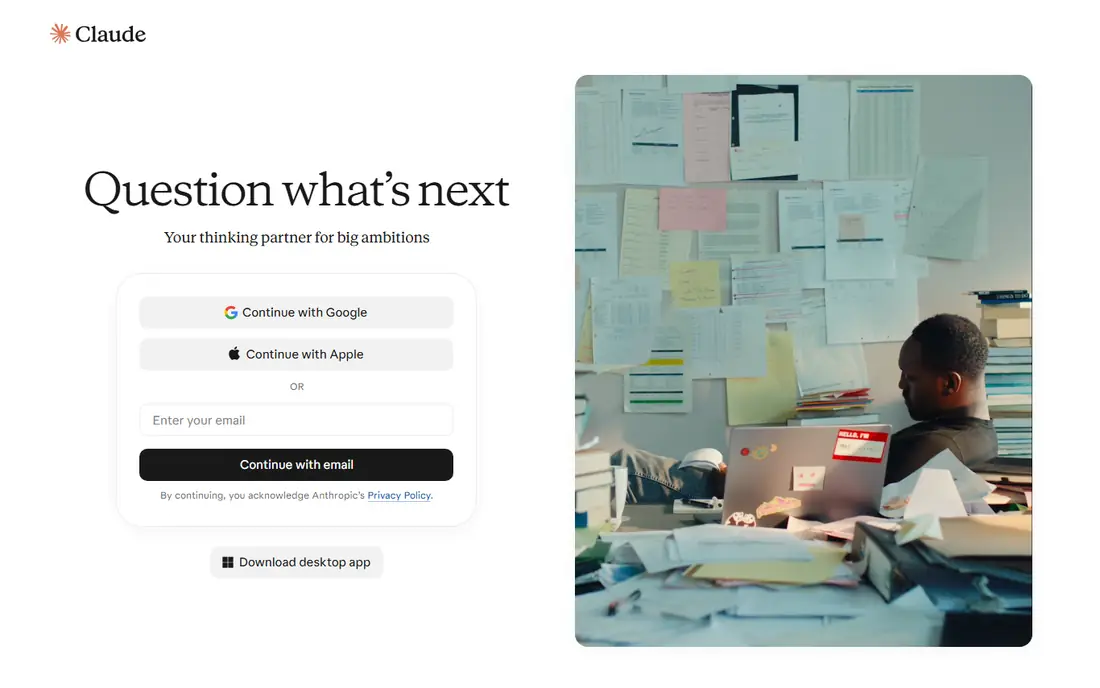
Claude is the pick when the work is long, careful, or technical. It holds structure across a lengthy report, a research summary, or a codebase better than most general assistants, and its answers tend to stay organised rather than drifting. Developers and writers who work with large documents often prefer Claude for that reason, even when they keep another assistant for quick questions.
The limits are narrower media tools and a $20 entry price for the Pro plan. If you mainly need image generation or a very cheap paid tier, another pick will fit better. If your day involves drafting, editing, analysis, and code, Claude is a strong, focused alternative, and the free plan is enough to test its style on a real document before you pay.
- Strong writing and reasoning over long documents
- Good coding support
- Clear, structured answers
- No image or video generation in the main chat
- Paid plan is $20 per month with higher tiers for heavy use
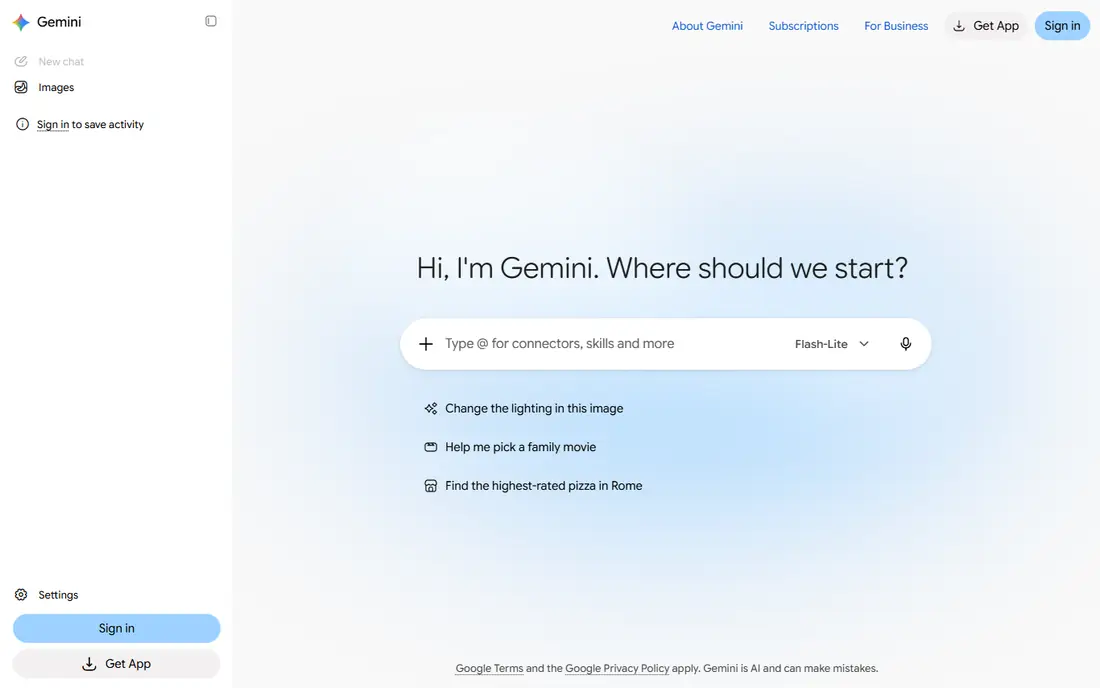
Gemini makes most sense if your work already lives inside Google. It can summarise a Gmail thread, help draft a Doc, work with Drive files, and handle images, audio, and video inputs in the same chat. The free plan is genuinely useful for everyday questions, image work, and research, while the low cost Plus tier adds storage and higher limits at a price below most rivals.
The catch is ecosystem fit. If your documents live in Microsoft 365 or in local files, you will get less from Gemini than a Google centred user will. Advanced video generation and the most capable models also sit on higher tiers. For a Google household or a Google Workspace team, though, Gemini is the most convenient alternative here, since it meets you where your work already is.
- Deep integration with Gmail, Docs, and Drive
- Strong multimodal work
- Low cost entry tier
- Best value depends on using Google services
- Some advanced models sit behind higher tiers
Perplexity is the research alternative. Instead of giving an answer and leaving you to trust it, it shows sources you can open and check, which matters for news, prices, product facts, and any claim you plan to repeat. That habit makes it a good second assistant even if you keep another tool for drafting, since you can verify a key fact in Perplexity before you publish it.
The free plan covers everyday searches with a daily limit on Pro searches, while the $20 Pro plan adds more Pro searches and deeper research modes. Perplexity is less charming as a brainstorming partner than ChatGPT or Claude, and its creative writing can feel more factual than fluid. For research first work, those trade-offs are worth it.
- Sources shown beside answers
- Strong for fact checking and current topics
- Deep research options on paid plans
- Less suited as a general creative writing tool
- Free plan limits Pro searches per day
Microsoft Copilot is the alternative for people whose work lives in Word, Excel, and Outlook. On paid Microsoft 365 plans, it can draft documents, summarise email threads, analyse spreadsheet data, and help build presentations from your existing files. That in app help saves the copy and paste step that other assistants require, and it keeps the work inside tools your team already uses.
The free Copilot chat handles general questions, but the deeper Office features need a paid plan, and pricing varies between personal, family, and business plans, so we list See website for the starting price. If you rarely use Microsoft apps, Copilot will feel like a plain chat tool. If your workday runs on Office, it is the most practical alternative in this list.
- Works inside Word, Excel, PowerPoint, and Outlook on paid Microsoft 365 plans
- Useful for drafting and data tasks
- Free chat for general questions
- Full Office integration needs a paid Microsoft 365 plan
- Pricing varies by plan and business type
DeepSeek is the best free alternative for people who want strong reasoning without a subscription. It handles maths, logic, and coding questions well, and recent reports describe it as a free only consumer assistant with no paid consumer tier. That makes it an easy second tool to keep beside a paid assistant, or a first tool for students and budget conscious users.
The limits are breadth and integration. DeepSeek does not offer the same range of app connections, media generation, or workspace tools as ChatGPT, Claude, or Gemini. If you need an assistant that lives inside your email and documents, another pick will serve you better. If you need clear reasoning and code help at no cost, DeepSeek is hard to beat.
- No paid consumer tier in recent reports
- Strong reasoning and coding for a free tool
- Clean, ad free chat in reports
- Smaller ecosystem of integrations
- Fewer media and app features than the largest rivals
Meta AI is the casual, free alternative. It sits inside Facebook, Instagram, WhatsApp, and Messenger in many regions, as well as on the web, so you can ask a question without opening a separate app. It handles everyday questions, short drafts, and image ideas well, and the free access makes it a low friction way to try AI help.
The trade-off is depth. Meta AI is not built for long reports, large codebases, or detailed research with sources, and it does not offer a paid tier for heavier use. For quick help, social planning, and light creative work, it is a convenient free pick. For serious writing or coding, pair it with Claude, ChatGPT, or DeepSeek rather than relying on it alone.
- Free to use
- Available inside Meta apps and on the web
- Useful for quick questions, images, and short video ideas
- No paid consumer tier to reach higher limits
- Less suited for long document work or deep coding projects
Mistral Le Chat, from the French company Mistral AI, is the pick for users who value European data handling and multilingual work. It answers in many languages, handles documents and code, and offers a paid Pro plan below the $20 level of several rivals. For users in Europe, or for teams with data residency concerns, that combination is a real reason to choose it over a larger US assistant.
The ecosystem is smaller. You will find fewer ready made integrations, fewer workspace add ons, and less community material than for ChatGPT or Claude. That matters less if you mainly need a chat assistant for writing, questions, and code. If privacy and a European provider matter to you, Mistral Le Chat is a credible, lower cost alternative worth a free trial.
- European company with a privacy focused pitch
- Multilingual strengths
- Lower paid entry price than several rivals
- Smaller ecosystem than the largest assistants
- Fewer integrations for workspace and coding tools
How we picked these
We compared official pricing pages and product documentation, plus recent October 2026 pricing and alternative guides. We kept only general AI assistants that were available to consumers in October 2026 and that could replace Grok for everyday chat, writing, coding, or research. We excluded Grok itself, since this is an alternatives article, and we excluded tools that were invite only, enterprise only, or limited to a single narrow task.
How to choose the right alternative
Start with where your work lives. If it lives in Google, try Gemini first. If it lives in Microsoft 365, try Copilot. If it lives in long documents and code, try Claude. That single question narrows the list faster than any benchmark, since an assistant that meets you inside your files saves time every day.
Next, test the free plan on a real task, not a toy question. Ask it to summarise a document you know well, fix a piece of code you understand, or research a topic you can verify. Check the answer for accuracy, structure, and sources, and note where it hedges or invents detail. A free plan that passes a real task is a better signal than a feature list.
Finally, check privacy and cost together. Read the data controls for training, retention, and sharing, and turn off training on your chats if that option matters to you. Then compare the paid tier you would actually need, including usage limits, rather than the cheapest headline price. A $20 plan you use daily is better value than a cheaper plan that caps the work you do most.
Frequently asked questions
What are the best alternatives to Grok AI?
ChatGPT, Claude, and Gemini are the strongest general alternatives, with Perplexity best for cited research and DeepSeek best for free reasoning. Microsoft Copilot suits Microsoft 365 users, Meta AI suits casual free use, and Mistral Le Chat suits privacy focused users. The best pick depends on whether you value writing, coding, research, Google integration, or price most.
Is there a free alternative to Grok AI?
Yes, several. ChatGPT, Claude, Gemini, Perplexity, Copilot, DeepSeek, Meta AI, and Mistral Le Chat all offer free plans, and DeepSeek and Meta AI have no paid consumer tier in recent reports. Free plans limit models, usage, or extras, so test the free tier on your real tasks before you decide whether a paid plan is needed.
Which Grok AI alternative is best for coding?
Claude is the strongest pick in this list for long code work and careful reasoning, with ChatGPT close behind thanks to its coding tools on paid plans. DeepSeek is a strong free option for coding questions and logic problems. For a large codebase, test the same fix in two assistants and keep the one whose explanation and code you trust most.
Which alternative is best for research with sources?
Perplexity leads here, since it shows sources beside answers and offers deep research modes on paid plans. Gemini and ChatGPT also support web research, but Perplexity makes checking a claim faster. Always open the cited source for any fact you plan to publish, since an assistant can still misread a page.
Can I switch from Grok to another assistant easily?
Yes, for general chat work. You can start a new assistant with the same prompts, documents, and questions, though past chats, custom settings, and any X integration will not carry over automatically. Export or copy any prompts and documents you want to keep, then rebuild your most used workflows in the new tool over a week or two.
What should I check before paying for an AI assistant?
Check the model you get on each tier, the usage limits, the data and training controls, and whether the assistant works inside the apps you use daily. Also check whether the plan covers the media, coding, or research features you need, since some features sit only on higher tiers. A free trial on a real project is the best check before you pay.
Sources
See where you really rank - block by block
ProMapRanker scans Google Maps across a grid of your service area. Simple monthly plans from $19, white-label on every plan.
Start freeKeep reading
 galaxy.ai alternatives with lifetime access
Best Galaxy.ai Alternatives With Lifetime Access in 2026
Looking for galaxy.ai alternatives with lifetime access? We compare 7 pay-once AI tools for chat, writing, images, video and SEO work in 2026, in detail.
Read → best workforce management software
Best Workforce Management Software in 2026
Compare the best workforce management software for scheduling, time tracking, and payroll, with prices, free plans, and picks by team size and industry.
Read → best wms software
Best WMS Software in 2026: 8 Systems Compared
Compare the best WMS software for warehouses of every size in 2026, from enterprise systems like SAP and Manhattan to mid-market options for growing brands.
Read →