 ProMapRanker
Best Grocery Delivery Service to Work

Key takeaways
- Availability, prices and fees vary by area and store, so no service is cheapest everywhere.
- Workplace delivery needs a clear drop-off point, a contact number and a plan for cold items.
- Membership can cut delivery fees, but service fees, tips and item markups still add up.
- Check your building rules first, since some offices restrict deliveries to a lobby, desk or loading area.
Quick comparison
| Pick | Great for | Pricing starts at | Free tier | |
|---|---|---|---|---|
 Instacart | Widest store choice | $9.99 per month | No | Visit |
 Walmart Grocery Delivery | Walmart shoppers who want low fees | $12.95 per month | No | Visit |
 Shipt | Target and multi-store shoppers | $10.99 per month | No | Visit |
 Amazon Fresh | Prime members ordering Amazon groceries | See website | No | Visit |
 DoorDash | Fast grocery delivery alongside restaurants | See website | No | Visit |
 Uber Eats | Grocery delivery in the Uber app | See website | No | Visit |
 Kroger Delivery | Kroger shoppers with scheduled delivery | See website | No | Visit |
The best grocery delivery service to work options
We compared official service pages, pricing pages, app store listings, delivery terms and public reviews. Every service below can deliver groceries, but workplace suitability depends on your building, your store choice and your delivery window. Prices and fees vary by area and store.
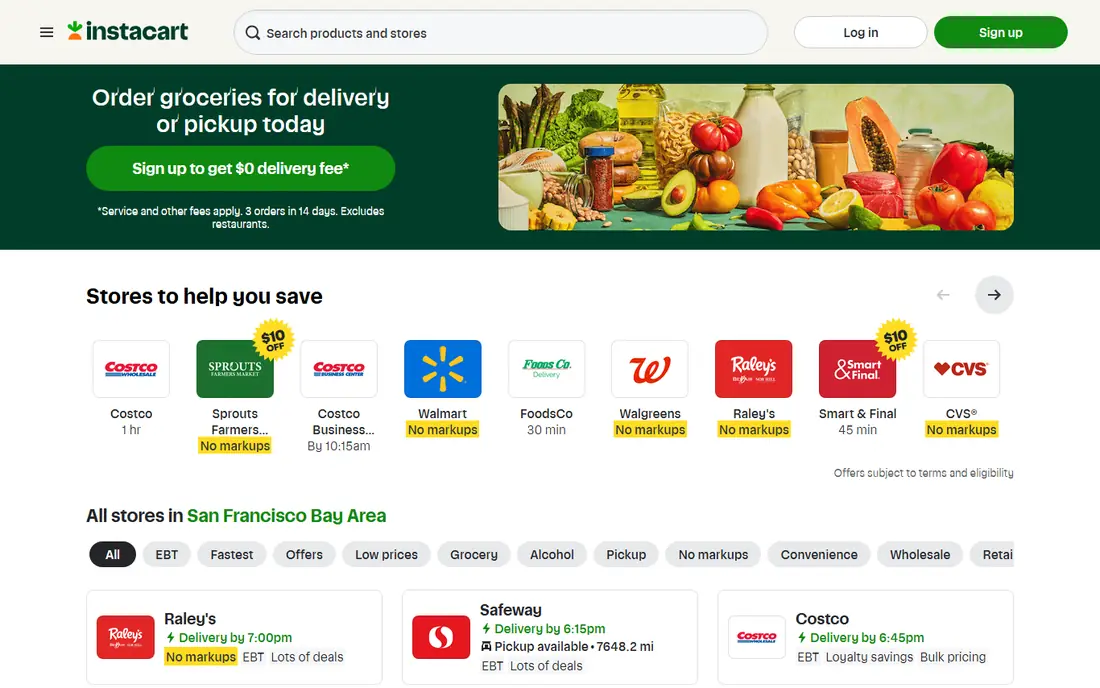
Instacart is the most flexible choice for workplace delivery because it covers many grocery chains, warehouse clubs and local stores from one app. Instacart+ costs 99 dollars a year or 9.99 dollars a month at regular US rates, with free delivery on qualifying orders, though service fees and tips remain separate. Same-day windows suit a lunch break or an end-of-day pickup from the office lobby.
The weakness is total cost transparency. Retailer prices can differ from in-store prices, and delivery fees for non-members start around 3.99 dollars and vary by store. For work delivery, set a clear meeting point, keep your phone handy for substitution messages, and avoid ordering ice cream or frozen meals unless you can collect promptly.
- Many retailers in one app
- Same-day windows
- Live chat with the shopper about substitutions
- Item prices vary by retailer and can exceed in-store prices
- Service fees and tips add up
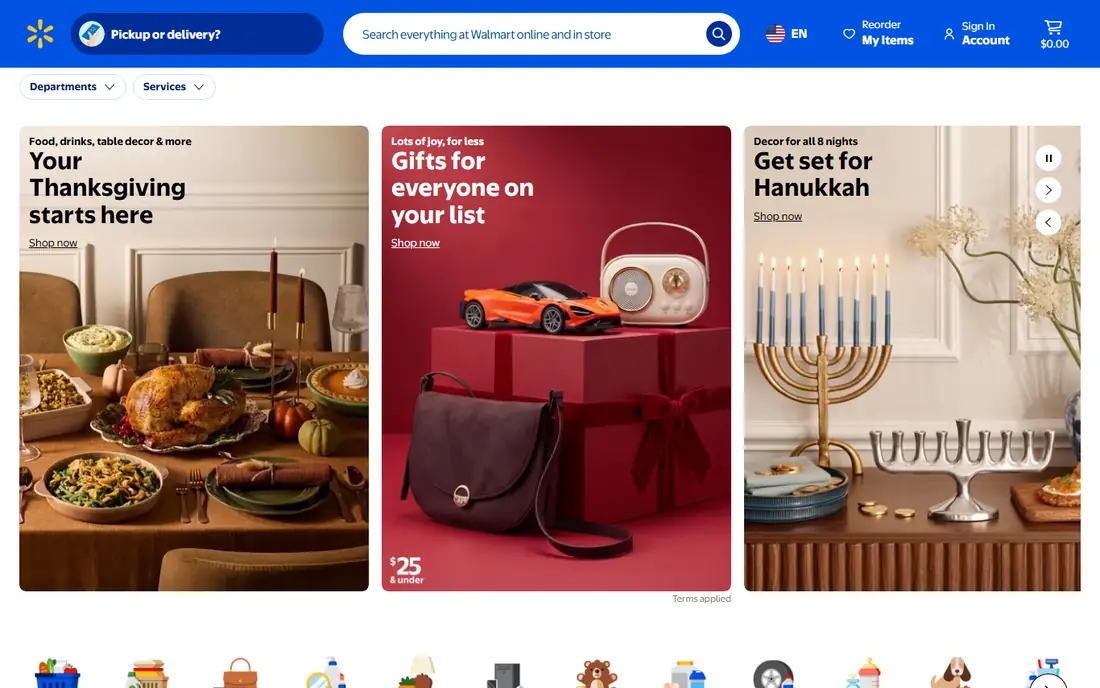
Walmart Grocery Delivery, through Walmart+, costs 98 dollars a year or 12.95 dollars a month, with free delivery on orders of 35 dollars or more and paid express options. For a workplace order, Walmart is practical because the range covers groceries, household goods and office snacks in one basket, and scheduled windows help you plan around meetings.
It only covers Walmart, so shoppers loyal to another chain will not find their usual store here. Express delivery can cost extra, and rural availability is more limited than in large cities. Check whether your office address qualifies for same-day delivery before relying on it for a workday shop.
- Walmart+ gives free delivery on orders over 35 dollars
- Wide grocery range
- Scheduled windows
- Limited to Walmart stores
- Express delivery costs extra
- Availability varies by area
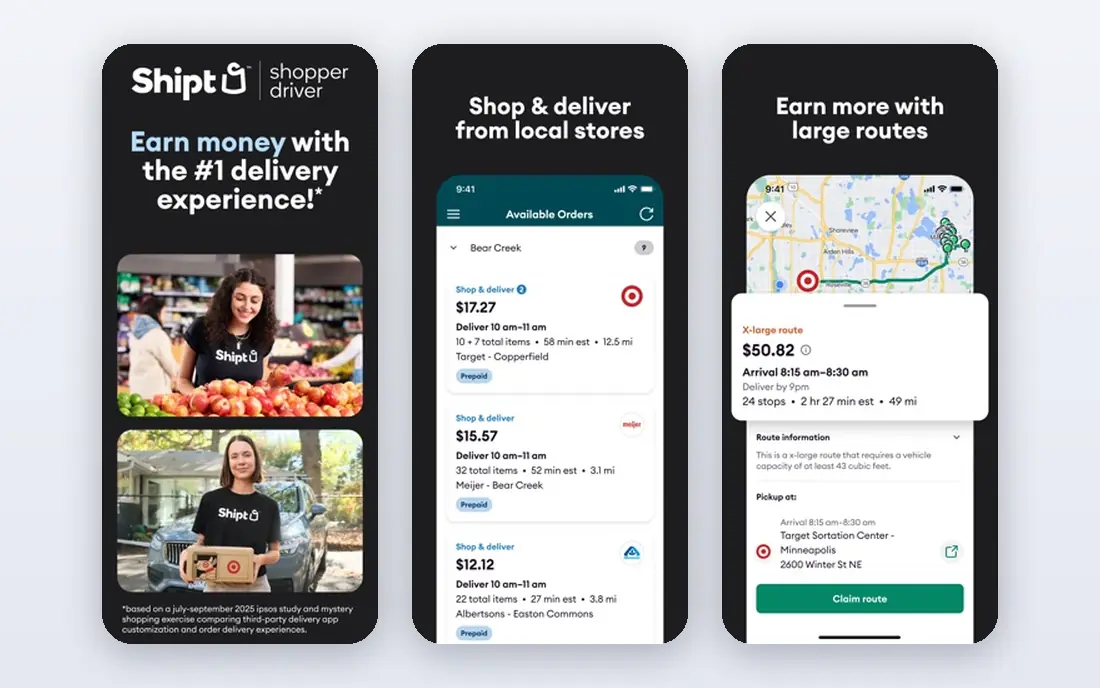
Shipt, best known for Target delivery, also covers other retailers depending on your city. Membership costs 99 dollars a year or 10.99 dollars a month, with free delivery on orders over 35 dollars, while non-members pay a per-order delivery fee plus a service fee. Scheduled windows make it easier to meet a shopper at the office entrance or lobby.
The limit is coverage. In some cities Shipt offers many stores, while in others the choice is narrow. Target Circle 360 members may see no markups on most Target items, but other retailers can vary, so compare the final basket total, not only the delivery fee.
- Target and other retailers
- Free delivery over 35 dollars for members
- Scheduled delivery windows
- Store coverage varies by city
- Non-member delivery fee applies per order
Amazon Fresh suits Prime members who already shop with Amazon and want groceries delivered to work in a short window. Member delivery tiers include free delivery over 100 dollars for a two-hour window in published comparisons, with fees of 6.95 dollars for orders from 50 to 100 dollars and 9.95 dollars under 50 dollars. Whole Foods delivery is also available in many areas through Amazon.
The main limit is geography. Amazon Fresh does not cover every US address, and fees change with basket size and delivery speed. For office delivery, choose a window when you can collect quickly, since cold items should not sit in a lobby for hours.
- Fast windows in covered areas
- Whole Foods options in many cities
- Prime member tiers
- Coverage is limited to certain areas
- Fees depend on basket size and window
DoorDash started with restaurants, but its grocery and convenience delivery now covers many supermarkets and local stores. That makes it useful for a small workplace order, such as snacks, drinks or a few forgotten items, when you do not need a full weekly shop. DashPass membership can reduce delivery fees on qualifying orders.
Small baskets are the weakness. Delivery fees, service fees and tips weigh more heavily on a ten-dollar order than on a full shop, and item prices can exceed in-store prices. Use DoorDash for urgent top-ups, and use a membership grocery service for larger planned orders.
- Many grocery and convenience stores
- Fast delivery
- DashPass can cut fees
- Fees and markups vary by store
- Small baskets can cost more per item
Uber Eats now delivers groceries from supermarkets, convenience stores and specialty shops in many cities, alongside its restaurant service. That single-app convenience helps office workers who already use Uber for lunch and want groceries delivered to the same address. Uber One membership can reduce delivery fees on qualifying orders.
Coverage and fees vary by city and store, so the best value depends on your local options. For workplace delivery, add clear instructions for the building entrance, lobby desk or security check, since drivers cannot always reach individual office floors.
- Grocery stores alongside restaurants
- Scheduled and ASAP options
- Uber One can cut fees
- Store choice varies by city
- Fees vary by basket and distance
Kroger Delivery suits shoppers who already buy from Kroger, King Soopers, Fred Meyer or other Kroger banners, depending on region. Scheduled delivery windows help you plan a workplace handover, and the range covers fresh food, household goods and Kroger own-brand value lines. Some areas also link delivery to fuel points or loyalty offers.
The limit is geography and brand range. Outside Kroger areas, this service is not an option, and delivery fees vary by window, basket and membership. Check delivery availability for your office postcode first, and confirm whether your building allows a driver to leave bags at a desk or lobby.
- Kroger range and fuel points in some areas
- Scheduled windows
- Pickup option if delivery fails
- Coverage limited to Kroger areas
- Delivery fees vary by window and membership
How we picked these
We compared official service pages, pricing pages, app store listings, delivery terms and public reviews. We kept only services with current US grocery delivery in October 2026, and we noted where membership, fees and store choice vary by area. Where a price could not be verified for every area, we wrote See website.
Making workplace delivery work
Talk to building management before your first order. Ask where drivers should go, whether bags can be left at reception, and whether cold storage is available. Some offices ban food deliveries to desks for hygiene or security reasons, while others allow a lobby collection point with a name label on each bag.
Pack for the office, not the home. Order cold items last in your planning, collect promptly, and bring a cooler bag if your desk is far from the entrance. Set substitution preferences in the app, keep your phone on during the delivery window, and tip fairly for heavy bags, stairs or long walks from parking. A short delivery note with your name, floor and phone number saves the driver time and saves your groceries from sitting unclaimed.
A final workplace tip saves repeated frustration: save your office address with delivery notes in each app you use. Include the building name, entrance, floor or lobby point, and a phone number that you answer during work hours. That saved note prevents a driver from calling you mid-meeting for directions you have already given before. Also set a default tip level you are comfortable with, so a rushed lunchtime order does not end with a tip you later regret or a driver short-changed for heavy bags.
Frequently asked questions
Can I get groceries delivered to my office?
Yes, in most cities, as long as your building allows it and the service covers your office address. Check building rules, add clear delivery instructions, and choose a window when you can collect promptly.
Which service is cheapest for work delivery?
No service is cheapest everywhere, since fees, item prices and membership benefits vary by area and store. Compare the final basket total, including delivery fee, service fee, tip and any markup, for the same items at your local stores.
Should I use membership for workplace orders?
Membership helps if you order often, since it usually removes delivery fees on qualifying orders. If you order rarely, pay-per-order delivery may cost less overall, even with a delivery fee each time.
How do I keep cold food safe at work?
Order cold items for a window when you can collect at once, bring a cooler bag, and store perishables in an office fridge promptly. Avoid ordering frozen food for a long meeting day unless cold storage is certain.
What if my office has no reception?
Add a precise meeting point, such as a building entrance or parking area, and stay reachable by phone during the window. Some services allow contactless drop-off with a photo, but cold items still need quick collection.
Sources
See where you really rank - block by block
ProMapRanker scans Google Maps across a grid of your service area. Simple monthly plans from $19, white-label on every plan.
Start freeKeep reading
 worlds best local seo company
8 Worlds Best Local SEO Companies for Map Pack Growth in 2026
Compare the worlds best local seo company options for Google Business Profile work, citations, reviews, and multi-location rankings and reporting in 2026.
Read → world's best web hosting company
World's Best Web Hosting Company in 2026
Searching for the world's best web hosting company? We compared 10 hosts on price, renewal rates, speed, and support to help you choose well today in 2026.
Read → who's got the best nanny tax services
Who's Got the Best Nanny Tax Services in 2026
We answer who's got the best nanny tax services, comparing full filing, back taxes, software, and pricing so families can handle nanny taxes correctly.
Read →