 ProMapRanker
Best GPS App for Truckers in 2026

Key takeaways
- Truck-safe routing matters more than a pretty map, because car apps can send a truck down a restricted road.
- Trucker Path leads on community parking and fuel data, while paid apps lead on dedicated truck routing.
- Offline maps matter when cell coverage drops, so check that feature before a long rural route.
- Free apps suit a second opinion, while a paid truck app suits drivers who rely on routing every day.
- Always check bridge heights, weight limits, and local signs, because no app replaces driver judgment.
Quick comparison
| Pick | Great for | Pricing starts at | Free tier | |
|---|---|---|---|---|
 Trucker Path | Parking and community data | Free | Yes | Visit |
 SmartTruckRoute | Dedicated truck routing | $15.95 per month | Free trial | Visit |
 Sygic Truck | Offline truck navigation | $69.99 one-time | Free trial | Visit |
 CoPilot | Offline PC-MILER routing | $9.99 per month | Free trial | Visit |
 Hammer | Budget truck routing | $4.99 per month | Yes | Visit |
 TruckMap | Free truck routing | Free | Yes | Visit |
 Rand McNally DriverConnect | ELD-linked routing | Free | Yes | Visit |
 Highway Miles | Free routing with controls | Free | Yes | Visit |
 Argus Nav | Crash alerts and routing | See website | No | Visit |
The best gps app for truckers
A truck GPS app must account for vehicle height, weight, length, hazmat class, and road restrictions. Car navigation apps do not, which is why drivers use truck-specific tools even when a phone already has a free map. The apps below are live in October 2026 and offer truck routing or truck driver tools in the US.
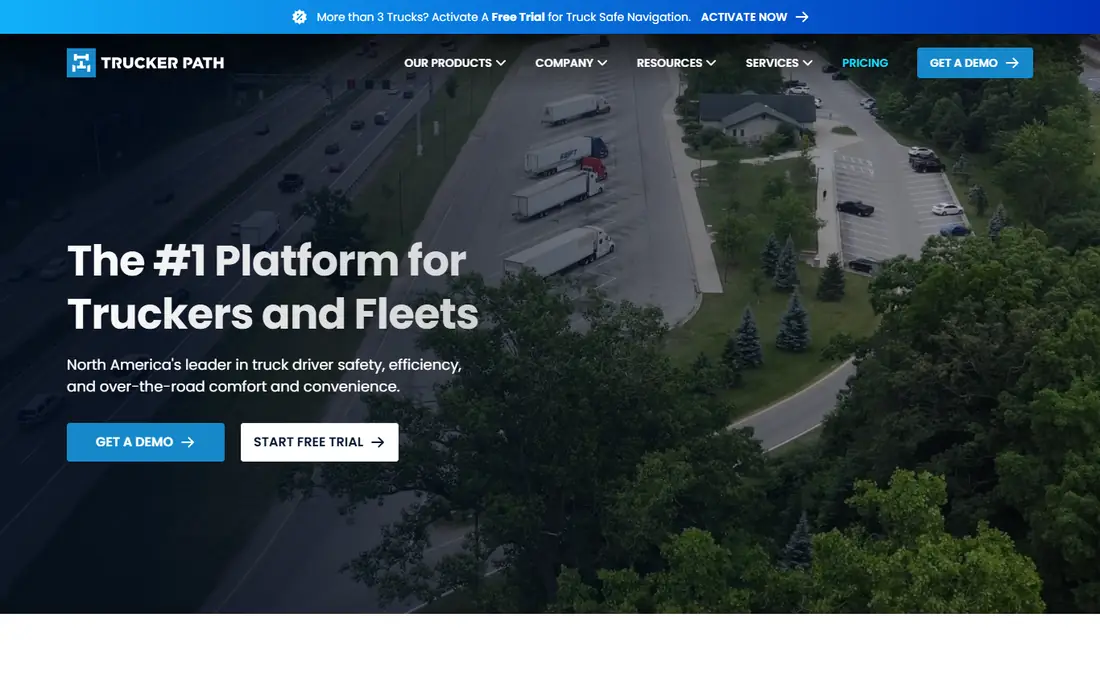
Trucker Path is the app most drivers already know, and its community data is the reason. Drivers report parking availability, fuel prices, weigh station status, and road conditions, which helps you plan a legal rest stop before a lot fills up. Paid Gold and Diamond tiers add truck-safe route planning, unlimited stops, HOS planning, and fuel optimisation.
Pricing needs care, because app store tiers and the website pricing page can show different plans. Gold is listed at $14.99 per month or $149.99 per year in recent comparisons, while Diamond costs more. Open the app, start a route, and confirm which membership it asks you to buy before you rely on it for paid routing.
- Large community for parking, fuel, and weigh stations
- Truck-specific navigation in paid tiers
- Trip planning and HOS tools in higher tiers
- Paid tier pricing varies by purchase channel
- Free routing is less detailed than paid rivals
- Some features need a paid plan
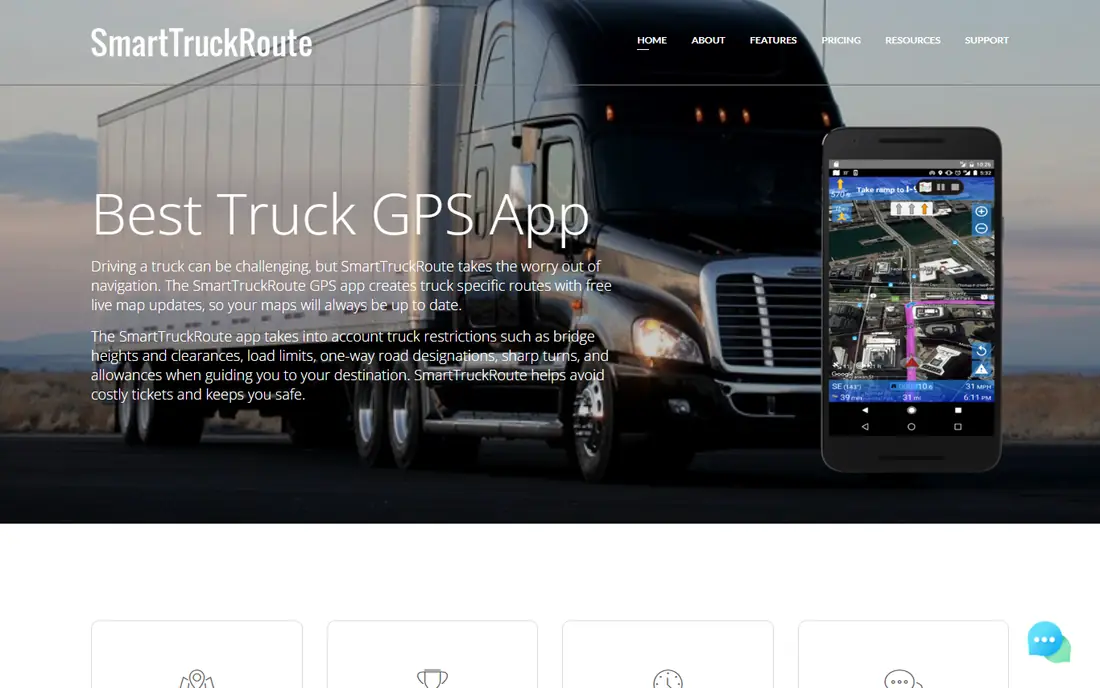
SmartTruckRoute has served truck drivers for years with one job: safe truck routes. You enter vehicle dimensions, and it routes around low bridges, weight restrictions, parkways, and residential areas, with voice-guided navigation. The vendor also offers a newer SmartTruckRoute 2 version, so check which version you install.
A one-month option is listed at $15.95, with longer terms at lower monthly cost, and a short trial is offered in the app listing. That price is fair for a driver who routes daily, but occasional drivers may prefer a free app plus a paid backup. If you drive a tall or heavy load often, dedicated routing pays for itself in avoided tickets.
- Built only for commercial vehicles
- Avoids low bridges and restricted roads
- Frequent map and route updates
- Subscription required for full use
- Interface feels dated next to newer apps
- US and Canada focus
Sygic Truck suits drivers who cross rural areas or borders where cell service drops. You download maps in advance, set a truck profile, and navigate offline with speed limits, warnings, and multi-stop planning. A North America Premium one-time price is listed at $69.99 promotional, against a higher regular price, with a version including CarPlay and Android Auto at a higher promotional price.
Read the licence terms before you buy. Map update periods, traffic services, and premium packages are separate choices, and prices vary by region and purchase channel. For a driver who wants offline reliability without a monthly bill, Sygic is a strong long-term buy.
- Offline maps for areas without coverage
- Truck profiles with dimensions and load
- Lifetime licence option with map updates
- Promotional price differs from regular price
- Traffic and some services are separate
- Learning curve for settings
CoPilot, from Trimble, brings fleet-grade PC-MILER routing to a phone app. It offers offline maps, truck-specific routing, and a 14-day free trial for voice-guided navigation in its listing. That offline design helps on long hauls where coverage is patchy.
Pricing needs a careful check, because the store lists several in-app products. Recent comparisons list truck navigation at $9.99 per month and $119.99 per year, but confirm the exact package and renewal terms in the app before you subscribe. For drivers who trust PC-MILER data, CoPilot is a solid professional choice.
- Offline maps and truck routing
- Based on PC-MILER data used by fleets
- Voice-guided navigation with traffic options
- Multiple in-app purchases can confuse pricing
- Interface is functional rather than modern
- Confirm the truck package before paying
Hammer is the budget pick for drivers who want truck routing without a $15 monthly bill. It offers truck-specific routes, multi-stop planning, and offline navigation, with subscriptions listed at $4.99 per month and $49.99 per year in the US App Store. That price makes it easy to try alongside a free community app.
Hammer does not match Trucker Path on community parking data or SmartTruckRoute on long-standing driver feedback. Treat it as a routing tool first, and pair it with a parking app for rest planning. For regional drivers on a budget, it covers the core job well.
- Low monthly price
- Truck routing with multi-stop planning
- Offline navigation documented in listings
- Smaller feature set than premium rivals
- Community data is thinner
- Paid features vary by platform
TruckMap is the free trucker GPS app many drivers keep as a backup. It provides truck-specific routing without a subscription, which helps new drivers and part-time haulers who do not want a monthly bill. Its simplicity is a strength on a busy driving day.
Free does not mean equal to paid. Advanced routing controls, offline depth, and community features are thinner than in Trucker Path or Sygic. Use TruckMap to check a route or as a companion app, and upgrade if you need daily hazmat, toll, or fleet-grade routing.
- Free truck routing for US drivers
- Simple interface
- Useful as a second routing opinion
- Fewer premium features than paid apps
- Offline and advanced tools are limited
- Smaller support footprint
DriverConnect suits drivers and small fleets already using Rand McNally hardware. The app offers truck-legal routing, HOS log tracking, and trip reporting, and it syncs with Rand McNally ELDs for compliance work. That link between navigation and logs saves paperwork for fleet drivers.
Drivers without Rand McNally devices get less value, and premium features are an extra step. If you already run Rand McNally gear, DriverConnect is a natural companion. If you run mixed hardware, a standalone app like SmartTruckRoute or Sygic may fit better.
- Truck-legal routing from a trusted trucking brand
- Syncs with Rand McNally ELDs
- HOS log tracking and trip reporting
- Best experience needs Rand McNally devices
- Premium features cost extra
- App ratings are mixed
Highway Miles is a newer free option that gives drivers truck profiles, unlimited stops, and route-control tools without requiring a navigation subscription. An ad-free option is listed at $5.99 per month. That model suits drivers who want control over stops and profiles without paying for a full premium routing suite.
Because it is newer, its community data and long-haul track record are thinner than Trucker Path. Test it on familiar routes first, compare its directions with a paid app, and keep a backup for critical loads. For budget-conscious drivers, it is a promising free tool.
- Free with ads, with an ad-free option
- Truck profiles and unlimited stops
- Route-control tools without a navigation subscription
- Newer and smaller community than Trucker Path
- Ad-free option costs $5.99 per month
- Check coverage for your routes
Argus Nav tries to add a safety layer other truck apps lack: fast crash detection using traffic camera data, plus truck routing, dynamic weight per load, and parking information. For drivers who want early warnings before traffic builds, that focus is distinct.
The catch is maturity. Argus is newer, its user community is smaller, and its point-of-interest database is still growing next to Trucker Path. Confirm the current subscription price in the app before you buy, since public listings vary. If crash alerts matter to you, Argus is worth a trial on your regular lanes.
- AI crash detection from traffic cameras
- Truck routing with low-bridge and hazmat options
- Parking data through partners
- Newer app with a smaller community
- Pricing is less clear in public listings
- POI database still growing
How we picked these
We compared official app listings, vendor sites, and recent 2026 truck GPS comparisons for apps that offer truck-specific routing or driver tools in the US. We kept only live apps with truck profiles, restriction avoidance, or driver community features, and we excluded car-only navigation apps. Where store and website prices differed, we noted the difference and marked uncertain prices as See website.
What to check before you trust a route
Enter your exact truck profile before your first trip, including height, weight, length, axle count, and hazmat class. A route built for a box truck will not suit a 13-foot-6 semi, and a wrong profile can send you toward a low bridge. Test the app on a familiar route first, and compare its directions with road signs and a second app.
Also check offline maps, battery use, and mount safety. Download maps for your lanes before you leave coverage, keep the phone charged and mounted where it does not block your view, and never adjust a route while driving. A truck GPS app is a guide, not a replacement for posted signs and driver judgment.
Frequently asked questions
What is the best free trucker GPS app?
Trucker Path and TruckMap are the best free trucker GPS app options for most drivers, with Trucker Path leading on parking and community data. Highway Miles is also free with ads and offers useful route controls. Free apps suit a second opinion, while paid apps suit daily professional routing.
What is the best navigation app for truck drivers?
The best navigation app for truck drivers depends on your lanes: SmartTruckRoute and Sygic suit dedicated truck routing, CoPilot suits PC-MILER fans, and Trucker Path suits parking planning. Try a paid trial on your regular route before you commit. No single app wins on every feature.
Is there a best trucker GPS app free for Android and iPhone?
Yes, Trucker Path, TruckMap, and Highway Miles offer free tiers on both Android and iPhone, though feature details vary by platform. Hammer also offers a low-cost plan on both platforms. Check the store listing for your device, because in-app prices can differ by store.
Do truck GPS apps work offline?
Sygic, CoPilot, and Hammer document offline navigation, while other apps depend more on cell coverage. Download maps before a rural trip, and test offline mode on a short route first. Offline maps still need updates, so refresh them before long hauls.
Can I use Google Maps for truck driving?
Google Maps can help with traffic and general directions, but it does not offer full truck-specific routing with height, weight, and hazmat restrictions. Use it as a companion for traffic and local search, not as your primary truck router. A truck app should set the route for a loaded semi.
How much does a truck GPS app cost?
Free apps cost nothing for basic use, budget apps cost about $4.99 per month, and premium truck routing costs about $9.99 to $15.95 per month, with one-time licences like Sygic as an alternative. Fleet and ELD-linked tools can cost more. Confirm the exact tier in the app, because store and website prices can differ.
Sources
See where you really rank - block by block
ProMapRanker scans Google Maps across a grid of your service area. Simple monthly plans from $19, white-label on every plan.
Start freeKeep reading
 zoho inventory alternatives
6 Alternatives to Zoho Inventory, Compared on Price and Fit
Zoho Inventory alternatives: 6 tools compared on price, free plans and fit. Katana leads the list for manufacturers. Fit and flaws are laid out for each entry.
Read → zoho crm alternatives
Best Zoho CRM Alternatives (2026)
Need Zoho CRM alternatives? We compare 7 tools on cost, free access and who each suits. Every pick gets a straight assessment. Built for quick decisions.
Read → zelle alternatives
Best Zelle Alternatives in 2026
Compare the best Zelle alternatives for sending money to friends, paying sellers and moving funds abroad, with honest notes on fees, speed and safety in 2026.
Read →