 ProMapRanker
Best Goal Management App in 2026

Key takeaways
- The best choice depends on the gap you want to close: daily follow-through, team alignment, or long-term targets.
- Dedicated trackers show progress at a glance, while workspaces link goals to the tasks that move them forward.
- Free plans cover basic tracking well, but team reporting, advanced charts, and OKR rollups usually sit behind paid plans.
- A tool you open every week beats a richer tool you ignore, so pick for habit fit first and features second.
Quick comparison
| Pick | Great for | Pricing starts at | Free tier | |
|---|---|---|---|---|
 ClickUp | Goals linked to team work | See website | Yes | Visit |
 Todoist | Simple goal-linked task lists | See website | Yes | Visit |
 TickTick | Tasks and habits in one place | See website | Yes | Visit |
 Habitica | Gamified daily follow-through | See website | Yes | Visit |
 Strides | Measurable personal targets | See website | Yes | Visit |
 GoalsOnTrack | Structured SMART goal planning | See website | No | Visit |
 Weekdone | Team OKR check-ins | See website | Free trial | Visit |
 Notion | A custom goal system you build | See website | Yes | Visit |
 Reclaim.ai | Protecting calendar time for goals | See website | Yes | Visit |
The best goal management apps
We compared tools that turn a vague aim into visible progress, with clear milestones, owners, and review points. These nine cover personal tracking, team OKRs, and hybrid task systems.
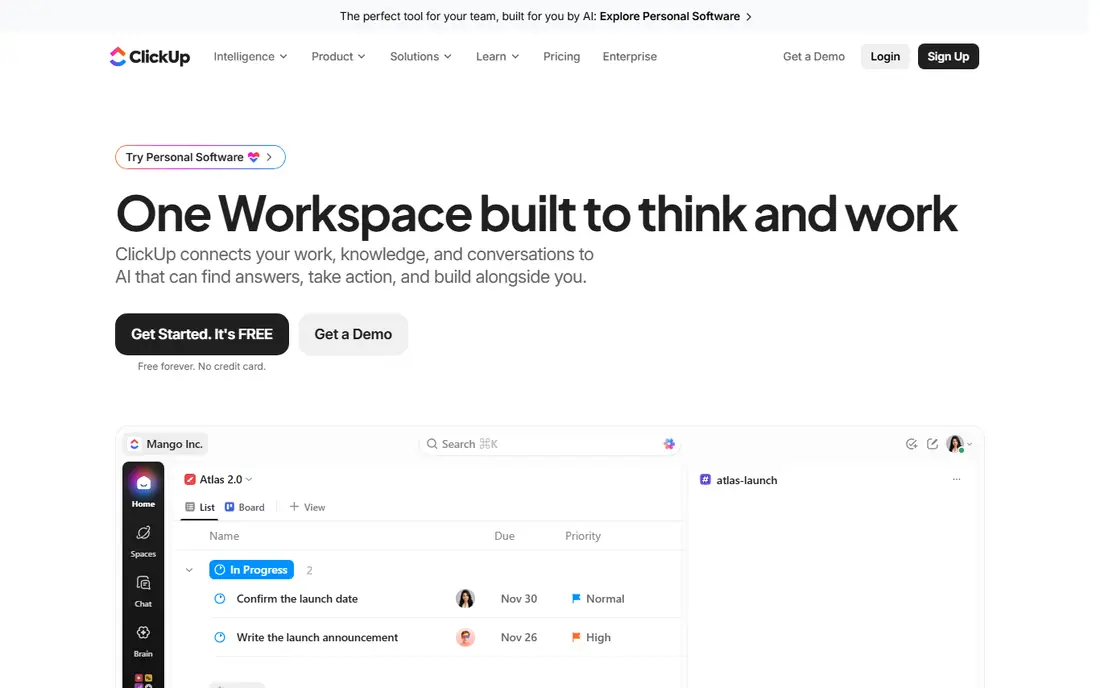
ClickUp suits teams that want a goal to stay connected to real work rather than living in a separate document. You can set targets, link tasks, and watch progress update as work moves. That link matters when a manager asks what changed in a given week, because the answer sits next to the goal itself. Dashboards and views help different roles see the same plan without separate reports.
The trade-off is setup. ClickUp offers many ways to organise work, and a team that turns on everything at once can slow itself down. Start with one goal, a small set of targets, and a weekly review. Add views and automations only after the basic rhythm holds. For personal use, the same structure can feel heavy, so solo users may prefer a simpler tracker on this list.
- Goals roll up from tasks and targets
- Flexible views for teams
- Broad integrations
- Setup takes time
- Smaller teams may find the range of options distracting
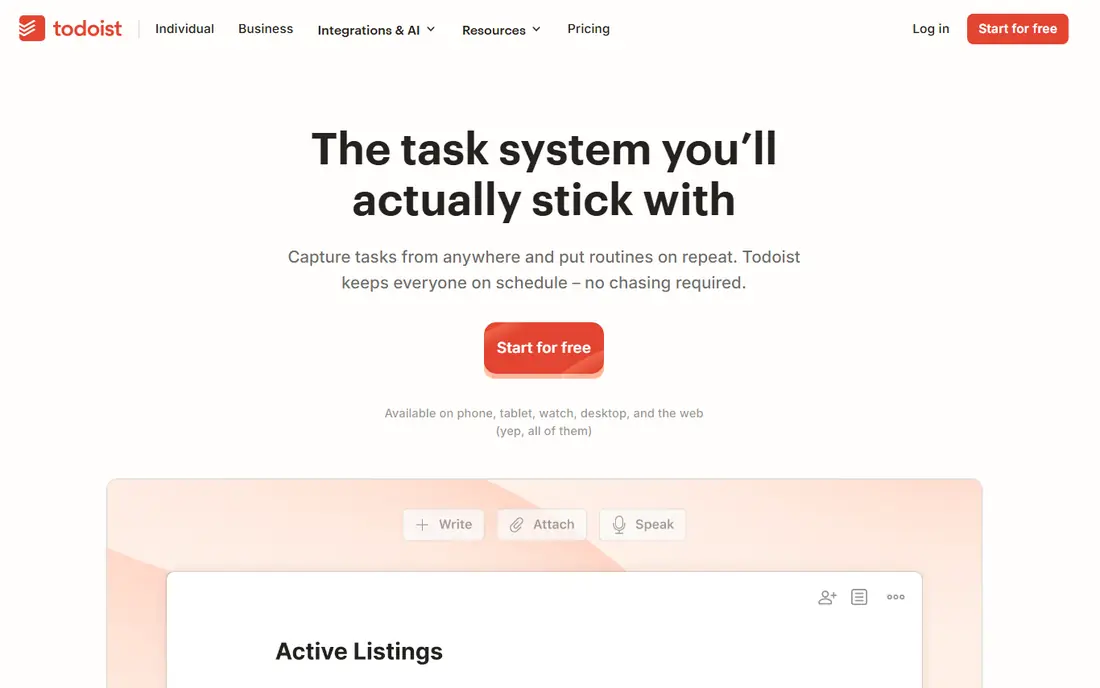
Todoist works best when your goal breaks cleanly into repeatable actions. A project can hold the goal, sections can hold its stages, and recurring tasks can hold the daily or weekly steps. Natural language input makes capture quick, which helps on busy days when a slower system would be skipped. The Karma system adds light streak feedback without turning the app into a game.
The limit is visibility. Todoist shows what is due and what is done, but it does not give a rich goal dashboard with pace lines or target charts. If you need to see at a glance how far a numeric target has moved, pair it with a simple spreadsheet or a dedicated tracker. For people who mainly need a trusted list and a daily routine, that simplicity is the point.
- Fast task capture
- Clean cross-platform apps
- Recurring tasks support routines
- No dedicated goal progress charts
- Habit depth is limited
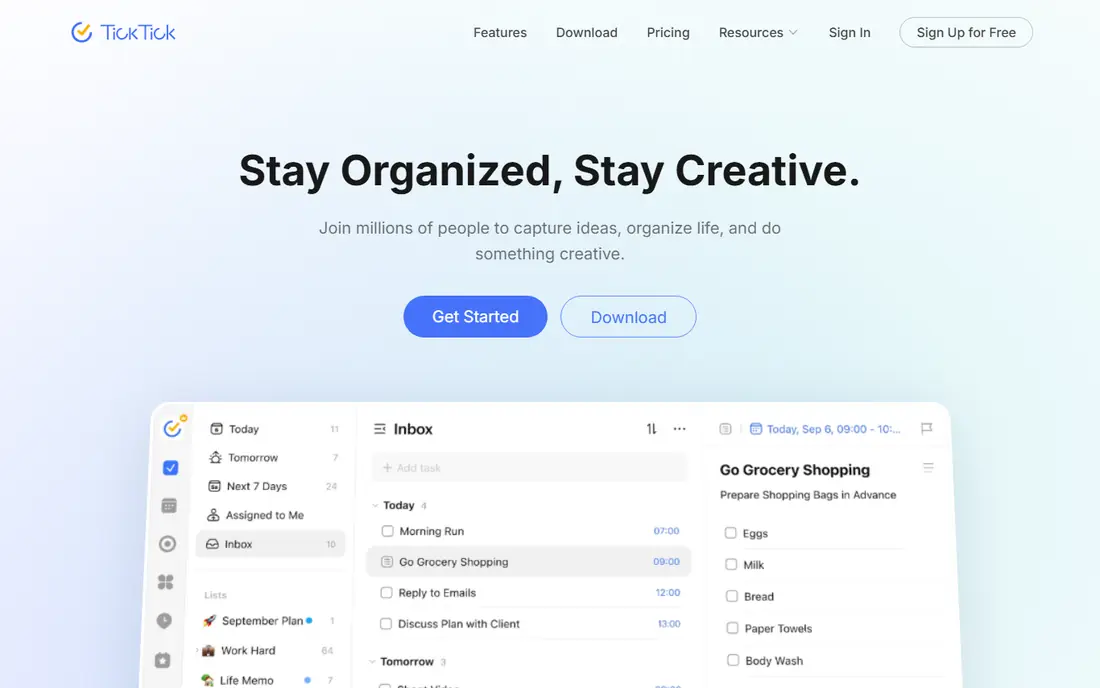
TickTick appeals to people who want one home for the day plan and the longer goal. Tasks, habits, calendar events, and a Pomodoro timer sit together, so a goal habit can live next to the work it supports. That closeness reduces switching, and the calendar view helps you see if a goal actually has time booked. Cross-platform support means the same setup follows you from phone to desktop.
Goal depth is the compromise. TickTick tracks habits and tasks well, but it does not offer the same target pacing or milestone reporting as a dedicated goal tool. Shared lists also need agreed rules when several people edit them, or duplicates creep in. Use TickTick when daily execution matters more than detailed goal analytics.
- Tasks, calendar, habits, and timers in one app
- Broad platform support
- Clean daily planning
- Goal reporting is lighter than dedicated trackers
- Shared lists can get messy with many editors
Habitica turns habits, daily tasks, and to-dos into a role-playing game. Completing items earns experience and gold, while missed dailies damage your character. That loop helps people who know what to do but struggle to do it consistently. Parties let friends or colleagues hold each other to shared dailies, which adds a social cost to skipping.
The game framing is also the main risk. Some teams will find it playful and motivating, while others will find it out of place at work. Habitica also lacks the pace charts and target forecasting of a dedicated tracker. Pick it for personal consistency and light team fun, not for formal OKR reporting or numeric project targets.
- Free core game loop
- Parties and challenges add social pressure
- Clear daily checklist
- Game theme does not suit every workplace
- No rich numeric goal charts
Strides is built around one question: are you moving fast enough to finish on time? Its pace line turns a target into a daily rate and shows green or red progress, which removes guesswork from a savings goal, a reading goal, or a training target. Four tracker types cover habits, targets, averages, and milestones, so most personal goals fit without workarounds. Charts make a weekly review quick.
The main limits are platform and collaboration. Strides has long been strongest on Apple devices, so Android users should check current availability before committing. It is also a personal tracker first, not a team OKR tool. If your goal is individual and numeric, Strides gives unusually clear feedback. If a team must share it, look at Weekdone or ClickUp instead.
- Pace line shows if you are on track
- Several tracker types
- Clear charts
- Apple-first experience
- Team sharing is limited
GoalsOnTrack suits people who want structure before they start tracking. It guides you through SMART goal wording, breaks goals into subgoals and tasks, and adds a journal and vision board for reflection. That scaffolding helps when a goal feels large and vague, because the app asks for the specifics that make progress measurable. Task tracking keeps the daily steps attached to the larger aim.
The cost is flexibility and polish. There is no free plan to test the full system, and the design feels less modern than TickTick or Notion. It also works best for personal goals rather than team reporting. Choose it if you value a guided planning method over a slick interface, and if you plan to review goals in writing each week.
- SMART goal templates and journal
- Vision board and task tracking
- Structured review prompts
- No free plan
- Interface feels older than newer apps
Weekdone focuses on a single team habit: the weekly OKR check-in. Managers set objectives and key results, team members update progress each week, and leaders see where work is stalled. That rhythm prevents OKRs from becoming a quarterly document nobody opens. The focused scope also means less setup than a full project platform, which helps teams that only need alignment and reporting.
For personal use, Weekdone is the wrong shape. It assumes a team, a manager view, and a weekly cadence. Small teams should also check whether they need paid reporting or whether a simpler shared doc would do for now. Pick Weekdone when a team already agrees on OKRs and needs a steady, visible check-in process to keep them alive.
- Weekly OKR check-ins built in
- Clear team progress views
- Focused scope
- Less useful for personal goals
- Smaller teams may need only part of the feature set
Notion is the blank-canvas option. You can build a goal database with status, owner, deadline, linked tasks, and notes, then shape views for weekly reviews or team dashboards. Templates shorten the start, and goals can sit beside meeting notes, project docs, and reference material. That context helps when a goal depends on research or decisions recorded elsewhere.
The freedom is also the work. Notion does not ship a ready-made pace line or OKR rollup in the way Weekdone or Strides do, so you must design those views or borrow a template. People who enjoy building systems will like that control. People who want to open an app and start tracking in five minutes will do better with a dedicated tracker first.
- Flexible databases and templates
- Goals can sit next to notes and docs
- Strong free personal plan
- You must build or adapt the system
- Progress views need manual setup
Reclaim.ai addresses a common failure: a goal with no time booked for it. It auto-schedules focus blocks, habits, and tasks around meetings, and reshuffles them when the calendar changes. That makes it a strong companion to a tracker or task app, because the goal work gets a defended slot instead of a vague intention. Teams can also use it to protect deep work across a shared calendar.
On its own, Reclaim.ai is not a full goal system. It does not replace milestone tracking, OKR reporting, or detailed progress charts. It works best paired with Todoist, ClickUp, or a dedicated tracker, where it handles the scheduling layer. If your calendar is the main reason goals slip, start here. If tracking is the gap, start with a tracker and add Reclaim.ai later.
- Auto-schedules focus time for goals
- Defends habits on a busy calendar
- Integrates with calendar tools
- Needs calendar access to work well
- Not a standalone goal tracker
How we picked these
We compared official feature pages, pricing pages, and app store listings, plus public reviews, and kept only tools that exist and work in October 2026 and truly support goal tracking, habits, or OKRs. We favoured tools with a clear tracking model, visible progress, and a usable free plan or trial, and we mixed well-known platforms with focused trackers. Where a price could not be verified on the vendor site at writing time, we wrote See website rather than guessing.
Choosing the right goal tool
Start by naming the failure you keep repeating. If you forget to act, a habit tracker with streaks or calendar defence helps most. If you act but lose sight of the target, a tracker with pace lines or milestone charts helps most. If a team drifts apart, an OKR tool with weekly check-ins helps most. Write that failure down before you compare features, because it keeps a long feature list from pulling you toward the wrong tool.
Then test with one real goal for two weeks. Set a target, add the daily steps, and run one weekly review. Check whether the app shows progress without extra manual work, and whether you actually opened it on busy days. A tool that needs a spreadsheet beside it, or a second app for habits, may still be worth it if the pair is simple. A tool that needs constant admin will fade, however good its charts look on day one.
For teams, agree on the review rhythm before you buy. Decide who updates progress, how often, and what happens when a key result stalls. A shared goal tool only works when updates are part of the week, not an extra chore after it. Keep the first set of goals small, publish the results, and expand only when the check-in habit holds.
Frequently asked questions
What is the best goal management software for teams?
Team needs point toward ClickUp or Weekdone. ClickUp links goals to tasks and reporting, while Weekdone keeps OKR check-ins focused and regular. Pick ClickUp when goals must tie to project work, and Weekdone when the team already uses OKRs and needs a steady review rhythm.
What is the best goal management software tool for personal goals?
For personal goals, Strides, TickTick, and Habitica cover different styles. Strides suits numeric targets with pace feedback, TickTick suits tasks plus habits in one app, and Habitica suits people motivated by game rewards. Try the style that matches how you already plan your day.
Is there a good free goal management app?
Yes. Todoist, TickTick, Habitica, Strides, Notion, and Reclaim.ai all offer free plans that cover basic tracking. Free plans usually limit advanced reporting, team features, or tracker counts, so check those limits against the number of goals you plan to run.
How do OKRs differ from ordinary goals?
OKRs pair a qualitative objective with measurable key results, and they are reviewed on a regular cadence. Ordinary goals can be looser and reviewed less often. OKRs help teams stay aligned, but they need ownership and weekly updates to work, or they become another document.
Should I use one app or two for goals and habits?
One app is simpler, and TickTick or Habitica can cover both for many people. Two apps can work when each does one job well, such as Strides for targets plus Reclaim.ai for calendar time. Keep the pair small, and review both in the same weekly session so nothing drifts.
Sources
See where you really rank - block by block
ProMapRanker scans Google Maps across a grid of your service area. Simple monthly plans from $19, white-label on every plan.
Start freeKeep reading
 zoro.to alternatives
Best Zoro.to Alternatives in 2026
We compare the best zoro.to alternatives in 2026, listing only legal licensed anime streaming services, from Crunchyroll to free options for fans today.
Read → zip alternatives
Best Zip Alternatives in 2026
We compare the best zip alternatives for buy now, pay later in 2026, covering pay-in-4 plans, fees, spending limits, and credit reporting options today.
Read → yesware alternatives
Best Yesware Alternatives in 2026
Compare the best yesware alternatives for sales email tracking, templates, and sequences, with current pricing and honest tradeoffs for small sales teams.
Read →