 ProMapRanker
Best GIF App in 2026: 8 Apps Compared

Key takeaways
- Tenor is the best app for finding GIFs fast, since it powers search inside many chat and keyboard apps.
- Ezgif and LICEcap are the best free tools for making GIFs on a computer, with no account needed for basic edits.
- MakeAGIF and Imgflip suit browser users who want to turn photos and video clips into GIFs quickly.
- Kapwing, VEED, and Canva suit creators who want GIFs as part of a larger design or video workflow, rather than a one-off reaction.
Quick comparison
| Pick | Great for | Pricing starts at | Free tier | |
|---|---|---|---|---|
 Tenor | GIF search inside chats | Free | Yes | Visit |
 Ezgif | Free browser-based GIF editing | Free | Yes | Visit |
 LICEcap | Recording your screen to GIF | Free | Yes | Visit |
 MakeAGIF | Making GIFs in a browser | Free | Yes | Visit |
 Imgflip | Quick browser GIF making | Free | Yes | Visit |
 VEED | Turning video clips into GIFs | See website | Yes | Visit |
 Kapwing | GIFs inside a video workflow | $16 per month | Yes | Visit |
 Canva | Designed GIFs with text and branding | See website | Yes | Visit |
The best GIF apps
People use the phrase GIF app for two different jobs: finding a reaction GIF in seconds, and making a GIF from a photo or video. The apps below cover both jobs, so you can pick a finder, a maker, or one of each.
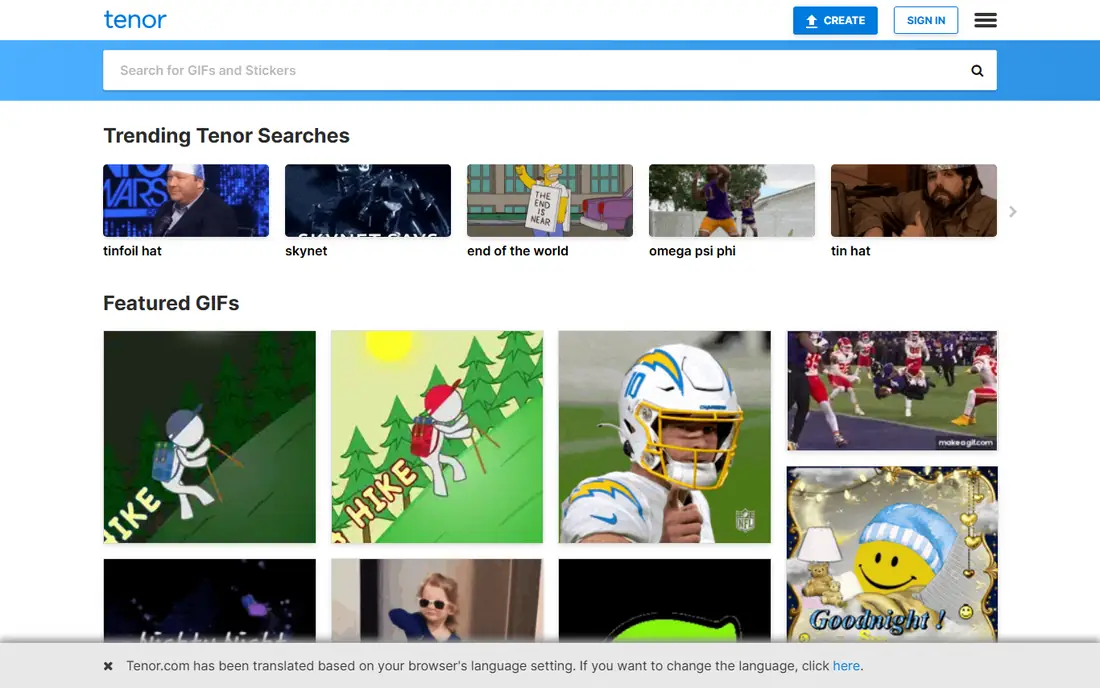
Tenor, owned by Google, powers GIF search in Gboard and several major messaging apps. That placement matters: you can search and send a GIF without leaving a conversation, which is how most people actually use GIFs day to day. Creators can upload GIFs and short videos to a Tenor profile, tag them for discovery, and track how often they are searched and shared.
Tenor is less useful as a design tool. It does not offer layered editing, branding controls, or long-form video work. For finding and sending reactions inside chats, and for creators who want their GIFs to appear in keyboards, Tenor is a strong finder.
- GIF search built into keyboards and chat apps
- Easy uploading and tagging for creators
- Simple trimming and captions
- Library leans toward reactions rather than original art
- Fewer design tools than Canva or Kapwing
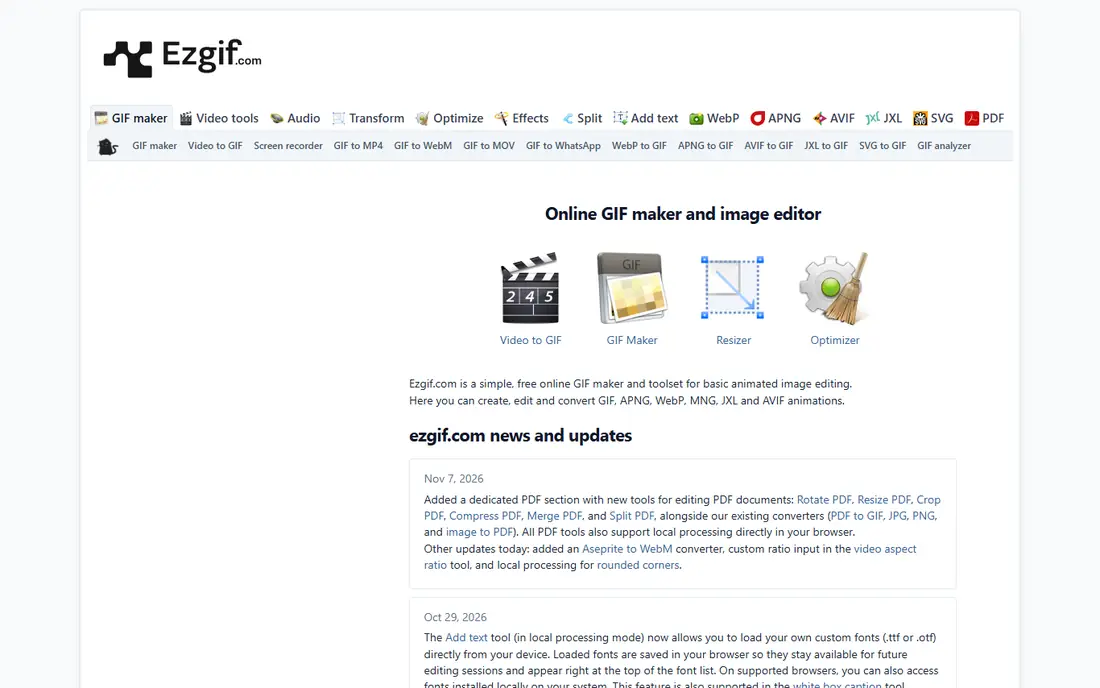
Ezgif is a browser tool that does almost every practical GIF job for free. You can turn a video into a GIF, crop and resize an existing GIF, change its speed, add text, and optimize the file so it loads faster in chats and on web pages. Nothing needs installing, and there is no account barrier for basic use.
The site looks plain, and that is part of the deal. Ezgif is built for function rather than polish, and very large files may hit limits. For quick edits, conversions, and optimization, it is the most useful free GIF tool on a computer.
- No install needed
- Converts, crops, resizes, and optimizes GIFs
- Handles video-to-GIF conversion
- Interface is plain and utilitarian
- File size limits apply on the free web tool
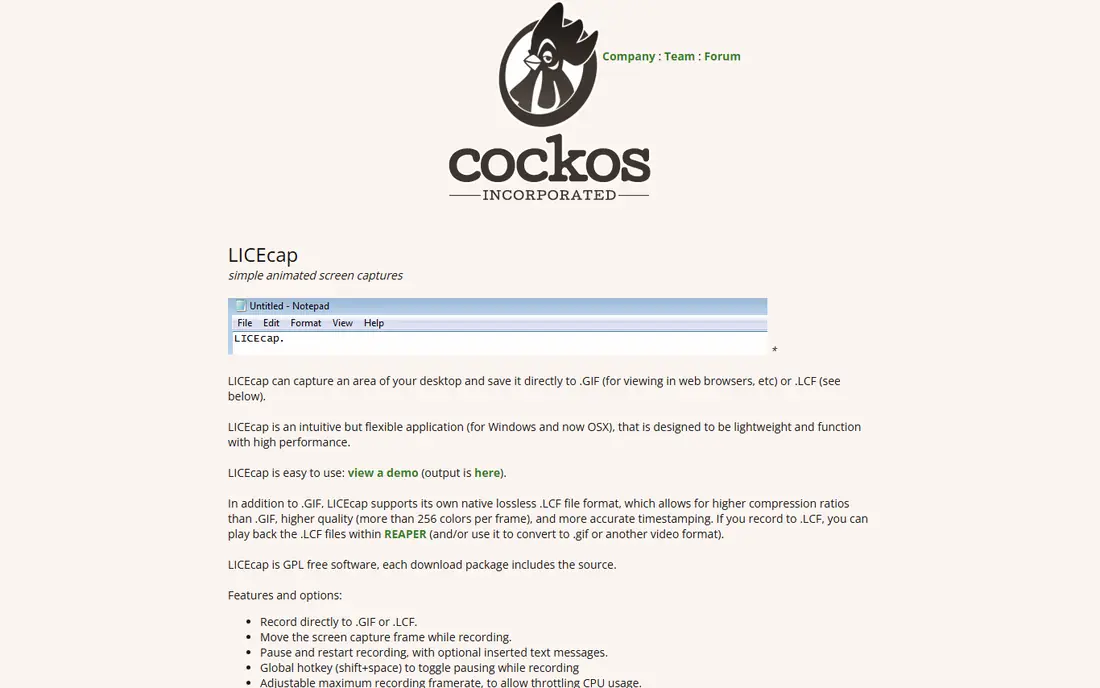
LICEcap is a simple free tool for recording a region of your screen directly to an animated GIF. It suits tutorial clips, bug reports, and short demos where a moving image explains more than a screenshot. You position the capture frame, press record, and save the result as a GIF file that can be shared in chats, docs, and support tickets.
Editing is the limit. LICEcap does not offer frame-by-frame editing, captions, or optimization in the way Ezgif does, so most users pair it with a browser editor for cleanup. For fast screen-to-GIF capture on Windows or Mac, it is a light and dependable choice.
- Free screen capture to GIF for Windows and Mac
- Simple frame-based recording
- Small download
- No built-in frame editor
- Capture area and frame rate need manual care
MakeAGIF is a straightforward browser maker for people who want a GIF without installing software. Upload a video clip or a set of images, trim the length, add a caption, and download the result. The workflow suits quick social posts and chat reactions where speed matters more than precise frame control.
Depth is the trade-off. MakeAGIF does not offer the frame-by-frame editing of a desktop editor or the full video workflow of Kapwing, and some options require payment. For a fast browser-made GIF, it does the job with little friction.
- Turns video clips and images into GIFs in a browser
- Simple trimming and caption options
- No install needed
- Some features and higher-quality exports sit behind paid options
- Editing depth is limited
Imgflip is best known for memes, but its GIF maker is a fast browser option for turning video clips or images into GIFs. Upload a clip, trim it, adjust size and speed, and download the result without installing software. The meme tools also help when a GIF needs a caption or a familiar template format.
Free exports can carry a watermark depending on the option you choose, and the editor does not match the frame control of a desktop tool. For a one-off GIF made in a browser, Imgflip is quick and easy. For repeated professional work, a desktop editor or Kapwing will give cleaner results.
- Fast video-to-GIF and image-to-GIF tools in a browser
- Meme templates included
- No install needed
- Free exports may carry a watermark on some options
- Advanced editing is limited
VEED is a browser video editor that also works well as a GIF maker. Upload a clip, trim it to the moment you want, add captions or text, and export the result as a GIF. That workflow suits social teams that already edit short videos and want a GIF version for chats, emails, or posts.
The free plan is useful for testing, but watermarked exports limit it for published work. VEED is also a full video tool, so it carries more options than a simple GIF maker needs. For video-first creators, that extra power is a benefit rather than a burden.
- Browser video editing with GIF export
- Captions and trimming in one workspace
- No install needed
- Free exports carry a watermark
- Paid plan needed for clean regular exports
Kapwing suits creators who make GIFs as one output among many. A clip can be trimmed, captioned, resized for different platforms, and exported as a GIF or a video from the same project. That workflow helps social teams that repurpose one video into several formats, rather than making a single reaction GIF.
The free plan is useful for testing, but watermarked exports limit it for published work. The paid plan removes that barrier and adds higher-quality exports. If GIFs are occasional, a free tool will do. If they are part of weekly content, Kapwing is worth the subscription.
- Full video editing alongside GIF export
- Captions, trimming, and resizing in one workspace
- Team collaboration
- Free plan exports carry a watermark
- Paid plan needed for regular use
Canva is the right pick when a GIF needs to look designed rather than captured. Templates for social posts, ads, and announcements can be animated with text, shapes, and brand colors, then exported as a GIF. Brand kits help teams keep animated posts consistent, and the editor is easy for non-designers.
Canva is not built for precise frame editing or for converting long videos into GIFs. Premium templates and assets also need care on the free plan, since they can be watermarked or require payment. For branded animated graphics, Canva is the most accessible option on this list.
- Templates for animated social posts
- Brand kits for colors and fonts
- Easy export as GIF or video
- Not a frame-by-frame GIF editor
- Premium elements can add cost or watermarks on the free plan
How we picked these
We compared official product pages, app store listings, and pricing pages, and we checked recent GIF tool guides to confirm which apps were still active in October 2026. We favored tools that are free to start, work on a phone or in a browser, and clearly cover finding or making GIFs. We left out tools that only handled video editing with no GIF export, and tools whose free version blocked basic exports entirely.
How to choose the best GIF app for you
First, decide whether you mainly find or make GIFs. Finders such as Tenor are already built into many keyboards, so you may not need a separate app at all. Makers should pick by device: a browser tool for quick jobs, and LICEcap for screen capture on a computer.
Next, check the export rules before you invest time. Free plans can add watermarks, limit resolution, or cap file size, and those limits matter more than a long feature list. Test one real GIF end to end, from source clip to the chat or post where it will live, and check how it looks on a phone. The best tool is the one whose export you can actually use without paying for a feature you did not expect.
A note on rights
A GIF you find for free is not automatically cleared for ads or commercial use. Clips from films, shows, and sports broadcasts carry rights held by others, and brands should use licensed or original content for marketing. For personal chats, reaction GIFs are normal use. For business posts, make your own GIFs or use licensed assets.
Frequently asked questions
What is the best GIF app?
Tenor is the best GIF app for finding and sharing reactions, while Ezgif is the best free tool for making and editing GIFs in a browser. The right pick depends on whether you mainly search for GIFs or create them.
What are the best GIF apps for iPhone and Android?
Tenor works well on both iPhone and Android for finding GIFs, and browser makers such as Ezgif and MakeAGIF work on phones without a separate install. Check the app store listing for your device before downloading, since features can differ by platform.
What is the best app for GIFs for chats?
Tenor is a strong app for GIFs in chats, because it powers GIF search inside keyboards and messaging apps. You can often search without leaving the conversation, which is faster than opening a separate app.
What is the best tool for GIFs from video?
Ezgif is a strong free browser tool for turning video into GIFs, and LICEcap suits users who record their screen. Kapwing and VEED are better when the GIF is part of a larger video project with captions and resizing.
Are GIF apps free?
Most GIF finders are free, and several makers offer free plans. Some makers add watermarks or lock features behind payment, so check export rules on the free plan before you rely on a tool for published work.
Sources
See where you really rank - block by block
ProMapRanker scans Google Maps across a grid of your service area. Simple monthly plans from $19, white-label on every plan.
Start freeKeep reading
 zoho inventory alternatives
6 Alternatives to Zoho Inventory, Compared on Price and Fit
Zoho Inventory alternatives: 6 tools compared on price, free plans and fit. Katana leads the list for manufacturers. Fit and flaws are laid out for each entry.
Read → zoho crm alternatives
Best Zoho CRM Alternatives (2026)
Need Zoho CRM alternatives? We compare 7 tools on cost, free access and who each suits. Every pick gets a straight assessment. Built for quick decisions.
Read → zelle alternatives
Best Zelle Alternatives in 2026
Compare the best Zelle alternatives for sending money to friends, paying sellers and moving funds abroad, with honest notes on fees, speed and safety in 2026.
Read →