 ProMapRanker
Best Generative Presentation Creation Tool in 2026

Key takeaways
- Gamma is the best all round generative presentation tool for most people, with a useful free credit tier and fast prompt to deck output.
- Beautiful.ai suits teams that need smart layouts and brand consistency, while Plus AI suits people who want AI inside PowerPoint or Google Slides.
- Canva is best if you already use Canva for design, and Pitch is best for collaborative sales decks with link sharing and analytics.
- Tome is not in this list, because its presentation product shut down in April 2025, so older lists that still rank it are out of date.
- Always test export early, because a deck that looks good in a browser can lose layout quality when exported to PowerPoint.
Quick comparison
| Pick | Great for | Pricing starts at | Free tier | |
|---|---|---|---|---|
 Gamma Gamma | Fast all round decks | Free | Yes | Visit |
 Beautiful.ai Beautiful.ai | On brand team decks | $14.50 per month | Free trial | Visit |
 Canva Canva | Design control and templates | Free | Yes | Visit |
 Pitch Pitch | Collaborative sales decks | Free | Yes | Visit |
 Plus AI Plus AI | AI inside Slides and PowerPoint | $10.00 per month | Free trial | Visit |
 SlidesAI SlidesAI | Lightweight Google Slides drafts | Free | Yes | Visit |
 Presentations.ai Presentations.ai | Business deck automation | See website | Yes | Visit |
 Prezi Prezi | Nonlinear zoom talks | Free | Yes | Visit |
 Microsoft PowerPoint Copilot Microsoft PowerPoint Copilot | PowerPoint native AI | See website | Free trial | Visit |
The best generative presentation creation tools in 2026
We compared official feature pages, pricing pages, and public reviews for tools that are live in October 2026 and that generate a full deck from a prompt, outline, or document. We focused on generation quality, editing control, brand features, export formats, free tier depth, and team collaboration. We excluded tools that had shut down, including Tome, and we note where a free tier is a one time credit set rather than ongoing access.
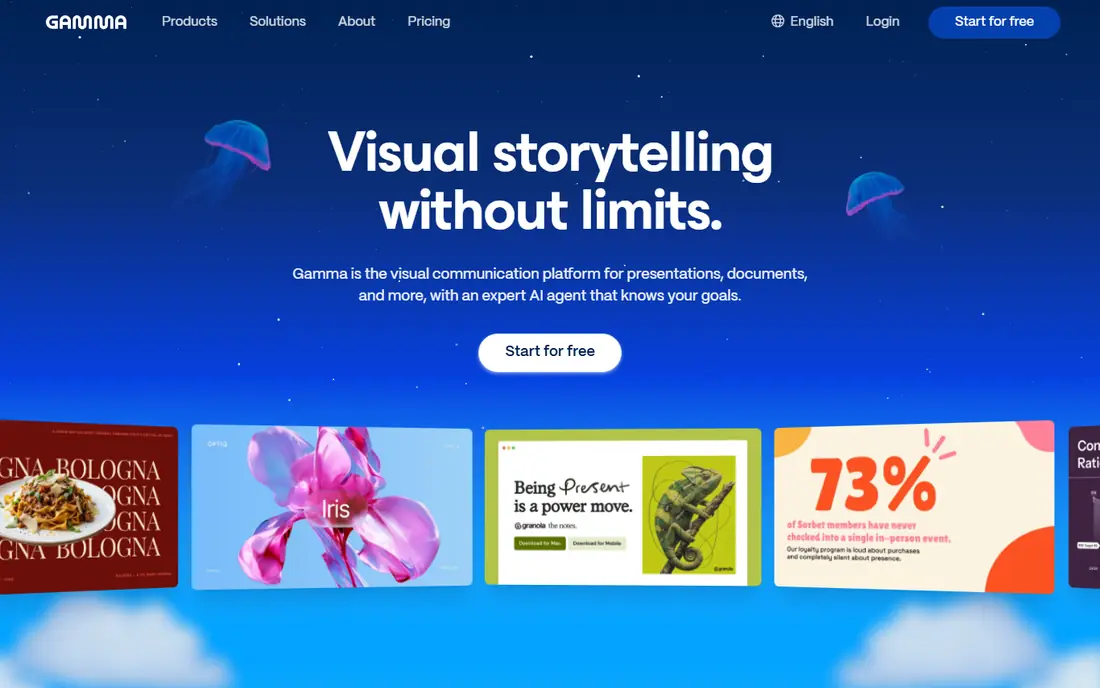
Gamma turns a prompt, outline, or pasted text into a modern, web native deck in about a minute, with generated images, icons, and a coherent theme. You can then edit cards like a normal slide tool, share a link, and export to PDF or PowerPoint. That speed from idea to presentable draft is why it tops most 2026 comparisons for general use. The free tier gives 400 one time credits in October 2026 listings, enough for several decks, while Plus is listed near $9 per month billed annually, or $10 to $12 billed monthly depending on source. Credits cap heavy use, so check how many credits a deck costs before you plan a large project. For most solo users, freelancers, and small teams, Gamma is the safest first test.
- Fast prompt to deck generation
- Web native decks with PDF and PowerPoint export
- Useful free credits
- Web format feels less familiar to strict PowerPoint users
- Credit limits cap heavy use
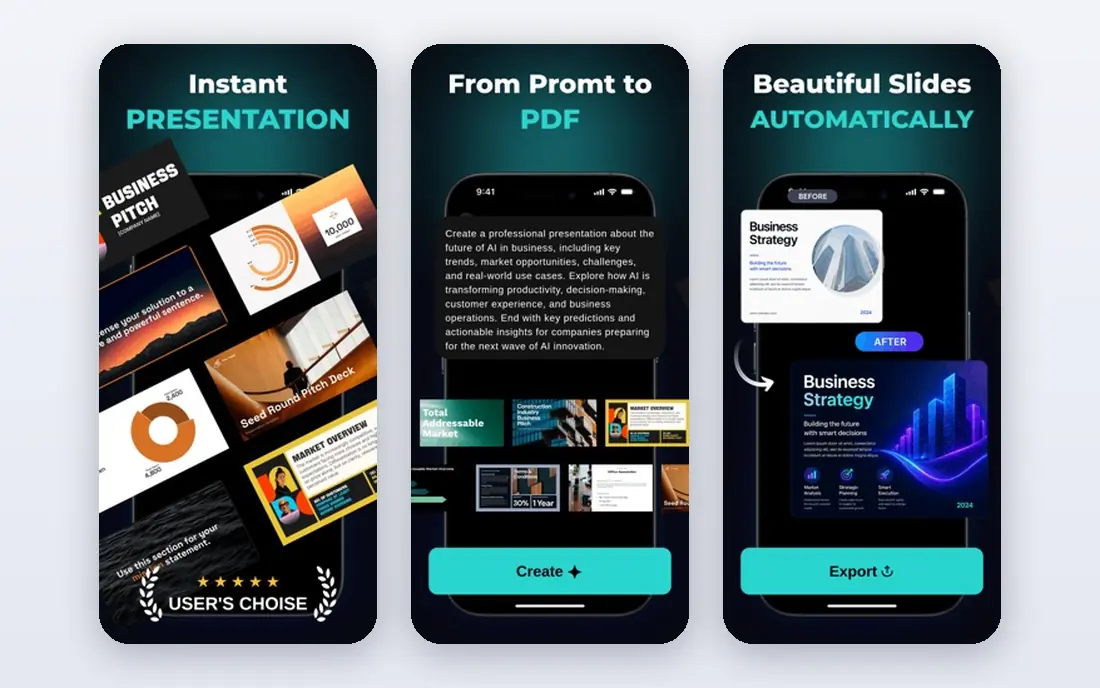
Beautiful.ai is built around smart templates that adjust layout automatically as you add or remove content. That design guardrail keeps decks clean even when several team members edit, and team plans add brand controls for fonts, colors, and logos. For consulting firms and corporate teams, that consistency is often worth more than raw generation speed. The drawback is access and price. There is no lasting free plan, only a 14 day trial that requires a card in current listings, and Pro is listed at $14.50 per month billed annually, with Team at $40 per user per month annually. If your decks must stay on brand and export cleanly to PowerPoint, Beautiful.ai is a strong pick. If you want a free test first, start with Gamma or Canva.
- Smart slides that stay balanced as you edit
- Brand controls on team plans
- PowerPoint export
- No lasting free plan, only a 14 day trial
- Less flexible for creative, freeform decks
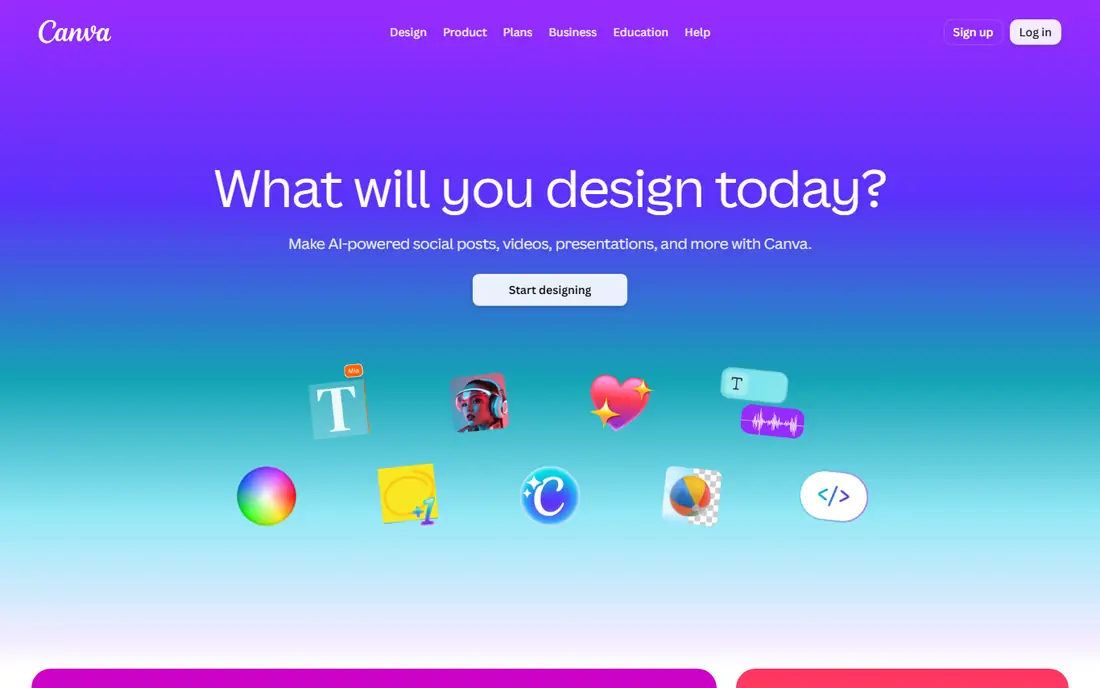
Canva is best for people who already use Canva for social posts, documents, or brand assets and want presentations in the same workspace. Magic Design can turn a prompt into a deck draft, and the editor gives you full control over layout, images, charts, and brand kits. The template library is far larger than most AI only tools, which helps when you need a specific visual style. The trade off is focus. Canva is a general design tool first, so its AI deck generation is less specialized than Gamma or Beautiful.ai for long narrative decks. The free plan is generous for basic design, while Pro is listed near $12 to $15 per month in 2026 comparisons depending on billing and region. Pick Canva if design control and brand assets matter as much as generation speed.
- Huge template library
- Strong drag and drop editor
- Magic Design for AI drafts
- Free plan
- AI generation is less deck focused than Gamma
- Pro features need a paid plan
Pitch is built for teams that create, share, and track sales decks. You can build a deck collaboratively, share it by link, and see viewer analytics, which helps sales teams learn which slides hold attention. Its AI features help draft and refine decks, while templates and brand controls keep team output consistent. The free plan includes limited AI credits in current listings, while Plus is listed near $10 to $13 per month billed yearly depending on currency and source. Pitch is less focused on pure prompt to deck generation for a solo user than Gamma, but it is stronger for a team workflow where sharing, feedback, and follow up matter. Sales and partnership teams should test Pitch alongside Gamma.
- Team collaboration
- Link sharing and analytics
- Free plan with AI credits
- AI generation is less deep than Gamma for long decks
- Paid tiers vary by currency
Plus AI is different from web native tools, because it works as an add on inside Google Slides and PowerPoint. That matters if your company requires PowerPoint files, uses a strict template, or needs decks that stay editable in the standard editor. You can generate a deck, rewrite slides, and adjust layouts without exporting and reimporting. There is no lasting free plan, only a seven day trial in current listings, and Basic is listed near $10 per user per month billed annually, or $15 billed monthly. If you already live in Slides or PowerPoint, Plus AI is the least disruptive choice. If you want a fresh web deck and link sharing, Gamma or Pitch will feel more modern.
- Works inside Google Slides and PowerPoint
- Keeps your existing templates
- Good for editing existing decks
- No lasting free plan, only a trial
- Generation quality depends on your template
SlidesAI is a lightweight add on that turns text into a Google Slides deck with a simple, clean layout. It suits students, teachers, and office users who need a fast internal draft and do not want to learn a new editor. You paste text or an outline, pick a theme, and get an editable Slides deck you can finish in Google tools. The free Basic tier is listed at 12 presentations per year in 2026 comparisons, while Pro is listed near $10 per month billed annually. Design control is limited compared with Canva or Beautiful.ai, and output can need cleanup for client facing work. Use SlidesAI for quick internal drafts, and use a fuller tool for pitches or board decks.
- Simple text to slides inside Google Slides
- Free basic tier
- Fast drafts for internal decks
- Limited design control
- Free tier caps presentations per year
Presentations.ai focuses on business decks, with templates and automation for reports, pitches, and company updates. It can turn a prompt or document into a branded deck, and it supports PDF and PowerPoint export. That business focus suits teams that produce regular updates and want a consistent format without starting from a blank deck each time. Check export costs before you commit. Its FAQ notes that PowerPoint export can cost credits per slide on some plans, while PDF and image export use no credits in that description. Pricing varies by plan and billing cycle, so use See website for a single starting price and check the current plan table. Presentations.ai suits regular business decks where brand consistency matters.
- Business focused templates
- Brand outputs
- PDF and PowerPoint export
- Export to PowerPoint can cost credits per slide in some plans
- Pricing varies by plan
Prezi offers a different presentation style: instead of a linear slide sequence, you move through a zoomable canvas that shows how ideas connect. That format suits talks, lessons, and pitches where the big picture matters, and it can hold attention better than a long bullet deck. Prezi AI helps draft presentations, and a free basic plan lets you test the format. The limit is fit. Many corporate teams expect a standard PowerPoint file, and a zoom talk can feel unfamiliar in that setting. Paid plans are listed from about $7 to $19 per month in 2026 comparisons depending on tier and billing. Use Prezi when the talk itself is the product, and use a linear tool when the file must be shared and edited as slides.
- Zoomable, nonlinear format
- Good for talks and teaching
- Free basic plan
- Nonlinear style does not suit every corporate deck
- AI features are less central than Gamma
Microsoft Copilot in PowerPoint brings AI generation and editing inside the PowerPoint you already use, which is a major advantage for companies with strict templates, security rules, or existing Microsoft 365 deployment. It can draft from a prompt or a document, rewrite slides, and work with your brand assets, all inside the standard editor. The drawback is cost and eligibility. Copilot needs an eligible Microsoft 365 plan, and the add on is listed near $21 per user per month billed annually in 2026 comparisons, with a first year promotion noted in some sources. Consumer plans differ from business licensing, so check your plan before you assume access. For Microsoft shops, Copilot is the most native choice; for solo users, Gamma or SlidesAI is far cheaper.
- Native inside PowerPoint
- Uses your files and templates
- Enterprise controls on business plans
- Needs an eligible Microsoft 365 plan
- Add on pricing is high for solo users
How we picked these
We kept tools that are live in October 2026, generate a deck from a prompt or document, and offer a real free tier, trial, or paid plan with published pricing. We checked official pricing pages, feature pages, and 2026 comparisons, and we excluded Tome after confirming its presentation product shut down in April 2025. We favored a mix of web native generators, template led team tools, in editor add ons, and nonlinear formats, so the list covers different workflows rather than nine copies of Gamma. We did not run blind export tests or time editing sessions ourselves, and we do not present draft quality scores as our own test results. Our comparison rests on published features, stated pricing, free limits, and review evidence. Prices vary by billing period, currency, and plan, so check the vendor pricing page linked for each tool before you subscribe.
How to choose a generative presentation tool
Start with where the deck must end up. If the final file must be an editable PowerPoint in a company template, pick an in editor tool such as Plus AI or Copilot. If the deck will be shared by link and presented from a browser, Gamma or Pitch will be faster and more flexible. If brand consistency across a team matters most, Beautiful.ai or Canva with brand kits is the better base.
Test with a real deck
Do not judge a tool on a demo topic. Build a real ten to twelve slide deck with a chart, a table, and your own data, then export it early and check the PowerPoint file. If fonts, charts, or layout break on export, that tool will cost you cleanup time on every project, no matter how good the first draft looks.
Write better prompts
Give the tool a clear audience, goal, and slide count, plus key facts it must include. A prompt such as a ten slide pitch for a small business software product, focused on time saved for office managers, will beat a vague request for a sales deck. After generation, cut about half the text on most AI slides, because AI drafts tend to overload slides.
Check credits and export limits
Read the credit model before you pay. Some tools give a monthly credit set, some give a one time set, and some charge credits for export or for premium images. If you produce decks weekly, a monthly credit plan with export included will usually beat a cheap plan that charges per export.
Frequently asked questions
What is the best generative presentation creation tool?
Gamma is the best generative presentation creation tool for most people, because it balances fast generation, a useful free credit tier, editing control, and PDF and PowerPoint export. Beautiful.ai is better for on brand team decks, and Plus AI is better for AI inside PowerPoint or Google Slides.
Is there a free generative presentation tool?
Yes. Gamma offers free credits, Canva offers a free plan with Magic Design, Pitch offers a free plan with limited AI credits, and SlidesAI offers a free basic tier. Free tiers are limited by credits or presentations per year, so check those limits before you plan a large project.
Which tool is best for PowerPoint export?
Beautiful.ai, Gamma, Plus AI, and Canva all export to PowerPoint, but export quality varies. Plus AI and Copilot work inside PowerPoint itself, so they avoid export loss, while Gamma and Beautiful.ai export well for most decks. Always test export on a real deck before you commit.
Did Tome shut down?
Yes, Tome shut down its presentation product in April 2025, according to 2026 comparisons. Older lists that still rank Tome as a top presentation tool are out of date. If you have old Tome decks, check whether you exported them before the shutdown, because access after shutdown is not guaranteed.
How much does Gamma cost?
Gamma offers a free tier with 400 one time credits in October 2026 listings, while Plus is listed near $9 per month billed annually. Pro and higher tiers cost more and add credits, analytics, and branding removal. Check the Gamma pricing page for current credit costs and monthly billing rates.
Can AI presentation tools replace a designer?
AI tools remove layout grunt work and speed up first drafts, but they do not replace judgment about message, story, and data. You still need to check facts, cut excess text, fix charts, and tailor the deck to your audience. Treat the AI draft as a starting point, not a finished presentation.
Sources
See where you really rank - block by block
ProMapRanker scans Google Maps across a grid of your service area. Simple monthly plans from $19, white-label on every plan.
Start freeKeep reading
 zendesk alternatives
Best Zendesk Alternatives in 2026
Compare the best Zendesk alternatives in 2026, from budget help desks to AI-first support tools, with current pricing, free plans, and honest trade-offs.
Read → wordpress alternatives
Best WordPress Alternatives in 2026
Looking for the best WordPress alternatives? We compare 8 free and paid options for blogs, business sites, stores, and developer-led projects in 2026.
Read → which real estate company has the best training
Best Real Estate Company Training in 2026
Compare which real estate company has the best training, from Keller Williams and eXp to Compass and Coldwell Banker, by program, mentor, and fit in 2026.
Read →