 ProMapRanker
Best Genealogy Software in 2026

Key takeaways
- Family Tree Maker suits Ancestry users who want desktop control with two-way sync, while RootsMagic suits researchers who want strong citations and broad hints.
- Legacy Family Tree and Family Historian suit source-focused researchers, with detailed citation tools and reporting options.
- Gramps and FamilySearch suit budget-conscious researchers, with free desktop software and a free collaborative tree respectively.
- MyHeritage Family Tree Builder and Ancestry suit people whose records already live on those platforms, especially for international research.
- MacFamilyTree suits Mac users who want a polished, visual tree, though Windows users will need a different pick.
Quick comparison
| Pick | Great for | Pricing starts at | Free tier | |
|---|---|---|---|---|
 Family Tree Maker | Ancestry users | See website | No | Visit |
 RootsMagic | All-round research | $39.95 one-time | Yes | Visit |
 Legacy Family Tree | Source citations | See website | Yes | Visit |
 Family Historian | Detailed reporting | See website | Free trial | Visit |
 Gramps | Free desktop research | Free | Yes | Visit |
 Family Tree Builder | MyHeritage users | Free | Yes | Visit |
 Ancestry | Online records and trees | See website | Free trial | Visit |
 FamilySearch | Free collaborative tree | Free | Yes | Visit |
 MacFamilyTree | Mac users | See website | Free trial | Visit |
The best genealogy software
Genealogy software does two jobs: it stores your family tree, and it helps you prove each link with sources. Some tools focus on a local tree you own, others focus on online records and hints, and a few try to do both. This list covers desktop, web, and platform tools, so you can pick based on where your records live and how much control you want over your data.
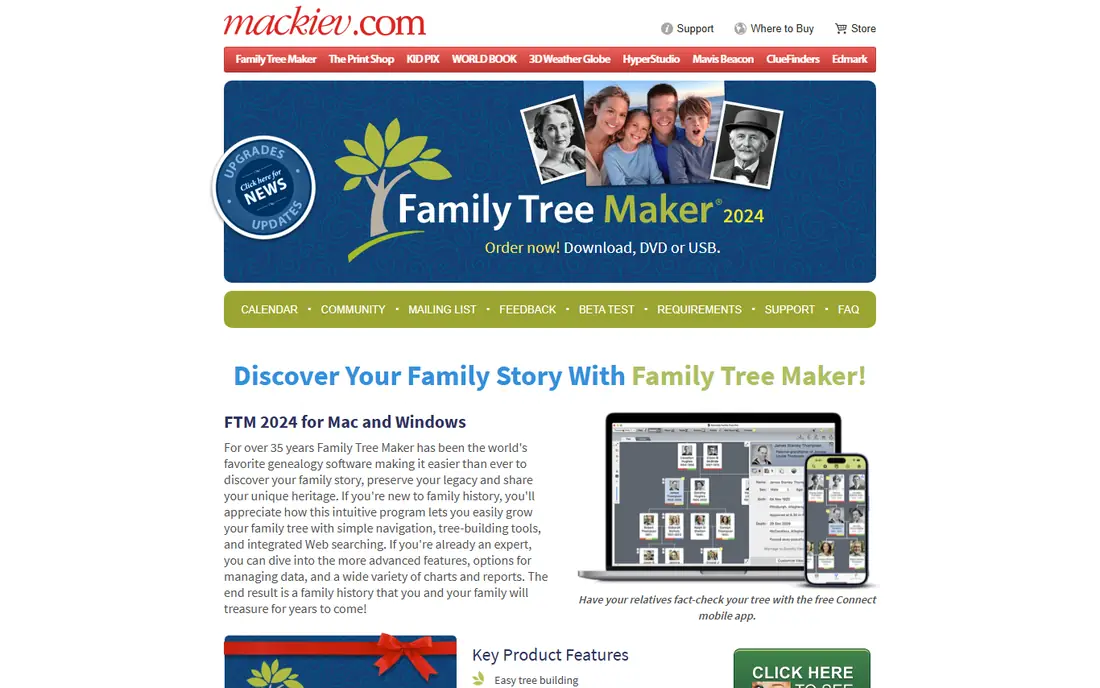
Family Tree Maker is the natural desktop choice if your research already lives on Ancestry. Its two-way sync moves people, facts, media, and sources between your desktop tree and your online Ancestry tree, so you can work offline and still keep both copies in step. Charting and reporting are also strong, which helps when you want to print a tree for family.
The drawbacks are price and platform quirks. There is no free version to test fully, and the one-time purchase costs more than RootsMagic or Legacy. Some Mac users have reported technical issues, so check current system requirements and support notes before buying. If you do not use Ancestry, a cheaper, platform-neutral tool may serve you better.
- Two-way sync with Ancestry
- Strong charts and reports
- Photo tools including face detection
- No free version
- Price is higher than some rivals
- Mac users report more support issues than Windows users
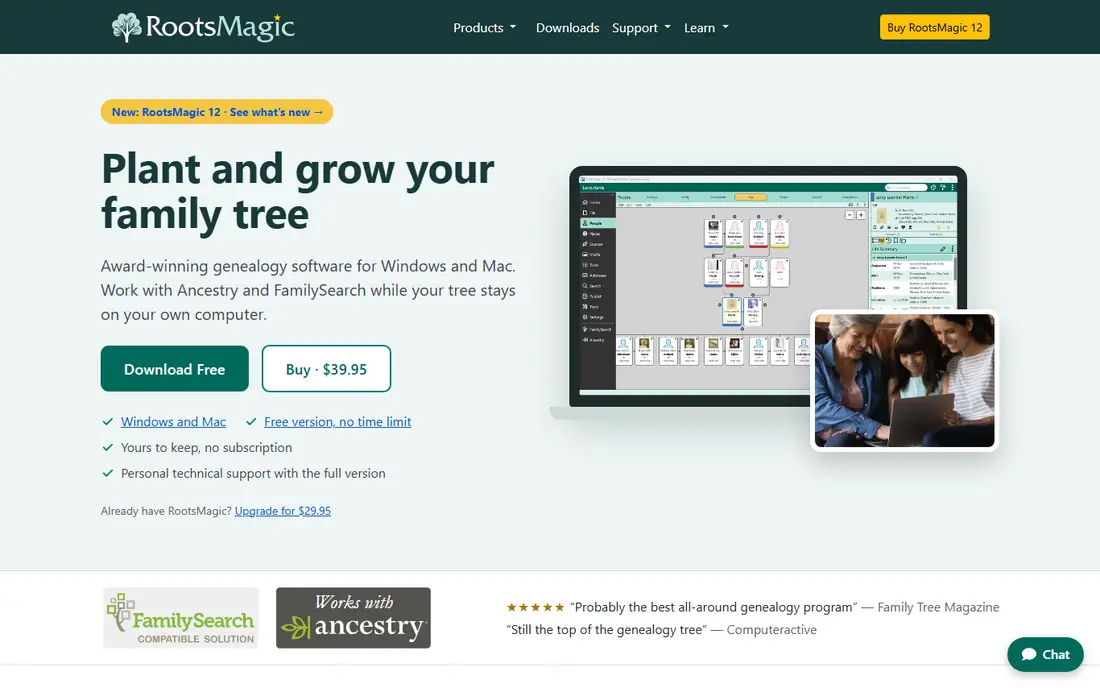
RootsMagic is often cited as the most balanced genealogy program, and the current version continues that pattern. It syncs with Ancestry through TreeShare and with FamilySearch, offers hints from major databases, and provides detailed source citation tools, reports, charts, and mapping. A free Essentials version lets beginners test the core workflow before paying for the full program.
The interface packs in a lot of features, which can overwhelm new users at first. Version updates have also arrived more often in recent years, so check whether the current version's citation templates and features match your needs before upgrading. For researchers who want one desktop tool that connects to several online services, RootsMagic remains a strong default.
- Sync with Ancestry and FamilySearch
- Strong source citations
- Free Essentials version
- Interface can feel busy
- New versions arrive often
- Template changes in recent versions need checking
Legacy Family Tree suits researchers who care most about documenting sources properly. Its citation system offers a large set of templates based on established genealogy standards, which helps when you want each fact tied to a clear, complete source. Reporting options are also detailed, with charts and books that suit serious family history projects.
The limits are platform and sync. Legacy is Windows only, so Mac users need another tool or a Windows setup. Its interface looks older than Family Tree Maker, and sync with online trees is more limited. If you work on Windows and value citations above all else, Legacy is a strong, affordable pick.
- Extensive source citation templates
- Strong reporting
- Free standard version available
- Windows only
- Interface feels dated
- Online sync is more limited than RootsMagic or Family Tree Maker
Family Historian is a favourite among source-focused researchers who want precise control over how facts, citations, and media connect. Citations attach to specific facts, not just to people, which makes it easier to see exactly what supports each date, place, or relationship. Diagrams, charts, and narrative reports are also strong, which helps when you share research with family.
New users should expect a learning curve, since the program offers more options than a simple tree builder. Check the current licence options on the vendor site, including trial, subscription, and perpetual licence choices, since pricing has changed over time. If you want deep reporting and do not mind learning the tool, Family Historian rewards the effort.
- Fact-level source linking
- Powerful diagrams and reports
- Flexible data handling
- Learning curve for new users
- Pricing model needs checking
- Smaller US community than larger rivals
Gramps is a free, open source genealogy program for researchers who want full control over their data without a subscription. It runs on Windows, Mac, and Linux, supports detailed people, families, events, sources, and media, and exports to GEDCOM, the standard file format for exchanging trees. For budget-conscious researchers and Linux users, it is the clearest free desktop choice.
The trade-off is ease of use. Gramps expects you to learn its structure, and the interface is more functional than friendly. There is no built-in sync with Ancestry or MyHeritage, so online hints and record access come through separate research, not inside the program. If you value free, local, and long-term data control, Gramps is worth the learning time.
- Free and open source
- Runs on Windows, Mac, and Linux
- Strong data and research tools
- Steeper learning curve
- Interface is functional rather than polished
- No built-in online sync
Family Tree Builder is MyHeritage's free desktop program, and it suits people whose research already lives on MyHeritage, especially for European and international records. You can build a tree offline, sync it with your MyHeritage account, and use hints and matching to find records and relatives. For MyHeritage subscribers, that link is the main reason to choose it.
The program is closely tied to MyHeritage, so users who want a platform-neutral desktop tool may prefer RootsMagic or Gramps. Record access beyond basic features needs a MyHeritage subscription, so check what the free version covers before you build a large tree. If MyHeritage is your main record source, Family Tree Builder is a practical, free starting point.
- Free desktop software
- Sync with MyHeritage
- Strong for international records
- Full record access needs a MyHeritage subscription
- Features tied to MyHeritage
- Less flexible than Gramps
Ancestry is less a desktop program and more a complete online research platform, with a huge record collection, hints, DNA testing, and an easy tree builder that relatives can view and edit. For many beginners, Ancestry is where research starts, because records, hints, and family collaboration sit in one place. Its tree builder is also simple enough for people who do not want desktop software at all.
The cost is the main catch. Full record access needs a subscription, and the price adds up over years, even though a basic tree can be started for free. Your tree also lives online by default, so serious researchers often keep a local copy in Family Tree Maker or RootsMagic as well. Use Ancestry for records and collaboration, and keep a local backup for long-term control.
- Very large record collection
- Hints and DNA matching
- Easy sharing with relatives
- Full record access needs a subscription
- Tree lives online by default
- Costs add up over years
FamilySearch is a free, non-profit genealogy resource run by The Church of Jesus Christ of Latter-day Saints, and it offers both a large record collection and a collaborative family tree. Anyone can search records for free, build a tree, and connect with relatives working on shared ancestors. For beginners and budget-conscious researchers, it is an essential free tool.
The collaborative model is also its main limit. The tree is shared, so other users can edit ancestors you share, and changes can conflict if research is not well sourced. Keep your own notes and sources, and use a private desktop program alongside FamilySearch if you want a personal copy you fully control. For free research and record access, few tools match it.
- Free to use
- Large record collection
- Collaborative tree with shared research
- Tree is shared, not private
- Editing conflicts can occur
- Record coverage varies by region
MacFamilyTree is built for Apple users who want a genealogy program that feels at home on a Mac. It offers a clean interface, visual tree views, maps, and reports, plus sync with FamilySearch for hints and shared research. For Mac users who find Windows-focused programs dated, MacFamilyTree is a refreshing alternative.
Windows and Linux users cannot use it, and citation tools are less extensive than Legacy or RootsMagic. Check the current price and trial terms on the vendor site, and test the FamilySearch sync with a small tree first. If you use a Mac and value design and ease of use, MacFamilyTree is a strong pick for building and sharing a family tree.
- Polished Mac design
- Visual tree and globe views
- Sync with FamilySearch
- Mac and iOS only
- Price needs checking
- Fewer citation templates than Legacy or RootsMagic
How we picked these
We compared official product pages, pricing pages, and genealogy guides, and we kept only tools that exist and work in October 2026 and truly build, manage, or research family trees. We looked for desktop and online options, free and paid models, citation quality, sync with major platforms, and file export through GEDCOM. We did not claim hands-on testing, and we did not list DNA-only services or record-only sites without a tree builder as genealogy software.
What to check before you choose
Decide where your master tree will live
Choose one place as your master tree, whether that is a desktop file or an online tree, and treat other copies as backups or working copies. Sync helps, but it can also create duplicates if two people edit different copies at once. A clear master copy saves hours of cleanup later.
Test citations and exports early
Build a small test tree with sources, then export it as a GEDCOM file and open it in another program. Check whether citations, notes, and media survive the move in a usable form. Citation templates do not always travel cleanly between programs, so test before you invest years of research in one tool.
Check record access costs separately
Software price and record access price are different costs. A free program may still need a paid Ancestry or MyHeritage subscription for full records, while a paid program may work well with free FamilySearch records. Add both costs together when you compare options, and start with free records where possible.
Frequently asked questions
What is the best genealogy software for beginners?
RootsMagic Essentials is a good free start for desktop research, while FamilySearch is a good free start for online research. Family Tree Maker suits beginners who already use Ancestry. Try a free version first, and pick the tool whose interface you find easiest to use for adding people and sources.
What is the best free genealogy software?
Gramps is the best free desktop option, with no subscription and full local control. FamilySearch is the best free online option, with records and a collaborative tree at no cost. Family Tree Builder is also free, and suits MyHeritage users, while RootsMagic Essentials offers a free desktop starting point.
Does genealogy software sync with Ancestry?
Family Tree Maker and RootsMagic both sync with Ancestry, though the features and limits differ by version. Check the current sync details on the vendor site before you buy, and keep a backup of your tree before your first sync, since syncing can create duplicates if trees differ.
Can I move my family tree to another program?
Yes, most programs export to GEDCOM, the standard tree exchange format, and most can import it. People, families, and basic facts usually move well, but citation templates, media links, and custom fields may need cleanup after import. Test with a small tree first.
Is online genealogy software safe for private family data?
Online trees vary in privacy controls, and collaborative trees such as FamilySearch are shared by design. Check the privacy settings on any platform before you add living relatives, and avoid posting sensitive details about living people without their permission. A local desktop program gives you more control over private data.
Sources
See where you really rank - block by block
ProMapRanker scans Google Maps across a grid of your service area. Simple monthly plans from $19, white-label on every plan.
Start freeKeep reading
 zscaler alternatives
Best Zscaler Alternatives in 2026
Looking for zscaler alternatives? We compare 9 SASE and zero trust platforms on architecture, data protection, pricing, and fit for your network and team.
Read → zapier alternatives free
Best Zapier Alternatives Free in 2026
Nine automation tools for zapier alternatives free in 2026, all with genuinely free tiers, plus free plan limits, starting prices and upgrade paths explained.
Read → which platform is best for online reputation
Which Platform Is Best for Online Reputation in 2026
Wondering which platform is best for online reputation? We compare 8 review, listing, and response tools for small and multi-location businesses and agencies.
Read →