 ProMapRanker
Best Game Server Hosting Services in 2026


Beginners and modded Minecraft · Pricing starts at: $7.99 per month
Key takeaways
- Match the host to your game first, because a great Minecraft host is not always a great Rust or ARK host.
- RAM, CPU speed, and server location affect lag more than a long feature list, so check all three before you pay.
- One-click modpack installs save hours, especially for modded Minecraft, where manual setup is easy to get wrong.
- A short refund window matters: use it to test performance with your real player count, not just with one player online.
Quick comparison
| Pick | Great for | Pricing starts at | Free tier | |
|---|---|---|---|---|
| Apex Hosting | Beginners and modded Minecraft | $7.99 per month | No | Visit |
 Shockbyte | Budget Minecraft and Rust servers | $3.99 per month | No | Visit |
 BisectHosting | Serious modded servers | $5.99 per month | No | Visit |
 Hostinger | Full control on a VPS-style plan | $6.99 per month | No | Visit |
 Nodecraft | Multi-game players who swap games | $9.98 per month | Free trial | Visit |
 ScalaCube | Running several small servers | $4.00 per month | Free trial | Visit |
 Host Havoc | Performance-focused communities | $5.00 per month | No | Visit |
 Nitrado | Console-friendly and multi-game hosting | See website | No | Visit |
 Sparked Host | Low-cost entry with a modern panel | See website | No | Visit |
 PebbleHost | Tight budgets and heavy modpacks | See website | No | Visit |
The best game server hosting services
A game server host rents you a machine that stays online so friends or a community can join your world any time. The best hosts differ on game coverage, hardware, locations, and how easy the control panel is to use. The list below covers the main names for Minecraft, Rust, ARK, and other popular multiplayer games.
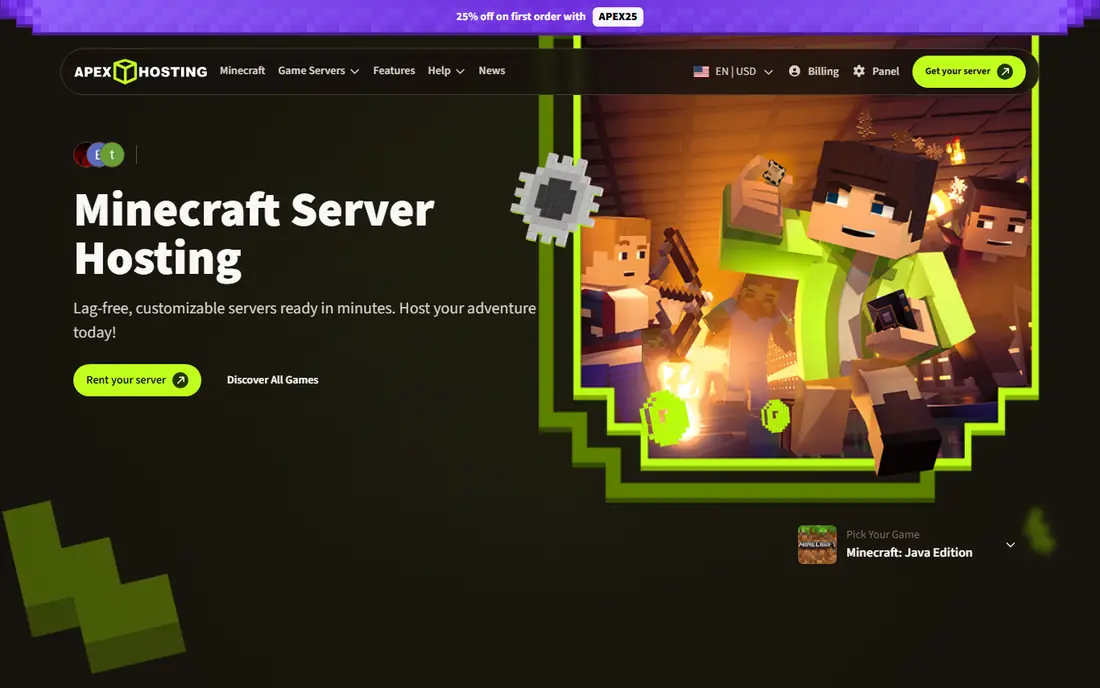
Apex Hosting is a frequent first pick for Minecraft players because setup is plain and well explained. You choose a plan, pick a version or modpack, and the server is ready with a panel that covers the common tasks without forcing you into config files. Its modpack support is broad, which helps when a group wants to play a popular pack rather than vanilla Minecraft.
The entry plan suits small groups, but heavy modpacks need more RAM, so budget for a step up if your pack is large. Apex also supports other games, though Minecraft is clearly its strength. We would pick it for a first server, a friends-and-family world, or a modded server where ease of setup matters most.
- Simple setup and panel
- Large modpack library
- 7-day refund window
- Entry RAM is modest for heavy packs
- Higher tiers needed for large communities
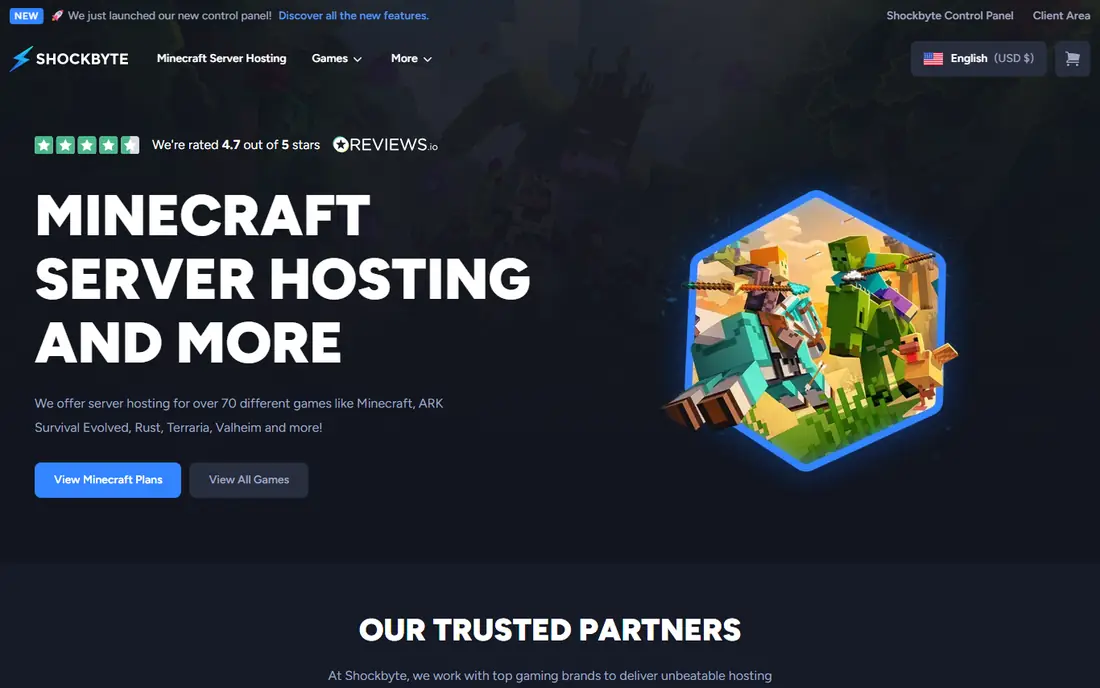
Shockbyte competes mainly on price, with a low entry point for Minecraft and plans for Rust and other titles. Its newer control panel makes common tasks, such as installing a modpack or changing a version, easier than the older panels some budget hosts still use. For a small server on a tight budget, that combination is hard to ignore.
The short refund window means you should test quickly after signup, ideally with your full group online. Higher RAM plans cost more, as with every host here, so compare the price for the RAM you actually need rather than the headline entry rate. We like Shockbyte for budget-first servers where the game is standard and the player count is modest.
- Low starting price
- Covers Minecraft, Rust, and ARK
- Modern control panel
- Refund window is short at 3 days
- Support quality can vary at peak times
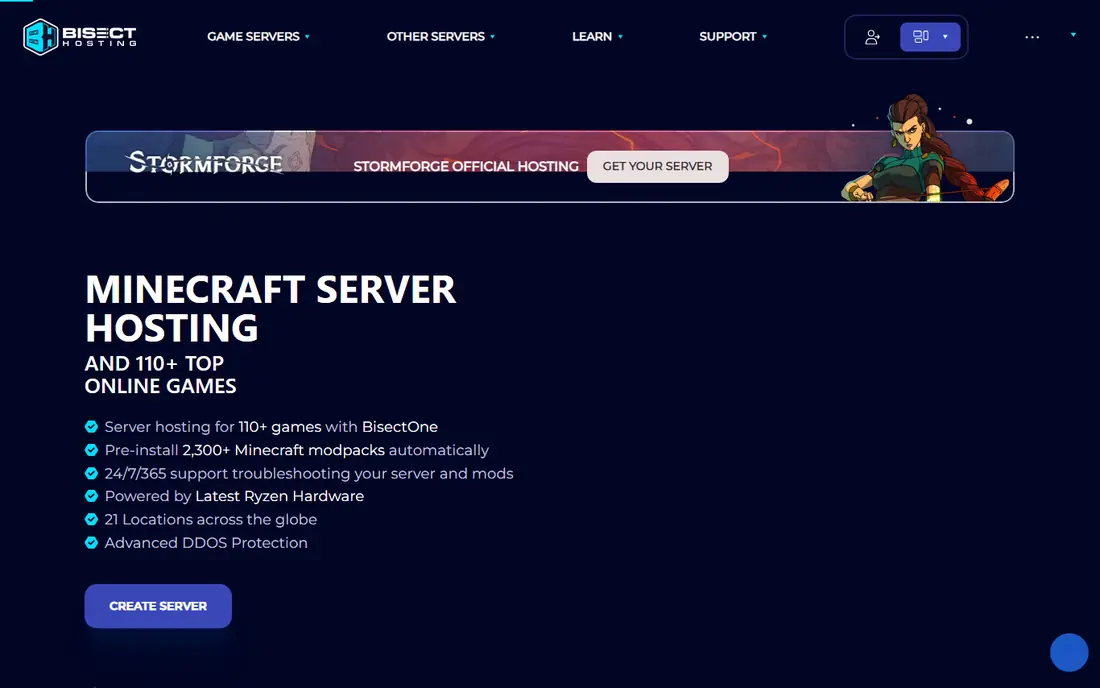
BisectHosting is built around modded Minecraft, with thousands of automated modpack installs and support for the main mod loaders. That matters because modded servers fail most often during setup, when a wrong version or missing file breaks the whole pack. BisectHosting removes much of that friction, and its many locations help players in different regions get lower ping.
The catch is that serious modpacks need serious RAM, and the price rises with it. An 8 GB plan for a large pack costs notably more than the entry rate. We would pick BisectHosting when modded play is the main goal and you want a host that handles pack installs and updates well.
- Very large modpack installer library
- Many global locations
- Strong support reputation
- Heavier packs need pricier RAM tiers
- Panel takes a little learning
Hostinger approaches game hosting from a VPS angle, giving you more control over the underlying server than a typical managed game panel. That suits players who want to run custom setups, manage files directly, or host a game that a simpler panel does not cover well. Its game plans cover many titles, and its data centre spread is useful for international groups.
Control comes with responsibility. You will do more setup yourself than on Apex or BisectHosting, so it is less ideal for a complete beginner. We recommend Hostinger for players who are comfortable with server basics and want flexibility, or for groups that outgrow a simple panel.
- Full root access on game plans
- Modern hardware
- Broad game coverage
- More hands-on than managed game hosts
- Fewer game-specific shortcuts
Nodecraft stands out with its save-and-swap system, which lets you switch the server from one game to another while keeping your saves. That is a real benefit for a group that plays Minecraft one month, Valheim the next, and Rust after that, without paying for three separate servers. Its NodePanel is also one of the cleaner interfaces in this list, with mobile management included.
The starting price is higher than the cheapest Minecraft-only hosts, so a group that only plays one game may get better value elsewhere. We would pick Nodecraft for a varied gaming group that values flexibility and a tidy panel over the lowest possible monthly cost.
- Save and swap between games
- Clean NodePanel interface
- Good multi-game library
- Higher starting price than budget hosts
- RAM tiers can add up for heavy games
ScalaCube lets you run more than one server on a single plan, which suits a community with separate worlds for different groups or games. The entry price is low, and the launcher helps players connect without manual setup steps. Mod support covers the popular Minecraft loaders, and the panel is aimed at beginners.
Location choice is narrower than on BisectHosting or Nodecraft, so check that a region near your players is available before you buy. Very large servers will also need a higher tier. We like ScalaCube for small communities that want several worlds without several bills.
- Multiple servers per plan
- Low entry price
- Launcher and mod support
- Fewer locations than larger hosts
- Performance varies by plan tier
Host Havoc focuses on performance and support rather than the widest game list. It runs its own hardware, which gives it tighter control over server quality, and its support is known for quick replies. That combination suits a community that already knows its game and wants a stable, low-lag server without surprises.
The game catalogue is narrower than on Nodecraft or Hostinger, so check that your title is covered. Entry plans also suit smaller groups, with larger communities needing a step up. We would pick Host Havoc when stability and support matter more than covering every game on the market.
- Owned hardware
- Fast support responses
- Strong uptime focus
- Game library is smaller than some rivals
- Entry plans suit smaller groups
Nitrado is a long-running host with a very wide game list, including titles that work well for console players as well as PC players. Its rental model is flexible, with short and long terms, and its mobile app makes basic management possible away from a computer. For groups that play a mix of survival, shooter, and sandbox games, that breadth is useful.
Pricing is harder to compare at a glance because it varies by game, slots, and term, so use the configurator for your exact game before judging value. The panel also packs in many options, which can feel busy at first. We recommend Nitrado when your game is outside the usual Minecraft-first lists, or when console support matters.
- Wide game coverage including console titles
- Flexible rental periods
- App-based management
- Pricing varies by game and slot count
- Interface can feel busy
Sparked Host has grown as a budget option with a modern panel called Apollo, which covers server files, backups, and mod installs in a clean layout. Its entry pricing is competitive, and it supports the main survival and sandbox titles that small communities ask for. For a new server on a tight budget, it is worth a look alongside Shockbyte.
As a smaller host, it does not match the location spread or support scale of the largest names here. That may matter for a large international community. We would pick Sparked Host for a small, budget-first server where a modern panel and low entry cost are the priorities.
- Modern Apollo panel
- Low entry pricing
- Covers Minecraft, Rust, and more
- Smaller company than the biggest hosts
- Location range is narrower
PebbleHost offers two tracks: budget plans priced per GB and premium plans with faster hardware for heavy modpacks. That split lets a small vanilla server stay cheap while a large modded server can step up to better CPUs without changing host. Its modpack installer covers a large library, which helps modded groups get started quickly.
The two-track pricing can confuse a first-time buyer, so compare budget and premium rates for the same RAM before you choose. Premium is not needed for every server, but it is the right pick for a large pack. We like PebbleHost for modded groups that want to keep costs down without giving up an upgrade path.
- Low cost per GB on budget plans
- Premium hardware option for heavy packs
- Good modpack support
- Pricing structure takes care to compare
- Premium tiers cost more than budget tiers
How we picked these
We compared official pricing and feature pages, plus current roundups checked in October 2026, for hosts that are live and widely used for multiplayer games. We favoured hosts with clear game coverage, published or easily checked pricing, DDoS protection, and backup or mod support. We left out hosts with no clear pricing, no active support, or a game list too narrow for a general guide.
What to check before you buy
Start with your game and your player count, because those two facts set your RAM and CPU needs. Vanilla Minecraft for a few friends needs far less than a large modded pack for 30 players, and Rust needs a different setup again. If you are unsure, pick a host that lets you upgrade RAM without rebuilding the server.
Next, pick the location closest to most of your players, and test ping during a busy evening, not just at midday. Finally, check backup frequency, modpack support, and the refund window. A host that backs up daily and refunds within a few days gives you a safer way to test than one that locks you in from day one.
RAM and CPU basics
For Minecraft, light packs run on 4 GB, medium packs usually need 6 GB, and large packs often need 8 GB or more. CPU speed matters as much as RAM, because Minecraft leans heavily on single-core performance. Ask the host what CPU generation a plan uses if that detail is not on the plan page.
Panels, mods, and backups
A good panel lets you install a modpack, upload a world, restart the server, and restore a backup without editing files by hand. Check whether backups are automatic and how far back you can restore. Mods break worlds from time to time, and a recent backup is the fastest fix.
Frequently asked questions
How much RAM do I need for a game server?
It depends on the game and the player count. A small vanilla Minecraft server can run on 2 to 4 GB, while a large modded pack often needs 8 GB or more. Rust and ARK servers need more RAM as player counts and map size grow. Start with the host recommendation for your game, then upgrade if you see lag or crashes.
Is game server hosting better than hosting on my own computer?
For most groups, yes. A hosted server stays online when your computer is off, gives other players a stable connection, and includes DDoS protection and backups. Home hosting can work for a few friends, but upload speed, power cuts, and security risks make it less reliable for a community.
Can I switch games on the same server?
Some hosts, such as Nodecraft, let you swap games while keeping saves. Others require a fresh setup for each game, though you can usually reinstall on the same plan. Check the swap policy before you buy if your group plays more than one game.
What is DDoS protection on a game server?
It is filtering that keeps your server reachable when someone tries to flood it with traffic. Most hosts in this list include it, because game servers are a common target. Check that it is included in your plan rather than sold as an add-on.
Do I need a modpack installer?
Not for vanilla play, but it helps a lot for modded Minecraft. A one-click installer handles versions, loaders, and files that are easy to mismatch by hand. If you plan to play modded, treat installer size and loader support as a key buying factor.
Can I cancel or get a refund if the host is slow?
Most hosts offer a short refund window, often 3 to 7 days, and monthly billing after that. Test with your real player count inside that window, and check ping at busy times. Monthly plans are safer than long prepaid terms until you know the host suits your group.
Sources
See where you really rank - block by block
ProMapRanker scans Google Maps across a grid of your service area. Simple monthly plans from $19, white-label on every plan.
Start freeKeep reading
 zoro.to alternatives
Best Zoro.to Alternatives in 2026
We compare the best zoro.to alternatives in 2026, listing only legal licensed anime streaming services, from Crunchyroll to free options for fans today.
Read → zip alternatives
Best Zip Alternatives in 2026
We compare the best zip alternatives for buy now, pay later in 2026, covering pay-in-4 plans, fees, spending limits, and credit reporting options today.
Read → yesware alternatives
Best Yesware Alternatives in 2026
Compare the best yesware alternatives for sales email tracking, templates, and sequences, with current pricing and honest tradeoffs for small sales teams.
Read →