 ProMapRanker
Best Futures Trading Platform for Beginners in 2026

Key takeaways
- NinjaTrader and Tradovate share a brokerage and free tiers, with NinjaTrader for desktop power and Tradovate for cloud simplicity.
- thinkorswim is the best learning platform for existing Schwab customers, thanks to education and paper trading.
- Webull and TradingView are the easiest low-cost starting points for charting and practice before risking real money.
- Micro contracts let beginners trade smaller sizes, but borrowed money still means losses can exceed the amount you planned to risk.
- Start with paper trading, learn margin and contract expiry, and never trade money you cannot afford to lose.
Quick comparison
| Pick | Great for | Pricing starts at | Free tier | |
|---|---|---|---|---|
 NinjaTrader | Desktop futures power | Free | Yes | Visit |
 Tradovate | Cloud futures trading | Free | Yes | Visit |
 thinkorswim | Education and paper trading | Free | Yes | Visit |
 Interactive Brokers | Global market access | See website | No | Visit |
 TradeStation | Strategy testing | See website | No | Visit |
 Webull | Simple mobile start | Free | Yes | Visit |
 TradingView | Charting and practice | Free | Yes | Visit |
 tastytrade | Futures options focus | See website | No | Visit |
 AMP Futures | Low-cost futures brokerage | See website | No | Visit |
The best futures trading platforms for beginners
These platforms let beginners learn futures trading with practice accounts, education and micro contracts, and they differ in ease of use, cost structure and depth. This is not financial advice, and futures trading carries risk, including the risk of losing more than your initial deposit when borrowed money is used. Start with paper trading and education before trading live, and understand margin, contract sizes and expiry dates first.
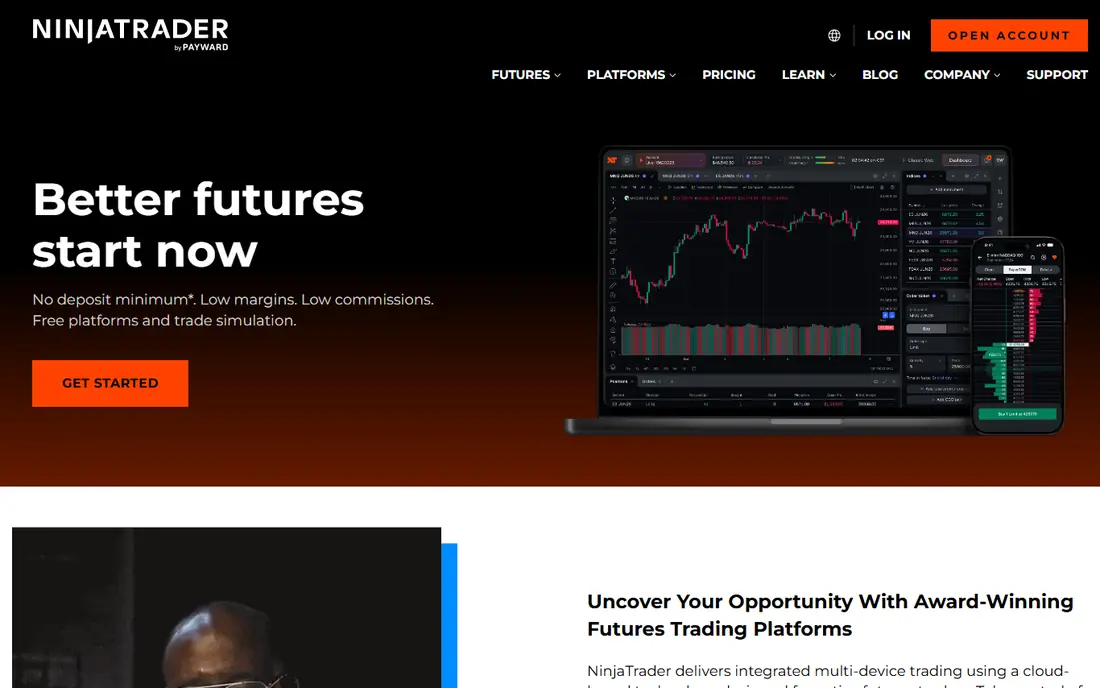
NinjaTrader is the futures-native platform many active traders end up on, and it is a good beginner choice if you want room to grow. The free tier includes charting and simulation, so you can practise order types, depth of market and strategy testing without risking money. Micro futures contracts, which are smaller versions of standard contracts, let you trade live with less exposure once you are ready.
The learning curve is real. The desktop platform is powerful and customisable, which also means the first week can feel dense, and it runs on Windows for the full desktop experience. Beginners who prefer a browser or mobile start should look at Tradovate, which shares the same brokerage, and use NinjaTrader when they want deeper tools.
- Free platform tier with simulation trading
- Advanced charting and order tools
- Micro futures supported
- Desktop platform runs on Windows
- Advanced features take time to learn
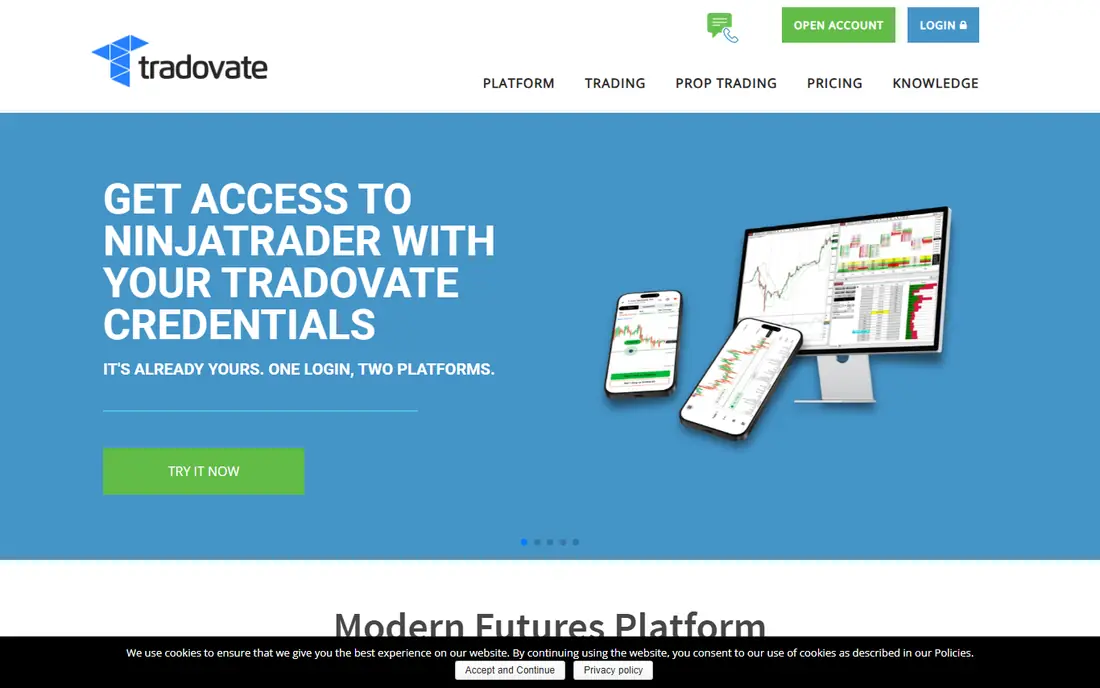
Tradovate is the cloud-first sibling of NinjaTrader, and it is the easier of the two for most beginners. There is nothing to install, orders are held in the cloud, and the interface is cleaner than a full desktop trading terminal. Since the accounts are unified, you can start on Tradovate and move to NinjaTrader desktop later without changing brokerage.
The trade-off is depth. Tradovate covers the core futures workflow well, but traders who want heavy scripting, complex automation or deep order-flow customisation will eventually want NinjaTrader desktop. For a first live futures account, though, simplicity and access from any device are strong advantages.
- Cloud platform works in a browser and on mobile
- Simple order entry
- Shares NinjaTrader brokerage pricing
- Less deep customisation than NinjaTrader desktop
- Advanced automation users may outgrow it
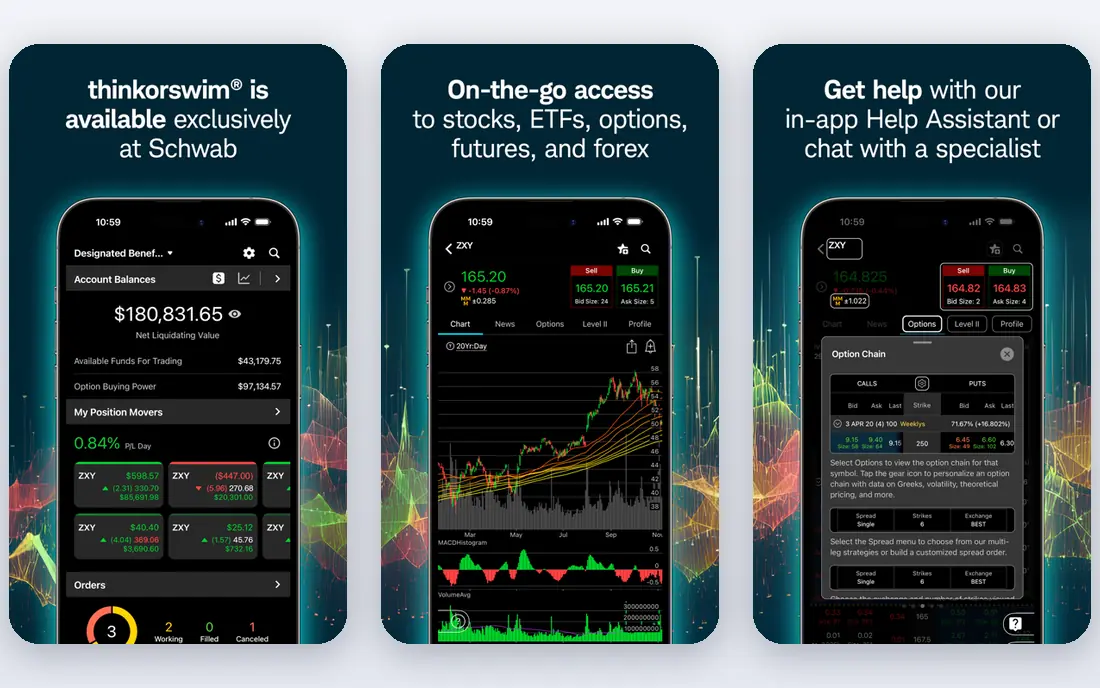
thinkorswim, now part of Charles Schwab, is the best learning environment on this list for many beginners. Its education content covers futures concepts in plain language, and paperMoney lets you practise in a simulated account that mirrors live markets. If you already bank or invest with Schwab, keeping futures in the same relationship simplifies funding and support.
Cost is the catch. Futures commissions at Schwab are higher per contract than at futures-only brokers, so active traders may pay more over time. For a beginner trading small size while learning, that cost may be worth the education and practice tools, but compare the per-contract fee on the Schwab pricing page before you commit to high volume.
- Strong education library
- PaperMoney practice trading
- Multi-asset account with stocks and options
- Futures commissions are higher than some futures-only brokers
- Platform can feel large for futures-only traders
Interactive Brokers is the benchmark for traders who want one account for futures, stocks, options and global markets. Its exchange coverage is wider than most futures-only brokers, and its commissions are competitive, especially for traders who value breadth over hand-holding. Risk tools and reporting are thorough, which matters once position sizes grow.
Beginners should go in with eyes open. Onboarding asks more questions than a simple futures app, and the platform assumes you already know basic trading concepts. If you are patient and want a long-term multi-asset account, it is excellent. If you want the gentlest first month, start with Tradovate or thinkorswim and revisit Interactive Brokers later.
- Very broad global exchange access
- Competitive commissions for many traders
- Strong risk tools
- Account opening and platform setup feel demanding for beginners
- Interface is less welcoming than rivals
TradeStation suits beginners who like to test ideas before trading them. Its strategy development tools and historical data let you backtest a rule-based approach over past markets, which is a useful discipline for new traders who might otherwise trade on hunches. The platform also covers stocks and options, so futures sit inside a wider trading account.
The drawback is complexity. The most powerful features assume you are comfortable with its scripting language or at least with systematic thinking, and beginners who just want to place a simple trade may find it heavy. Use TradeStation if testing and research excite you. If they do not, a simpler platform will get you practising sooner.
- Deep backtesting and strategy development
- Long historical data
- Desktop and web platforms
- Strategy tools assume some coding comfort
- Pricing depends on volume and plan
Webull is the most approachable mobile-first route into futures for many beginners. The app is clean, account setup is quick, and paper trading lets you practise without risk. Micro futures are available, so you can start live with smaller contract sizes once you understand margin and risk, and the mobile experience works well for checking positions on the go.
Education is the weak spot compared with thinkorswim. Webull teaches the basics, but it does not offer the same depth of futures courses and coaching content. Pair it with free CME Group education material and your own paper trading journal, and it becomes a capable low-cost starting point.
- Clean mobile app
- Paper trading available
- Low micro futures commissions for many traders
- Futures education is thinner than thinkorswim
- Desktop tools are lighter than NinjaTrader
TradingView is where many beginners should start, even before opening a brokerage account. Its browser charts are clear, its paper trading mode lets you practise futures price action with no money at stake, and its community scripts show how other traders think about trends and levels. For learning to read a chart, there is no better free starting point.
The limit is execution. TradingView connects to brokers for live trading, but it is not itself a complete futures brokerage for most US beginners, so you will still need an account with a broker such as NinjaTrader or Tradovate. Treat TradingView as your research and practice layer, and your broker as your execution layer.
- Excellent browser charting
- Free paper trading
- Large community of shared ideas and indicators
- It is a charting platform first, not a full futures brokerage on its own
- Live execution depends on a connected broker
tastytrade is built for derivatives traders, and it stands out if your interest runs toward options on futures as well as outright futures. The interface is designed around probability, premium and position management rather than generic charting, and its education content explains options concepts in a practical, trader-led style. For a beginner who wants to learn both futures and futures options in one place, that focus helps.
The same focus can feel advanced at first. If you have not yet traded a plain futures contract, start with outright futures education and paper trading before adding options, which carry their own risks and expiry rules. tastytrade rewards a learner who wants depth, but it is not the gentlest first app.
- Derivatives-first interface
- Clear futures options commissions
- Strong trader education content
- Interface assumes some derivatives knowledge
- Futures-only beginners may prefer a simpler platform
AMP Futures appeals to cost-conscious traders who already know which platform they want to use. It offers low day trading margins and lets you connect a range of third-party platforms, so you are not locked into one vendor's interface. For a beginner who has already practised on TradingView or NinjaTrader and wants a low-cost brokerage behind it, that flexibility is useful.
Beginner support is thinner than at the big learning platforms, and the choice of platforms can be confusing if you have not yet settled on one. AMP is best as a second step: learn on a guided platform first, then compare AMP's commissions and margins on its pricing page once you know your trading style and volume.
- Low day margins for many traders
- Wide platform choice including third-party tools
- Futures-only focus
- Less beginner education than thinkorswim
- Platform choice can confuse first-time users
How we picked these
We compared futures platforms on paper trading, education, micro contract support, platform ease of use, commissions and margin transparency, using official pricing pages, platform documentation and public trader reviews. We favoured platforms that let beginners practise without risk and that clearly explain margin and fees, and we left out firms that require large minimum deposits or that focus only on professional traders. Prices and commissions change, so check the broker's current pricing page before opening an account.
How beginners should start with futures
Begin with education, not with a live trade. Learn what a futures contract is, how margin works, what a tick is worth, when contracts expire and roll, and how borrowed money can turn a small price move into a large gain or loss. Free material from CME Group and broker education libraries covers these basics well, and paper trading turns that reading into practice.
Next, practise with a plan. Pick one or two liquid micro contracts, such as micro equity index futures, and trade them in simulation for several weeks with written rules for entry, stop loss and position size. Keep a journal of every simulated trade, including why you entered and what you would change. If you cannot explain a trade in one sentence, you are not ready to risk money on it.
Finally, go live small. Start with a single micro contract, use a stop loss on every trade, and risk only a small fraction of your account per trade. Review your live trades weekly, and step back to simulation if losses pile up or emotions take over. Futures reward discipline and patience far more than speed or prediction skill.
Frequently asked questions
What is the best futures trading platform for beginners?
Tradovate is the easiest live starting point for many beginners because it runs in a browser and on mobile with simple order entry. thinkorswim is better if you want the deepest education and paper trading, while NinjaTrader is better if you want desktop power and room to grow. Start with paper trading on any of them before going live.
What is the best futures trading app for beginners?
Webull offers the cleanest mobile futures start, and Tradovate's mobile app is also strong for cloud-based trading. TradingView is the best charting and practice app, though live execution usually runs through a connected broker. Choose the app you will actually open daily, since consistency matters more than extra features you never use.
What is the best futures trading software for beginners?
NinjaTrader's free tier is the best futures software for beginners who want a full desktop platform with simulation, while Tradovate is the best software for beginners who prefer a browser. thinkorswim suits beginners who want education built into the software. All three let you practise before risking real money.
How much money do I need to start trading futures?
Micro futures let you start with smaller amounts than standard contracts, but you still need enough margin to hold a position and absorb normal price moves. Brokers publish day trading margins that vary by contract, and exchange fees sit on top of commissions. Check the broker's margin page, start with one micro contract, and only trade money you can afford to lose.
Is futures trading risky for beginners?
Yes. Futures use borrowed money, so a small price move can produce a large profit or loss, and losses can exceed your initial deposit in some cases. Beginners should use paper trading, trade micro contracts, use stop losses, and keep position sizes small. This article is general information only and is not financial advice.
Sources
See where you really rank - block by block
ProMapRanker scans Google Maps across a grid of your service area. Simple monthly plans from $19, white-label on every plan.
Start freeKeep reading
 zscaler alternatives
Best Zscaler Alternatives in 2026
Looking for zscaler alternatives? We compare 9 SASE and zero trust platforms on architecture, data protection, pricing, and fit for your network and team.
Read → zapier alternatives free
Best Zapier Alternatives Free in 2026
Nine automation tools for zapier alternatives free in 2026, all with genuinely free tiers, plus free plan limits, starting prices and upgrade paths explained.
Read → which platform is best for online reputation
Which Platform Is Best for Online Reputation in 2026
Wondering which platform is best for online reputation? We compare 8 review, listing, and response tools for small and multi-location businesses and agencies.
Read →