 ProMapRanker
Best Frontend Platform Cloud Comparison in 2026

Key takeaways
- Vercel is the strongest pick for Next.js projects, while Netlify suits teams that want built-in forms and broad framework support.
- Cloudflare Pages offers the most generous free bandwidth, which matters for content-heavy sites with traffic spikes.
- Prices and limits in this category change often, so treat every price here as a snapshot and check the vendor pricing page before you commit.
- Render and Railway suit full-stack frontend work with a backend and database, while the other platforms focus mainly on static and edge hosting.
Quick comparison
| Pick | Great for | Pricing starts at | Free tier | |
|---|---|---|---|---|
 Vercel | Next.js and React frontend hosting | Free | Yes | Visit |
 Netlify | Broad framework support with forms | Free | Yes | Visit |
 Cloudflare Pages | High-traffic static sites on a large edge network | Free | Yes | Visit |
 AWS Amplify | Frontend hosting inside AWS | See website | No | Visit |
 Firebase Hosting | Frontend hosting in the Google and Firebase ecosystem | Free | Yes | Visit |
 Azure Static Web Apps | Frontend hosting inside Azure | Free | Yes | Visit |
 Render | Full-stack apps with frontend plus backend | Free | Yes | Visit |
 Railway | Full-stack deploys with usage-based pricing | $5 per month | No | Visit |
The best frontend cloud platforms
These platforms deploy frontend sites from Git, handle SSL and previews, and scale static and dynamic content. We compare them on performance approach, pricing and limits, not only on headline free tiers. Prices in this article are snapshots from vendor pages and current comparisons, and they should be rechecked before you launch, since limits and credit systems change often.
Vercel is the natural pick for Next.js projects, since it builds the framework and supports its rendering, caching and image features with little setup, and preview deployments for each pull request make team review straightforward.
For a team weighing this option, the practical test is fit for next.js and react frontend hosting in day-to-day use, not only the feature list. The strengths above matter most when they match a real workflow, such as onboarding, reporting or a recurring task that currently takes too long. A short trial or demo with your own data will reveal gaps faster than a sales presentation, especially around integrations, permissions and support response times.
The honest weakness to weigh is listed above, and it often decides whether this product stays useful after the first month. Check contract terms, renewal pricing and what happens to your data if you leave, and ask for a written quote for the same headcount and modules you will actually use. That comparison protects you from a low starting price that rises once essential add-ons are included.
- Native Next.js support
- Edge rendering
- Preview deployments
- Hobby is personal use only
- Pro is per seat
- Usage overages can add up
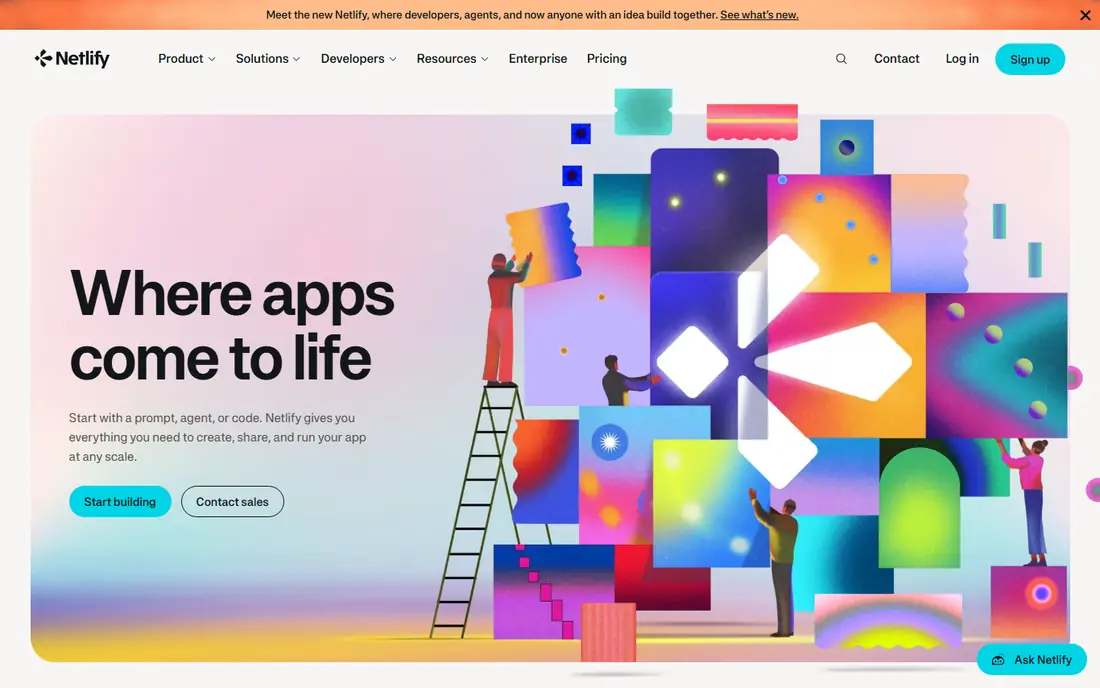
Netlify suits teams that want one platform for many frameworks, with built-in forms, serverless functions and deploy previews, and its breadth helps agencies and product teams that ship Astro, SvelteKit, Nuxt and other frameworks alongside static sites.
The honest weakness to weigh is listed above, and it often decides whether this product stays useful after the first month. Check contract terms, renewal pricing and what happens to your data if you leave, and ask for a written quote for the same headcount and modules you will actually use. That comparison protects you from a low starting price that rises once essential add-ons are included.
In practice, this product works best when one owner is responsible for rollout, training and ongoing administration. Without that owner, even a strong tool can drift into partial use, with some teams on the new system and others on spreadsheets. Plan training, set a go-live date, and review usage after thirty and ninety days before adding more modules or seats.
- Wide framework support
- Built-in forms
- Deploy previews and team tools
- Free tier is credit-based
- Build limits can bite
Cloudflare Pages
Great for: High-traffic static sites on a large edge network
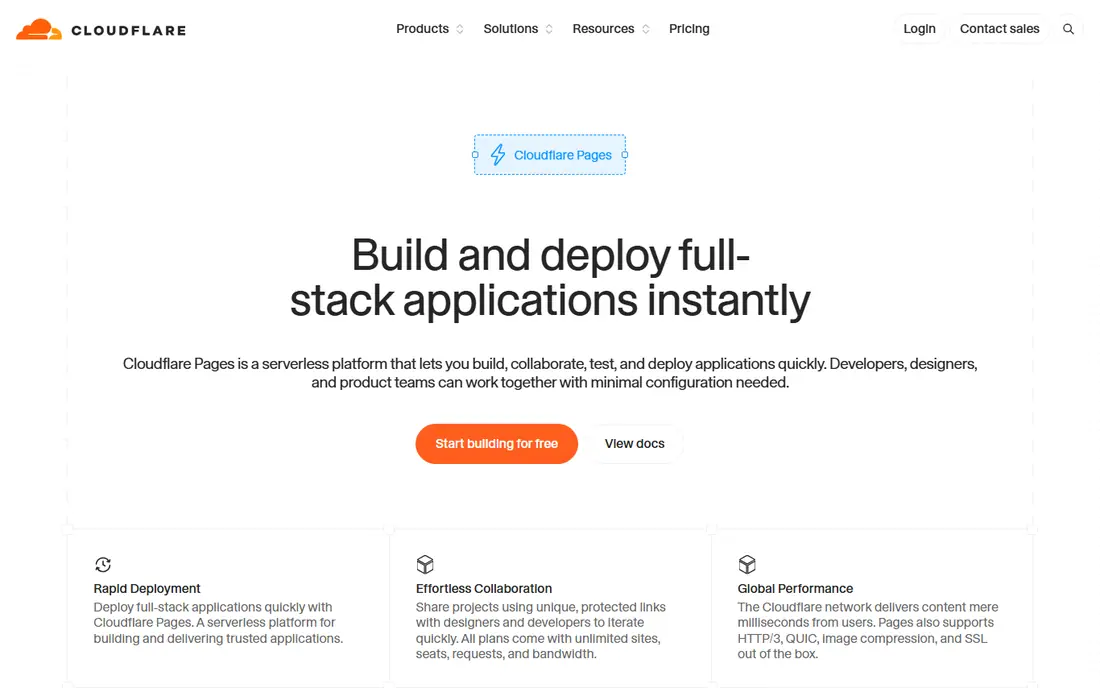
Cloudflare Pages stands out for content-heavy sites because its free tier offers unlimited bandwidth, which removes a common cost worry during traffic spikes, and integration with Workers, KV, D1 and R2 gives a path to dynamic features without leaving the Cloudflare ecosystem.
In practice, this product works best when one owner is responsible for rollout, training and ongoing administration. Without that owner, even a strong tool can drift into partial use, with some teams on the new system and others on spreadsheets. Plan training, set a go-live date, and review usage after thirty and ninety days before adding more modules or seats.
For a team weighing this option, the practical test is fit for high-traffic static sites on a large edge network in day-to-day use, not only the feature list. The strengths above matter most when they match a real workflow, such as onboarding, reporting or a recurring task that currently takes too long. A short trial or demo with your own data will reveal gaps faster than a sales presentation, especially around integrations, permissions and support response times.
- Unlimited bandwidth on free tier
- Many builds
- Workers integration
- Next.js needs an adapter
- Forms need a separate service
AWS Amplify suits teams already on AWS that want frontend hosting connected to AWS backend services, authentication and data tools, and it can host static and server-rendered apps and scale with AWS infrastructure.
For a team weighing this option, the practical test is fit for frontend hosting inside aws in day-to-day use, not only the feature list. The strengths above matter most when they match a real workflow, such as onboarding, reporting or a recurring task that currently takes too long. A short trial or demo with your own data will reveal gaps faster than a sales presentation, especially around integrations, permissions and support response times.
The honest weakness to weigh is listed above, and it often decides whether this product stays useful after the first month. Check contract terms, renewal pricing and what happens to your data if you leave, and ask for a written quote for the same headcount and modules you will actually use. That comparison protects you from a low starting price that rises once essential add-ons are included.
- Deep AWS integration
- Hosting plus backend services
- Enterprise scale
- Pricing and setup are more complex
- Smaller teams may find it heavy
Firebase Hosting
Great for: Frontend hosting in the Google and Firebase ecosystem
Firebase Hosting suits apps already using Firebase for authentication, databases or cloud functions, with fast hosting, automatic SSL, and deploys that integrate with Firebase tooling and Google Cloud.
The honest weakness to weigh is listed above, and it often decides whether this product stays useful after the first month. Check contract terms, renewal pricing and what happens to your data if you leave, and ask for a written quote for the same headcount and modules you will actually use. That comparison protects you from a low starting price that rises once essential add-ons are included.
In practice, this product works best when one owner is responsible for rollout, training and ongoing administration. Without that owner, even a strong tool can drift into partial use, with some teams on the new system and others on spreadsheets. Plan training, set a go-live date, and review usage after thirty and ninety days before adding more modules or seats.
- Fast global hosting
- Automatic SSL
- Firebase backend integration
- Free Spark limits are modest
- Blaze is pay-as-you-go
Azure Static Web Apps suits teams on Azure and GitHub, with deploys through GitHub Actions and options for managed API functions, and it handles static sites and many frontend frameworks with automatic SSL and global delivery.
In practice, this product works best when one owner is responsible for rollout, training and ongoing administration. Without that owner, even a strong tool can drift into partial use, with some teams on the new system and others on spreadsheets. Plan training, set a go-live date, and review usage after thirty and ninety days before adding more modules or seats.
For a team weighing this option, the practical test is fit for frontend hosting inside azure in day-to-day use, not only the feature list. The strengths above matter most when they match a real workflow, such as onboarding, reporting or a recurring task that currently takes too long. A short trial or demo with your own data will reveal gaps faster than a sales presentation, especially around integrations, permissions and support response times.
- Azure integration
- GitHub Actions deploys
- Managed functions option
- Free tier limits apply
- Best value inside Azure and GitHub workflows
Render appeals to teams that want a frontend site, a backend service and a database in one place, without managing separate hosting vendors, and static sites are free while web services start from a low monthly price in published guides.
For a team weighing this option, the practical test is fit for full-stack apps with frontend plus backend in day-to-day use, not only the feature list. The strengths above matter most when they match a real workflow, such as onboarding, reporting or a recurring task that currently takes too long. A short trial or demo with your own data will reveal gaps faster than a sales presentation, especially around integrations, permissions and support response times.
The honest weakness to weigh is listed above, and it often decides whether this product stays useful after the first month. Check contract terms, renewal pricing and what happens to your data if you leave, and ask for a written quote for the same headcount and modules you will actually use. That comparison protects you from a low starting price that rises once essential add-ons are included.
- Static sites plus web services and databases
- Simple pricing
- Managed TLS
- Free services spin down after inactivity
- Database pricing is separate
Railway suits developers who want to deploy a frontend app alongside a backend and database with little infrastructure setup, and its template catalogue and usage-based pricing make it easy to start a full-stack project quickly.
The honest weakness to weigh is listed above, and it often decides whether this product stays useful after the first month. Check contract terms, renewal pricing and what happens to your data if you leave, and ask for a written quote for the same headcount and modules you will actually use. That comparison protects you from a low starting price that rises once essential add-ons are included.
In practice, this product works best when one owner is responsible for rollout, training and ongoing administration. Without that owner, even a strong tool can drift into partial use, with some teams on the new system and others on spreadsheets. Plan training, set a go-live date, and review usage after thirty and ninety days before adding more modules or seats.
- Simple deploys for apps and databases
- Usage-based pricing
- Template catalogue
- Free credit is small
- Costs depend on resources used
How we picked these
We compared official pricing and limits pages and current platform comparisons, checking free tier bandwidth, build limits, function support and paid entry points. We did not claim hands-on testing. We treated prices as snapshots, since frontend cloud pricing and limits change often, and we favoured platforms with clear Git-based deploys, preview environments and edge delivery.
How to choose a frontend cloud platform
Match the platform to your framework first
Framework fit decides much of the experience. Vercel is built around Next.js, Netlify supports a broad range of frameworks, and Cloudflare Pages works well for static sites and edge functions, with Next.js through an adapter. If your framework needs server features, check which runtime features are supported, not only whether a static build works.
Read the free tier limits, not only the price
Free tiers differ on bandwidth, builds, function invocations and commercial use. Vercel Hobby is for personal, non-commercial use, while Netlify free use is credit-based and Cloudflare Pages free use offers unlimited bandwidth with build limits. A site that fits one free tier can exceed another quickly, so model your traffic, deploys and function use before choosing.
Budget for usage beyond the entry price
Paid entry prices are only part of the cost. Bandwidth overages, image optimisation, function invocations, build minutes and team seats can add up, and Vercel charges per seat while Netlify Pro covers unlimited members in some plans. Check included usage credits, overage rates and whether limits stop traffic or bill automatically. Prices here are snapshots and should be rechecked on the vendor site.
Test performance from your real audience locations
Edge performance depends on where your visitors are, not only on a vendor network map. Deploy a test version of your actual site, measure load times from key regions, and check how images, fonts and third-party scripts affect results. A platform that is fast for a static blog may behave differently for a dynamic storefront with many API calls, so test with realistic pages and traffic patterns before committing.
Frequently asked questions
Which frontend cloud platform is fastest?
It depends on your site and audience. Cloudflare Pages benefits from a very large edge network and unlimited bandwidth, while Vercel offers strong Next.js edge performance and Netlify offers solid global delivery. Test with your own pages and locations rather than trusting a single benchmark.
Is Vercel free for commercial sites?
No, Vercel Hobby is for personal, non-commercial use, so commercial projects need a paid plan. Netlify and Cloudflare Pages free tiers allow commercial use within their limits, which matters for small business sites.
Do I need a backend platform as well?
Not always. Static and edge platforms can handle many marketing and documentation sites, plus serverless functions for light dynamic work. Full-stack apps with a database and long-running services often suit Render or Railway better, or a frontend platform paired with a separate backend.
How do prices change in this category?
Often, through credit systems, seat pricing and usage overages. Vendors have changed free tier structures in recent years, so a price that was correct last year may not hold now. Treat prices in guides as snapshots and confirm the current pricing page before launch.
Sources
See where you really rank - block by block
ProMapRanker scans Google Maps across a grid of your service area. Simple monthly plans from $19, white-label on every plan.
Start freeKeep reading
 worlds best local seo company
8 Worlds Best Local SEO Companies for Map Pack Growth in 2026
Compare the worlds best local seo company options for Google Business Profile work, citations, reviews, and multi-location rankings and reporting in 2026.
Read → world's best web hosting company
World's Best Web Hosting Company in 2026
Searching for the world's best web hosting company? We compared 10 hosts on price, renewal rates, speed, and support to help you choose well today in 2026.
Read → who's got the best nanny tax services
Who's Got the Best Nanny Tax Services in 2026
We answer who's got the best nanny tax services, comparing full filing, back taxes, software, and pricing so families can handle nanny taxes correctly.
Read →