 ProMapRanker
6 Best Frontend Collaboration Software in the Cloud Options for 2026


Teams that want straightforward, quick deploys · Pricing starts at: $20 a month (Pro, unlimited members)
Direct answer
Our first pick is Netlify, best for teams that want straightforward, quick deploys. Framer is the stronger choice for designers who publish real websites, while Figma suits product teams designing interfaces together. The full list of 6 tools follows, with prices and free plan facts.
Key takeaways
- This list starts with Netlify, which is built for teams that want straightforward, quick deploys.
- A free plan is offered by 6 of the 6 tools, including Netlify, Framer, Figma and StackBlitz.
- Penpot fits teams that want open source and self-hosting.
- Before buying Figma, weigh this: per-seat costs climb quick on bigger teams.
Quick comparison
| Pick | Great for | Pricing starts at | Free tier | |
|---|---|---|---|---|
| Netlify | Teams that want straightforward, quick deploys | $20 a month (Pro, unlimited members) | Yes | Visit |
 Framer | Designers who publish real websites | $10 per site/month (Basic, billed yearly) | Yes | Visit |
 Figma | Product teams designing interfaces together | $16 per seat/month (Professional Full seat, billed yearly) | Yes | Visit |
 StackBlitz | Frontend developers who want instant environments | $18 a month (Pro, billed yearly) | Yes | Visit |
 Vercel | Next.js teams that deploy constantly | $20 per member/month (Pro) | Yes | Visit |
 Penpot | Teams that want open source and self-hosting | $0 (Professional cloud plan is free) | Yes | Visit |
Frontend Collaboration Software in the Cloud, one by one
This ProMapRanker guide covers 6 options for frontend collaboration software in the cloud. Each profile lists a starting price, free plan details, strengths and drawbacks, so you can drop poor fits quickly.

Netlify targets teams that want straightforward, quick deploys. Just watch the credit meter, since bandwidth, builds and function runs all draw from the same pool.
On cost, Netlify starts like this: $20 per month. Netlify includes a free tier.
Downsides: Heavy bandwidth users must watch credit burn. What users get: Forms.
- Identity and analytics built in
- Deploy previews on every branch with collaborative feedback
- The credit-based usage model takes some learning

Choose Framer for designers who publish real websites. For landing pages, portfolios and marketing sites, it removes the whole designer-to-developer translation step, since there is no translation. Worth adding: Framer started as a prototyping tool for designers and grew into a place where the design canvas and the live website are the same thing.
What works well: Capable performance scores from day one.
You lay out pages visually, link a CMS, hit publish, and the site is live on Framer's hosting with solid Core Web Vitals. The site plan is per site, and each extra full editor costs additional a month, so a five-person team running three sites pays far more than the headline $10 recommends. Worth adding: teammates comment on the live site, editors work in branches with previews, and content editors can update CMS entries without touching the design. For everyday use, solo designers and small studios get the best value. On cost, Framer starts like this: $10 per site/month. You can start on Framer without paying. Limits to weigh: Additional editors are billed separately per seat.
- Built-in CMS
- Design and the published site live in one tool
- No native ecommerce, so keeps need external tools
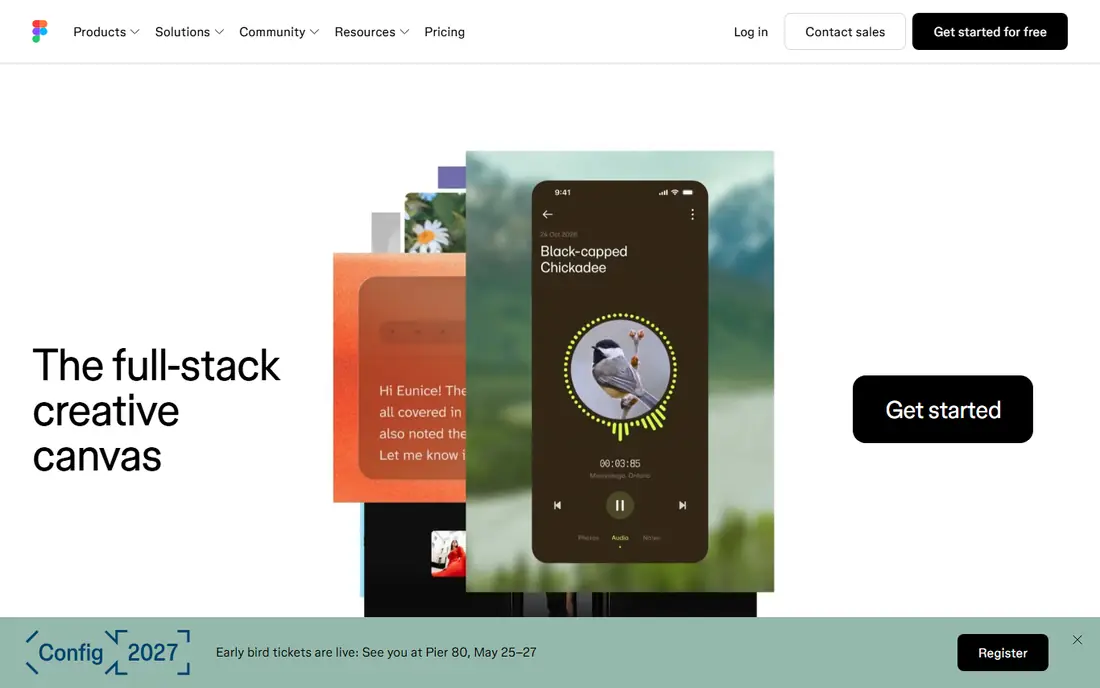
Choose Figma for product teams designing interfaces together. Designers, developers, copywriters and stakeholders open one URL, see live cursors, leave comments pinned to the exact element, and never wonder which version is current. The honest catch is the seat math.
Get the mix right and Figma is fairly priced. More specifically, Figma now sells Full, Dev and Collab seats at very different prices. Most teams overpay by putting everyone on a Full seat. From a buyer's view, engineers who only inspect and hand off code belong on the less expensive Dev seat, and stakeholders who comment belong on free view access or a Collab seat. Get it wrong and a twenty-person team pays multiple times what it should. Entry price for Figma: $16 per seat/month. You can start on Figma without paying.
Watch-outs: Per-seat costs climb quick on larger teams; Serious governance features sit on the expensive Organization and Enterprise levels. Main advantages: True multiplayer editing in the browser.
- Enormous plugin and template ecosystem
- Dev Mode provides engineers specs and code without design seats
- Free Starter caps you at 3 collaborative files
StackBlitz is designed for frontend developers who want instant environments. StackBlitz removes the worst part of frontend collaboration, which is getting everyone onto the same working environment. Its WebContainers technology runs a real Node.js environment inside the browser tab.
So a teammate opens a shared URL and is coding in seconds with zero local setup. Beyond that, small teams that live in the browser will find the speed worth it. Worth adding: for pair programming, code reviews and onboarding new developers, that immediacy is hard to beat. Beyond that, professional work needs Pro at $18 a month billed yearly. Teams sharing private repositories need the Teams plan at $55 per member a month. That per-member jump is the thing to model before committing. StackBlitz starts at: $18 per month. StackBlitz includes a free tier.
Drawbacks to consider: Teams pricing is per member and layers on up rapidly.
- Environments boot in milliseconds inside the browser tab
- Runs Node locally via WebContainers with no server round-trips
- You need a GitHub account to save work and collaborate
Choose Vercel for next.js teams that deploy constantly. Vercel turns every pull request into a live preview link, which quietly changes how frontend teams review each other's work. Also, five developers cost $100 per month before usage, which is fair for what you get, but it is not the cheapest way to host a static site.
Honest limits: The free Hobby plan is for non-commercial use only.
For teams building with Next.js, the integration is as tight as it gets, since the same company maintains the framework. Worth adding: Hobby is free and genuinely handy, but the terms restrict it to non-commercial use, so any business project needs Pro at $20 per member a month. As for the details, designers and PMs click the link from the PR, leave comments through the Vercel toolbar, and approve with confidence rather than squinting at screenshots. Pro bundles a $20 usage credit, and the new flat-rate CDN option hands teams with spiky traffic a predictable bill. Entry price for Vercel: $20 per member/month. You can start on Vercel without paying.
- Quick global edge network
- First-class Next.js support from the team that builds it
- Per-member pricing means team growth straight raises the bill
Think of Penpot for teams that want open source and self-hosting. The cloud pricing is unusually ample: the Professional plan costs nothing for teams up to 8 people with 10 GB of storage.
The premium Unlimited level is $7 per editor per month with the total bill capped at $175 no matter how large the team gets. If your workflow relies on specific Figma plugins or you do heavy mobile-app prototyping, you will feel the gap. Price to start with Penpot: $0. Penpot has a free plan.
Trade-offs to know: Plugin and template library is much smaller than Figma's.
- Open file formats mean no vendor lock-in
- Cloud Professional plan is free for up to 8 members
- Prototyping is solid but less mature
How the list was put together
We compared the tools on published pricing, free plan or trial availability, feature coverage for frontend collaboration software in the cloud, and the limits each vendor documents. Plan names, prices and limits change often. Treat the figures here as a starting point and verify them with the vendor. The order reflects how well each tool fits the most common buying scenario for frontend collaboration software in the cloud, then price clarity, then free plan access. It is a starting point, not a verdict.
Questions to settle before buying
- Prices are a starting point; Framer shows $10 per site/month to start, so verify what your seat count would cost.
- Check what the free option really includes: Netlify, Framer, Figma and others offer a free plan, and usage caps differ.
- Read the limits listed for Netlify first: the credit-based usage model takes some learning.
- Test the integrations you rely on with Penpot before committing; some connectors sit on upper tiers.
- Check how data leaves Framer: formats, limits and whether exports are available on every plan.
Frequently asked questions
What counts as frontend collaboration software?
Any cloud tool where more than one person works on the frontend together: shared design canvases with comments, browser-based code environments, or deployment products that produce reviewable preview links.
Is Netlify the right pick for everyone comparing frontend collaboration software in the cloud?
No single tool suits every team. Netlify comes first because it fits teams that want simple, fast deploys, while Framer suits designers who publish real websites and Figma suits product teams designing interfaces together. Match the tool to your own size, budget and workflow before deciding.
Which options for frontend collaboration software in the cloud have a free plan?
6 of the 6 tools have a free plan, including Netlify, Framer, Figma and StackBlitz. Free plans usually cap users, projects or features, so check the limits on the vendor page.
How are the tools for frontend collaboration software in the cloud ordered?
The order follows typical fit for frontend collaboration software in the cloud, with Netlify first and Penpot last, then price clarity and free access. It is editorial judgement, not a score, so another team could rank the tools differently.
What is the cheapest option for frontend collaboration software in the cloud in this list?
On published monthly entry prices, Framer is the lowest here at $10 per site/month. Entry price is only part of the cost, because seats, add-ons and billing terms can change the total.
Sources
See where you really rank - block by block
ProMapRanker scans Google Maps across a grid of your service area. Simple monthly plans from $19, white-label on every plan.
Start freeKeep reading
 zscaler alternatives
Best Zscaler Alternatives in 2026
Looking for zscaler alternatives? We compare 9 SASE and zero trust platforms on architecture, data protection, pricing, and fit for your network and team.
Read → zapier alternatives free
Best Zapier Alternatives Free in 2026
Nine automation tools for zapier alternatives free in 2026, all with genuinely free tiers, plus free plan limits, starting prices and upgrade paths explained.
Read → which platform is best for online reputation
Which Platform Is Best for Online Reputation in 2026
Wondering which platform is best for online reputation? We compare 8 review, listing, and response tools for small and multi-location businesses and agencies.
Read →