 ProMapRanker
Best Frontend Cloud Services for Easy Development in 2026

Key takeaways
- The easiest services hide deployment, SSL, and previews behind a Git push, so you spend time on the site rather than on servers.
- Netlify and GitHub Pages are the simplest starting points for static sites, while Vercel is simplest for Next.js specifically.
- Drag-and-drop and template deploys help beginners, but Git-based previews matter more once a team grows.
- Ease drops when a service needs extra vendors for forms, auth, or a backend, so count the whole workflow, not just the first deploy.
Quick comparison
| Pick | Great for | Pricing starts at | Free tier | |
|---|---|---|---|---|
 Netlify | Simplest all-round deploys | $9 per month | Yes | Visit |
 GitHub Pages | Simplest static publishing | Free | Yes | Visit |
 Vercel | Easiest Next.js workflow | $20 per month | Yes | Visit |
 Cloudflare Pages | Easy global static hosting | Free | Yes | Visit |
 Render | Easy static plus backend | $7 per month | Yes | Visit |
 Railway | Easy template deploys | $5 per month | Yes | Visit |
 Firebase Hosting | Easy Firebase pairing | See website | Yes | Visit |
 Surge | Quick command-line publishing | See website | Yes | Visit |
 DigitalOcean App Platform | Easy app containers | $5 per month | No | Visit |
The best frontend cloud services for easy development
Easy development means different things at different stages. For a beginner, it means a first site live in minutes without server setup. For a small team, it means previews for every pull request, instant rollbacks, and forms or auth without extra wiring. This list is judged on that workflow ease, with pricing noted but not as the main ranking factor, which is how it differs from a purely pricing-led comparison.
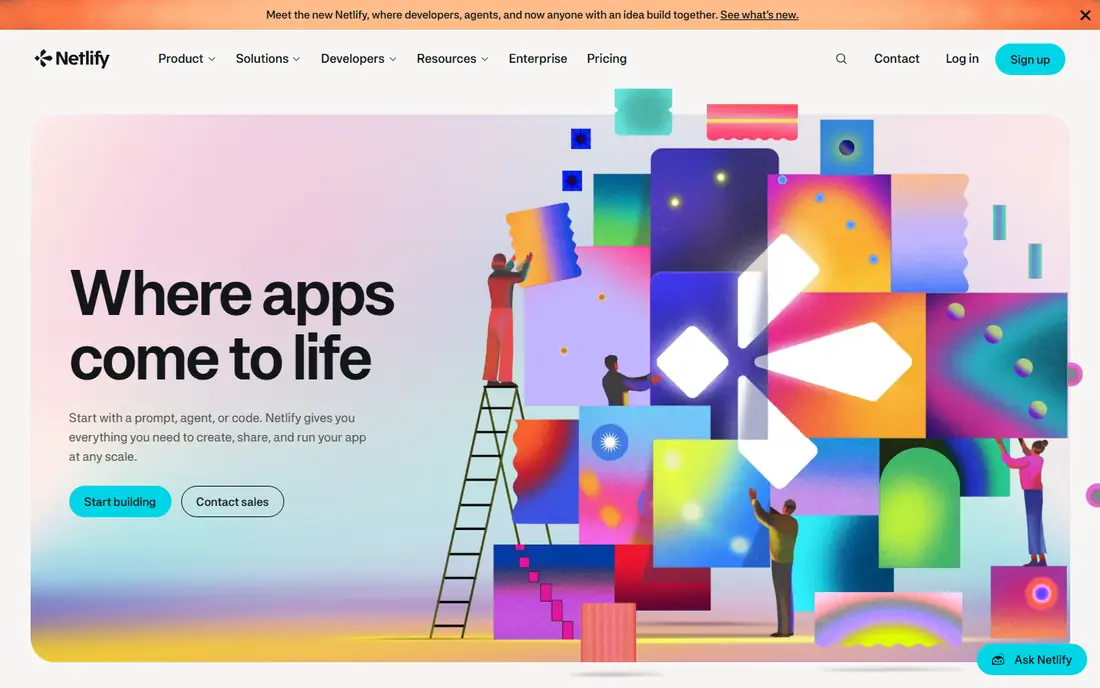
Netlify is the easiest general choice because it covers the whole beginner-to-team journey in one place. A new developer can drag a folder onto the dashboard and get a live site, while a team can connect a Git repository and get a preview link for every pull request. Built-in forms mean a contact form does not need a separate vendor, and serverless functions cover light backend needs without a second platform. SSL, custom domains, and rollbacks are handled through the dashboard rather than through server commands.
The friction appears as projects grow. Credit-based billing means builds, bandwidth, and functions share one pool, so a busy pipeline can exhaust credits sooner than expected. Team features and higher limits sit on Pro at 20 dollars a month, with a Personal plan at 9 dollars a month in between. Netlify fits best when you want one dashboard for static hosting, previews, forms, and light functions, and when you value a gentle learning curve over framework specialisation.
- Git deploys with previews
- Drag-and-drop deploys for beginners
- Built-in forms and functions
- Credit system needs watching as use grows
- Advanced team features need Pro
- Build limits can bite busy pipelines
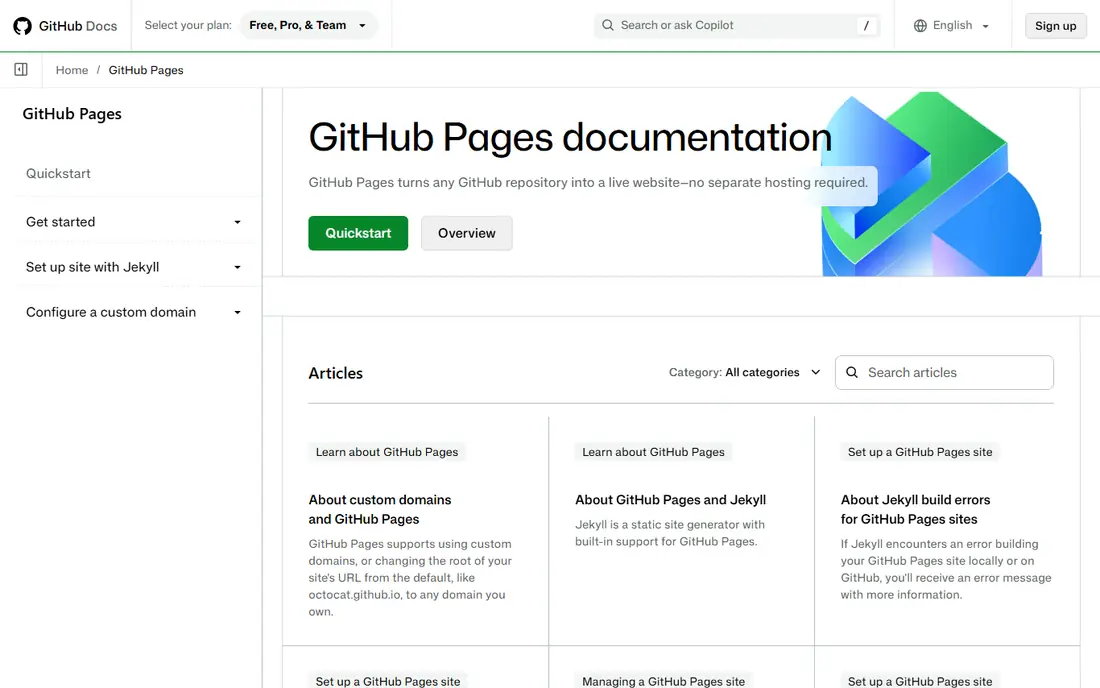
GitHub Pages is the simplest option of all for a developer who already uses GitHub, because there is almost nothing new to learn. Push to a branch, enable Pages, and the site is live, with a custom domain option for a professional address. Documentation sites, portfolios, and project pages fit this model well, and there is no billing dashboard, credit pool, or seat management to understand. For a first site, that lack of moving parts is a genuine advantage.
The simplicity ends at static content. There are no built-in functions, forms, or branch previews in the same service, so any interactive feature needs an external vendor and extra wiring. Teams that need review previews or server logic will outgrow Pages quickly. GitHub Pages fits best when the site is static, the code already lives on GitHub, and the developer wants the shortest path from repository to live site.
- Deploy by pushing to a repository
- No separate hosting account to learn
- Custom domains supported
- Static only
- No functions, forms, or previews built in
- Workflow is tied to GitHub
Vercel makes Next.js development feel effortless, because the platform and the framework are built by the same company and share defaults. Connect a repository, and builds, routing, image optimisation, and previews work without manual configuration. Every commit can get its own preview link, which makes design review and client feedback far easier than sharing screenshots. For a Next.js team, that tight integration removes a whole layer of adapter and configuration work.
The ease is narrower outside Next.js. Other frameworks work on Vercel, but they do not gain the same native advantages, and some teams may find a general host simpler for a plain static site. Hobby is also for personal, non-commercial use only, so business sites need Pro at 20 dollars a month per member. Vercel fits best when Next.js is the framework and preview-driven development matters, and less well as a generic host for every stack.
- Zero-config Next.js deploys
- Previews for every commit
- Strong framework defaults
- Hobby is non-commercial only
- Pro is per member
- Non-Next.js projects gain less
Cloudflare Pages is easy in a different way, by removing bandwidth worry and team-seat friction from the workflow. Connect a Git repository, deploy, and the site is served from a global network with SSL and a custom domain handled in the dashboard. The free tier gives 500 builds a month, which covers frequent deploys, and there is no per-seat charge on basic plans, so adding collaborators does not raise the bill. For a content site or marketing site, that combination is hard to beat for simplicity at scale.
The learning curve comes from scope. Cloudflare offers many products, so a beginner can feel lost among Pages, Workers, KV, and related services, and full-stack Next.js apps are now guided toward Workers rather than Pages alone. Function CPU limits also need attention for dynamic work. Cloudflare Pages fits best when you want easy global static hosting for a team, and when you are comfortable ignoring the wider Cloudflare catalogue until you need it.
- Git deploys with global delivery
- Generous free build allowance
- No per-seat charges on basic plans
- Full-stack Next.js now leans toward Workers
- Function limits need care
- Dashboard has many products to navigate
Render earns its place on ease because it keeps a frontend and a small backend in one dashboard without forcing a move to a larger cloud console. Static sites deploy from Git, web services use fixed instance sizes that are easy to understand, and managed databases can be attached without learning a separate database service. Preview environments for pull requests help teams review changes before merging, which is a workflow feature beginners often miss until they need it.
The easy path has limits on free. Free web services spin down after 15 minutes without traffic and take time to wake, which makes free unsuitable for a live site that must respond instantly. A free database also expires after 30 days, so testing a full-stack app needs a paid database sooner than some rivals. Render fits best when a project starts static and may add a backend, and when a single dashboard matters more than specialist frontend features.
- Clear dashboard for services and databases
- Static sites plus backends in one place
- Preview environments
- Free services spin down after inactivity
- Free database expires after 30 days
- Add-ons add cost and steps
Railway is easiest at the very start, when a template can stand up a frontend, a database, and a cache in minutes. Its project view shows services, variables, and deploys together, which helps a solo developer keep a small full-stack app in one place. Usage is billed per second, and the Hobby plan at 5 dollars a month includes 5 dollars of usage, so a light project can stay cheap while it is being built and tested.
The ease fades if billing is ignored. Every running service meters compute, memory, storage, and egress, so an always-on stack can cost more than a fixed-price host once all components run around the clock. The free credit is also small, at about 1 dollar a month. Railway fits best for prototypes, hackathon projects, and small full-stack apps where template speed matters, and where the developer will watch usage as the app grows.
- Template catalogue for fast starts
- Usage billed per second
- Variables and services in one project view
- Metered billing needs monitoring
- Full-stack costs can surprise
- Free credit is small
Firebase Hosting is easiest for developers already using Firebase, because hosting, authentication, databases, and functions share one project and one command-line workflow. Deploying a static frontend is a single command, SSL and global delivery are handled automatically, and preview channels let you share a version before it goes live. That integration saves the glue work of connecting a separate host to a separate backend.
The drawback is that Firebase is a wider platform, and beginners who only need hosting can feel overwhelmed by its other services and by Google Cloud billing concepts. Total cost also depends on database reads, function calls, and storage, not just hosting, so we list the starting price as See website. Firebase Hosting fits best when Firebase is already the backend, and when one integrated workflow matters more than a standalone host.
- Simple deploys from the Firebase command line
- Pairs with auth and databases
- Global delivery and SSL included
- Wider Firebase bill needs monitoring
- Google Cloud concepts can confuse beginners
- Pricing depends on overall use
Surge is the minimalist pick in this list, and its ease comes from doing very little. Install the tool, run a publish command from your project folder, and a static site is live with a custom domain option. There is no repository connection to configure, no build pipeline to learn, and no dashboard full of products to navigate. For a quick demo, a prototype, or a single-page site, that directness is genuinely refreshing.
The limits are just as clear. Surge offers no Git-based previews, no team workflow, no forms, and no functions, so a growing project will need to move to a fuller platform. Pricing details for paid features should be checked on its site, so we list the starting price as See website. Surge fits best for solo developers who want the fastest possible static publish, and who do not yet need team previews or backend features.
- Publish a static site from the command line in minutes
- Custom domains supported
- Minimal setup
- No Git previews or team workflow
- Limited built-in features
- Larger teams will outgrow it quickly
DigitalOcean App Platform keeps deployment simple for developers who already use DigitalOcean, by turning a Git repository into a running app container without server setup. Container tiers start at 5 dollars a month with fixed prices, which are easy to understand, and managed databases can be attached as add-ons. The dashboard stays focused on apps and components, without the sprawl of a large cloud console.
The ease trade-offs are that there is no free tier for apps, so even a hobby project costs from the start, and frontend-specific features such as built-in forms or framework previews are thinner than on Netlify or Vercel. Databases and other components also add to the container price. App Platform fits best when DigitalOcean is already home for your projects, and when simple container hosting matters more than specialist frontend tooling.
- Simple container tiers
- Git deploys
- Managed databases as add-ons
- No free tier for apps
- Fewer frontend-specific features
- Add-ons increase the total
How we picked these
We compared official documentation, onboarding flows, and public comparisons checked in October 2026, judging each service on first deploy, preview workflow, rollback, forms and auth support, and team collaboration. We ranked by workflow ease rather than by price alone, and we listed See website where pricing depends on overall platform use or where published figures were unclear. Ease is partly personal, so we also noted where a service is easiest only for a specific framework or ecosystem.
How to judge ease before you commit
Start with a real test project, not a marketing page. Deploy a small site, make a change, review a preview, roll it back, and add a custom domain, and time each step. That short test reveals more about ease than a feature list, since a service that is easy for a static site can become awkward once previews, forms, or a backend enter the picture. Next, check who else will use the service, since a solo workflow and a team workflow need different features, such as review previews, access controls, and deployment permissions.
Then count the vendors in the full workflow. A host that needs a separate forms service, a separate auth service, and a separate database may still be easy at first deploy, but harder to maintain than a host that includes those pieces. Finally, check what happens when something breaks, including rollback speed, log access, and support options on your plan. The easiest service is the one that stays easy on a bad day, not just on launch day.
Frequently asked questions
What is the easiest frontend host for a beginner?
Netlify is the easiest general choice for a beginner, because it offers drag-and-drop deploys, Git deploys, forms, and previews in one dashboard. GitHub Pages is simpler still for a purely static site on GitHub, while Surge is simplest for a quick command-line publish. Pick Netlify when you may add forms or previews later.
Is Vercel only easy for Next.js?
Vercel works for other frameworks, but its ease advantage is strongest for Next.js, where builds, routing, and previews need no extra configuration. For a plain static site, Netlify, Cloudflare Pages, or GitHub Pages may feel just as easy. Choose Vercel when Next.js is the framework.
Do I need Git to use these services?
Most services in this list work best with Git, since previews, rollbacks, and team workflows depend on repository history. Netlify and Surge also offer non-Git deploys, through drag-and-drop or the command line, which suit a first site. Learning basic Git will still help as soon as a team or a preview workflow is involved.
What are deploy previews, and why do they matter?
Deploy previews give every pull request or branch its own live link, so teammates and clients can review a change in a browser before it merges. They reduce screenshot back-and-forth and catch layout problems early. They matter most once more than one person works on a site.
When does an easy host stop being easy?
An easy host stops being easy when billing, limits, or missing features force workarounds, such as adding separate vendors for forms, auth, or a backend. Watch credit use, build limits, and seat pricing as traffic and team size grow. Moving to a fuller platform early is often easier than patching workarounds later.
Can I start free and upgrade later?
Yes, most services in this list offer a free tier that covers starting use, with paid plans for commercial use, higher limits, and team features. Check whether the free tier allows commercial use, since Vercel Hobby does not, and whether your data and domains move cleanly to a paid plan.
Sources
- https://www.netlify.com
- https://pages.github.com
- https://vercel.com
- https://pages.cloudflare.com
- https://render.com
- https://railway.com
- https://firebase.google.com/products/hosting
- https://surge.sh
- https://www.digitalocean.com/products/app-platform
- https://dev.to/lazydev_oh/vercel-vs-netlify-vs-cloudflare-pages-2026-deep-comparison-with-real-numbers-8pl
See where you really rank - block by block
ProMapRanker scans Google Maps across a grid of your service area. Simple monthly plans from $19, white-label on every plan.
Start freeKeep reading
 worlds best local seo company
8 Worlds Best Local SEO Companies for Map Pack Growth in 2026
Compare the worlds best local seo company options for Google Business Profile work, citations, reviews, and multi-location rankings and reporting in 2026.
Read → world's best web hosting company
World's Best Web Hosting Company in 2026
Searching for the world's best web hosting company? We compared 10 hosts on price, renewal rates, speed, and support to help you choose well today in 2026.
Read → who's got the best nanny tax services
Who's Got the Best Nanny Tax Services in 2026
We answer who's got the best nanny tax services, comparing full filing, back taxes, software, and pricing so families can handle nanny taxes correctly.
Read →