 ProMapRanker
Best Freelance Time Tracking App in 2026

Key takeaways
- Clockify has the most generous free plan in this group, with unlimited users and projects, while Toggl Track is the simplest timer for solo freelancers.
- Harvest is the strongest pick when tracked time must flow straight into an invoice, since invoicing is built into the product.
- Everhour suits freelancers who already manage work in Asana, Trello or similar tools, because it tracks time inside those tools.
- Most freelancers can start free and only pay when they need billable rates, deeper reports or more than a handful of projects.
Quick comparison
| Pick | Great for | Pricing starts at | Free tier | |
|---|---|---|---|---|
 Toggl Track | Simple solo timer | $10 per user per month | Yes | Visit |
 Clockify | Free tracking at any scale | $3.99 per user per month | Yes | Visit |
 Harvest | Tracking plus invoicing | $10.80 per seat per month | Yes | Visit |
 Everhour | Tracking inside project tools | $10 per user per month | Yes | Visit |
 Timely | Automatic timesheets | See website | Free trial | Visit |
 Paymo | Projects plus time plus invoicing | $9.90 per user per month | Yes | Visit |
 TrackingTime | Simple team time tracking | See website | Yes | Visit |
 Hubstaff | Time plus team oversight | $4.99 per user per month | Free trial | Visit |
 Bonsai | Freelance business toolkit | $19 per user per month | Free trial | Visit |
The best freelance time tracking app
Freelancers lose money in two quiet ways: hours that never get logged, and hours that get logged but never make it onto an invoice. We compared pricing pages, free plan limits and invoicing features for tools that solo workers actually use, and we favored tools with a usable free tier and clean exports. The right pick depends less on brand and more on whether you invoice from the same tool.
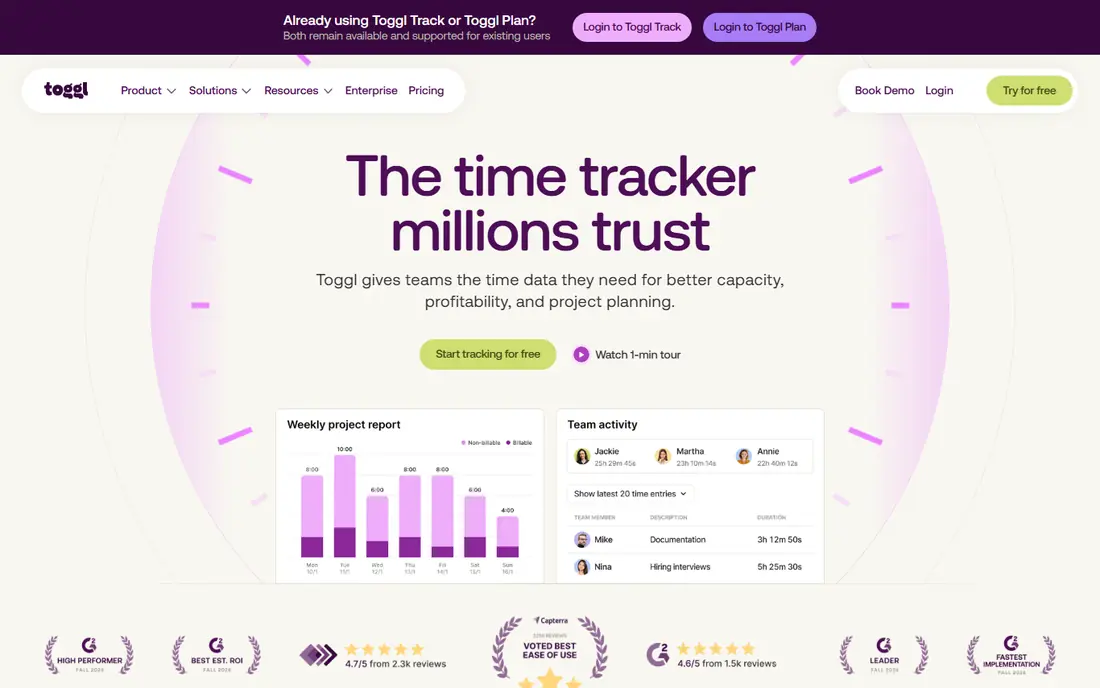
Toggl Track is the timer freelancers recommend when someone asks for the simplest option that still works. One click starts the timer, you type what you are doing, and you tag it to a project or client. The browser extension adds a Toggl button inside tools such as Asana, Trello and GitHub, which fixes the most common problem in time tracking, which is forgetting to start the timer at all.
The honest catch is billing. The free plan covers up to 5 users with unlimited projects and time entries, which is plenty for solo work, but billable rates, project estimates and deeper reporting sit on paid plans from $10 per user per month. If you invoice through a separate tool, that trade is fine. If you want invoices from the same place you track time, Harvest or Paymo will suit you better.
- One-click timer on web, desktop and mobile
- Clean reports by client and project
- No screenshots or monitoring
- Free plan caps at 5 users
- Billable rates need a paid plan
- Invoicing is not built in
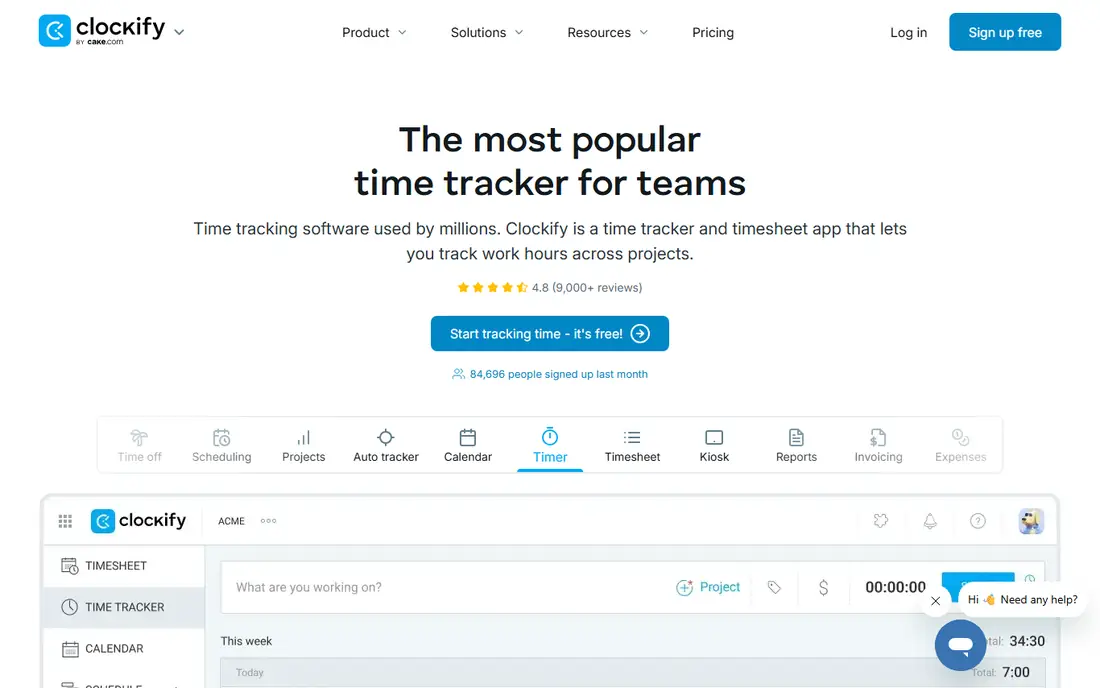
Clockify is the best free time tracker in this group, full stop. The free plan includes unlimited users, unlimited projects and unlimited reports, which no rival matches at no cost. For a freelancer who may later add a subcontractor or a virtual assistant, that matters, since you will not hit a user cap on day one.
The trade-off is polish. Clockify packs in more features than Toggl, and the interface can feel busier as a result. Paid plans from $3.99 per user per month add invoicing, project budgeting and more, so the upgrade path is cheap when you need it. Start free, and pay only when a paid feature earns its keep.
- Free plan includes unlimited users and projects
- Strong reporting
- Invoicing on paid plans
- Interface is busier than Toggl
- Some advanced features need paid plans
- Time-off and approvals are paid features
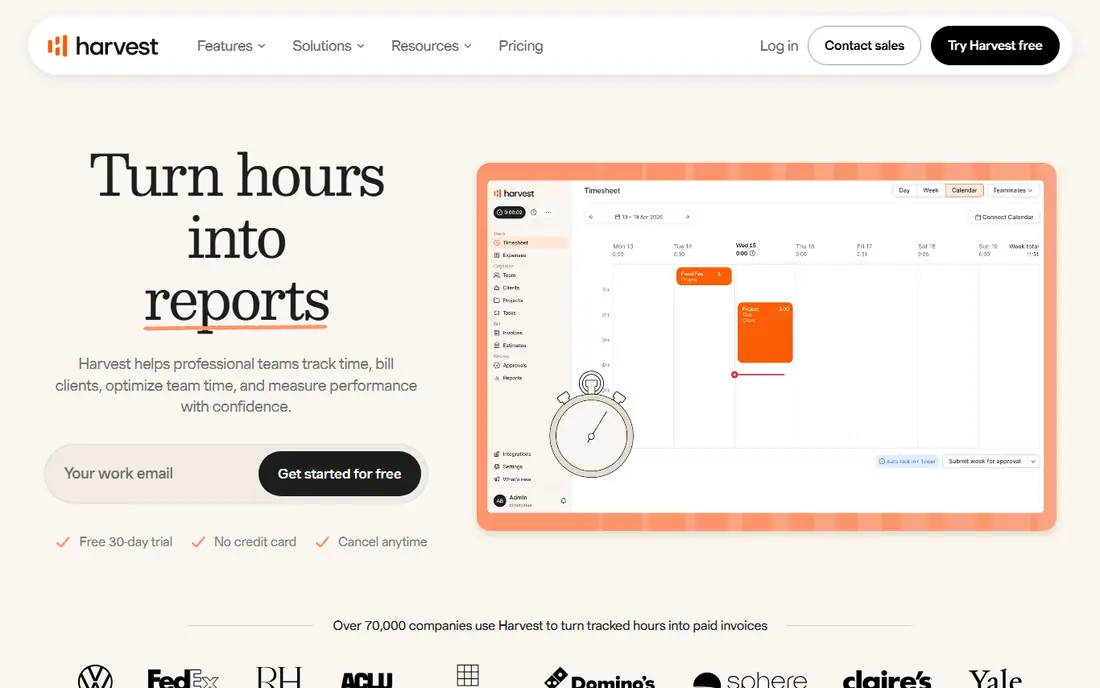
Harvest is the pick for freelancers who bill by the hour and want the shortest path from tracked time to paid invoice. Log time against a project, turn the approved hours into an invoice, and send it with Stripe or PayPal payment attached. Clients get a clean breakdown, and you get fewer disputes about what the hours were for.
The catch is the free plan, which covers 1 seat and 2 projects, so most working freelancers will need the Pro plan at $10.80 per seat per month billed annually. That is still fair value if it replaces a separate invoicing tool. If you bill flat fees and only need a timer, Toggl or Clockify will do the same job for less.
- Time flows straight into invoices
- Stripe and PayPal payments
- Clean client reporting
- Free plan caps at 2 projects
- Paid plan costs more than Toggl or Clockify
- Fewer project management features
Everhour suits freelancers who already live in a project management tool and do not want a second place to track time. The timer sits inside Asana, Trello, Jira, ClickUp and similar tools, so you start time on the task you are already looking at. Budgets, estimates and reports sit on top of that same data, which makes it easy to see when a fixed-fee project is eating its margin.
The limitation is dependence. If you do not use a supported project tool, Everhour loses its main advantage, and a standalone timer will feel simpler. The free plan covers small teams, and paid plans start at $10 per user per month. For freelancers embedded in Asana or Trello, it is the most natural fit in this list.
- Timer inside Asana, Trello, Jira and more
- Budgets and estimates
- Clean team reports
- Less useful without a project tool
- Paid plan needed for full features
- Invoicing is limited compared with Harvest
Timely is built for people who hate manual entry. It records which apps and websites you use, then drafts a timesheet from that activity, and you approve or edit the entries before they count. For freelancers who switch tasks all day and reconstruct their week from memory on Friday, that draft can save real time and recover billable hours.
The honest trade is privacy and price. Automatic capture means work activity is logged in detail, which some clients or freelancers will want to limit, and Timely offers a free trial rather than a permanent free plan. Check the current pricing on the vendor site before committing, and test whether the automatic draft actually matches how you work.
- Automatic capture of app and website use
- AI drafts timesheets
- Good for people who forget manual timers
- No permanent free plan
- Privacy questions for some clients
- Pricing is higher than simple timers
Paymo is the all-in-one option for freelancers who want projects, tasks, time and invoices in a single tool. You can plan a project, track time against its tasks, and invoice the billable hours without exporting to another app. The free plan includes 1 user, 1 client and 2 projects with invoicing, which is enough to test the full workflow.
The catch is complexity. A solo freelancer who only needs a timer will find Paymo heavier than Toggl or Clockify, and the free limits will push active freelancers to paid plans from $9.90 per user per month. If you juggle several clients and want one system for all of it, that weight is worth carrying.
- Project management, time tracking and invoicing in one tool
- Free plan includes invoicing
- Task planning included
- More complex than a bare timer
- Free plan limits clients and projects
- Learning curve for solo users
TrackingTime is a quiet, capable timer that does the core job well without much fuss. The timer, timesheets and project views are easy to learn, and the team view gives a freelancer with a small crew a clear picture of who worked on what. It is a good middle ground between a bare timer and a full business suite.
The limitation is breadth. Integrations and invoicing are thinner than at Toggl, Clockify or Harvest, so freelancers who need those links should check the current feature list first. Pricing is listed on the vendor site, and a free plan is available for basic use.
- Clean timer and timesheets
- Project and client organisation
- Simple team view
- Fewer integrations than leaders
- Invoicing is not the focus
- Pricing details sit behind the vendor site
Hubstaff fits freelancers who manage a small team or subcontractors and need accountability along with time logs. Beyond the timer, it offers activity levels, screenshots on some plans, payroll and invoicing, and GPS tracking for field-based work. For a growing freelance business, that bundle can replace several tools.
The trade is philosophy and price. Solo freelancers rarely need screenshots or activity monitoring, and those features can feel intrusive for collaborators. Hubstaff offers a free trial rather than a permanent free plan, with paid plans from $4.99 per user per month. Use it when you manage people, not when you only need to track your own hours.
- Time tracking plus payroll and invoicing options
- Activity monitoring for teams
- GPS tracking for field work
- Monitoring features do not suit solo freelancers
- No permanent free plan
- Setup is heavier than simple timers
Bonsai is a freelance business platform first and a time tracker second, and that order matters. It covers proposals, contracts, invoicing, client portals and time tracking, which suits freelancers who want one home for the whole client relationship. Time entries feed into invoices, and the client portal keeps communication tidy.
The catch is cost and focus. At $19 per user per month billed annually, Bonsai costs more than a pure timer, and freelancers who only need time tracking will pay for features they never use. Pick Bonsai when you want the full business toolkit, and pick Toggl or Clockify when you only need the timer.
- Contracts, proposals, invoices and time tracking in one place
- Client portals
- Tax and expense features on higher plans
- Time tracking alone is not the strength
- Higher starting price
- Trial only, no permanent free plan
How we picked these
We compared official pricing pages, free plan limits, invoicing features and integrations for tools marketed to freelancers and small teams, and we favored tools with a usable free tier or trial and clean reporting. We checked whether tracked time could flow into an invoice, whether the timer worked on web and mobile, and whether the tool added monitoring features a solo freelancer may not want. We did not run paid trials ourselves, so prices reflect vendor pricing pages as found in October 2026 and should be confirmed before purchase.
How to choose the right tracker
Start with how you bill. If you bill hourly and invoice from the same tool, Harvest or Paymo will save the most admin time. If you bill flat fees and only need to know whether a project was profitable, a free Toggl or Clockify account is enough, since you can divide the fee by the hours at the end.
Next, check where you already work. Everhour wins if your tasks live in Asana or Trello, while Timely wins if you forget manual timers and want a drafted timesheet. Avoid monitoring tools unless you manage a team, and avoid an all-in-one suite unless you will use its contracts and proposals too. The best tracker is the one you actually start every morning, so test the free tier for a full working week before paying.
Frequently asked questions
What is the best free time tracking app for freelancers?
Clockify has the most generous free plan, with unlimited users and projects, while Toggl Track offers a cleaner free timer for up to 5 users. Both work well for solo freelancers, so pick Clockify for scale and Toggl for simplicity.
Do I need time tracking software if I bill flat-rate projects?
You do not need it for the invoice itself, but tracking still shows whether a flat fee was profitable. Divide the fee by the hours logged, and you get your real hourly rate for that project.
Is Toggl Track better than Harvest for freelancers?
Toggl is better for a fast, focused timer with a separate invoicing tool, while Harvest is better when time should flow straight into an invoice. Harvest costs more and caps its free plan at 2 projects, so the choice comes down to your billing workflow.
Can time tracking apps replace invoicing software?
Some can, including Harvest, Paymo and Bonsai, which all include invoicing. Pure timers such as Toggl and Clockify on free plans do not invoice, so they pair with a separate invoicing tool.
Are automatic time trackers private?
Automatic tools record app and website use, so read the privacy settings and client rules before using one. Timely and similar tools let you review and approve entries, but the raw activity data still exists, so sensitive work needs care.
How much should a freelancer pay for time tracking?
Most solo freelancers can start free and pay $4 to $11 per user per month only when they need billable rates, invoicing or deeper reports. Pay more only when the paid feature directly saves admin time or recovers billable hours.
Sources
See where you really rank - block by block
ProMapRanker scans Google Maps across a grid of your service area. Simple monthly plans from $19, white-label on every plan.
Start freeKeep reading
 zoro.to alternatives
Best Zoro.to Alternatives in 2026
We compare the best zoro.to alternatives in 2026, listing only legal licensed anime streaming services, from Crunchyroll to free options for fans today.
Read → zip alternatives
Best Zip Alternatives in 2026
We compare the best zip alternatives for buy now, pay later in 2026, covering pay-in-4 plans, fees, spending limits, and credit reporting options today.
Read → yesware alternatives
Best Yesware Alternatives in 2026
Compare the best yesware alternatives for sales email tracking, templates, and sequences, with current pricing and honest tradeoffs for small sales teams.
Read →