 ProMapRanker
Best Free Weight Loss Apps in 2026


Largest food database · Pricing starts at: Free, paid from $79.99 per year
Key takeaways
- Cronometer has the strongest free tier for nutrition detail, while Lose It is the easiest free start for simple calorie tracking.
- MyFitnessPal still has the largest food database, but barcode scanning and some features now sit behind Premium.
- FatSecret and EasyFit suit users who want a generous free tier without a subscription push at every step.
- A free app works best when logging takes under five minutes a day, because consistency matters more than perfect data.
Quick comparison
| Pick | Great for | Pricing starts at | Free tier | |
|---|---|---|---|---|
| MyFitnessPal | Largest food database | Free, paid from $79.99 per year | Yes | Visit |
 Lose It Lose It | Simple, low-friction tracking | Free, paid from $39.99 per year | Yes | Visit |
 Cronometer Cronometer | Detailed nutrition and micronutrients | Free, paid from $54.95 per year | Yes | Visit |
 FatSecret FatSecret | Generous free tier and community | Free, paid plans available | Yes | Visit |
 Yazio Yazio | Fasting plus calorie tracking | Free, paid from $40 per year | Yes | Visit |
 Lifesum Lifesum | Visual plans and lifestyle tracking | Free, paid plans available | Yes | Visit |
 MyNetDiary MyNetDiary | Guided diet plans and coaching | Free, paid plans available | Yes | Visit |
 EasyFit EasyFit | Privacy-first offline tracking | Free | Yes | Visit |
The best free weight loss apps
Weight loss apps are mainly food diaries with extra help: barcode scanning, weight trends, fasting timers, and meal ideas. The best free app is the one a person will still use in month three, not the one with the longest feature list. The eight apps below are live in October 2026 and offer a genuine free tier. These apps are not medical advice, and anyone with a health condition should talk to a clinician before starting a diet plan.
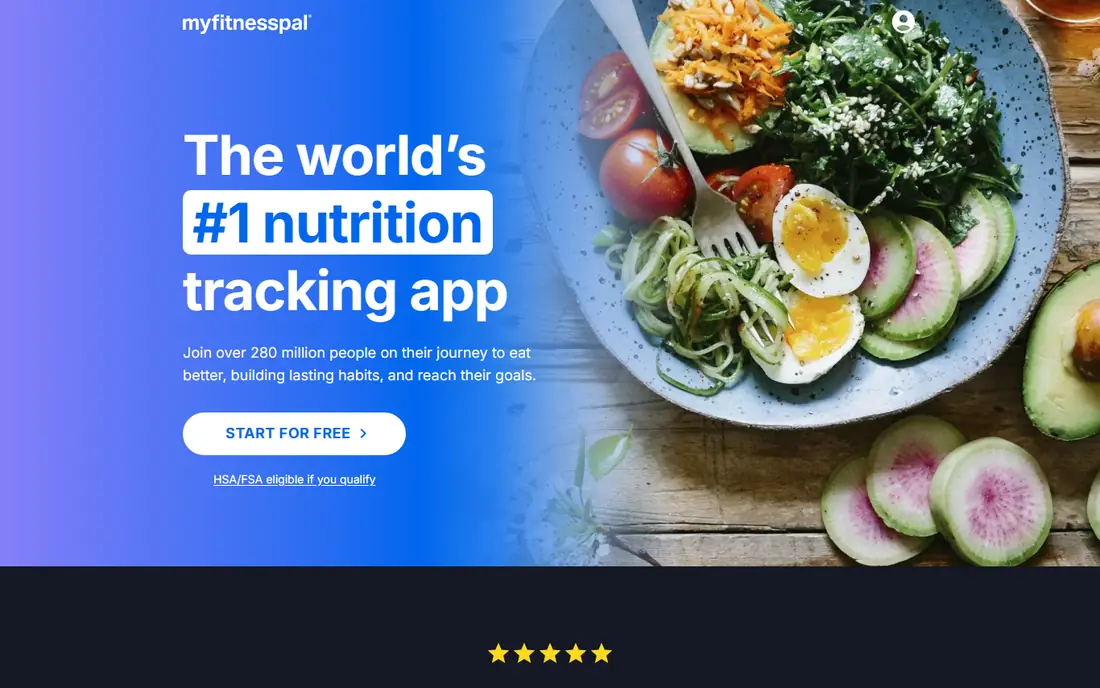
MyFitnessPal remains the most familiar food diary, largely because its database covers branded foods, restaurant items, and recipes that smaller apps miss. That breadth makes logging faster when a food is unusual, because a search usually finds it. Integrations with fitness trackers and other health apps also help users who already track steps or workouts elsewhere.
The free tier has narrowed over time. Barcode scanning, a feature many users expect for free, is now behind Premium for many accounts, and ads appear in the free version. Premium costs $79.99 per year in published pricing. MyFitnessPal still suits users who value database size above all, and who are happy to search manually on the free tier.
- Very large food database, broad device integrations, social and community features
- Barcode scanning is a Premium feature for many users, ads on free tier, Premium is pricey
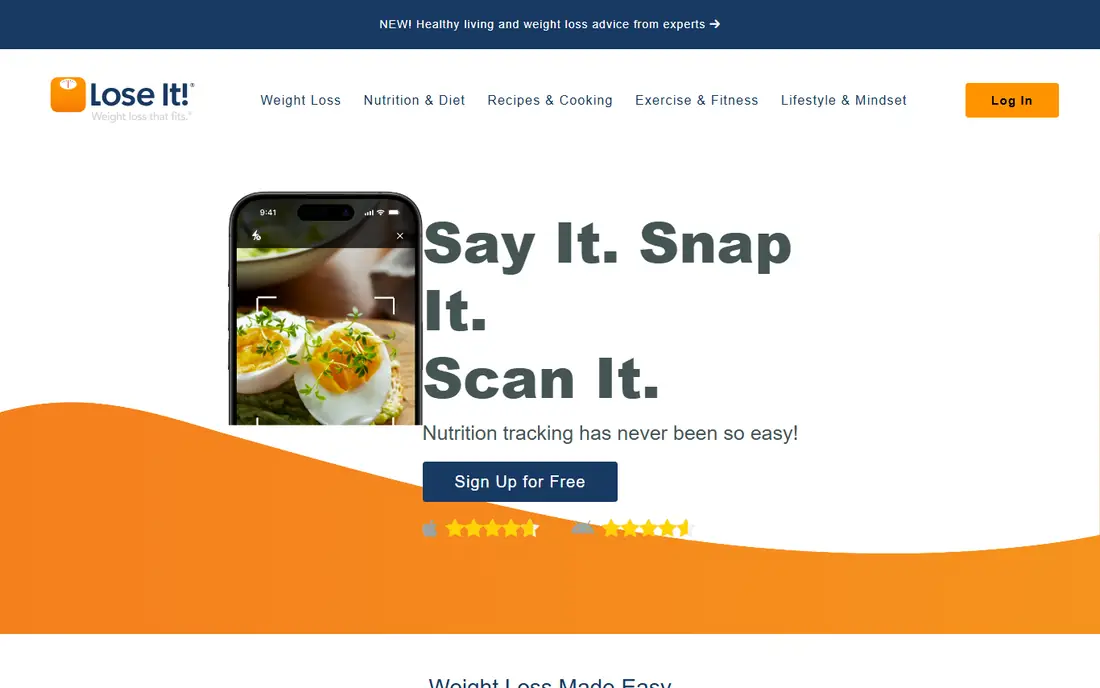
Lose It is the easiest app on this list to start with, because its setup asks a few questions, sets a calorie goal, and gets out of the way. Logging a meal takes a few taps, and the weight trend view is clear without extra charts. For a beginner who has tried food diaries before and quit because logging felt like work, that simplicity is a real advantage.
Free limits have tightened, with barcode scanning and photo logging moving to Premium for many new accounts. Premium costs $39.99 per year in published pricing, which is lower than MyFitnessPal. Lose It suits users who want a calm, simple diary and who are willing to search foods manually on the free tier.
- Clean, simple interface, easy weight and calorie goals, social challenges
- Barcode and photo logging are Premium for new accounts, free tier is more limited than before

Cronometer stands out for data quality. Its food entries lean on verified sources, and its free tier tracks a wide range of nutrients, not just calories and macros. Barcode scanning is available on the free tier, which is a clear advantage over MyFitnessPal and Lose It. Users who care about vitamins, minerals, and fibre will find more depth here than in most free apps.
That depth can feel heavy for a casual user. The interface shows more numbers, and setting up custom foods takes a little more care. Gold, at $54.95 per year in published pricing, adds photo logging and more features. Cronometer is the best free choice for users who want accurate, detailed tracking and do not mind a more serious interface.
- Verified food data, barcode scanning on free tier, tracks many micronutrients, biometric logging
- Interface is more detailed than casual users need, photo logging needs Gold
FatSecret offers one of the most usable free tiers for budget-conscious users. The food diary, weight tracking, and community features work without paying, and barcode scanning is available without a subscription in many cases. For a user who wants to log meals and weight, and check in with a community, FatSecret covers the basics at no cost.
The app design is less polished than MyFitnessPal or Lose It, and user-submitted food entries vary in accuracy. Premium exists, but the free tier is the main reason to choose FatSecret. It suits users who want a functional, free diary and who are happy to double-check unusual entries.
- Free barcode scanning in many cases, food diary and community, low-cost Premium
- Design feels older, ads on free tier, food data quality varies by entry
Yazio combines calorie tracking with intermittent fasting, which makes it a good fit for users who follow a fasting schedule. Fasting timers, eating windows, and progress views sit alongside the food diary, so a user does not need two apps. Recipes and meal ideas also help users who want structure beyond logging.
Free limits apply to barcode scanning and photo logging, which need Pro in many cases. Pro pricing is around $40 per year in published US pricing, with regional variation. Yazio suits fasting users and European users especially well, thanks to its food database and recipe range for that market.
- Intermittent fasting timers, large food database, recipes and meal plans
- Barcode and photo features need Pro, Pro price varies by region
Lifesum appeals to users who want a visual, lifestyle-led app rather than a spreadsheet-style diary. Themed plans, a Life Score summary, and clean charts make progress easy to read at a glance. Water tracking, activity, and meal ideas round out an app that feels more like a wellness companion than a pure calorie counter.
The free tier is the limit. Full plans, detailed macro targets, and many premium features need a paid plan, and pricing varies by region and offer. Lifesum suits users who like its design and plans enough to pay, or who are happy with basic free logging and visual progress checks.
- Polished design, themed diet plans, Life Score overview, water and activity tracking
- Free tier is limited, Premium is needed for full plans, calorie accuracy depends on entries
MyNetDiary offers a guided approach, with diet plans, target setting, and coaching-style feedback alongside the food diary. Its database includes verified entries, and its tracking options suit users who also watch carbs or blood sugar, with appropriate clinician guidance. That guidance helps users who want more direction than a blank diary.
Some coaching and plan features need a paid plan, and the interface packs a lot onto each screen. MyNetDiary suits users who want a plan to follow, rather than just a place to log meals, and who value a database that leans toward verified entries.
- Large verified food database, diet plans and coaching features, diabetes-friendly tracking options
- Free tier limits some coaching features, interface is busy in places
EasyFit takes a different path from the other apps here. It works offline, needs no account for basic use, and keeps data on the device, which appeals to privacy-conscious users. The food diary covers calories and macros, with a simple interface that avoids subscription prompts.
The database is smaller, with around 1,500 foods in published descriptions, so users who eat many branded or restaurant foods will need to add custom entries. There is also no community or cloud sync in the basic model. EasyFit suits users who want a private, simple, offline diary and who are happy to build their own food list over time.
- Fully offline use, no account needed in many cases, no ads in the core app, simple diary
- Smaller food database, no cloud sync in the basic model, fewer social features
How we picked these
We compared official app pages, pricing pages, app store listings, privacy policies, and public reviews for apps live in October 2026. We kept only apps with a genuine free tier that allows food logging, and we included a mix of simple diaries, detailed nutrition tools, fasting apps, and privacy-first options. We did not claim clinical testing, and we based prices and free-tier limits on published pages. These apps are not medical advice, and users with diabetes, eating disorders, pregnancy, or other health conditions should seek clinician guidance before changing diet or activity.
What to check before you choose
Test logging speed for a full day
Log breakfast, lunch, dinner, and a snack on the free tier before committing. If logging takes more than a few minutes per meal, the app will be hard to sustain. Barcode scanning, recent foods, and saved meals are the features that save the most time.
Check what is free, not just what exists
Many apps list barcode scanning, photo logging, and macro targets as features, but gate them behind Premium. Check each feature you need on the free tier specifically. A feature that exists only on a paid plan should not count in a free-app comparison.
Look at data export and privacy
Check whether weight, food, and activity data can be exported, and what data the app shares with third parties. A privacy-first app like EasyFit keeps data on device, while cloud apps offer sync and backup. Choose the model that fits your comfort level, and read the privacy policy before entering health data.
Pick a sustainable target, not an extreme one
A very low calorie target may produce fast early loss but is hard to sustain and can be unsafe. Most apps suggest a target based on age, weight, and activity, but that suggestion is not medical advice. A modest deficit, regular activity, and consistent logging usually work better than an extreme plan that lasts a week.
Frequently asked questions
What is the best free weight loss app overall?
Cronometer is the strongest free app for detailed, accurate tracking, while Lose It is the easiest free start for simple calorie counting. MyFitnessPal remains a good choice for users who need the largest food database. The best overall app is the one that fits your logging style and that you will use daily.
What is the best free food diary app?
Cronometer and FatSecret offer the most usable free food diaries, because barcode scanning is available without paying in many cases. Lose It and MyFitnessPal also offer free diaries, but barcode scanning is often a paid feature. Test the free diary for a day, including barcode use, before choosing.
Is MyFitnessPal free?
Yes, MyFitnessPal offers a free tier with food logging, weight tracking, and community features. Premium, at $79.99 per year in published pricing, adds barcode scanning for many users, plus other features and no ads. Free users can still log by searching foods manually, though that takes longer than scanning.
Which weight loss app is best for intermittent fasting?
Yazio is the best fit for intermittent fasting, because it combines fasting timers with calorie tracking in one app. MyFitnessPal and Cronometer can track calories during fasting, but they do not offer the same fasting timers and eating-window views. Users who fast should still check that their overall intake and health plan are sensible, with clinician guidance where needed.
Do free weight loss apps work without paying?
Yes, free tiers can work well for logging meals, tracking weight, and building awareness of eating patterns. Paid plans add convenience, such as barcode scanning, photo logging, and coaching, but they do not change the core habit. Consistency, honest logging, and a sustainable target matter more than a paid feature.
Sources
- https://www.myfitnesspal.com
- https://www.loseit.com
- https://cronometer.com
- https://www.fatsecret.com
- https://www.yazio.com
- https://lifesum.com
- https://www.mynetdiary.com
- https://easyfit.app
- https://calorietrackerlab.com/bestof/best-calorie-counter-app-2026-9-apps-compared-by-accuracy/
- https://thedroidguy.com/best-calorie-counting-apps-for-android-1074019
See where you really rank - block by block
ProMapRanker scans Google Maps across a grid of your service area. Simple monthly plans from $19, white-label on every plan.
Start freeKeep reading
 youtube alternatives
Best YouTube Alternatives in 2026
Looking for youtube alternatives in 2026? We compare Vimeo, Dailymotion, Twitch, Rumble, and more on price, audience, monetization, control and privacy.
Read → what's the best ai tool for photo editing
What Is the Best AI Tool for Photo Editing in 2026
What is the best AI tool for photo editing? We compare ten tools for 2026, from Photoshop and Lightroom to Luminar, Topaz, Canva and mobile editors today.
Read → twitter alternatives
Best Twitter Alternatives in 2026
Compare the best twitter alternatives for 2026, from Bluesky, Threads, and Mastodon to Reddit, Tumblr, and Micro.blog, with free plans and audience notes.
Read →