 ProMapRanker
Best Free Video Meeting Software in 2026

Key takeaways
- Google Meet and Zoom offer the most familiar free meeting experience, with 60 minute and 40 minute group limits.
- Microsoft Teams suits workplaces already on Microsoft 365, with chat and file tools built in.
- Jitsi Meet is the best no account option for privacy minded users who want a quick link.
- Webex, Whereby, and Zoho Meeting suit small teams that want browser based meetings without heavy installs.
- Discord works well for communities and friends, but it is less suited to formal business meetings.
Quick comparison
| Pick | Great for | Pricing starts at | Free tier | |
|---|---|---|---|---|
 Zoom | Familiar free meetings | Free | Yes | Visit |
 Google Meet | Simple browser meetings | Free | Yes | Visit |
 Microsoft Teams | Microsoft 365 workplaces | Free | Yes | Visit |
 Webex | Business meetings with security | Free | Yes | Visit |
 Jitsi Meet | No account quick meetings | Free | Yes | Visit |
 Discord | Communities and friends | Free | Yes | Visit |
 Whereby | Browser rooms without installs | Free | Yes | Visit |
 Zoho Meeting | Small team meetings and webinars | Free | Yes | Visit |
 GoTo Meeting | Reliable paid meetings with trial | See website | Free trial | Visit |
The best free video meeting software
These are the best free video meeting apps and platforms for work, school, and family calls. We compared free plan limits, participant caps, browser use, and the features that matter for daily meetings.
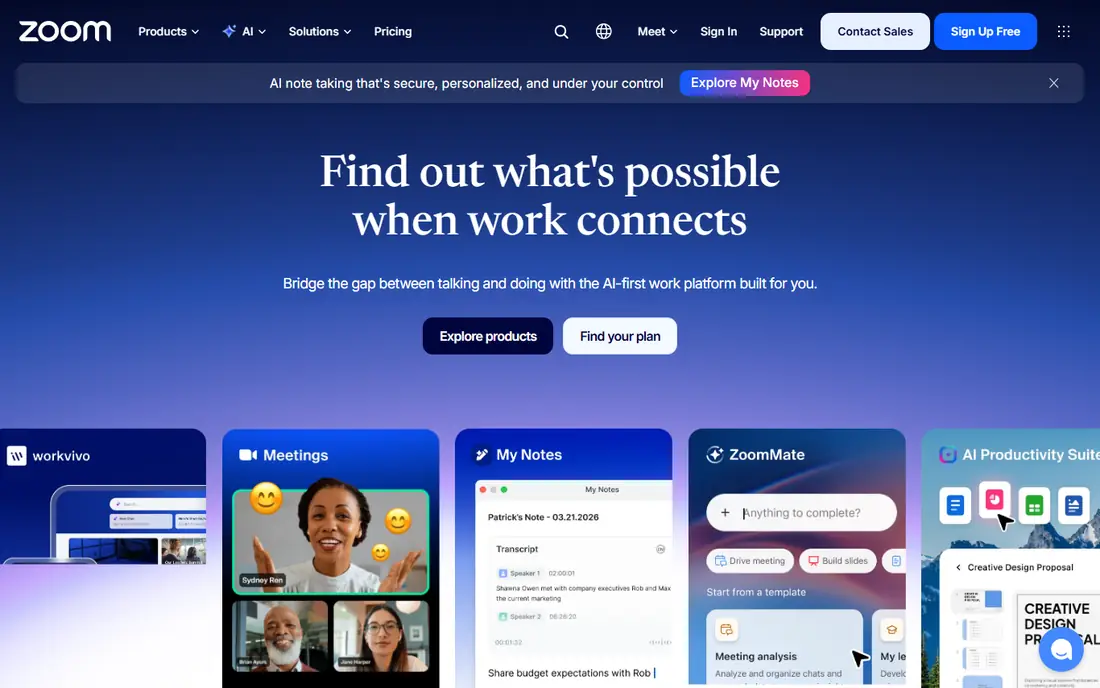
Zoom remains the default free meeting tool for many people because almost everyone knows how to join a Zoom link. The free Basic plan hosts up to 100 participants, with group meetings limited to 40 minutes, while one to one meetings run longer. Screen sharing, chat, and reactions cover most daily needs.
The 40 minute limit is the main drawback for longer calls. If your meetings often run over an hour, Google Meet or Teams may fit better, or you can restart a Zoom meeting after the limit. For short team check ins, interviews, and family calls, Zoom is still a safe, familiar pick.
- Widely known and easy to join
- Breakout rooms and reactions
- Good mobile apps
- Free group meetings end after 40 minutes
- Cloud recording needs a paid plan
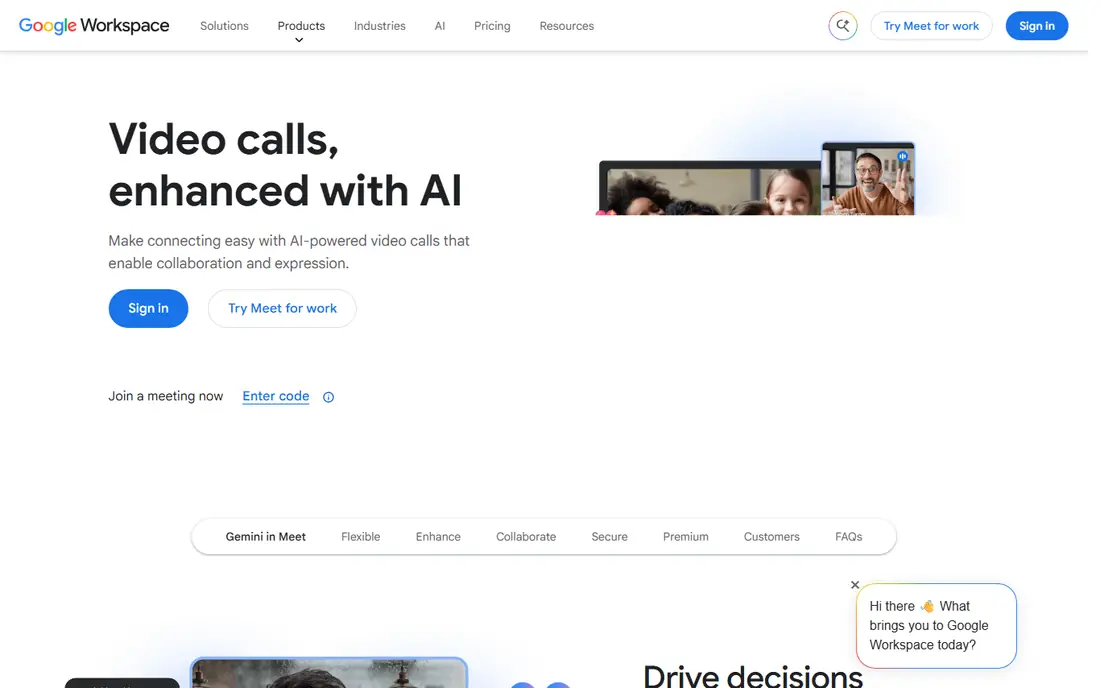
Google Meet is the simplest free option for Gmail and Google Workspace users. Create a link, share it, and join from a browser without installing software. Free group calls host up to 100 participants for up to 60 minutes, and one to one calls have no published time limit, which helps for long personal calls.
Paid Workspace plans add recording, larger meetings, and admin controls, starting at about 7 dollars per user per month. For everyday free meetings, Meet offers a clean balance of ease, capacity, and time that beats Zoom for calls between 40 and 60 minutes.
- Runs in a browser with no install
- 60 minute group limit
- One to one calls have no time limit
- Advanced recording and large meeting features need a paid Workspace plan
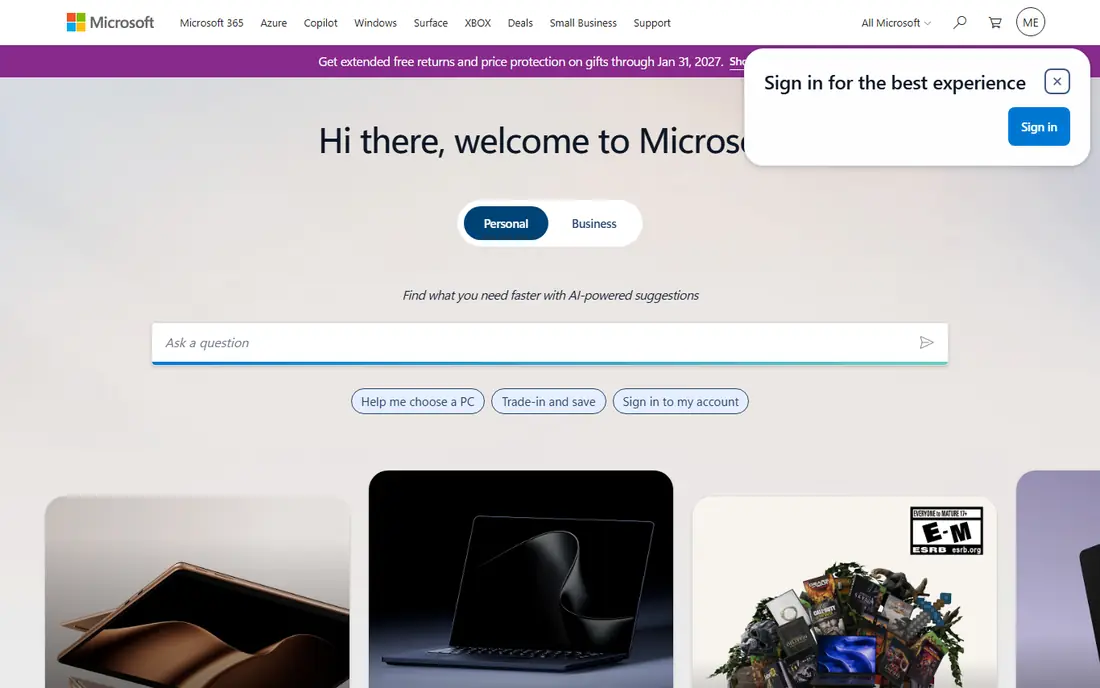
Teams suits workplaces that already use Outlook, Word, and OneDrive. Meetings sit beside team chat, channels, and shared files, so a call can turn into a shared document without switching apps. The free plan hosts up to 100 participants, with group meetings limited to 60 minutes.
The app feels heavier than Meet, and some users find navigation busy. If your team already lives in Microsoft tools, Teams reduces friction. If you only need occasional video calls, Meet or Zoom will feel lighter.
- Chat, files, and meetings in one app
- 60 minute group limit on free plan
- Good for ongoing teams
- Heavier app than Meet or Zoom
- Best features need a paid Microsoft 365 plan
Webex, from Cisco, is a business focused meeting tool with a free plan that hosts up to 100 participants for up to 40 minutes. It offers solid security controls, messaging, and calling features, which suit companies that need admin oversight and compliance friendly settings.
The interface feels more formal than Zoom or Meet, and the free time limit matches Zoom. For business users who already use Webex or Cisco tools, the free plan is a practical starting point. Paid Meet plans start at about 12 dollars per user per month for longer meetings and more features.
- Strong security and admin controls
- Free meetings up to 100 participants
- Good audio quality
- Free meetings end after 40 minutes
- Interface feels more corporate than casual
Jitsi Meet is the best choice when you want a meeting link without accounts, installs, or a sales call. Open a room name, share the link, and join from a browser. It is open source, and teams with technical skill can host it themselves for full control over data and capacity.
The public service is best for small to mid sized meetings, with practical limits on active participants. It lacks the admin, recording, and support features of paid business tools. For privacy minded users, classrooms, and quick community calls, Jitsi is a strong free option.
- No account needed to join
- Open source
- Self hosting option for full control
- Public service has practical capacity limits
- Fewer business admin features
Discord works well for friends, gaming groups, study groups, and online communities that talk every day. Servers keep voice channels, text channels, and video in one place, so a group can drop into a call without scheduling a formal meeting. Screen sharing and Go Live streaming suit demos and watch parties.
It is less suited to formal business meetings, where calendar invites, waiting rooms, and recording matter more. For ongoing communities and casual teams, Discord offers free video and voice with a social structure that meeting apps lack.
- Free voice and video
- Persistent servers and channels
- Screen sharing and streaming
- Less suited to formal meetings
- No built in calendar invites for most users
Whereby focuses on simple browser rooms. Guests join from a link without installing software, which helps for client calls, tutoring, and interviews where you cannot ask the other person to install an app. The free plan covers small meetings with time limits, while paid plans start at about 9 to 11 dollars per user per month depending on billing.
For large team meetings, Zoom or Meet offer higher free capacity. For small, guest friendly calls where ease matters most, Whereby is one of the cleanest browser options.
- Browser based rooms
- Simple link sharing
- No download for guests
- Free plan limits meeting length and room size
- Paid plans start higher than some rivals
Zoho Meeting suits small teams that already use Zoho tools or want a low cost meeting option. The free plan covers small meetings, and paid plans start at a low per user price, with webinar features on higher tiers. Screen sharing, chat, and recording on paid plans cover most small business needs.
Guests may be less familiar with Zoho Meeting than Zoom or Meet, so allow a minute for first time joining. For a small team on a tight budget, Zoho offers a practical, low cost route to reliable meetings and webinars.
- Free plan for small meetings
- Webinar option on paid plans
- Integrates with Zoho apps
- Smaller user base than Zoom or Meet
- Paid plans start at about 1 dollar per user per month for basic use
GoTo Meeting is included here as a trial option for teams that want to test a business grade tool before paying. It offers reliable meetings, screen sharing, and admin controls that suit recurring business calls. A free trial lets you test audio, video, and host controls with your real team.
Unlike the other tools here, GoTo Meeting has no permanent free plan, so it is not a long term free solution. Use the trial to compare reliability and host tools, then choose a free tool above if budget is the main constraint.
- Reliable audio and video
- Meeting lock and admin controls
- Good for recurring business meetings
- No permanent free plan
- Trial only, so long term use needs a paid plan
How we picked these
We compared official pricing pages, free plan limits, and feature lists for video meeting tools, and we favored tools with a usable free plan or trial, browser joining, and clear participant limits. We included business tools, browser tools, and community tools because free video meetings serve work, school, and personal use. We left out tools with no free access or unclear meeting limits.
How to choose a free video meeting tool
Start with meeting length and size. A 40 minute limit works for standups and short check ins, but it breaks a 90 minute workshop. A 60 minute limit helps, while one to one calls on Meet have no published limit. Count your usual participants too, since free caps range from small rooms to 100 people.
Next, check how guests join. Browser joining helps clients, students, and family members who cannot install software. Account free joining helps even more for one off calls. If your meetings are internal and recurring, chat, file, and calendar integration may matter more than guest ease.
Finally, test audio and video on your real connection. Join a test call, share your screen, and record a short clip if your plan allows it. Note background noise, echo, and how the tool handles a weak connection. A free tool that works well on your network beats a feature rich tool that drops calls.
Frequently asked questions
What is the best free video meeting app overall?
Google Meet is the best overall free pick for most users because it runs in a browser, hosts 100 people, and allows 60 minute group calls. Zoom is a close second for familiarity, with a 40 minute group limit. Choose Meet for longer free calls, and Zoom when most guests already know Zoom.
What is the best free video meeting platform for large groups?
Google Meet and Zoom both host up to 100 participants on free plans, which covers most classes, teams, and family events. Jitsi Meet suits smaller groups without accounts. For meetings above 100 people, a paid plan is usually needed, so check paid caps before planning a large event.
Can I use video meeting software without downloading an app?
Yes. Google Meet, Jitsi Meet, and Whereby all run in a browser, and guests can join from a link. Browser joining works best on a modern browser with camera and microphone permission allowed. For the best audio, use headphones and close other heavy browser tabs during the call.
Are free video meeting tools safe for business use?
Major free tools offer encryption, waiting rooms, and host controls, but admin features, recording, and compliance tools often sit on paid plans. Use waiting rooms, lock meetings after guests arrive, and avoid sharing sensitive documents over chat on a free plan. For regulated work, check your company policy and consider a paid business plan.
Which free meeting app is best for online classes?
Google Meet and Zoom suit online classes because they support large groups, screen sharing, and breakout rooms on paid plans or with limits on free plans. Jitsi Meet suits small classes without accounts, while Discord suits ongoing study groups. For a formal class, Meet or Zoom will feel most familiar to students.
Sources
See where you really rank - block by block
ProMapRanker scans Google Maps across a grid of your service area. Simple monthly plans from $19, white-label on every plan.
Start freeKeep reading
 zscaler alternatives
Best Zscaler Alternatives in 2026
Looking for zscaler alternatives? We compare 9 SASE and zero trust platforms on architecture, data protection, pricing, and fit for your network and team.
Read → zapier alternatives free
Best Zapier Alternatives Free in 2026
Nine automation tools for zapier alternatives free in 2026, all with genuinely free tiers, plus free plan limits, starting prices and upgrade paths explained.
Read → which platform is best for online reputation
Which Platform Is Best for Online Reputation in 2026
Wondering which platform is best for online reputation? We compare 8 review, listing, and response tools for small and multi-location businesses and agencies.
Read →