 ProMapRanker
Best Free Video Editing Apps for Mobile in 2026

Key takeaways
- CapCut and VN Video Editor are the strongest free picks, since both export without a watermark on a basic free edit.
- InShot, KineMaster and PowerDirector have free tiers, but free exports may carry a watermark or limit features.
- iMovie is free on Apple devices only, so Android users should pick from the cross-platform apps here.
- Check export resolution and watermark rules on a short test clip before you invest time in a long project.
- Free tiers change often, so check the app store listing for the current free and paid split before you rely on a feature.
Quick comparison
| Pick | Great for | Pricing starts at | Free tier | |
|---|---|---|---|---|
 CapCut | Short-form social videos and templates | Free | Yes | Visit |
 VN Video Editor | Clean, watermark-free pro-style editing | Free | Yes | Visit |
 InShot | Quick social edits and resizing | Free | Yes | Visit |
 YouCut | Simple trim-and-merge editing | Free | Yes | Visit |
 KineMaster | Layered mobile editing with templates | Free | Yes | Visit |
 PowerDirector | All-round mobile editing with AI tools | Free | Yes | Visit |
 Filmora | Beginner-friendly mobile editing | Free | Yes | Visit |
 iMovie | Simple free editing on Apple devices | Free | Yes | Visit |
The best free mobile video editing apps
Free mobile editing has improved a lot, but free does not always mean watermark-free or full resolution. The best free mobile video editing apps in this list all offer a genuine free tier on a phone, and we compared them on watermark rules, editing tools, export options and paid upgrades.
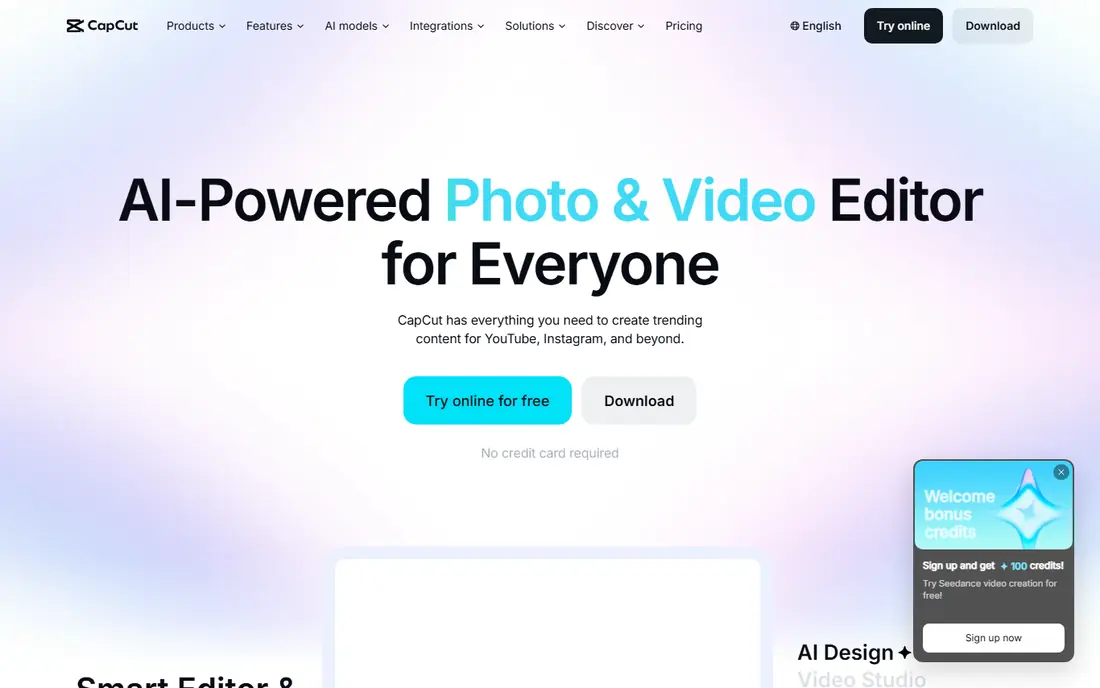
CapCut is our pick for most phone creators, because its free tier covers the core social workflow: trim clips, add music, add auto-captions and export a clean video. Templates and trending effects help short-form posts look polished without a desktop editor, and TikTok integration suits creators who post there often. Paid Pro starts around $19.99 per month in some listings, but the free tier alone handles many everyday edits.
The catch is that the best AI tools and 4K export sit behind Pro, and some features need an account and a connection. If you edit longer videos or need advanced color work, VN may suit you better. For quick Reels, Shorts and TikTok posts, CapCut is hard to beat for free.
- Large template library
- Auto-captions and AI tools
- No watermark on a basic free export
- Pro tier needed for 4K export and full AI toolkit
- Some features need an account and internet
VN Video Editor is the best free mobile video editing app for creators who want control without a watermark. It offers a multi-track timeline, keyframing, curve speed controls and color tools that feel closer to a desktop editor than most free phone apps. Core editing and watermark-free export stay free, with optional premium packs sold separately.
The trade-off is speed on trend-driven posts. VN has fewer trending templates and effects than CapCut, so a quick viral-style edit takes longer to build. If you value clean output, precise audio and color control, and no subscription pressure, VN is the stronger long-term pick.
- No watermark on free exports
- Multi-track timeline with keyframing
- Strong color tools
- Smaller template library than CapCut
- Optional premium packs cost extra
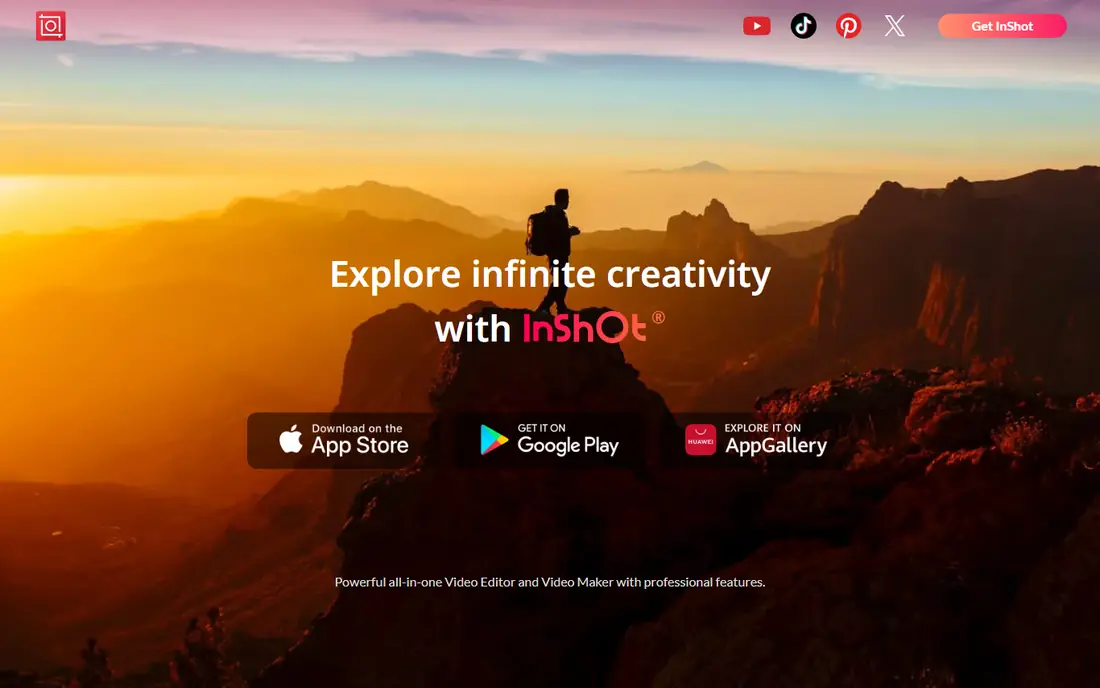
InShot suits creators who post the same video to several platforms and need fast resizing. Its aspect-ratio presets, trim tools, music sync and text overlays make short social edits quick, and the interface stays simple for beginners. Pro starts around $4.99 per month in some listings, which is low compared with CapCut Pro.
The main drawback is the watermark on free exports, which you remove by paying for Pro or, in some cases, watching an ad for a single feature. InShot also suits short edits better than long-form projects, since its timeline and color tools are simpler than VN or PowerDirector. For quick posts where you pay for Pro, it is good value.
- Fast trim, music and text workflow
- Strong aspect-ratio presets
- Low-cost Pro option
- Free exports carry a small watermark
- Advanced features need Pro
YouCut is the simplest app in this list, and that is its strength. You can trim, merge, add music and adjust speed without learning a layered timeline, and the base free tier exports without a watermark. That makes it a good first editor for beginners who want a clean result fast.
Advanced creators will hit limits quickly. YouCut lacks the layered editing, keyframing and color depth of VN, KineMaster and PowerDirector, and its effects library is smaller. Use YouCut for simple cuts and quick posts, and move to VN or PowerDirector when a project needs more layers.
- No watermark on the base free tier
- Simple trim and merge workflow
- Easy to learn
- Fewer advanced effects than rivals
- Limited pro-style color and layer tools
KineMaster has long been a go-to for layered phone editing, with video, image, sticker and text layers, plus chroma key and blending modes. Its asset store offers templates, music and effects that suit creators who build more complex social videos on a phone. Paid plans start around $7.99 per month in some listings, with an annual option that lowers the monthly cost.
Free users face a watermark on exports, so KineMaster is only truly free if you accept that mark or pay to remove it. That makes VN a better pick for creators who need clean free exports. If you already pay for Pro and want layers and assets, KineMaster remains a capable mobile editor.
- Multi-layer timeline
- Large asset store
- Chroma key and blending tools
- Free exports carry a watermark
- Paid plan needed for full asset access
PowerDirector, from CyberLink, brings desktop-style tools to a phone, including multi-track editing, AI motion tracking and a wide effects range. It handles longer projects better than InShot or YouCut, and it supports 4K export on phones that can handle it. The free tier lets you test the core editor before paying for a subscription.
Premium effects, stock content and full export options sit behind the paid plan, which costs around $59.99 per year in some listings. That makes PowerDirector a better pick for creators who plan to upgrade than for users who need everything free forever. For all-round phone editing with room to grow, it is a solid choice.
- AI motion tracking and effects
- Multi-track editing
- 4K support on capable phones
- Full feature set needs a paid subscription
- Free tier limits some premium effects
Filmora, from Wondershare, suits beginners who want guided editing without a steep learning curve. Templates, titles, transitions and effects help new creators finish a polished video quickly, and projects can move between mobile and desktop versions. The free tier is useful for learning the tool and testing a workflow.
Free exports may carry a watermark and limit premium effects, and the paid plan starts around $19.99 per month in some listings, which is high for a mobile-only user. Filmora fits best when you want the same tool on phone and computer, or when you value templates over pro-style timeline control.
- Simple interface
- Templates and effects library
- Cross-platform projects
- Free exports may carry a watermark or limit features
- Paid plan from around $19.99 per month
iMovie is the simplest free option for iPhone and iPad users, and it is completely free with no watermark. You can trim clips, add titles, transitions and music, and share directly to common platforms. Its stability and simple interface make it a good first editor for school, family and basic social videos.
The limits are platform and depth. iMovie runs only on Apple devices, so Android users need another app here, and it lacks the layered editing, keyframing and AI tools of VN, KineMaster and PowerDirector. If you own an iPhone and want a clean, free, no-fuss editor, iMovie is a safe pick.
- Completely free on Apple devices
- No watermark
- Simple and stable editing
- Apple devices only
- Limited advanced tools and export options
How we picked these
We compared app store listings, official product pages and public feature lists for mobile video editors with a genuine free tier in October 2026. We favored apps available on iOS or Android with free editing and export, and we noted watermark rules honestly where free exports carry a mark. We excluded paid-only editors such as LumaFusion, since this article covers free options, and we did not claim hands-on device testing.
How to choose the right free editor
Start with the watermark test. Edit a 10-second clip, export it, and check for a mark, resolution limits and audio quality before you commit to a longer project. That single test will rule out several apps faster than any feature list.
Next, match the app to your content. CapCut suits short-form social posts, VN suits longer and more precise edits, InShot suits fast multi-platform resizing, and iMovie suits simple Apple-only edits. If you need layers and effects, test KineMaster and PowerDirector on a real project, and check whether the free tier or a paid upgrade fits your budget.
Storage, format and sharing
Phone editing needs free storage and a phone that can handle preview playback, especially for 4K clips. Edit in the aspect ratio of your main platform, keep original clips backed up, and export at 1080p for most social posts unless a client needs 4K. Also check music licensing in each app, since built-in music may not cover commercial use outside that platform.
Frequently asked questions
What is the best free mobile video editing app?
CapCut is the best free mobile video editing app for most social creators, thanks to templates, auto-captions and clean free exports. VN Video Editor is the best free pick for precise, watermark-free editing with a pro-style timeline. Pick CapCut for speed and VN for control.
What is the best free video editing app for mobile without a watermark?
CapCut and VN Video Editor both export without a watermark on a basic free edit, and YouCut also exports without a watermark on its base free tier. InShot, KineMaster and Filmora may add a watermark on free exports, so check a test export first if a clean output matters to you.
Can I edit 4K video for free on my phone?
Some apps here support 4K export, including CapCut and PowerDirector, but full 4K export may need a paid plan or a powerful phone. For most social posts, 1080p export is enough and keeps files smaller. Test 4K on your own phone, since playback and export speed vary by device.
Is CapCut really free?
CapCut has a genuine free tier for core editing, templates and basic exports, with a Pro subscription for 4K export, full AI tools and premium assets. You can use the free tier for many everyday posts without paying, but check which features show a Pro label before you plan a project around them.
Which free app is best for beginners?
InShot and YouCut are the easiest starts for beginners, since both focus on trim, music and text with a simple interface. iMovie is also easy for Apple users. Move to VN or PowerDirector when you need layers, keyframing or more precise color work.
Sources
See where you really rank - block by block
ProMapRanker scans Google Maps across a grid of your service area. Simple monthly plans from $19, white-label on every plan.
Start freeKeep reading
 zoho inventory alternatives
6 Alternatives to Zoho Inventory, Compared on Price and Fit
Zoho Inventory alternatives: 6 tools compared on price, free plans and fit. Katana leads the list for manufacturers. Fit and flaws are laid out for each entry.
Read → zoho crm alternatives
Best Zoho CRM Alternatives (2026)
Need Zoho CRM alternatives? We compare 7 tools on cost, free access and who each suits. Every pick gets a straight assessment. Built for quick decisions.
Read → zelle alternatives
Best Zelle Alternatives in 2026
Compare the best Zelle alternatives for sending money to friends, paying sellers and moving funds abroad, with honest notes on fees, speed and safety in 2026.
Read →