 ProMapRanker
Best Free USB Digital Microscope Software in 2026

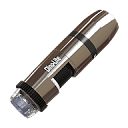
Dino-Lite owners who want simple capture and measurement · Pricing starts at: Free
Key takeaways
- Most genuinely free capture tools are tied to a camera brand, so check compatibility before you download anything.
- ImageJ and Micro-Manager are the strongest free choices for measurement and analysis, but they take more setup than a vendor capture app.
- A general camera app such as OBS Studio can show a USB microscope, yet it does not replace dedicated measurement tools.
- Free here means no software licence fee, not no cost, since you still need a compatible USB microscope or camera.
Quick comparison
| Pick | Great for | Pricing starts at | Free tier | |
|---|---|---|---|---|
| DinoCapture | Dino-Lite owners who want simple capture and measurement | Free | Yes | Visit |
 AmScope AmLite | AmScope camera owners on Windows, Mac, or Linux | Free | Yes | Visit |
 ToupView | ToupTek camera owners who need camera controls | Free | Yes | Visit |
 ImageJ | Free image analysis and measurement | Free | Yes | Visit |
 Micro-Manager | Automated microscope control and acquisition | Free | Yes | Visit |
 OBS Studio | Live viewing, recording, and streaming from a USB camera | Free | Yes | Visit |
 Cheese | Quick Linux webcam and microscope viewing | Free | Yes | Visit |
 guvcview | Linux users who want direct UVC camera controls | Free | Yes | Visit |
The best free usb digital microscope software
These tools cover the two jobs most people actually need: seeing and capturing the image, and then measuring or analysing it. Start with your camera brand, then add a general analysis tool if you need more than snapshots.

DinoCapture is the natural first download if you already own a Dino-Lite USB microscope. It covers live viewing, still capture, video, and time-lapse work in one place, and it adds calibration and measurement tools that matter for inspection, teaching, and hobby documentation. The interface is aimed at everyday users rather than programmers, so most people can start capturing in the first session.
The main limit is fit. DinoCapture is not a generic viewer for every USB microscope on the market, and Mac users are directed to a separate Dino-Lite app rather than the Windows version. If you own a Dino-Lite model, that trade is easy to accept. If you do not, move to one of the brand-neutral tools below instead of forcing a match.
- Free with Dino-Lite hardware
- Photo, video, and time-lapse capture
- Measurement and annotation tools
- Built for Dino-Lite models
- Windows focus for the full DinoCapture version
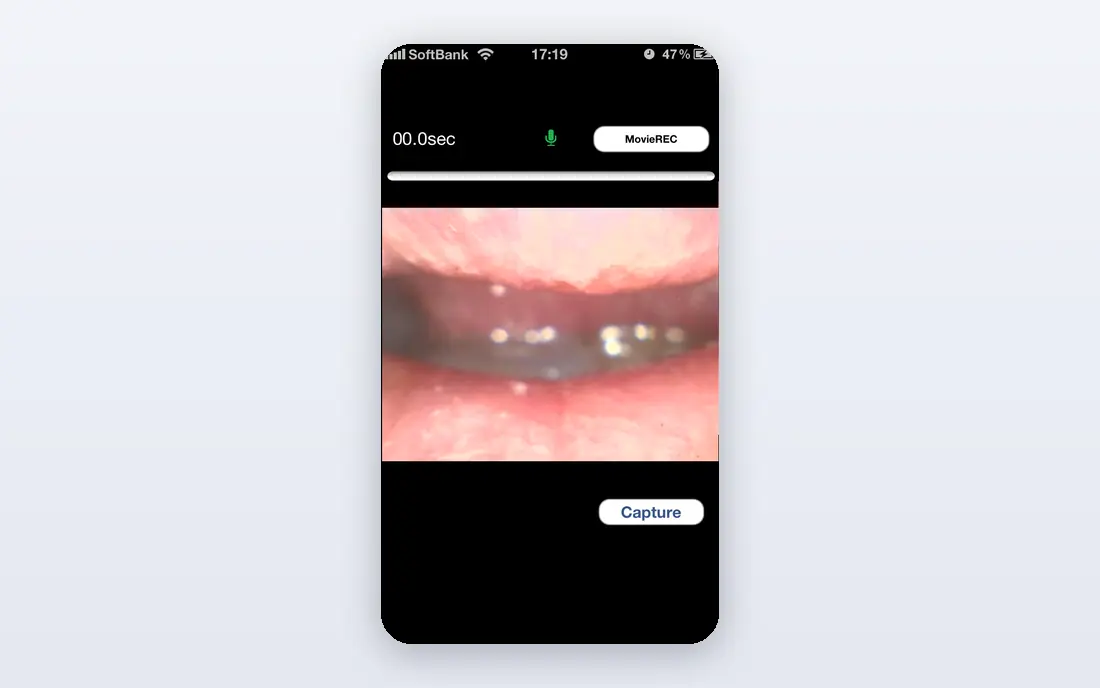
AmLite is AmScope's companion software for its microscope cameras, and it is the sensible starting point for AmScope owners. It handles live preview, still images, and video, with exposure and colour controls and measurement tools on supported versions. Having Windows, Mac, and Linux downloads also helps households and classrooms that do not all run the same system.
The catch is the same as with other vendor tools: it is built around AmScope cameras, so results with unrelated USB cameras can vary. Feature depth also differs by platform, so check the download page for your system before you plan a lesson or an inspection workflow around a specific tool. For AmScope owners, though, it keeps the basics free and close to the hardware.
- Free companion software for AmScope cameras
- Live preview and capture
- Measurement tools on supported versions
- Tied to AmScope camera compatibility
- Feature depth varies by operating system

ToupView gives ToupTek camera owners a direct way to control the camera instead of relying on a generic viewer. Exposure time, gain, white balance, hue, saturation, brightness, and contrast controls let you tune a dim or washed-out image before capture, which matters more than filters added after the fact. Live preview and snapshots cover the daily work of inspection and teaching.
Its weakness is narrow compatibility. ToupView is a camera companion, not a universal microscope app, so it will not rescue an unrelated USB microscope that your system does not recognise. If your camera is a ToupTek model, it is a strong free pick. If it is not, use ImageJ or a system viewer for capture and keep ToupView off your shortlist.
- Free for supported ToupTek cameras
- Detailed exposure and colour controls
- Live preview and capture
- Works only with supported ToupTek cameras
- Not a general USB microscope viewer
ImageJ is the free analysis tool we would add after any capture app, because it turns pictures into measurements. You can measure lengths and areas, adjust contrast, count particles, and work with a wide range of image formats, and plugins extend it into specialist tasks without a licence fee. It runs on Windows, Mac, and Linux, which makes it a safe choice for shared computers and classrooms.
The trade is ease of use. ImageJ was built for analysis first, so live capture from a USB microscope is not always as direct as opening a vendor app and pressing record. Many people capture with the vendor tool, then open the files in ImageJ for measurement and export. That two-step habit is a little slower, but it gives you far more control than a basic viewer alone.
- Free and open source
- Large plugin library
- Runs on Windows, Mac, and Linux
- Older interface
- Live USB capture usually needs a plugin or a separate capture step
Micro-Manager suits users who want to run a repeatable imaging routine rather than take one picture at a time. It supports time-lapse work, multi-channel imaging, and z-stacks, and it works with a wide range of scientific cameras and peripherals where the hardware is supported. Because it runs as an ImageJ plugin, analysis stays close to acquisition instead of living in a separate workflow.
That power comes with setup cost. You need to configure it for your specific hardware, and beginners can spend a first session learning the configuration steps rather than imaging samples. For simple classroom snapshots, a vendor app is faster. For a lab routine you will repeat, Micro-Manager is the free tool that scales with the job.
- Free and open source
- Time-lapse, multi-channel, and z-stack acquisition
- Works as an ImageJ plugin
- Setup takes care and hardware configuration
- Overkill for simple snapshot work
OBS Studio is not microscope software in the specialist sense, but it is a useful free fallback when a USB microscope appears as a standard video device. You can preview the feed, record video, add text overlays, and stream or save a session with controls that most simple viewers lack. It also runs on Windows, Mac, and Linux, so it works as a shared classroom or presentation tool.
The honest limit is measurement. OBS Studio does not give you calibrated microscope measurement, annotation for inspection, or automated acquisition routines. Use it when the job is showing and recording what the microscope sees, then move stills into ImageJ when you need numbers. For live teaching and demos, that pairing is hard to beat for the price.
- Free and open source
- Strong recording and scene controls
- Works with many USB video devices
- No built-in microscope measurement tools
- Setup is heavier than a simple viewer
Cheese is the low-friction Linux option for a USB device that your system already recognises as a camera. It opens quickly, shows a live preview, and captures photos and video without a manual or a configuration file. For a first check that a microscope is working, or for a short classroom demo, that simplicity is the whole point.
It is not a measurement platform, and it is not the right pick if you need calibration, time-lapse routines, or detailed camera controls. Think of Cheese as the quick viewer you use to confirm the hardware, then switch to ImageJ or Micro-Manager when the work needs analysis. On Linux, that split keeps the simple jobs simple.
- Free and simple
- Photo and video capture
- Easy for beginners on Linux
- Linux only in practice
- Basic controls and no specialist measurement tools
guvcview is a good Linux choice when Cheese feels too basic but a full lab platform feels like too much. It exposes direct controls for UVC cameras, so you can adjust the image at the source and capture photos and video from a recognised USB device. For hobbyists and Linux users who like to see exactly what the camera is doing, that control is genuinely useful.
The limits are platform and scope. It is a Linux tool with a plain interface, and it does not provide calibrated measurement or automated acquisition. Pair it with ImageJ for analysis, and treat guvcview as the capture front end. Used that way, it fills the gap between a one-button viewer and a research platform.
- Free and open source
- Direct UVC controls
- Photo and video capture on Linux
- Linux focus
- Interface feels dated
- No microscope measurement suite
How we picked these
We compared official product pages, download pages, and documentation for vendor capture tools and open source imaging tools, and we kept only software with a genuinely free edition or a free licence. Where a tool is free only with a specific camera brand, we said so plainly instead of presenting it as a universal free download. We did not claim hands-on testing, and we left out paid-only capture suites and tools we could not confirm as current in October 2026.
What to check before you download
Start with the camera, not the software list. Check your microscope model against the vendor download page, and confirm your operating system version is listed. If the vendor tool does not list your model, try a system viewer or a general capture app first, and keep the vendor tool for a later hardware match.
Next, decide what the image is for. Snapshots and live demos need only preview and record controls. Inspection and lab work need calibration, measurement, and a clear export path, which is where ImageJ and Micro-Manager earn their place. Also save a test image at full size before a real session, since a low preview resolution can hide focus and lighting problems that only show up later.
Finally, plan for file handling. Name files by sample and date, keep originals apart from edited copies, and note the scale or calibration setting used for any measurement image. Free software does not remove the need for that habit, and a tidy folder will save more time than any extra feature.
Frequently asked questions
Is free USB microscope software really free?
Most tools here are free to download and use, but vendor tools are usually free for owners of that brand's cameras. Open source tools such as ImageJ, Micro-Manager, OBS Studio, Cheese, and guvcview have no licence fee, although you still need compatible hardware.
Why does my USB microscope not show up in some apps?
The app may support only certain camera brands, or your system may need a driver or a different USB port. Try the vendor tool for your camera first, then a system viewer, and check the camera with another app before assuming the microscope is faulty.
Can I measure samples with free software?
Yes, with the right tool. ImageJ and Micro-Manager support measurement and analysis, and some vendor tools include calibration and measurement for supported cameras. A general viewer or streaming app will not give you calibrated measurements on its own.
Which free tool is best for a classroom?
For a quick demo, a vendor capture app or a simple viewer such as Cheese on Linux works well. For a lesson that needs measurement, capture with the vendor tool and analyse the images in ImageJ, so students learn both capture and analysis.
Do I need a paid app for time-lapse work?
Not always. DinoCapture includes time-lapse capture for Dino-Lite owners, and Micro-Manager supports time-lapse acquisition for supported hardware. Check your camera and operating system first, since time-lapse support varies by tool.
Sources
See where you really rank - block by block
ProMapRanker scans Google Maps across a grid of your service area. Simple monthly plans from $19, white-label on every plan.
Start freeKeep reading
 zscaler alternatives
Best Zscaler Alternatives in 2026
Looking for zscaler alternatives? We compare 9 SASE and zero trust platforms on architecture, data protection, pricing, and fit for your network and team.
Read → zapier alternatives free
Best Zapier Alternatives Free in 2026
Nine automation tools for zapier alternatives free in 2026, all with genuinely free tiers, plus free plan limits, starting prices and upgrade paths explained.
Read → which platform is best for online reputation
Which Platform Is Best for Online Reputation in 2026
Wondering which platform is best for online reputation? We compare 8 review, listing, and response tools for small and multi-location businesses and agencies.
Read →