 ProMapRanker
Best Free Tools to Create Video From Photos in 2026

Key takeaways
- Clipchamp offers the most generous free export for many people, with watermark-free video up to 1080p when you sign in with a personal Microsoft account.
- Canva is our pick for most people who already make social graphics, because photo videos sit next to templates, text and music in one place.
- Animoto is the simplest route from a folder of photos to a finished slideshow, with pacing that follows the music you choose.
- Free plans differ most on watermarks, export length and resolution, so check those three limits before you spend time on a project.
Quick comparison
| Pick | Great for | Pricing starts at | Free tier | |
|---|---|---|---|---|
 Canva | Social videos from photos | Free | Yes | Visit |
 Kapwing | Browser editing with a team | Free | Yes | Visit |
 Animoto | Fast photo slideshows | Free | Yes | Visit |
 Clipchamp | Free watermark-free exports | Free | Yes | Visit |
 VEED | Captions and online editing | Free | Yes | Visit |
 Adobe Express | Branded template videos | Free | Yes | Visit |
 CapCut | Short-form phone videos | Free | Yes | Visit |
 FlexClip | Template-led slideshows | Free | Yes | Visit |
 DaVinci Resolve | Full control on desktop | Free | Yes | Visit |
The best free tools to create video from photos
These tools turn still photos into moving video, with music, text and transitions. We compared free plans, export limits and how much editing control each one gives you.
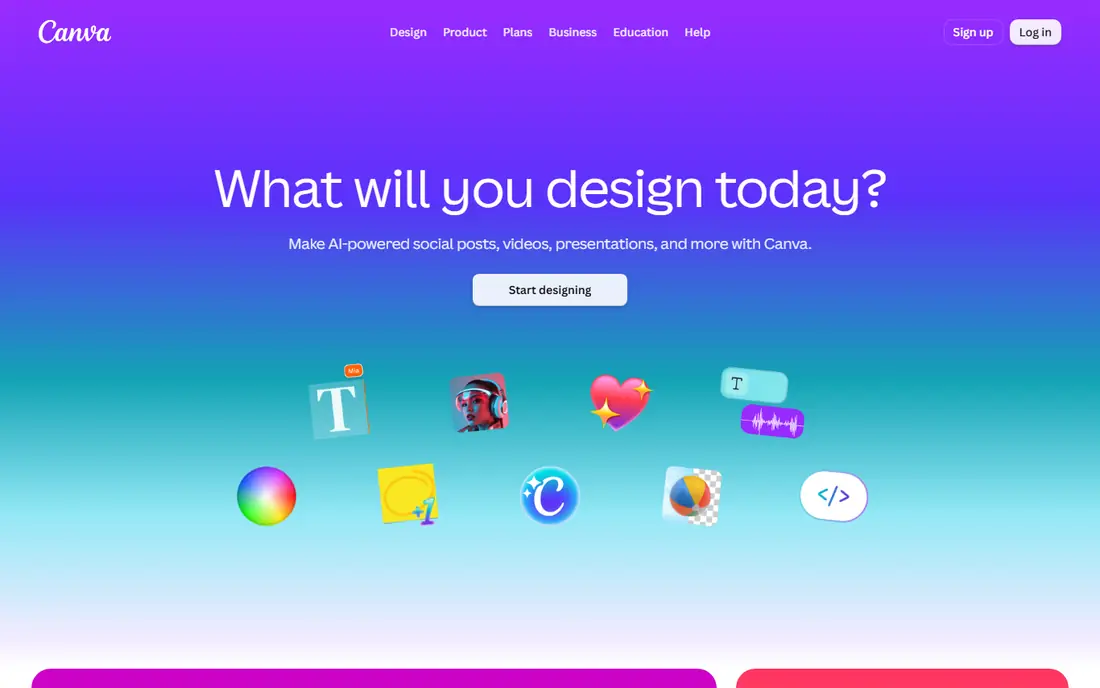
Canva suits anyone who wants a photo video without learning a full editor. You upload photos, drop them into a video template, add text and music, and export as MP4. The free plan covers everyday social formats, and the layout tools make it easy to keep titles readable on a phone screen. If you already use Canva for graphics, the video work feels familiar from the first project.
The catch is the line between free and paid content. Some templates, stock clips and music tracks need Canva Pro, which costs $18 per month or $144 per year in the US. For a short slideshow made from your own photos, the free plan is usually enough. For regular branded work, the paid plan removes more friction and adds brand tools and extra storage.
- Large template library
- Simple drag-and-drop timeline
- Music and text built in
- Premium elements are paid
- Advanced video controls are limited
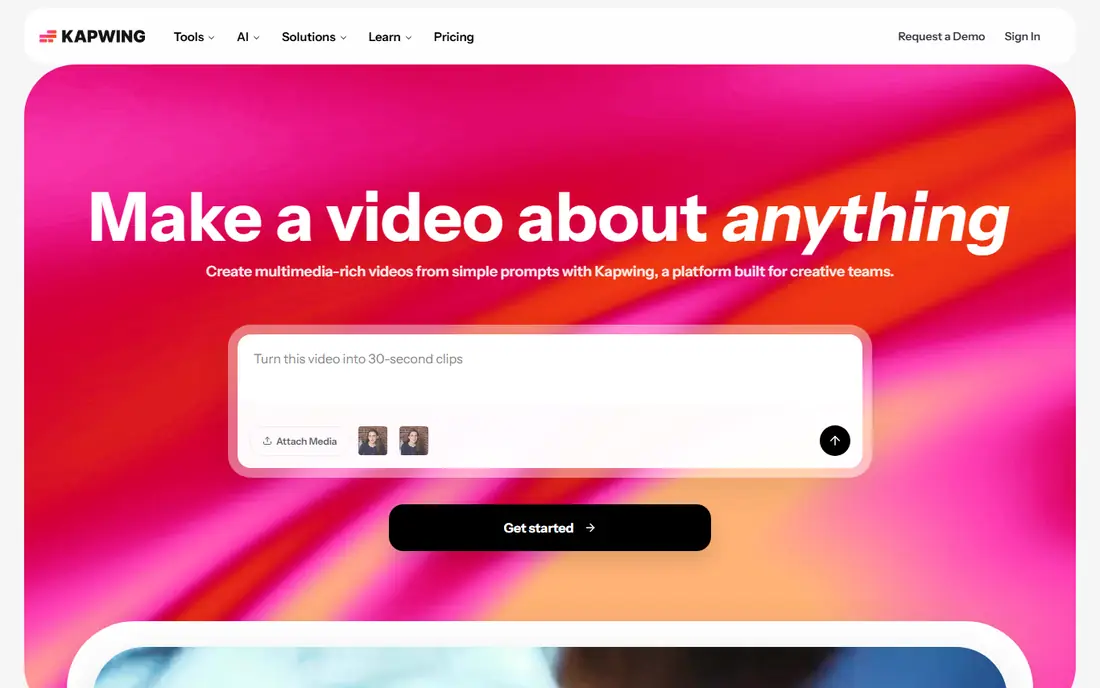
Kapwing is a browser editor built for people who edit together or share drafts for comment. You can arrange photos on a timeline, add captions, adjust timing and resize for different social formats. It is a good fit for a small team that needs one shared project rather than files passed back and forth by email. The caption tools also help when a video will be watched with the sound off.
The free plan is best treated as a trial. Exports are limited to 720p with a watermark, and free projects are kept for a short period. Kapwing Pro costs $16 per member per month billed annually, or $24 billed monthly, and adds longer exports, 4K and a shared workspace. Start free, and only pay once you know the browser workflow suits your team.
- Works in the browser
- Shared workspaces on paid plans
- Captions and smart editing tools
- Free exports are watermarked and capped
- Free projects have short storage
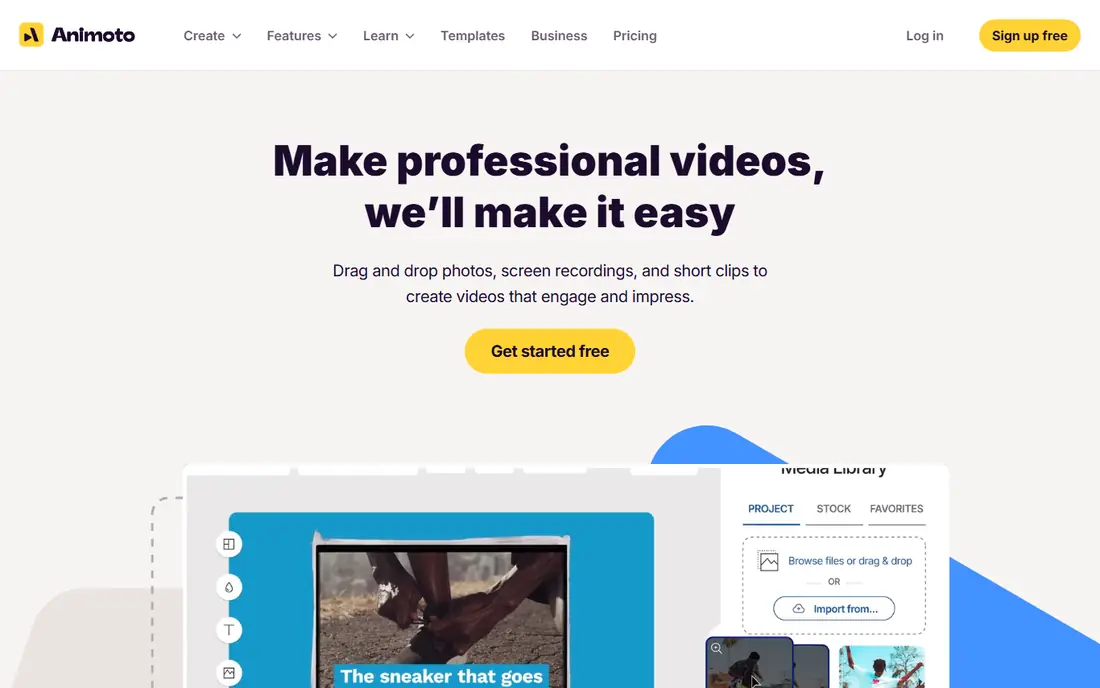
Animoto does one job well, which is turning photos into a polished slideshow in minutes. You pick a template, upload photos, choose music and let Animoto set the pacing. That focus makes it a strong choice for event recaps, real estate listings, product collections and family slideshows. People who find a full timeline intimidating will finish a usable video here faster than in most editors on this list.
The free plan allows unlimited video creation, but exports carry an Animoto watermark at 720p. Paid plans start with Basic, reported at $9 per month billed annually, which removes the watermark and adds 1080p exports. If you only need one video for personal use, the free version may be fine. If the video represents a business, budget for at least Basic.
- Built for photo slideshows
- Pacing follows the music
- Very easy to learn
- Free exports are watermarked at 720p
- Creative control is limited
Clipchamp is our pick for value on the free tier. Microsoft states that the personal free plan lets you create and export videos at up to 1080p with no watermark, using your own media and the free stock collection. You also get a timeline editor, templates, text, transitions and a screen recorder, which covers most photo video jobs. It runs in the browser and is built into Windows, so there is little to install.
The main limit is premium content. If you add a premium stock clip, track or effect, export is blocked until you upgrade or swap that item for a free one. Premium features, including 4K export and the full premium stock library, come with qualifying Microsoft 365 Personal or Family plans. Stick to free assets and your own photos, and Clipchamp is hard to beat for a no-cost finished video.
- Free exports up to 1080p with no watermark
- Templates and screen recording
- Works in the browser
- Premium stock and 4K need a Microsoft 365 plan
- Best in Edge or Chrome
VEED is a browser editor that works well when captions matter as much as the photos. You can build a photo sequence, add animated captions, trim clips and adjust aspect ratios for different platforms. It also offers subtitles, translation, screen recording and AI voices on paid plans, which makes it useful for tutorial and marketing clips built around still images. The interface stays clear even when a project has several layers.
The free plan is limited. Exports are watermarked and capped at 720p, so it suits testing and drafts more than final posts. Paid plans are reported from $12 per user per month billed annually for Creator, with higher tiers adding more AI credits and features. If captions are central to your work, VEED is worth testing. If you only need a clean slideshow, Clipchamp gives you more for free.
- Strong caption tools
- Browser-based editing
- Translation and voice tools on paid plans
- Free exports are watermarked at 720p
- AI features use credits on paid plans
Adobe Express is a template-led design tool that also makes short videos from photos. You start from a template, swap in your photos, adjust text and colors, and resize for social channels. It is a good choice for a small business that wants a consistent look across posts, flyers and short videos without managing separate apps. The free plan exports without a watermark on free items, which keeps simple projects presentable.
The trade-off is depth. Adobe Express is not built for long timelines, detailed audio work or complex effects. Premium, reported at $9.99 per month, adds more templates, stock assets and brand controls. Choose Adobe Express when speed and a clean brand look matter most. Choose a timeline editor when the edit itself is the main work.
- Polished templates
- Brand tools
- Adobe stock and fonts on paid plans
- Editing depth is lighter than a full video editor
- Some assets need Premium
CapCut is the most phone-friendly option here for turning photos into short vertical videos. You can add motion to stills, apply transitions, add text and trending audio, and export for TikTok, Reels and Shorts. The template library is a big draw for creators who want a finished look quickly, and the mobile app makes it easy to edit photos already on your phone. A web version is also available for desktop work.
Pricing is the part to check carefully, because CapCut Pro pricing varies by region and device, so we list it as See website rather than quoting a figure that may not match your store. The free version covers many everyday edits, but some effects, templates and export options sit behind Pro. If short-form video is your main output, CapCut is a natural pick. If you need long, precise edits, a desktop editor will serve you better.
- Strong mobile editing
- Trend-led templates
- Easy social exports
- Paid features vary by region and device
- Desktop and mobile features differ
FlexClip is a browser editor aimed at people who want a template and a clear path to a finished video. You choose a style, add photos, set text and music, and export. It suits business promos, invitations, school projects and simple social videos. The template range helps when you are short on design ideas, and the timeline is simple enough for a first-time editor to follow.
The free plan exports at 720p with a watermark and limits the number of projects, so it is best for trying the tool or for drafts. Paid plans are reported from $11.99 per month billed annually for Plus, with higher tiers adding 1080p or 4K, more storage and no watermark. FlexClip is a solid middle option, but Canva and Clipchamp offer stronger free starting points for most people.
- Many slideshow templates
- Simple timeline
- Stock video and audio options
- Free exports are watermarked at 720p
- Project limits on the free plan
DaVinci Resolve is the outlier on this list, because it is a full professional editor rather than a slideshow maker. The free version includes editing, color grading, effects and audio tools, with no watermark and exports up to 4K UHD. For photo videos, that means precise control over motion, timing, titles and color, and room to grow into full video projects later. If you plan to edit video regularly, learning Resolve pays off over time.
The cost is time and hardware. The interface assumes you will learn it properly, and it rewards a strong graphics card more than most editors here. Resolve Studio costs $295 as a one-time purchase and adds higher resolutions, extra AI tools and multi-user collaboration. Pick Resolve when control matters more than speed. Pick a template tool when you need a finished slideshow today.
- Professional editing, color and audio in one free app
- No watermark
- Exports up to 4K
- Steep learning curve
- Needs a capable computer
How we picked these
We compared official feature pages, pricing pages and app store listings for tools that accept your own photos, arrange them into video, and export a finished file. We kept only tools that are available and working in October 2026, and we favored free plans that let you complete a real project rather than only preview one. Tools that only animate a single image with AI, or that require payment before any export, did not make the cut for a free-tools list.
We also weighed the limits that change a free plan from useful to frustrating. Watermarks, export resolution, export length and storage time matter more than a long feature list when you are working for free. That is why Clipchamp and Canva rank highly despite offering less editing depth than DaVinci Resolve, and why a strong browser editor with a tight free cap sits lower than its paid version might suggest.
How to choose the right free photo video tool
Start with where the video will be seen. A vertical short for social media favors CapCut or Canva, while a wide slideshow for a presentation or a family event favors Animoto, FlexClip or Clipchamp. Next, check the export you need. If the video must be watermark-free, Clipchamp on its free plan is the clearest route, while most other free plans will add a logo or need a paid upgrade.
Then think about how much editing you want to do. Template tools ask fewer decisions and finish faster, but they limit timing and style. Timeline editors take longer to learn and give you more control over each photo, transition and title. If you expect to edit video often, DaVinci Resolve is worth the learning time. If this is a one-off slideshow, pick the simplest tool that exports cleanly and move on.
Finally, test with your own photos before you commit to a paid plan. Upload a small set, add music and text, and export it. You will learn more from one real export than from any feature page, including how the tool handles your photo sizes, whether the music library suits your project, and how long rendering takes on your device.
Frequently asked questions
What is the best free app to create video from photos?
For most people, Canva is the easiest all-round choice, and Clipchamp is the best value if a watermark-free export matters. Canva wins on templates and social formats, while Clipchamp wins on free export quality. Animoto is best when you want the fastest path from photos to a finished slideshow.
Can I create a video from photos for free without a watermark?
Yes, with Clipchamp, whose personal free plan exports up to 1080p with no watermark when you use free assets and your own photos. Canva and Adobe Express also export free items without a watermark, but premium elements can add one or require payment. Always check the final export before you post, since a premium clip added by mistake can change the result.
What is the best free tool to create video from a photo for social media?
Canva and CapCut are the strongest social choices. Canva handles templates, brand colors and multiple formats in one place, while CapCut is better for vertical short-form video made on a phone. If you need captions for viewers who watch with sound off, VEED and Kapwing are also worth testing.
How long should a photo video be?
Keep social videos short, often under a minute, with each photo on screen for two to four seconds. For a family slideshow or event recap, three to five minutes works well if the music and pacing hold attention. Longer videos need more variety in transitions, text and music changes to avoid feeling flat.
Do I need to pay to use my own music in a photo video?
Not always, but licensing matters. Tools include licensed music libraries for use inside the tool, and using a commercial song you do not own can cause a takedown on social platforms. If you plan to post publicly or use the video for business, use the tool's licensed library or music you have rights to use.
Sources
- https://www.canva.com/pricing/
- https://www.kapwing.com/pricing
- https://www.animoto.com/pricing
- https://www.clipchamp.com/en/pricing/
- https://www.veed.io/pricing
- https://www.adobe.com/express/plans.html
- https://www.capcut.com/pricing
- https://www.flexclip.com/pricing.html
- https://www.blackmagicdesign.com/products/davinciresolve
See where you really rank - block by block
ProMapRanker scans Google Maps across a grid of your service area. Simple monthly plans from $19, white-label on every plan.
Start freeKeep reading
 zscaler alternatives
Best Zscaler Alternatives in 2026
Looking for zscaler alternatives? We compare 9 SASE and zero trust platforms on architecture, data protection, pricing, and fit for your network and team.
Read → zapier alternatives free
Best Zapier Alternatives Free in 2026
Nine automation tools for zapier alternatives free in 2026, all with genuinely free tiers, plus free plan limits, starting prices and upgrade paths explained.
Read → which platform is best for online reputation
Which Platform Is Best for Online Reputation in 2026
Wondering which platform is best for online reputation? We compare 8 review, listing, and response tools for small and multi-location businesses and agencies.
Read →