 ProMapRanker
Best Free Time Tracking Software for Businesses in 2026

Key takeaways
- Clockify offers the broadest free start, while Toggl Track and Harvest suit smaller teams with tighter free limits.
- A free plan is enough when the need is timers and reports, but invoicing, approvals, and larger teams usually need a paid plan.
- Tell staff what is tracked and why, especially with tools that also record activity, before rolling any tracker out.
Quick comparison
| Pick | Great for | Pricing starts at | Free tier | |
|---|---|---|---|---|
 Clockify | teams wanting unlimited free tracking | Free | Yes | Visit |
 Toggl Track | small teams wanting simple timers and reports | Free | Yes | Visit |
 Harvest | freelancers and small firms that invoice from time | Free | Yes | Visit |
 Everhour | teams tracking time inside project tools | Free | Yes | Visit |
 TimeCamp | small businesses wanting free tracking with invoicing | Free | Yes | Visit |
 Paymo | small teams wanting time, tasks, and invoices together | Free | Yes | Visit |
 MyHours | small teams wanting simple timesheets and reports | Free | Yes | Visit |
 TrackingTime | teams wanting a free tracker with project views | Free | Yes | Visit |
 ActivTrak | small teams wanting time plus workforce insight | Free | Yes | Visit |
The best free time tracking software for businesses
Every tool here has a genuine free plan, not only a trial. Trial-only tools are left out, and each entry states the free limit plainly so a business can tell at a glance when it will need to pay.
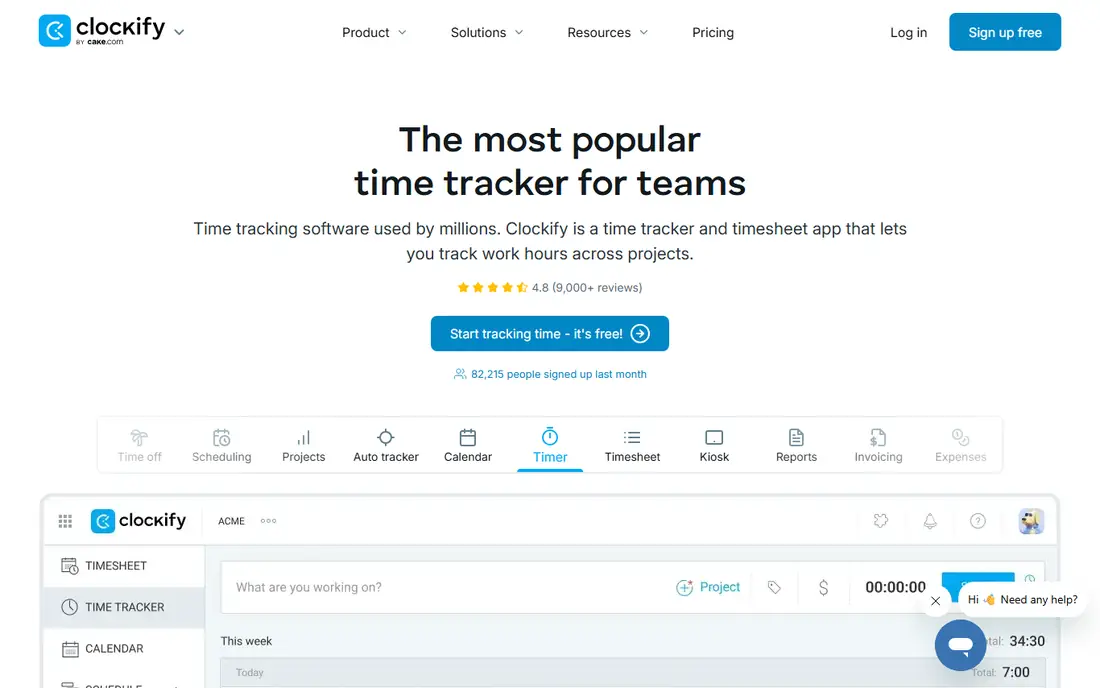
Clockify fits a business that wants a free start without a tight seat limit, and only pays when it needs approvals or invoicing depth. It is aimed at teams wanting unlimited free tracking, and its day to day value comes from time tracking, timesheets, and reports at no cost for a team. In practice, that means less time copying figures between systems.
On the strength side, Clockify stands out for free plan with unlimited projects and tracking. The setup still needs care: map the main records and approval steps first, and run old and new reports side by side for one cycle.
The honest catch is advanced features sit on paid plans. That trade can be worth it when the fit is close. Ask for a demo on your own data and confirm what the quoted price includes.
- Free plan with unlimited projects and tracking
- Reports and timesheets
- Wide platform support
- Advanced features sit on paid plans
- Interface is plain next to some rivals
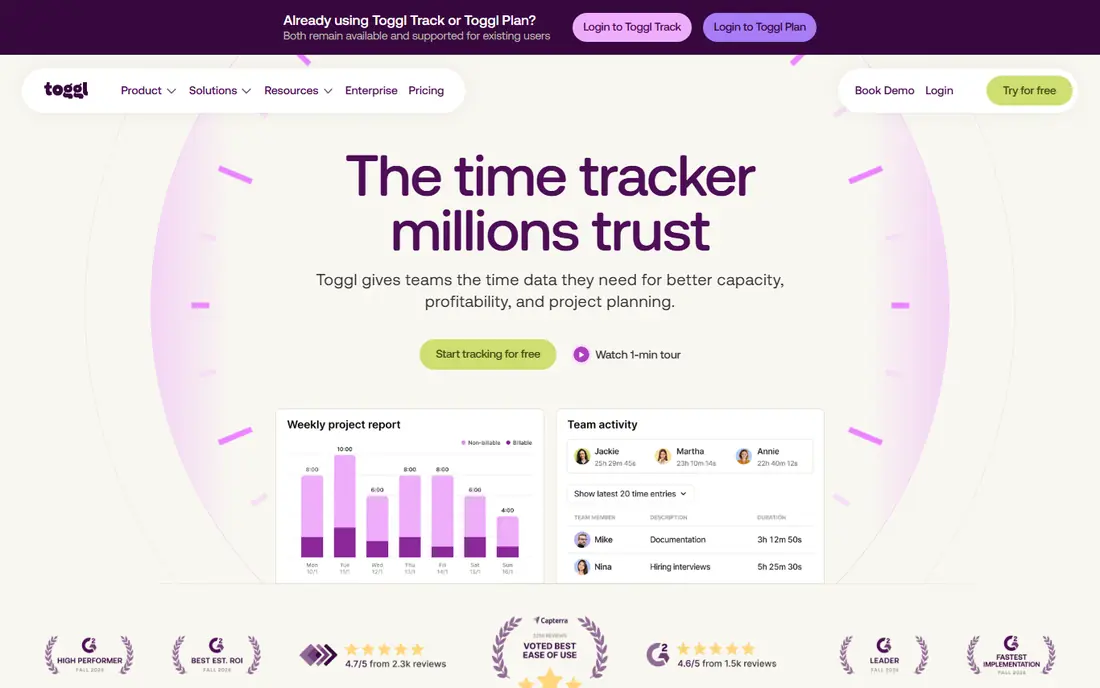
Toggl Track fits a small team that wants tracking people will actually use, with reports that managers can read at a glance. It is aimed at small teams wanting simple timers and reports, and its day to day value comes from simple timers, projects, and profitability reports. In practice, that means less time copying figures between systems.
On the strength side, Toggl Track stands out for simple one-click timers. The setup still needs care: map the main records and approval steps first, and run old and new reports side by side for one cycle.
The honest catch is free plan seat limit is tight for larger teams. That trade can be worth it when the fit is close. Ask for a demo on your own data and confirm what the quoted price includes.
- Simple one-click timers
- Clean reports
- Free plan for small teams
- Free plan seat limit is tight for larger teams
- Invoicing needs a separate tool
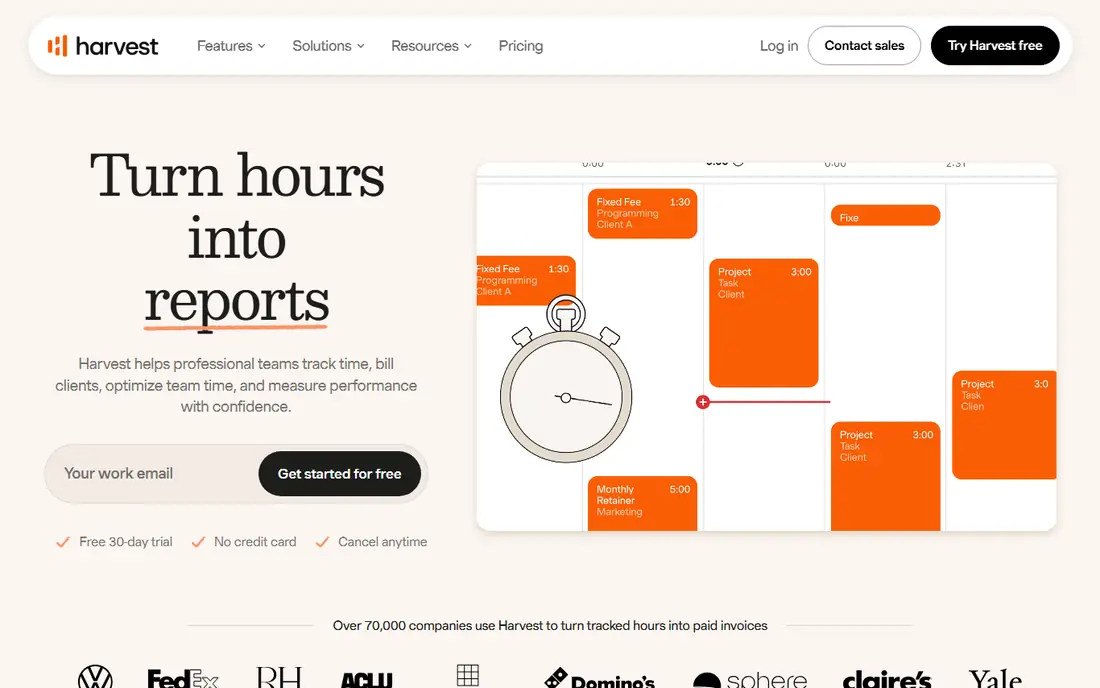
Harvest fits a solo operator who wants tracked time to become an invoice without a second billing tool. It is aimed at freelancers and small firms that invoice from time, and its day to day value comes from time, expenses, and invoices for a solo operator or tiny team. In practice, that means less time copying figures between systems.
On the strength side, Harvest stands out for time tracking with invoicing and expenses in one tool. The setup still needs care: map the main records and approval steps first, and run old and new reports side by side for one cycle.
The honest catch is free plan covers one seat and two projects only. That trade can be worth it when the fit is close. Ask for a demo on your own data and confirm what the quoted price includes.
- Time tracking with invoicing and expenses in one tool
- Free plan for one seat
- Clear project budgets
- Free plan covers one seat and two projects only
- Approvals sit on higher plans
Everhour fits a team already living in a project tool and wanting time beside tasks, rather than in a separate silo. It is aimed at teams tracking time inside project tools, and its day to day value comes from time tracking linked to tasks and projects. In practice, that means less time copying figures between systems.
On the strength side, Everhour stands out for free plan for small teams. The setup still needs care: map the main records and approval steps first, and run old and new reports side by side for one cycle.
The honest catch is free seat limit is small. That trade can be worth it when the fit is close. Ask for a demo on your own data and confirm what the quoted price includes.
- Free plan for small teams
- Integrations with common project tools
- Budgets and reports
- Free seat limit is small
- Some features need a paid plan
TimeCamp fits a small business that wants a free core tracker and a clear path to invoicing when the team grows. It is aimed at small businesses wanting free tracking with invoicing, and its day to day value comes from time tracking and reports for a small business. In practice, that means less time copying figures between systems.
On the strength side, TimeCamp stands out for free plan with time tracking and basic reports. The setup still needs care: map the main records and approval steps first, and run old and new reports side by side for one cycle.
The honest catch is free plan has limits on users and features. That trade can be worth it when the fit is close. Ask for a demo on your own data and confirm what the quoted price includes.
- Free plan with time tracking and basic reports
- Invoicing on paid plans
- Desktop and mobile apps
- Free plan has limits on users and features
- Payroll depth is limited
Paymo fits a small team that wants time and tasks in the same place, so hours stay tied to the work they describe. It is aimed at small teams wanting time, tasks, and invoices together, and its day to day value comes from time, tasks, and invoices in one small-team workspace. In practice, that means less time copying figures between systems.
On the strength side, Paymo stands out for free plan with time tracking and task tools. The setup still needs care: map the main records and approval steps first, and run old and new reports side by side for one cycle.
The honest catch is free plan limits projects and users. That trade can be worth it when the fit is close. Ask for a demo on your own data and confirm what the quoted price includes.
- Free plan with time tracking and task tools
- Invoicing and project views
- Client access options
- Free plan limits projects and users
- Advanced reporting needs a paid plan
MyHours fits a team that wants timesheets without a heavy setup, and reports it can send to a client without rework. It is aimed at small teams wanting simple timesheets and reports, and its day to day value comes from simple timesheets, projects, and client reports. In practice, that means less time copying figures between systems.
On the strength side, MyHours stands out for free plan with time tracking and reports. The setup still needs care: map the main records and approval steps first, and run old and new reports side by side for one cycle.
The honest catch is free plan limits team size and features. That trade can be worth it when the fit is close. Ask for a demo on your own data and confirm what the quoted price includes.
- Free plan with time tracking and reports
- Simple project setup
- Export options
- Free plan limits team size and features
- Invoicing is limited
TrackingTime fits a team that wants a straightforward free tracker with a clear project view for managers. It is aimed at teams wanting a free tracker with project views, and its day to day value comes from timers, projects, and team time views at no cost. In practice, that means less time copying figures between systems.
On the strength side, TrackingTime stands out for free plan with timers and project tracking. The setup still needs care: map the main records and approval steps first, and run old and new reports side by side for one cycle.
The honest catch is free plan limits some reporting and integrations. That trade can be worth it when the fit is close. Ask for a demo on your own data and confirm what the quoted price includes.
- Free plan with timers and project tracking
- Team views
- Browser and mobile apps
- Free plan limits some reporting and integrations
- Larger teams need a paid plan
ActivTrak fits a tiny team that wants time data plus activity insight, with a clear conversation with staff about what is measured and why. It is aimed at small teams wanting time plus workforce insight, and its day to day value comes from time and activity insight for a tiny team. In practice, that means less time copying figures between systems.
On the strength side, ActivTrak stands out for free plan for very small teams. The setup still needs care: map the main records and approval steps first, and run old and new reports side by side for one cycle.
The honest catch is free plan seat limit is small. That trade can be worth it when the fit is close. Ask for a demo on your own data and confirm what the quoted price includes.
- Free plan for very small teams
- Activity and productivity views
- Workforce analytics
- Free plan seat limit is small
- It leans toward monitoring, so set clear staff policies
How we picked these
We compared official product pages, pricing pages, and public documentation, and we checked that each product is still offered and still fits the topic. We gave weight to a clear fit for the named use, to pricing that a reader can verify, and to an honest limit, such as a quote-only price or a feature that sits on a higher plan. We did not test these products hands on for this roundup, and we did not add a product only to fill a list.
How we picked only genuinely free tools
Start with the workflow that hurts most, then check the parts around it. List the records you cannot lose, the reports your accountant or manager asks for each month, and the tools that must connect without manual exports. A short trial on real data tells you more than a long feature list, so test the exact task you will repeat every week, and note how long it takes and where staff get stuck. Also confirm the free seat limit, the export options, and whether the free plan keeps your history if you pause or downgrade, since those terms matter more than a long feature list.
Frequently asked questions
What counts as genuinely free here?
A plan that stays free without a card and without an expiry date. A 7, 14, or 30 day trial is not counted as free, even when the vendor calls it a free start.
Is Clockify really free for a whole team?
Clockify offers a free plan with unlimited projects and tracking, which makes it the broadest free option here. Paid plans add approvals, invoicing depth, and admin controls, so check the current plan page before relying on a specific feature.
Which free tool is best for invoicing?
Harvest suits a solo operator, since its free plan links time to invoices for one seat. Larger teams will usually need a paid plan for invoicing at scale.
Should a business worry about staff privacy?
Yes. Use the least monitoring that meets the need, tell staff in writing what is recorded, and avoid tools that capture screens or keystrokes unless that level of detail is truly required and lawful in your state.
When should a business pay for time tracking?
Pay when the free seat limit is reached, when approvals or invoicing become daily work, or when reports must feed payroll. Until then, a free plan plus a regular export is often enough.
Sources
See where you really rank - block by block
ProMapRanker scans Google Maps across a grid of your service area. Simple monthly plans from $19, white-label on every plan.
Start freeKeep reading
 worlds best local seo company
8 Worlds Best Local SEO Companies for Map Pack Growth in 2026
Compare the worlds best local seo company options for Google Business Profile work, citations, reviews, and multi-location rankings and reporting in 2026.
Read → world's best web hosting company
World's Best Web Hosting Company in 2026
Searching for the world's best web hosting company? We compared 10 hosts on price, renewal rates, speed, and support to help you choose well today in 2026.
Read → who's got the best nanny tax services
Who's Got the Best Nanny Tax Services in 2026
We answer who's got the best nanny tax services, comparing full filing, back taxes, software, and pricing so families can handle nanny taxes correctly.
Read →