 ProMapRanker
Best Free Templates in Website Builder Software in 2026

Key takeaways
- Wix, WordPress.com, Webflow, Weebly, Carrd, Google Sites, Strikingly, and Framer all offer genuinely free tiers, not just trials.
- Squarespace is excluded here, since it offers a trial rather than a free plan for publishing.
- Free plans usually carry a subdomain, branding, or page limits, so check those limits before building.
- Template count matters less than template quality, mobile layout, and how easy it is to change later.
Quick comparison
| Pick | Great for | Pricing starts at | Free tier | |
|---|---|---|---|---|
 Wix | Beginners wanting many free templates | Free | Yes | Visit |
 WordPress.com | Blog and content sites on a free plan | Free | Yes | Visit |
 Webflow | Design-led free starter sites | Free | Yes | Visit |
 Weebly | Simple small business sites | Free | Yes | Visit |
 Carrd | One-page free sites | Free | Yes | Visit |
 Google Sites | Simple free team and project sites | Free | Yes | Visit |
 Strikingly | Fast one-page free sites | Free | Yes | Visit |
 Framer | Modern free starter sites | Free | Yes | Visit |
The best free templates in website builder software
This list covers only builders with genuinely free templates and free tiers. Trial-only tools are never presented as free here, so a tool that needs payment to publish is left out. Free plans have limits, and we state the trade-offs plainly so you can pick a template library that stays free until you choose to upgrade.
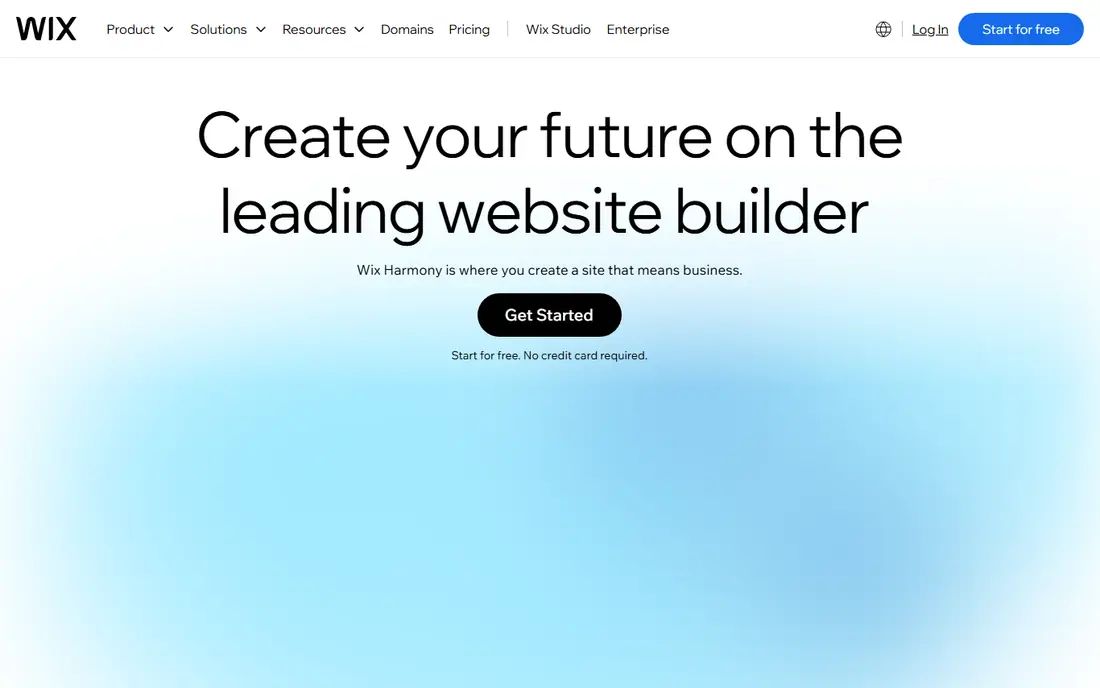
Wix is the easiest free starting point for many small sites. Its template library covers restaurants, portfolios, shops, services, and events, and the drag-and-drop editor lets a beginner change text, images, and sections without code. The free plan lets you publish, which matters for testing an idea.
The free site runs on a Wix subdomain and carries Wix branding, and storage is limited. A custom domain and removal of branding need a paid plan, starting at a published monthly price. For a first site or a test idea, Wix free templates are a practical place to start.
- Large free template library
- Drag-and-drop editor
- Free plan lets you publish on a Wix subdomain
- Free plan shows Wix branding
- Custom domain needs a paid plan
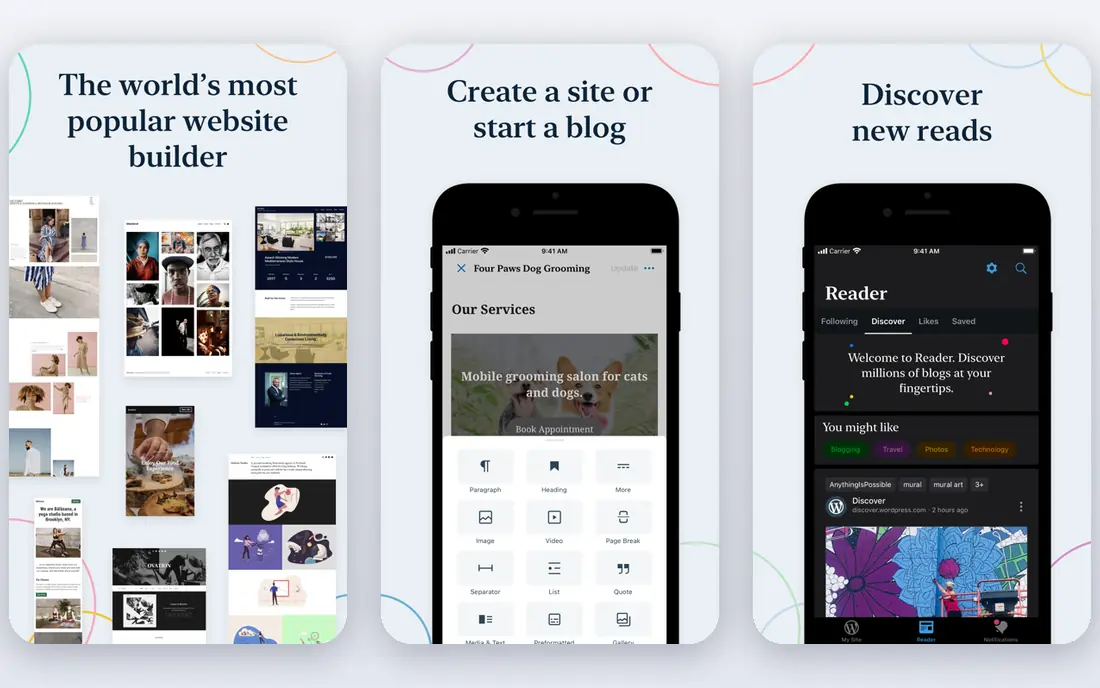
WordPress.com gives content sites a free plan with a wide theme library. Blogging, pages, and media handling are strong, and the platform scales from a personal blog to a business site. Free themes cover many styles, and paid themes add more choice later.
The free plan uses a WordPress.com subdomain and shows ads, and installing plugins requires a higher plan. That makes it less flexible than self-hosted WordPress, but far simpler to run. For a writer or small business that publishes often, the free plan is a solid start.
- Free plan with many themes
- Strong blogging and pages
- Easy upgrade path to paid plans
- Free plan shows ads and a subdomain
- Plugin installs need higher plans
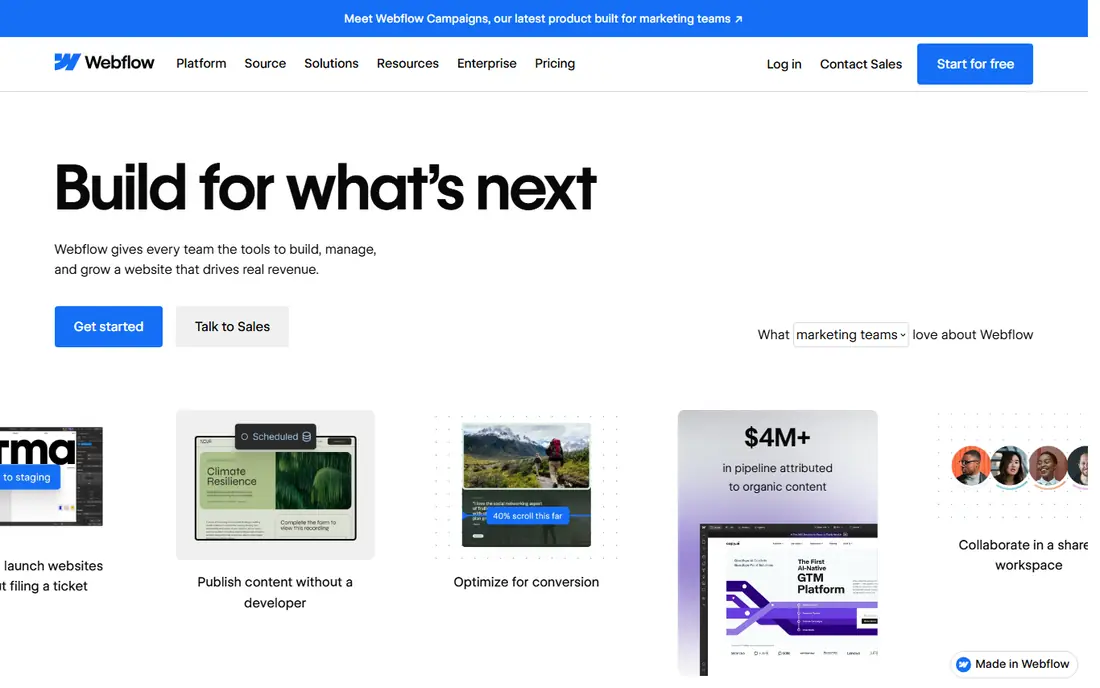
Webflow free templates look more polished than most free libraries, which suits portfolios and design-led small sites. The visual editor gives control over layout, type, and spacing, and the free starter plan lets you build and publish a small site.
Free limits are tighter, with a small page count on the free plan, so it suits a compact site rather than a large one. The editor also takes longer to learn than a simple drag-and-drop builder. For a small site where design quality matters most, Webflow free templates are worth the learning time.
- Polished free templates
- Visual design control
- Free starter plan for a small site
- Free plan limits pages
- Learning curve is higher than Wix
Weebly remains a simple free option for a small business site. Its templates cover services, restaurants, and portfolios, and the editor is easy for a beginner. Square integration helps a small seller add a shop without a separate platform.
Template designs feel older than Wix or Webflow, and deep customisation is limited. The free plan also carries a subdomain and branding. For a straightforward site that needs to be live quickly, Weebly free templates do the job.
- Free plan with templates
- Simple drag-and-drop editor
- Square integration for selling
- Template designs feel older than newer rivals
- Customisation is limited
Carrd is built for one-page sites, and its free plan reflects that focus. Landing pages, portfolios, link pages, and simple profiles can be built in an hour from a clean template. The result loads fast and looks good on a phone, which matters for a page shared on social media.
It is not a multi-page site builder, so a business that needs many pages should look elsewhere. Custom domains and more features sit on low-cost paid plans. For a single-page site, Carrd is the fastest free route in this list.
- Free plan for simple one-page sites
- Fast to build
- Clean, mobile-friendly templates
- One-page focus only
- Larger sites need another builder
Google Sites is free with a Google account and is the simplest builder here. Templates cover team sites, project pages, and class sites, and editing is as easy as editing a document. Collaboration works well, since several people can edit at once.
Design choice is limited, and it is not a marketing site or shop platform. For an internal site, a club page, or a school project, Google Sites free templates are enough. For a business that needs a polished public site, Wix or Webflow will look stronger.
- Free with a Google account
- Very simple editing
- Good for internal and school sites
- Template and design choice is limited
- Not built for marketing or shops
Strikingly specialises in fast one-page sites, with templates for startups, portfolios, and events. Setup takes minutes, sections can be rearranged, and the result works well on mobile. The free plan lets you publish a simple site without a trial deadline.
Free limits include a single-page structure and fewer features than paid plans. A business that needs a full multi-page site will outgrow it. For a launch page, event page, or simple portfolio, Strikingly is a quick free choice.
- Free plan with one-page templates
- Quick setup
- Mobile-friendly layouts
- Free plan limits pages and features
- Larger sites need a paid plan
Framer offers modern templates with clean type and layout, aimed at startups, portfolios, and product sites. The visual editor supports animation and interaction without code, and the free tier lets a starter site go live. That makes it a good fit for a design-conscious small team.
Free tier limits include visitor caps and a watermark in some reports, so check current limits before building a high-traffic site. Advanced design also takes time to learn. For a modern starter site on a free plan, Framer templates stand out.
- Modern free templates
- Visual editing with animation options
- Free tier for a starter site
- Free tier has visitor and feature limits
- Learning curve for advanced design
How we picked these
We compared official pricing and template pages, and favoured builders with a genuine free plan that lets you publish, not just a trial. We excluded trial-only builders from this free list, and we checked template availability, subdomain and branding limits, and page limits where published.
Choosing the right free template builder
Start with the site you actually need. A one-page landing site points to Carrd, Strikingly, or Google Sites. A multi-page business or blog site points to Wix, WordPress.com, or Weebly. A design-led portfolio points to Webflow or Framer. Picking by page count first avoids rebuilding later.
Check free plan limits before you invest hours. Look at the subdomain, branding, storage, page count, and visitor limits, and test the mobile layout on a real phone. A template that looks good on a laptop can break on a small screen, and free plans rarely offer full support for fixing it.
Keep an upgrade path in mind. A free site that grows should be able to add a custom domain, remove branding, and expand pages without rebuilding from scratch. Export your text and images regularly, so you are not locked to one builder if your needs change.
Before you commit to a free template, build one real page with your own text and images, not the demo content. Demo pages are designed to flatter a template, while your own headlines, photos, and calls to action will show spacing, readability, and mobile problems quickly. Check loading speed on a phone connection, test every button and form, and ask a colleague to find a key fact on the page without guidance. A template that passes that test with your content is a far safer free choice than one that only looks good with stock photos.
Frequently asked questions
Are these templates really free?
Yes, the builders in this list offer a free plan with free templates you can publish on, within stated limits. Trial-only builders are not included, since a trial ends and requires payment to stay live.
What limits do free plans usually have?
Most free plans use a subdomain, show builder branding, and limit storage, pages, or features. Custom domains, branding removal, and ecommerce usually need a paid plan.
Can I use my own domain on a free plan?
Usually no. Most builders require a paid plan for a custom domain, though some low-cost plans make that upgrade affordable. Check the current plan details before buying a domain.
Which free builder is best for a blog?
WordPress.com is the strongest free choice for regular blogging, with themes and post management built in. Wix also handles blogs well for a small business site.
Can I move my site to another builder later?
Moving a site usually means rebuilding pages and redirecting links, since templates do not transfer directly. Keep copies of your text and images, and plan the move before traffic grows.
Sources
See where you really rank - block by block
ProMapRanker scans Google Maps across a grid of your service area. Simple monthly plans from $19, white-label on every plan.
Start freeKeep reading
 what’s the best risk software for enterprises
What Is the Best Risk Software for Enterprises in 2026
We compared what’s the best risk software for enterprises on risk registers, controls, third-party risk, and reporting, with pricing notes for large teams.
Read → what's the best pam software for enterprises
What is the Best PAM Software for Enterprises in 2026
Find what's the best pam software for enterprises, with vaulting, session recording, just in time access and pricing compared for large enterprise IT teams.
Read → what’s the best grc software
What Is the Best GRC Software in 2026
We compared what’s the best grc software on risk, compliance, audit and vendor risk, so teams can pick a platform that fits their frameworks and budget.
Read →