 ProMapRanker
Best Free Spending Tracker Apps in 2026

Key takeaways
- Every app here offers a real free tier, not only a short trial, though the depth of that free tier varies a lot.
- Rocket Money is our pick for most people who want to see subscriptions and spending in one place at no cost.
- Empower suits people who care as much about net worth and investments as about day to day spending.
- Manual tools such as Goodbudget, EveryDollar, and Fudget work best for people who want more control and fewer bank links.
- Honeydue is the clearest choice for couples who want to track shared spending together.
Quick comparison
| Pick | Great for | Pricing starts at | Free tier | |
|---|---|---|---|---|
 Rocket Money | Subscription and spending review | Free | Yes | Visit |
 NerdWallet | Spending plus credit and money guidance | Free | Yes | Visit |
 Empower | Net worth and investment tracking | Free | Yes | Visit |
 PocketGuard | A simple safe to spend figure | Free | Yes | Visit |
 Goodbudget | Envelope budgeting without bank linking | Free | Yes | Visit |
 EveryDollar | Zero based budgeting for beginners | Free | Yes | Visit |
 Fudget | A very simple manual expense list | Free | Yes | Visit |
 Honeydue | Couples tracking money together | Free | Yes | Visit |
 Spendee | Shared wallets and visual spending reports | Free | Yes | Visit |
The best free spending tracker apps
We compared official feature pages, pricing pages, and app store listings, and kept only tools with a free tier that still works in October 2026. Here are the nine that made the cut.

Rocket Money began as Truebill and now sits under Rocket Companies. Its free tier links bank accounts and cards, sorts transactions into categories, and lists recurring charges in one place. That combination makes it easy to spot a subscription you forgot about or a bill that crept up in price. For a free tool, the first screen you see after setup is already practical, because it answers the basic question of where the money went.
The catch is that the free plan watches more than it acts. If you want Rocket Money to cancel a subscription for you, negotiate a bill, or run Smart Savings, you need Premium, priced from 7 dollars to 14 dollars per month. If you are happy to cancel things yourself after the app flags them, the free tier gives you most of the value. It fits people who want an audit of their spending rather than a full budgeting system.
- Useful free tier with account linking
- Automatic subscription detection
- Clear spending categories
- Cancellation and bill negotiation sit behind Premium
- Premium uses a sliding price scale
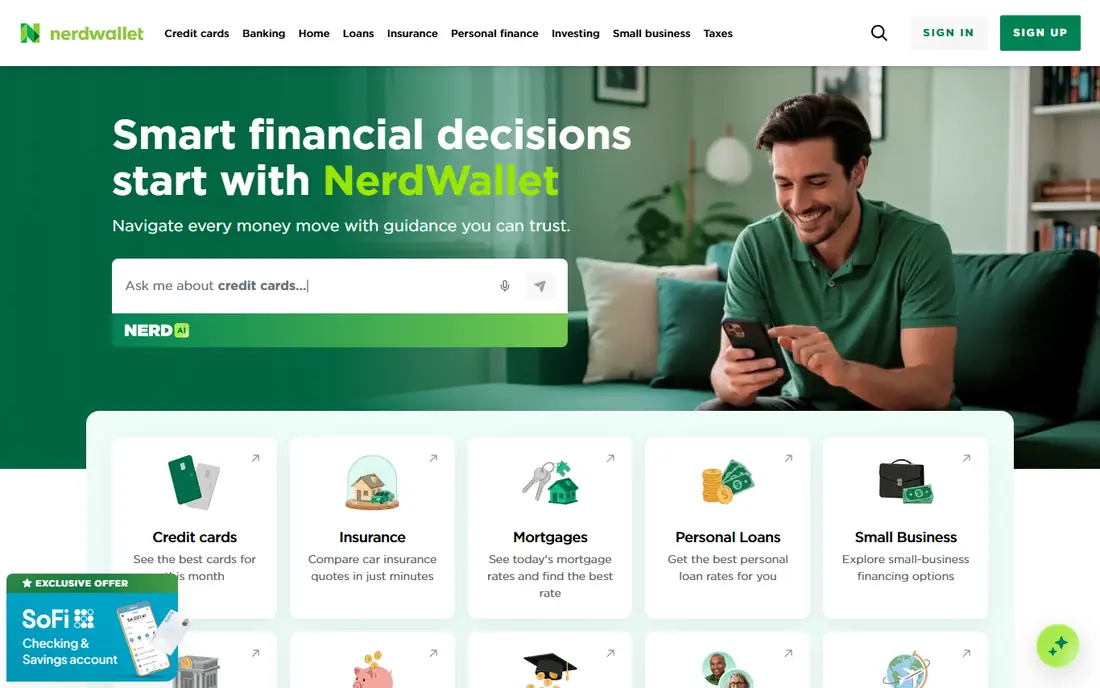
NerdWallet is best known as a money guidance site, and its free app adds linked account tracking, cash flow views, and credit score monitoring. That mix suits someone who wants to check spending and credit health in the same place, without paying for a separate app for each job. The guidance articles linked from the app are written in plain language, which helps when a term such as APR or utilization comes up.
The trade off is focus. NerdWallet tracks spending well, but it does not offer the detailed envelope or zero based budgeting systems that dedicated budget apps provide. You will also see frequent recommendations for cards, accounts, and loans, which is how the free service is funded. If you can ignore those prompts, it is a strong no cost starting point.
- Free spending tracking alongside credit scores
- Plain language money explainers
- No subscription needed for core tools
- Product recommendations appear often
- Budgeting tools are lighter than dedicated budget apps
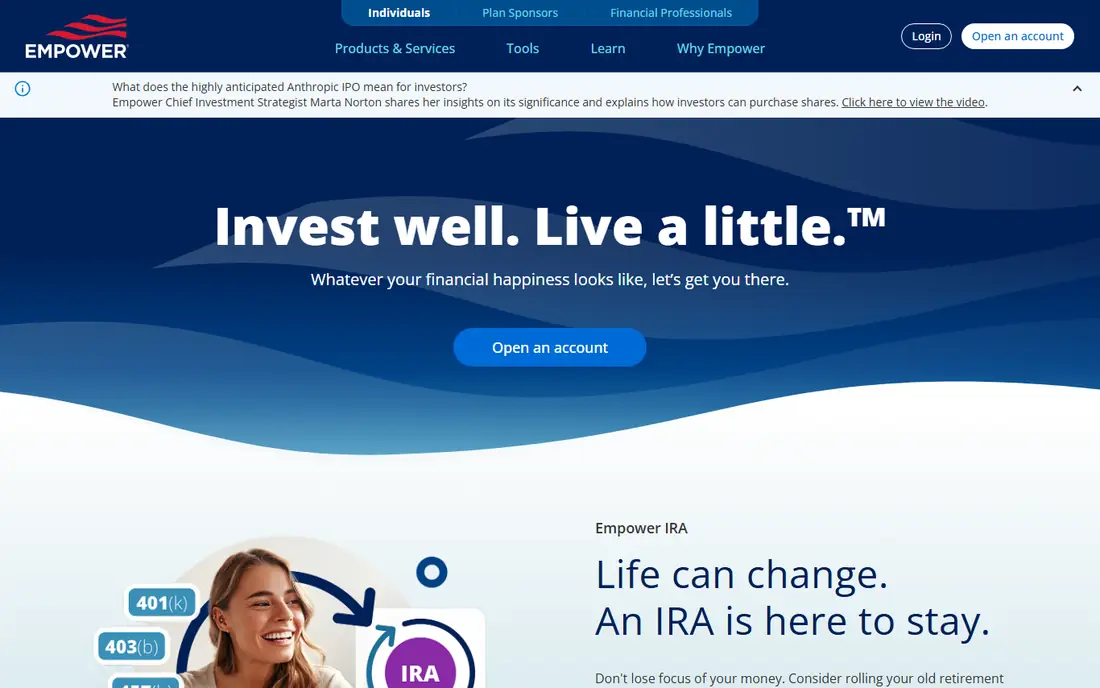
Empower, formerly Personal Capital, offers a free personal dashboard that links bank, credit card, loan, and investment accounts. Spending appears by category, but the real strength is the wider picture: net worth over time, portfolio allocation, and a check on investment fees. For someone with retirement accounts and taxable investments as well as everyday spending, that breadth matters more than a pretty budget chart.
Expect some contact from Empower advisers, since the free dashboard sits alongside a paid advisory service. You can decline that service and keep using the free tools. The spending side is solid for tracking, but people who want strict monthly budget limits may prefer Goodbudget or EveryDollar alongside it. Used on its own, Empower is our pick for people who think in terms of total wealth, not only monthly outgoings.
- Full free dashboard for accounts and net worth
- Investment fee and allocation views
- Retirement and savings planners
- Occasional outreach from financial advisers
- Spending tools are less detailed than pure budget apps
PocketGuard answers one question above all others: after bills, goals, and savings, how much can you spend right now. That single figure, called In My Pocket, is the reason many people stick with it. Linked accounts feed into the calculation, transactions are sorted automatically, and upcoming bills are shown so the figure does not mislead you early in the month.
The free tier is limited, and the paid plan, listed at 74.99 dollars per year, adds fuller budgeting, custom categories, and more detailed reports. Before you commit, test the free version for a full pay cycle and check that the safe to spend figure matches how you actually spend. If it does, the simplicity may be worth the paid upgrade later. If you want deep reports at no cost, NerdWallet or Empower may fit better.
- Clear In My Pocket spending figure
- Automatic transaction sorting
- Bill and goal views
- Free tier is limited compared with the paid plan
- Some features require the paid subscription
Goodbudget turns the old cash envelope method into a phone app. You divide money into envelopes for groceries, rent, transport, and fun, then record spending against each envelope as you go. Because it does not require bank linking, it appeals to people who prefer to keep financial logins out of a budgeting app, or who use cash and multiple accounts that do not link cleanly.
Manual entry is both the strength and the weakness. It forces you to notice each purchase, which is the point of envelope budgeting, but it also means the app only works if you keep up with entries. The free plan limits the number of envelopes and accounts, while the paid Plus plan is listed at 80 dollars per year. Households can share envelopes, which makes it a practical pick for partners or families who budget together.
- Envelope method that is easy to grasp
- Shared household budgets
- Works without linking bank accounts
- Manual entry takes discipline
- Free plan limits envelopes and accounts
EveryDollar, from Ramsey Solutions, follows zero based budgeting: every dollar of income gets a job before the month starts. The free plan gives you the budget framework and manual entry, which is enough to learn the method and to see planned spending against actual spending. The layout is plain and the learning curve is short, even for someone who has never budgeted before.
Bank transaction sync is a paid feature, with the paid plan listed at 79.99 dollars per year. That means free users type in transactions by hand, which takes a few minutes each day. For some people that friction helps spending stay visible. For others it becomes a chore by week three. Try the free plan for one month first. If manual entry sticks, you have a capable free budget tool. If it does not, an automatic tracker such as Rocket Money may suit you better.
- Simple zero based budget setup
- Clear monthly plan view
- No bank link required on the free plan
- Free plan needs manual transaction entry
- Bank connection and extra features require the paid plan
Fudget strips spending tracking down to a list. You add income, add expenses, and see the balance that remains. There are no bank connections, no investment views, and no elaborate reports to configure. That simplicity is the whole appeal. People who have bounced off feature heavy apps often find that a list they actually open beats a dashboard they avoid.
The limits are plain. You enter everything yourself, and you will not get automatic categories or spending trends. The paid version, listed at 19.99 dollars per year, removes ads and adds features such as recurring entries, but the free version covers the core job. Fudget fits short term tracking, a single trip budget, or a first step for someone who finds other apps overwhelming.
- Very fast to learn
- Single list view of income and spending
- Low distraction design
- No bank linking
- No charts or detailed reports on the free tier
Honeydue is designed for couples, and that focus shows in the details. Each partner can link accounts, choose which accounts to share, and see a joint view of spending and upcoming bills. A built in chat lets partners discuss a purchase in context, which avoids the awkward separate conversation about a transaction neither person remembers. Bill reminders help both people see what is due and when.
Solo users will find less here than in Rocket Money or NerdWallet, and Honeydue does not try to be a full investment dashboard. For a couple, though, the shared setup matters more than extra charts. Both partners see the same numbers, which makes money talks shorter and less prone to misunderstanding. The app itself is free, with no subscription required for the core joint tracking features.
- Built for two people from the start
- Shared and individual account views
- Bill reminders and chat about spending
- Focused on couples, so less useful for solo tracking
- Fewer investment and planning tools
Spendee presents spending in colorful charts and wallet views that make patterns easy to spot. You can keep a personal wallet, share a wallet with a partner or housemates, and set up a separate wallet for a trip or project. That wallet structure is handy when you want to keep shared costs apart from personal spending without running two apps.
Bank linking depends on your bank and region, so some users will enter transactions manually. Paid features add more wallets, unlimited budgets, and extra tools, with pricing shown on the Spendee website. Start with the free tier and one wallet. If the charts help you change one habit, such as takeaway spending, the app has done its job. If you need deep investment tracking, pair it with Empower rather than expecting Spendee to cover everything.
- Clear visual spending breakdowns
- Shared wallets for households or trips
- Manual and linked account options
- Some advanced features sit behind the paid plan
- Bank connection availability varies by country and bank
How we picked these
We checked official pricing and feature pages, app store listings, and public reviews for each tool, and we kept only apps with a free tier that a new user can actually use in October 2026. Tools that now offer only a trial, such as YNAB and Monarch Money, were left out for that reason, even though both are strong paid budget apps. We also left out Mint, which shut down in 2024. For each app we noted what the free tier includes, what requires payment, and where manual entry replaces bank linking, because that difference shapes daily use more than any feature list.
What to check before you choose
Start with how you want to track. If you want automatic tracking with little effort, pick an app that links your bank and sorts transactions for you, such as Rocket Money or NerdWallet. If you want spending to feel more deliberate, pick a manual tool such as Goodbudget or EveryDollar and accept the daily entry habit. Second, check the free tier limits before you invest time in setup. A free plan that caps envelopes, wallets, or categories may still suit you, but you should know the cap in advance.
Privacy matters too. Any app that links bank accounts will hold sensitive financial data, so read its privacy policy and check what data sharing controls it offers. Use a strong unique password and turn on two factor authentication where the app offers it. Finally, give your pick one full month. Spending patterns only become clear after bills, paydays, and a few unplanned costs have all passed through the app. A tracker that feels awkward in week one can still prove useful by week four, and a tracker that feels fun at first can still fail if you stop opening it.
Frequently asked questions
What is the best personal finance app that is actually free?
Rocket Money and NerdWallet are strong free starting points for most people, because both link accounts and track spending at no cost. Empower is the better free pick if investment and net worth views matter more to you than detailed budgeting. The right answer depends on which job you want the app to do first.
What is the best spending tracker app free of charge for couples?
Honeydue is built for couples, with shared account views, bill reminders, and a chat feature for discussing spending. Goodbudget and Spendee also support shared wallets or shared envelopes, which work well for partners who want a joint budget. Pick Honeydue if you want a joint view by default, and Goodbudget if you prefer the envelope method.
Do free spending tracker apps sell my data?
Practices vary by company, so read the privacy policy for any app you link to a bank account. Some free apps earn money from product recommendations or optional paid upgrades, while others offer paid advisory services alongside free tools. Check what data is shared, whether you can opt out of marketing uses, and whether the app uses a recognised account aggregation provider.
Is a free spending tracker app enough, or should I pay?
A free tier is enough for many people, especially for tracking spending, spotting subscriptions, and seeing a monthly total. Paid plans add bank sync on some apps, unlimited budgets or envelopes, and deeper reports. Pay only after the free tier has shown you a real gap, such as missing bank sync on EveryDollar or limited envelopes on Goodbudget.
Can I track spending without linking my bank account?
Yes. Goodbudget, EveryDollar on its free plan, and Fudget all work with manual entry and do not require a bank link. Manual entry takes more time, but it keeps bank logins out of the app and makes each purchase more visible. Automatic linking suits people who want low effort tracking and are comfortable with the privacy trade off.
What happened to Mint?
Mint shut down in 2024, and its users were moved toward Credit Karma, which does not offer the same budgeting tools. If you liked Mint, Rocket Money is the closest free option for subscription and spending tracking, while Empower covers the net worth view that Mint also offered.
Sources
See where you really rank - block by block
ProMapRanker scans Google Maps across a grid of your service area. Simple monthly plans from $19, white-label on every plan.
Start freeKeep reading
 zscaler alternatives
Best Zscaler Alternatives in 2026
Looking for zscaler alternatives? We compare 9 SASE and zero trust platforms on architecture, data protection, pricing, and fit for your network and team.
Read → zapier alternatives free
Best Zapier Alternatives Free in 2026
Nine automation tools for zapier alternatives free in 2026, all with genuinely free tiers, plus free plan limits, starting prices and upgrade paths explained.
Read → which platform is best for online reputation
Which Platform Is Best for Online Reputation in 2026
Wondering which platform is best for online reputation? We compare 8 review, listing, and response tools for small and multi-location businesses and agencies.
Read →