 ProMapRanker
Best Free Service to Send Large Files in 2026


Quick small transfers without an account · Pricing starts at: Free
Key takeaways
- Only tools with a genuine free tier are listed here, and trial-only or one-time-credit tools are not presented as free.
- Free size limits range from 2 GB to 50 GB, and some free tools have no stated size cap but may slow large transfers.
- Expiry matters as much as size, since free links often expire in days, which can break a client delivery.
- For sensitive files, check password protection and expiry controls before sending, not after the link is shared.
Quick comparison
| Pick | Great for | Pricing starts at | Free tier | |
|---|---|---|---|---|
| WeTransfer | Quick small transfers without an account | Free | Yes | Visit |
 Smash | Large free transfers without a size cap claim | Free | Yes | Visit |
 Filemail | Free transfers up to 5 GB | Free | Yes | Visit |
 TransferNow | Free transfers up to 5 GB | Free | Yes | Visit |
 SwissTransfer | Free transfers up to 50 GB | Free | Yes | Visit |
 SendGB | Free transfers with a simple link | Free | Yes | Visit |
 Wormhole | Private peer-to-peer style transfers | Free | Yes | Visit |
 Tresorit Send | Encrypted free transfers up to 5 GB | Free | Yes | Visit |
 Google Drive | Free storage sharing up to 15 GB | Free | Yes | Visit |
The best free services to send large files
We compared free file transfer services on genuine free-tier limits, expiry, password options, and ease of use. Only genuinely free-tier tools are listed, and trial-only or one-time-credit tools are never presented as free, so check the free limit for each tool before sending.
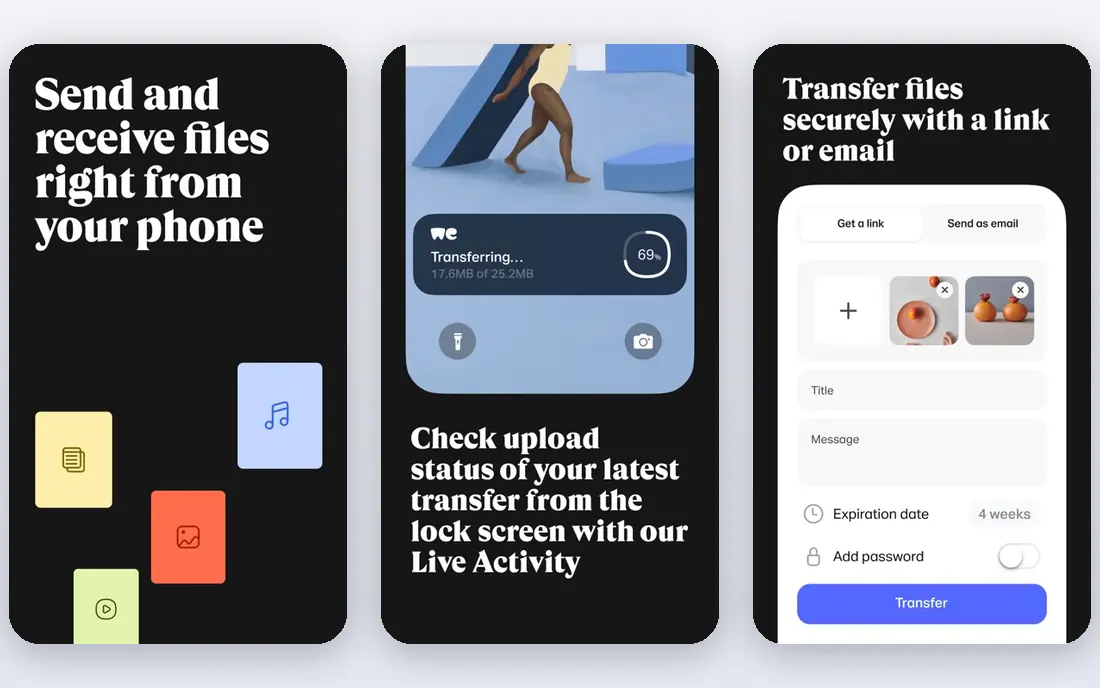
For buyers who want a clear starting point, WeTransfer is the simplest free option for files up to 2 GB. Its free tier allows transfers up to 2 GB, sent by link or email without creating an account. That simplicity suits one-off sends to clients or friends who should not need to sign up.
The catch is that free links expire after a short period, and password protection sits behind paid plans Send the link promptly and warn the recipient about the expiry date. Check the current price and terms on the official site before you commit, since plans and limits change.
- Free transfers up to 2 GB
- Simple link or email sending
- No account needed for basic sends
- Free links expire after 7 days in many cases
- Password protection needs a paid plan

If cost control matters more than extra features, Smash stands out for free users who need to send very large files. Its own guidance describes free sending without a file size limit, including files above 50 GB. Password protection on free sends is also described, which helps for sensitive material.
The catch is that very large uploads can still slow down, since speed depends on connection and server load Start large uploads early and confirm the recipient can download before the link expires. Check the current price and terms on the official site before you commit, since plans and limits change.
- Free sending with no stated file size limit in its own guidance
- Password protection on free sends described
- Simple link sharing
- Large transfers may slow
- Preview and tracking features sit on paid tiers
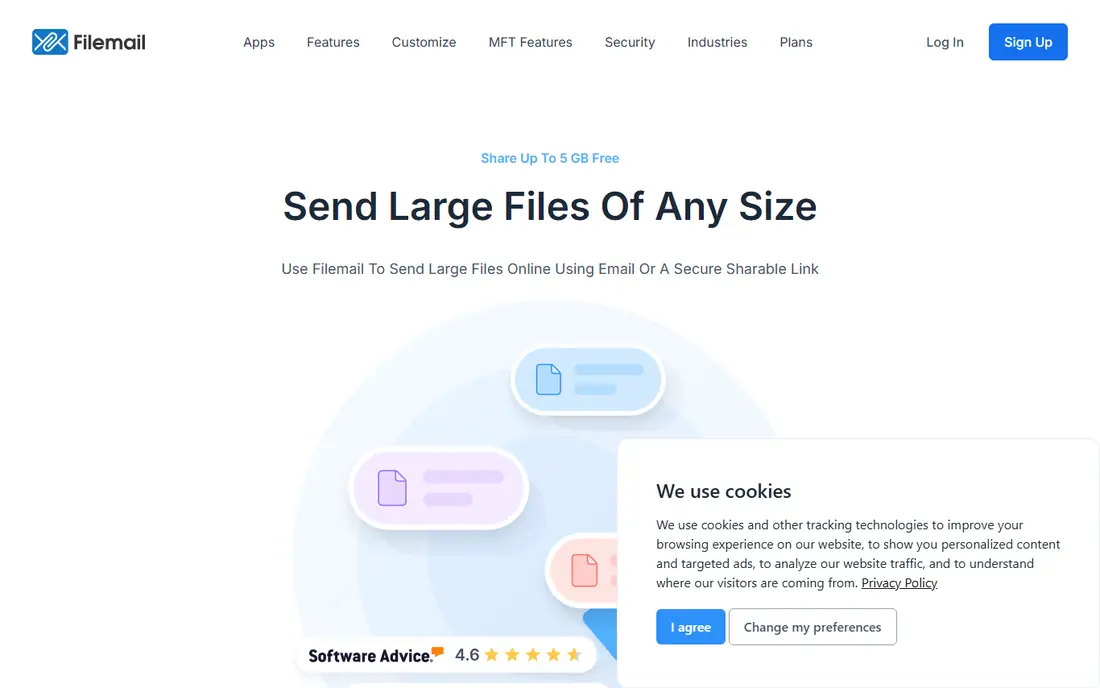
Teams with a tight deadline should look closely at Filemail is a solid middle ground between WeTransfer and Smash for free users. Its free tier allows transfers up to 5 GB without registration, which covers many video and design files. Desktop and mobile apps make repeat sending easier than browser-only tools.
The catch is that free files expire after a short window, and the largest limits need a paid plan Use Filemail for files between 2 GB and 5 GB that need a simple link. Check the current price and terms on the official site before you commit, since plans and limits change.
- Free transfers up to 5 GB without registration
- Desktop and mobile apps
- Tracking on paid plans
- Free files expire after 7 days in many cases
- Larger limits need paid plans
Buyers who already use a related platform will find TransferNow suits users who want a clean free transfer without an account. Its free tier allows sending up to 5 GB with no sign-up, which matches Filemail for size. The interface is straightforward, with upload, recipient, and link steps in order.
The catch is that free-tier files disappear after seven days, so it is not a storage service Treat TransferNow as a delivery tool, and keep your own copy of the file. Check the current price and terms on the official site before you commit, since plans and limits change.
- Free sending up to 5 GB with no sign-up
- Simple interface
- Paid tiers add storage region choice
- Free files disappear after 7 days
- Recurring recipients need a paid plan for stored files
When simplicity is the priority, SwissTransfer is the best free option for very large files that still need a simple transfer. Its free tier allows transfers up to 50 GB without an account, far above most free rivals. Password and expiry controls help for client work, even on the free tier.
The catch is that paid plans add branding and transfer history, which free users will miss for repeat client work Use SwissTransfer when a file is too large for WeTransfer or Filemail free tiers. Check the current price and terms on the official site before you commit, since plans and limits change.
- Free transfers up to 50 GB without an account
- Password and expiry controls
- Swiss-based service
- Paid offers add branding and history
- Interface is simpler than full storage suites
For a larger or more complex setup, SendGB is a useful backup option when a main transfer tool is slow or unavailable. Its free tier offers simple link sending without a complex setup, which suits quick shares. That simplicity helps when a recipient only needs a download link, not a shared folder.
The catch is that free size limits and expiry terms vary, so the current terms must be checked before a large send Confirm the free limit on the site on the day you send, especially for files above a few gigabytes. Check the current price and terms on the official site before you commit, since plans and limits change.
- Free transfers with a straightforward link
- No account needed for basic sends
- Fast setup
- Free size limits and expiry vary, so check the current free terms before a large send
Shoppers who value hands-on support should consider Wormhole suits users who want encryption by default for a one-off transfer. Its transfers use end-to-end encryption, so only the recipient with the link can read the file. Link sharing without an account keeps the process fast for occasional sends.
The catch is that it is not a long-term storage service, so recipients must download promptly Use Wormhole for sensitive one-off files, and keep your own copy until delivery is confirmed. Check the current price and terms on the official site before you commit, since plans and limits change.
- End-to-end encrypted transfers
- Link sharing without an account for basic sends
- Simple interface
- Files are not stored long-term
- Large transfers depend on both sides staying online in some modes
If you plan to grow quickly, Tresorit Send is the encrypted choice for free transfers up to 5 GB. Its Send tool allows free sending up to 5 GB without registration, with an encryption focus. Password options add control for sensitive client files.
The catch is that Send is a transfer tool, not a full Tresorit storage subscription, so long-term storage needs a paid plan Use Tresorit Send for sensitive files up to 5 GB, and a storage service for ongoing sharing. Check the current price and terms on the official site before you commit, since plans and limits change.
- Free sending up to 5 GB without registration
- End-to-end encryption focus
- Password options
- Paid Tresorit plans are separate
- Send is a transfer tool, not a full storage plan
A careful buyer will note that Google Drive works differently from transfer tools, since it shares from storage rather than sending a one-off transfer. Its free tier includes 15 GB shared across Gmail, Drive, and Photos, which covers many large files. Link sharing and collaboration suit ongoing work, not just a single delivery.
The catch is that the shared 15 GB fills fast for heavy email or photo users, which limits large file sharing Check free space before sharing a large file, and remove old files if space is tight. Check the current price and terms on the official site before you commit, since plans and limits change.
- 15 GB free storage shared across Gmail, Drive, and Photos
- Link sharing and collaboration
- Large file support within storage
- Free storage fills fast when Gmail and Photos share it
- Large files need enough free space
How we picked these
We compared vendor pages and October 2026 file transfer comparisons, checking only genuine free tiers, not trials or one-time credits. We recorded free size limits, expiry periods, password options, and whether an account was required.
Where a free limit was unclear or varied by promotion, we used See website or advised checking current terms, rather than presenting a trial as free. We did not test transfers with live sensitive files, and we did not invent speed or security claims beyond vendor descriptions.
How to send large files free without losing the delivery
Start with size, then expiry. A tool that allows 50 GB is useless if the link expires before the recipient downloads it, and a tool with a long expiry is useless if the file exceeds its free cap. Check both numbers before uploading, and tell the recipient the expiry date in your message.
Then check security for the file type. Password protection, link expiry, and encryption matter more for contracts, medical files, or unreleased work than for a holiday video. Use a password where offered, and avoid sharing a sensitive link in a public chat or email thread.
Keep your own copy until delivery is confirmed. Free transfer tools are delivery services, not backups, and files disappear after expiry. Ask the recipient to confirm download, especially for files above 5 GB, where a failed download can waste hours.
Finally, split or compress only when it helps. Splitting a file into parts can work around a free cap, but it adds confusion and failure points. A single transfer on a tool with a higher free limit is usually cleaner than five parts on a low-limit tool.
Frequently asked questions
What is the largest file I can send free?
Smash describes free sending without a stated size limit, and SwissTransfer allows free transfers up to 50 GB without an account. WeTransfer free allows 2 GB, while Filemail, TransferNow, and Tresorit Send allow 5 GB free.
How long do free transfer links last?
Free links often expire after 7 days, though exact periods vary by tool and plan. Check the expiry shown after upload, and tell the recipient the deadline so the file is downloaded in time.
Are free file transfer services safe for sensitive files?
Safety depends on encryption, password protection, and link handling. Use password protection where offered, share links privately, and keep your own copy until the recipient confirms download.
Do I need an account to send large files free?
Many free tools, including WeTransfer, Filemail, TransferNow, and SwissTransfer, allow sending without an account for basic transfers. An account usually adds history, tracking, and longer storage on paid plans.
What is the difference between transfer and storage sharing?
Transfer tools send a file for download within an expiry window, while storage sharing, such as Google Drive, shares a file from ongoing storage. Transfer suits one-off delivery, while storage suits ongoing collaboration.
Can I send a file larger than 50 GB free?
Smash describes free sending without a stated size limit, so it is the main free option to try for files above 50 GB. Speed and reliability for very large files depend on connection quality, so start early and confirm delivery.
Sources
See where you really rank - block by block
ProMapRanker scans Google Maps across a grid of your service area. Simple monthly plans from $19, white-label on every plan.
Start freeKeep reading
 worlds best local seo company
8 Worlds Best Local SEO Companies for Map Pack Growth in 2026
Compare the worlds best local seo company options for Google Business Profile work, citations, reviews, and multi-location rankings and reporting in 2026.
Read → world's best web hosting company
World's Best Web Hosting Company in 2026
Searching for the world's best web hosting company? We compared 10 hosts on price, renewal rates, speed, and support to help you choose well today in 2026.
Read → who's got the best nanny tax services
Who's Got the Best Nanny Tax Services in 2026
We answer who's got the best nanny tax services, comparing full filing, back taxes, software, and pricing so families can handle nanny taxes correctly.
Read →