 ProMapRanker
Best Free SEO Keyword Research Tools in 2026


Volume data straight from Google · Pricing starts at: Free
Key takeaways
- Google Search Console is the only free tool that shows the exact queries your own site already appears for, which makes it the best starting point.
- Google Keyword Planner gives volume ranges straight from Google, but it needs a Google Ads account and its ranges are broad for low-spend accounts.
- Free tiers from Semrush, Ahrefs, Ubersuggest and Moz work for occasional checks, but daily limits mean they do not replace a paid suite for heavy research.
- Pair one volume tool with one question tool, such as AnswerThePublic, to cover both demand and the phrasing people actually use.
Quick comparison
| Pick | Great for | Pricing starts at | Free tier | |
|---|---|---|---|---|
| Google Keyword Planner | Volume data straight from Google | Free | Yes | Visit |
 Google Search Console | Queries your site already ranks for | Free | Yes | Visit |
 Google Trends | Seasonality and topic growth | Free | Yes | Visit |
 Semrush | Free suite checks with limits | Free | Yes | Visit |
 Ahrefs Webmaster Tools | Free audit and keywords for your site | Free | Yes | Visit |
 Ubersuggest | Budget keyword ideas and audits | Free | Yes | Visit |
 Moz Keyword Explorer | Quick difficulty checks | Free | Yes | Visit |
 AnswerThePublic | Questions people ask | Free | Yes | Visit |
 KWFinder | Low-competition long-tail terms | Free | Yes | Visit |
The best free seo keyword research tools
Free keyword research tools fall into three groups: Google's own free data, limited free tiers from paid suites, and focused free tools for questions or long-tail terms. We compared official product pages, pricing pages and public documentation, focusing on what the free version actually allows, not just what the paid version promises.
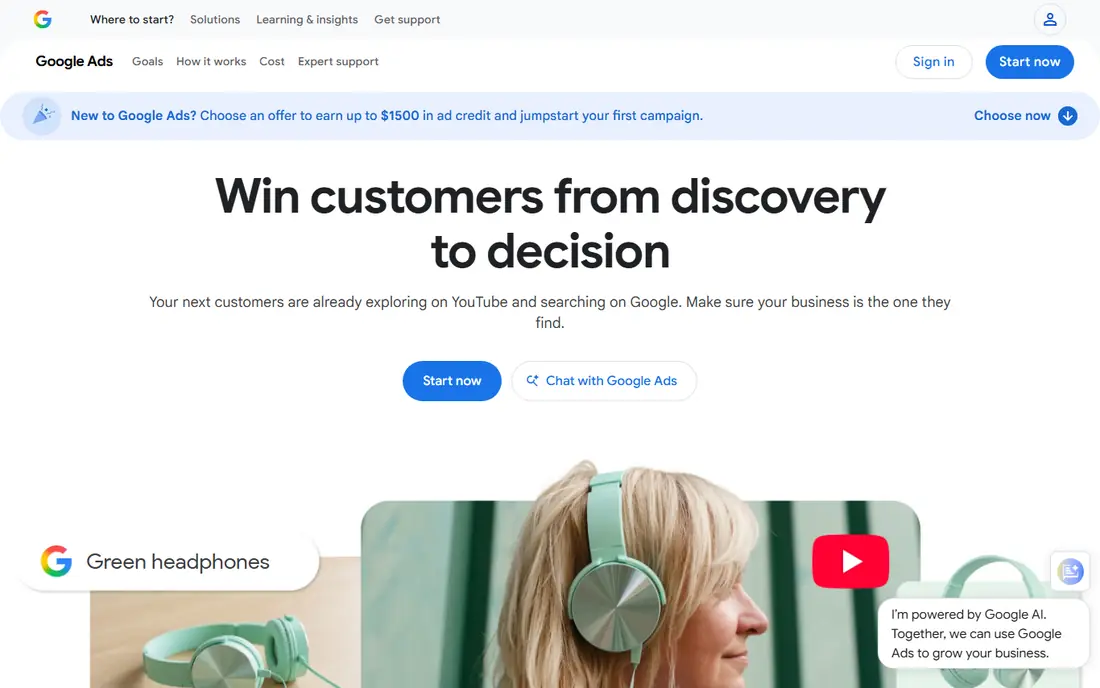
Google Keyword Planner is the closest free source to Google's own search data. Enter a seed term or a page URL and it returns related ideas, average monthly searches as a range, competition levels and bid estimates. That makes it useful for judging whether a topic has enough demand to justify a page, and for finding phrasing variants you might miss.
The limits are well known. You need a Google Ads account, and setup may ask for billing details, even if you never run ads. Volume ranges are also broad for accounts without spend, so treat them as direction, not exact counts. Used alongside Search Console, Planner remains the best free baseline for demand.
- Data straight from Google
- Keyword ideas from terms or URLs
- Bid and competition hints
- Needs a Google Ads account
- Volume ranges are broad without ad spend
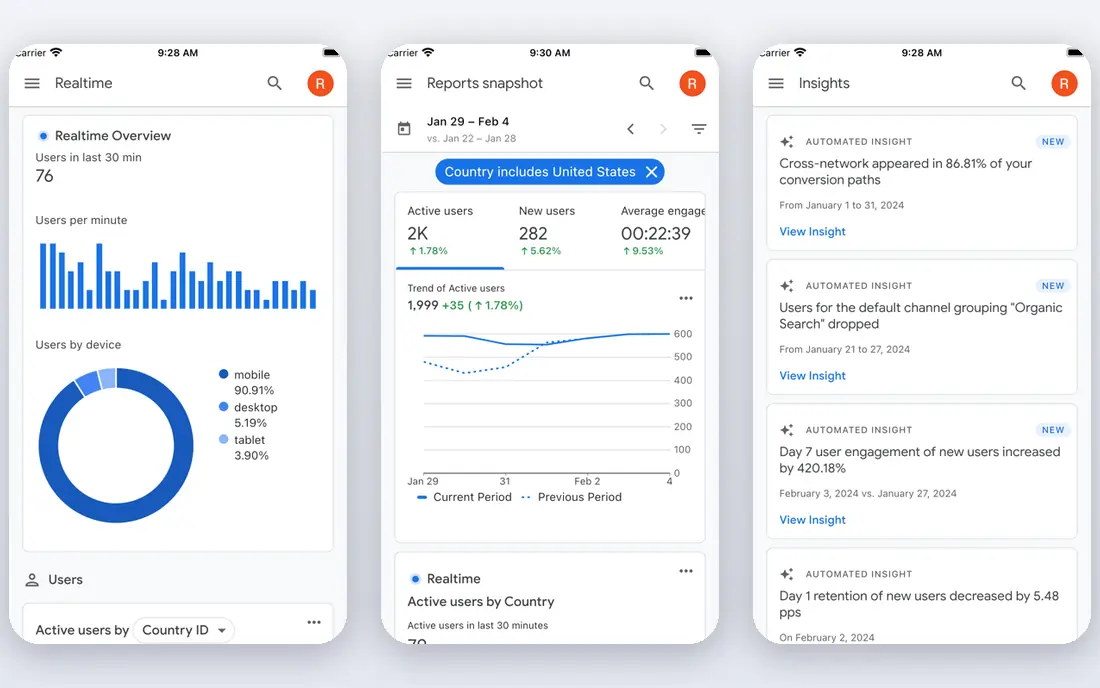
Google Search Console is different from every other tool here because it shows your own performance, not estimates for the wider web. It lists the queries your pages appear for, with impressions, clicks and average position, which reveals quick wins: pages ranking just off page one, or queries bringing impressions but few clicks. That data is free and first-party.
The limit is scope. Search Console only covers sites you verify, so it cannot show competitor keywords or demand for topics you have not covered yet. Pair it with Planner or a suite free tier for discovery, then use Search Console to prioritise pages you already own.
- Real queries, clicks and positions for your site
- Fully free
- Shows pages that need work
- Only covers your verified sites
- No competitor keyword data
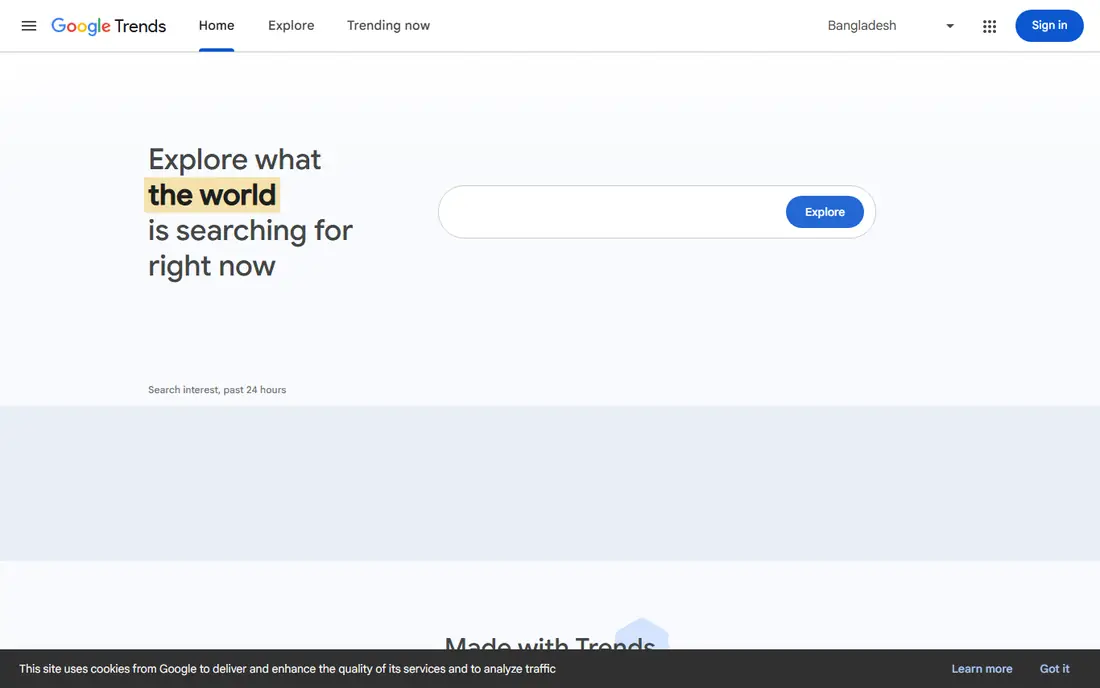
Google Trends shows how interest in a term changes over time, by region and by related topics, on a scale from 0 to 100. That relative scale is useful for spotting seasonal peaks, checking whether a topic is growing or fading, and comparing two phrasings before you commit to one. It is also fully free with no account needed for basic use.
Trends does not give absolute volumes, so a score of 100 in one comparison does not mean the same traffic as 100 in another. Use it to time content and choose phrasing, then check demand in Planner or a suite tool. For trend and timing questions, no free tool beats it.
- Fully free
- Shows seasonality and rising topics
- Compares terms and regions
- No absolute search volumes
- Scores are relative, not counts
Semrush is a full SEO suite, and its free plan gives limited access to keyword research, competitor data and audits. Recent listings place the free plan at ten reports a day, which suits occasional checks, small sites and students learning keyword research. Its Keyword Magic Tool groups ideas by intent and question type, which helps with content planning.
Heavy researchers will hit the daily cap quickly, and the paid SEO Toolkit starts well above 100 dollars per month in recent listings. Use the free plan for focused checks and gap ideas, not for bulk list building. For a taste of a full suite without paying, Semrush is a strong option.
- Keyword Magic Tool access on free plan
- Competitor and intent data
- Site audit tools
- Free plan caps daily reports
- Full data needs a paid plan
Ahrefs Webmaster Tools gives verified site owners free access to site audits, backlink data and limited keyword tools. That makes it useful for checking your own site's health, seeing which keywords you already rank for, and finding technical issues that block rankings. Its interface is clear, and its difficulty data is widely respected.
The full keyword explorer, competitor gap tools and larger databases sit behind paid plans, with a Starter plan listed at 29 dollars per month in recent listings. Free access is therefore best for your own site, not for broad market research. Pair it with Search Console for a strong free audit stack.
- Free tools for verified sites
- Keyword and backlink data
- Site audit coverage
- Full keyword database needs a paid plan
- Starter plan is paid
Ubersuggest, from Neil Patel, offers keyword ideas with volume, difficulty and cost-per-click estimates, plus competitor snapshots and basic site audits. Its free tier suits beginners who want one simple dashboard for ideas and difficulty, without learning a full suite. Paid plans start at a lower price than large suites in recent listings.
Free searches are limited, and all third-party volume figures are estimates, so cross-check important terms in Planner. Ubersuggest works best as a brainstorming and shortlisting tool, with final decisions backed by Google data and Search Console results.
- Keyword ideas, volume and difficulty in one view
- Competitor snapshots
- Site audit tools
- Free searches are limited each day
- Data is estimated, not from Google directly
Moz Keyword Explorer is known for difficulty scores that try to reflect what it actually takes to rank, including the strength of pages already ranking. Its free tool allows a limited number of queries per month, which suits quick checks before committing to a topic. SERP analysis shows who ranks and what kind of content wins.
The free limit means it cannot serve as a daily research tool, and its database is smaller than Semrush or Ahrefs. Use Moz to validate difficulty on shortlisted terms, especially competitive ones, rather than for bulk discovery. For difficulty validation, it earns its place.
- Difficulty scores that factor in ranking pages
- SERP analysis
- Simple keyword checks
- Free monthly queries are limited
- Database is smaller than larger suites
AnswerThePublic turns a seed term into a visual map of questions, prepositions and comparisons people search for. That makes it excellent for FAQ sections, blog outlines and content angles that volume tools miss. A writer can see, at a glance, whether people ask how, why, what or where about a topic.
Free searches are limited per day in recent listings, and the free version does not give full volume or difficulty data. Pair it with Planner or Ubersuggest to check demand for the best questions it surfaces. For idea generation, few free tools are as fast.
- Visual question and preposition maps
- Strong for FAQ and content ideas
- Simple to use
- Free searches are limited
- No volume or difficulty data on free tier
KWFinder, from Mangools, focuses on finding low-competition, long-tail keywords with a clean interface and clear difficulty scores. New sites often benefit most from this approach, since targeting long-tail terms with weaker competition brings faster early traffic than chasing broad, hard terms. Its free plan allows a small number of lookups per day in recent listings.
That small allowance means KWFinder free suits occasional, focused research, not bulk work. Paid plans raise limits and add related Mangools tools. For a beginner site hunting its first winnable terms, KWFinder is a useful, low-friction starting point.
- Clean interface
- Clear difficulty scores
- Good for long-tail discovery
- Free plan allows only a few lookups per day
- Full features need a paid plan
How we picked these
We compared official product pages, pricing pages and public documentation for tools with a genuinely usable free tier or free product for keyword research. We excluded paid-only suites, tools with no current free access, and generic SEO suites without a clear keyword tool. Where free limits varied by listing, we described them as limited rather than inventing an exact daily count.
What to check before you rely on a free tool
Data source and limits
Check whether volumes come from Google, from a third-party estimate, or from your own site data, since each source answers a different question. Note daily or monthly caps, and test whether those caps fit how often you research. A tool that blocks you mid-project is worse than a simpler tool with no cap.
Difficulty, intent and questions
Do not choose terms on volume alone. Check difficulty against your site's authority, check search intent behind each term, and check the questions people ask around it. A high-volume term with the wrong intent, or a difficulty far above your site, wastes content effort.
Building a free stack
A workable free stack is Search Console for your own queries, Planner for demand ranges, Trends for timing, and AnswerThePublic or KWFinder for ideas and long-tail terms. Add a suite free tier for occasional competitor checks. Review the stack quarterly, since free limits and features change often.
Frequently asked questions
What is the best free keyword research tool for SEO?
Google Search Console and Google Keyword Planner together form the best free starting point, since one shows your real queries and the other shows Google demand ranges. Add Google Trends for timing and AnswerThePublic for questions. No single free tool covers all four jobs well.
Are free SEO keyword research tools accurate?
Google tools give first-party or Google-based data, while third-party tools give estimates that vary by provider and method. Treat all volumes as ranges, cross-check important terms in more than one tool, and use Search Console to confirm what actually drives traffic to your site. Accuracy improves when you combine sources.
How do I find low-competition keywords for free?
Start with long-tail terms in KWFinder or Ubersuggest, check difficulty in Moz or a suite free tier, and confirm demand in Planner. Look for terms where weaker pages rank, where your site can offer a better answer, and where intent matches a page you can build. Shortlist a few terms, then validate them before writing.
Do I need a paid tool if free tools exist?
Not at first. Free tools cover discovery, demand checks and basic audits for small sites and new projects. Paid suites become worth it when you research in bulk, track many competitors, or need full backlink and rank tracking. Upgrade when free limits, not marketing, start slowing your work.
What is the difference between volume and difficulty?
Volume estimates how often people search a term, while difficulty estimates how hard it is to rank for it, based on competing pages. A term can have high volume and high difficulty, or low volume and low difficulty. New sites usually gain faster by targeting lower-difficulty terms with clear intent, even when volume is modest.
Sources
See where you really rank - block by block
ProMapRanker scans Google Maps across a grid of your service area. Simple monthly plans from $19, white-label on every plan.
Start freeKeep reading
 zscaler alternatives
Best Zscaler Alternatives in 2026
Looking for zscaler alternatives? We compare 9 SASE and zero trust platforms on architecture, data protection, pricing, and fit for your network and team.
Read → zapier alternatives free
Best Zapier Alternatives Free in 2026
Nine automation tools for zapier alternatives free in 2026, all with genuinely free tiers, plus free plan limits, starting prices and upgrade paths explained.
Read → which platform is best for online reputation
Which Platform Is Best for Online Reputation in 2026
Wondering which platform is best for online reputation? We compare 8 review, listing, and response tools for small and multi-location businesses and agencies.
Read →