 ProMapRanker
Best Free Pregnancy Tracking Apps in 2026

Key takeaways
- BabyCenter and What to Expect give the strongest free mix of week-by-week guidance and community support.
- Ovia Pregnancy Tracker and Sprout Pregnancy Tracker suit people who want detailed daily logging and planning tools.
- Flo and Pregnancy+ are good visual trackers, but some features sit behind a paid upgrade.
- The Bump and HiMommy add practical preparation help, from checklists to daily messages and partner sharing.
- This article gives general information only. It is not medical advice, and due dates and size estimates are estimates, not guarantees.
Quick comparison
| Pick | Great for | Pricing starts at | Free tier | |
|---|---|---|---|---|
 BabyCenter | Community and week-by-week guidance | Free | Yes | Visit |
 What to Expect | Daily articles and planning | Free | Yes | Visit |
 Ovia Pregnancy Tracker | Detailed health logging | Free | Yes | Visit |
 Flo | Cycle and pregnancy tracking in one place | Free | Yes | Visit |
 Pregnancy+ | Visual baby development | Free | Yes | Visit |
 The Bump | Preparation and checklists | Free | Yes | Visit |
 Sprout Pregnancy Tracker | 3D visuals and birth planning | Free | Yes | Visit |
 HiMommy | Daily messages and simple tracking | Free | Yes | Visit |
The best free pregnancy tracking apps
These apps help you follow a pregnancy week by week, log symptoms, and prepare for appointments. We compared their free features, tracking tools, privacy notes, and planning help, using official app store listings, developer pages, and privacy information.
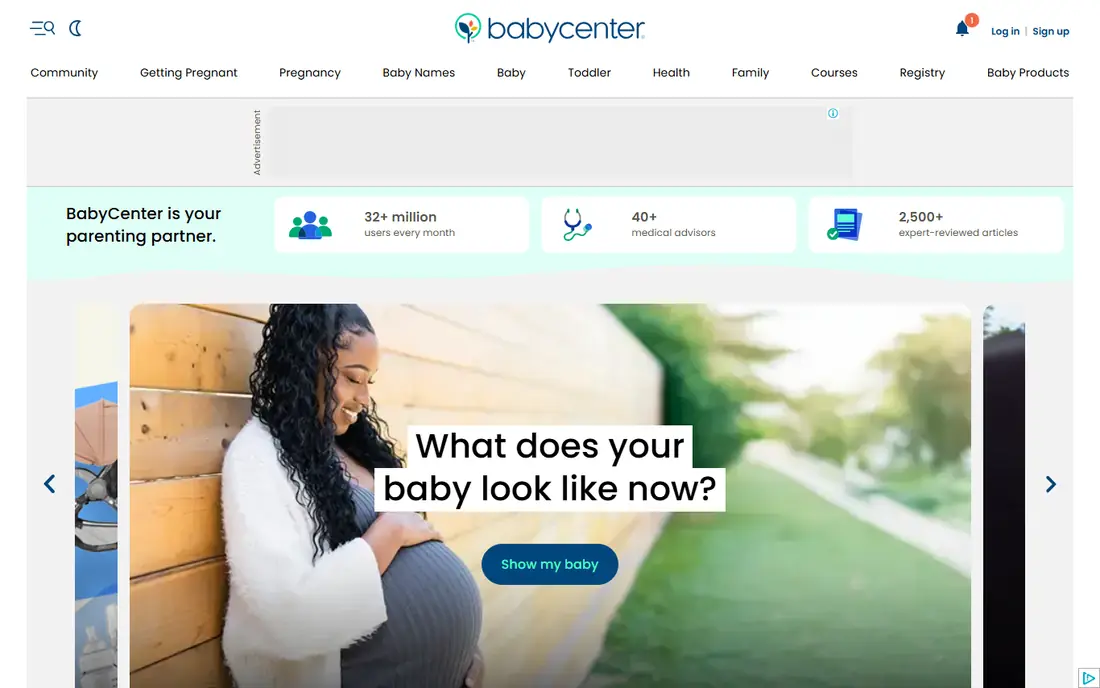
BabyCenter is our pick for most people who want a free pregnancy app with both guidance and company along the way. It follows your due date with week-by-week updates, and its Birth Club groups connect you with people due in the same month. That mix of information and peer support is hard to beat at no cost.
The trade-off is that a free, ad-supported app will show promotions, and the volume of articles and forum posts can feel like a lot. Start with the weekly update and one Birth Club group, then add other sections only if you use them. Check the privacy settings before you enter sensitive health details, and share only what you are comfortable sharing in a community space.
- Free core tracking
- Large parent community
- Expert-reviewed weekly content
- Ads and sponsored content can distract
- Some users may find the community forums busy
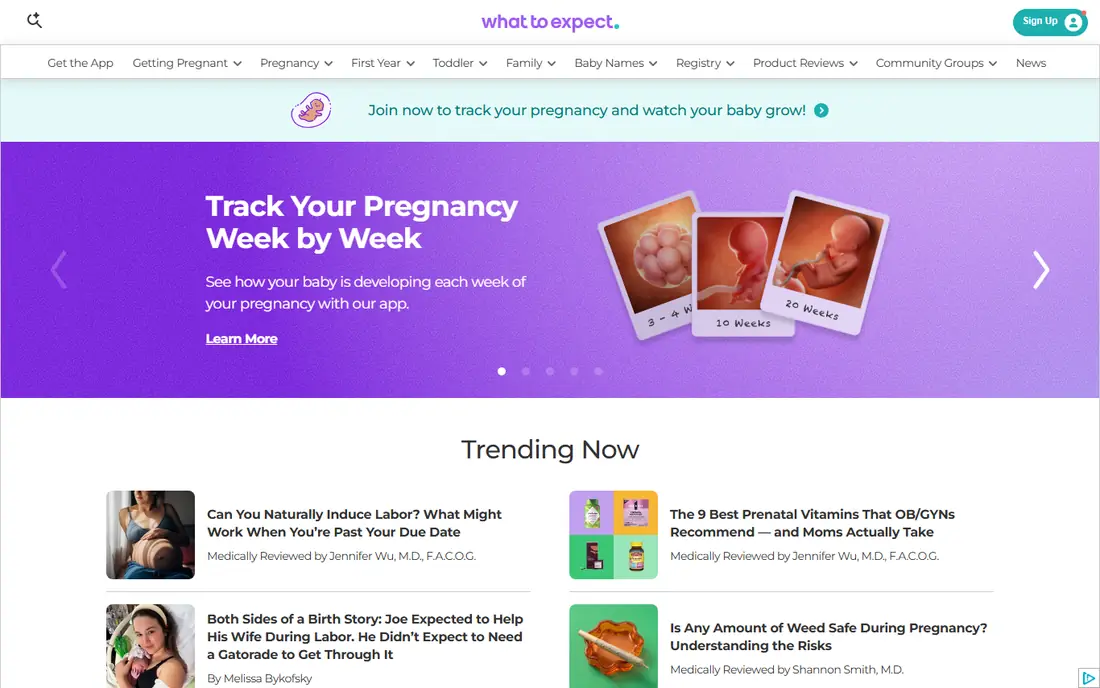
What to Expect builds on the well-known pregnancy book of the same name, with daily articles matched to your stage of pregnancy. It also offers baby size comparisons, symptom tracking, and forums grouped by due date. For readers who like to learn a little each day, this steady stream of short, stage-matched content is a clear strength.
The app covers a wide range of topics, so the home screen can feel crowded if you prefer a quiet tracker. We suggest using the daily update and the checklist tools first, and treating the forums as an optional extra. As with any free health app, read the privacy policy and review what data you choose to log.
- Strong editorial content
- Due-date community groups
- Practical checklists and birth plan tools
- Interface can feel busy
- Free version is ad-supported
Ovia Pregnancy Tracker suits people who like to keep careful records. It lets you log symptoms, weight, mood, sleep, and other health notes, and it turns that record into summaries you can review or discuss at a prenatal visit. Baby size comparisons add a lighter touch to an otherwise practical tool.
The honest catch is effort. A tracker is only useful if you keep using it, and Ovia asks for more input than a simple week counter. If you enjoy daily logging, that depth is a plus. If you want a quick weekly check-in, BabyCenter or What to Expect may fit better. Either way, treat its predictions as estimates and bring questions to your clinician.
- Deep symptom, weight, and mood logging
- Reports that can help at appointments
- Free core features
- Detailed logging takes time
- Some users may find the data entry more than they need
Flo is a sensible choice if you already used it for cycle tracking before pregnancy, because your history stays in one place. During pregnancy it offers weekly updates, size comparisons, and symptom logging, with a clean layout that many people find easy to follow day to day.
The limits matter. Some deeper insights and content sit behind a subscription, so the free version is best seen as a solid tracker rather than a complete library. Flo also settled with a US regulator in 2021 over sharing health data, so we recommend reading its current privacy policy closely before logging sensitive details. If privacy is your top concern, compare it with the other free options here first.
- Familiar tracking design
- Weekly pregnancy updates
- Useful if you already track cycles in Flo
- Some pregnancy features require a paid subscription
- Privacy history deserves a careful read
Pregnancy+ stands out for its visuals. Its interactive 3D models let you see how development changes week by week, and you can adjust details such as the displayed baby characteristics. For many people, that visual progress makes each week feel more concrete than text alone.
Beyond the visuals, the app covers appointments, milestones, and a weekly size guide that compares growth to familiar objects. Ads in the free version and paid extras for some features are the main drawbacks. If you want the prettiest weekly update and do not mind ads, this is a strong free pick. If you want a quiet, ad-free tracker, Sprout or Ovia may suit you better.
- Interactive 3D baby models
- Weekly size guide
- Appointment and milestone tracking
- Some features require in-app purchases
- Free version includes ads
The Bump blends pregnancy tracking with practical preparation. Alongside daily updates matched to your due date and baby size comparisons, it offers checklists and registry tools that help you organize what to buy and what to do before the baby arrives. That planning focus is its main appeal.
It is less of a medical log than Ovia, so people who want detailed symptom charts should pair it with a logging app or use its tools alongside their own notes. Shopping suggestions are also part of the experience, which some readers will welcome and others will skip. For first-time parents who want structure, though, the checklists alone make it worth a look.
- Daily personalized updates
- Practical checklists
- Registry and planning tools
- Less emphasis on deep health logging
- Shopping content is prominent
Sprout Pregnancy Tracker offers lifelike 3D baby models, a week-by-week timeline, and practical tools including a kick counter, contraction timer, weight tracker, and checklists. Its visual birth plan generator is a useful extra, because it helps you set out preferences and share them with your provider.
The free download gives you a good sense of the app, but full access requires a subscription, so budget for that if you want everything it offers. No account is required to start, which some users will appreciate. For people who want strong visuals plus planning tools in one app, Sprout is one of the best free starting points on this list.
- Detailed 3D baby interaction
- Kick counter and contraction timer
- Visual birth plan tool
- Full access requires a subscription
- Some premium features are paywalled
HiMommy takes a gentler approach, with daily messages written from the baby's point of view, a 3D baby view, and simple counters for kicks and contractions. It also includes a journal and a cycle calendar for people trying to conceive, and it continues after birth with early baby tracking. A companion app lets a partner follow along.
The community is smaller than the big US forums, so peer support is less of a draw here. What you get instead is a calm, daily companion that does not demand heavy data entry. If you want short daily updates and basic counters without a busy feed, HiMommy is an easy free app to try first.
- Daily baby messages
- 3D baby view
- Kick and contraction counters
- Partner app available
- Smaller community than BabyCenter or What to Expect
- Some features may vary by region
How we picked these
We compared official app store listings, developer pages, and privacy information for widely used pregnancy trackers, and we kept only apps with a genuinely useful free tier in October 2026. We favored apps that cover week-by-week growth, symptom or health logging, and practical tools such as kick counters, contraction timers, or checklists. We did not claim hands-on testing. Our judgment rests on published features, pricing, and privacy disclosures, checked against public reviews and app listings.
What to check before you pick one
Start with how much logging you will actually do. A detailed tracker helps only if you open it most days, while a simple weekly app helps if you want guidance without homework. Next, look at privacy. Reproductive health data is sensitive, so read what each app collects, whether it shares data with third parties, and whether you can delete your account and data. Third, check whether the free tier covers the tools you need, such as a kick counter or contraction timer, or whether those sit behind a subscription. Finally, remember that every app gives estimates based on averages. Your clinician knows your history, so use the app to prepare questions, not to replace care. If you notice reduced movement, bleeding, severe pain, or other worrying symptoms, contact your provider promptly rather than waiting for an app update.
Frequently asked questions
What is the best free pregnancy tracking app?
BabyCenter is our pick for most people, because it pairs free week-by-week guidance with a large community at no cost. What to Expect is close behind for daily articles and planning, while Ovia suits people who want detailed health logging.
What is the best pregnancy tracking app free of charge for kick counts?
Ovia, Sprout, and HiMommy all include kick counters in their tracking tools, and Sprout also adds a contraction timer and weight tracker. Try the counter in the app you already open most often, since a tool you use beats a tool you forget.
Are free pregnancy apps safe for my data?
Privacy varies a lot between apps, so read each privacy policy before entering health details. Check what data is collected, whether it is shared or sold, whether ads are present, and how to delete your data. Apps with clear privacy pages and account deletion options are easier to trust.
Do pregnancy apps predict my due date accurately?
Apps estimate a due date from the date you enter, often your last menstrual period, and then show averages for each week. Ultrasound dating from your clinician is more reliable for your own pregnancy. Treat app dates and size comparisons as helpful guides, not medical measurements.
Can my partner use the same pregnancy app?
Yes, several apps on this list support partner sharing, and HiMommy has a companion app for partners. BabyCenter and What to Expect also let you share updates and join the same due-date community. Check whether sharing gives a partner full access to your health logs or only to weekly updates.
Should I use more than one pregnancy tracking app?
Many people use two: one for articles and community, and one for daily logging. That split works well if each app has a clear job. If two apps start to feel like extra work, keep the one you open most and drop the other.
Sources
See where you really rank - block by block
ProMapRanker scans Google Maps across a grid of your service area. Simple monthly plans from $19, white-label on every plan.
Start freeKeep reading
 who has the best home internet service
Who Has the Best Home Internet Service in 2026
Who has the best home internet service in 2026? Compare fiber, cable, and 5G providers on speed, price, data caps, and availability at your address today.
Read → visio alternatives
Best Visio Alternatives in 2026
Compare 9 Visio alternatives for flowcharts, org charts, and network diagrams, with free plans, pricing, and the best pick for teams and solo users in 2026.
Read → top 10 logistics software
Top 10 Logistics Software in 2026
We compared the top 10 logistics software tools for transport, warehousing, visibility and shipping, for shippers, carriers and 3PL teams in 2026 today.
Read →