 ProMapRanker
Best Free Photo Editing Apps for Mobile in 2026

Key takeaways
- Snapseed is the best fully free mobile editor, with no ads, no subscription and a deep toolset for iPhone and Android.
- Lightroom Mobile offers the strongest free raw and colour tools, with paid plans for advanced masking and cloud sync.
- Pixlr, Picsart and Canva suit fast social edits, collages and graphics, while VSCO and Polarr suit preset based looks.
- Fotor and BeFunky cover one tap fixes, collages and effects for everyday photos.
- Every app here offers a genuine free tier, but check which tools are free, because premium filters and assets often sit behind a paywall.
Quick comparison
| Pick | Great for | Pricing starts at | Free tier | |
|---|---|---|---|---|
 Snapseed | Fully free mobile editing | Free | Yes | Visit |
 Lightroom Mobile | Raw and colour editing | Free | Yes | Visit |
 Pixlr | Quick mobile edits | Free | Yes | Visit |
 Picsart | Creative social edits | Free | Yes | Visit |
 Canva | Mobile design and photos | Free | Yes | Visit |
 VSCO | Preset photo looks | Free | Yes | Visit |
 Polarr | Filters and masking | Free | Yes | Visit |
 Fotor | One tap fixes and collages | Free | Yes | Visit |
 BeFunky | Easy effects and collages | Free | Yes | Visit |
The best free photo editing apps for mobile
Mobile editing should be fast, touch friendly and honest about its free tier. These nine apps all run on iPhone and Android, or in a mobile browser, and all offer a real free tier in October 2026. We compared official app store listings, support pages and pricing pages, and we kept only apps where free editing is useful without paying first.
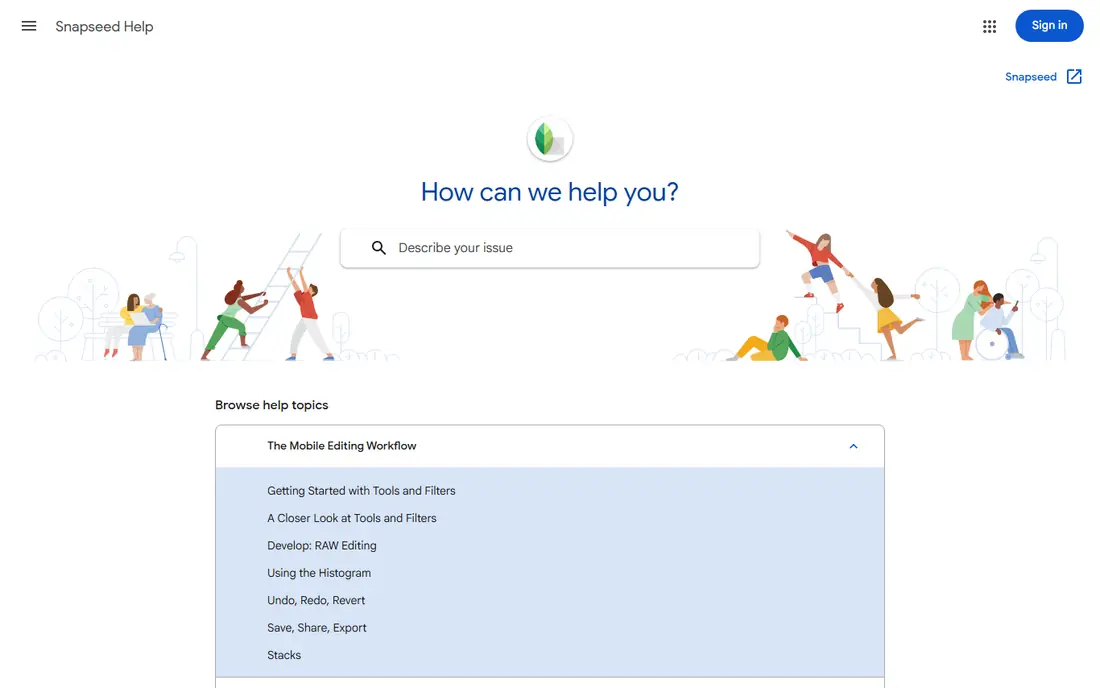
Snapseed, from Google, is the best fully free mobile photo editor because every tool is included at no cost. You get tune image controls, curves, white balance, selective adjustments, healing, perspective, masking and a large set of filters, with non destructive stacks that let you revisit each edit step. Raw and DNG files can be opened and developed, which is rare for a completely free app.
The limits are organisation and sync. Snapseed edits one photo at a time and does not offer a cloud library, so you will manage files in your phone gallery or another app. The gesture based interface also takes a short learning period, though tutorials on the support page help. If you want one free app that does serious mobile editing without a paywall, start with Snapseed.
- Fully free with no ads or subscription
- Selective editing and healing tools
- Raw support and non destructive stacks
- No cloud sync or photo library
- Interface takes a short time to learn
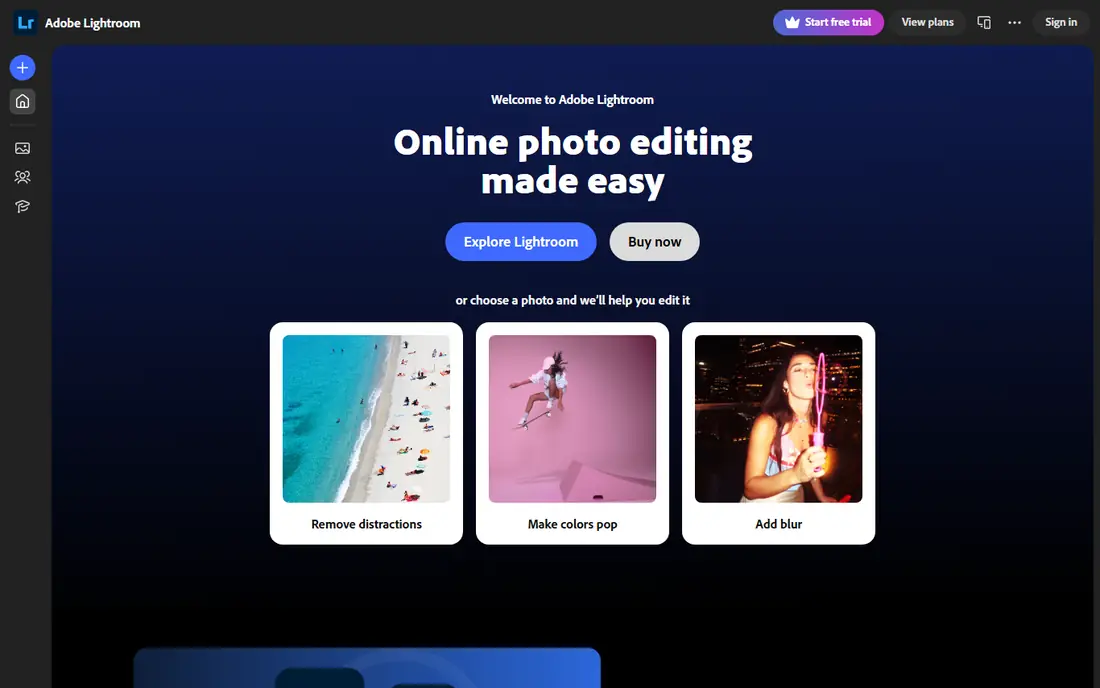
Lightroom Mobile gives photographers a strong free core, including light, colour and detail controls, cropping, profiles and presets. You can develop raw files, copy settings across photos for a consistent look, and organise with albums, flags and ratings. That workflow suits photographers who shoot often and want the same edit style across a set.
Advanced tools such as healing brush, AI masking, batch editing on mobile, geometry correction and full cloud sync sit behind a paid plan, with mobile premium around $5 per month in recent listings and wider plans for desktop users. The free tier still covers most casual and enthusiast edits. Choose Lightroom Mobile when raw quality and colour control matter most, and accept the paid limits for advanced work.
- Strong raw and colour controls
- Presets and selective edits
- Consistent look across photos
- Healing, masking and batch tools need a paid plan
- Cloud sync needs a subscription
Pixlr works in a mobile browser and through mobile apps, with layers, masks, filters and retouching for fast edits. Background removal and object removal help with product photos and social posts, while the express editor suits one tap fixes. That range makes Pixlr useful when you want more than a filter app but less than a full raw editor.
Free users should expect ads and a daily cap on saves, based on current pricing summaries, while paid plans from around $1.99 per month billed yearly remove ads and add AI credits. Some AI tools also use credits, so heavy AI use will hit limits faster. Pixlr suits quick mobile edits and social content, with Snapseed or Lightroom as a better choice for detailed photo work.
- Browser and mobile apps
- Layers and masks
- Background removal and AI tools
- Free tier shows ads and has save limits
- Some AI features need credits or a paid plan
Picsart is built for creative social edits rather than careful photo correction. You get retouching, background replacement, layering, effects, collages, stickers and AI features, which help turn a plain photo into an eye catching post. Templates and community content offer ideas when you start from a blank page.
The free tier is useful, but many premium effects, fonts and assets need a subscription, and free users see ads. Picsart also suits social design more than raw photography, so detailed colour work is better done in Snapseed or Lightroom first. Use Picsart when the goal is a bold social post, not a subtle photo repair.
- Effects, stickers, collages and background tools
- Large creative community
- Easy social sharing
- Many premium effects and assets need a paid plan
- Free tier shows ads
Canva on mobile is a design app with photo tools, not a dedicated photo editor, and that distinction helps set expectations. Templates for social posts, stories, posters and presentations save time, while photo tools cover cropping, filters, background removal on some plans and basic adjustments. For a quick post with text and a photo, Canva is faster than a pure editor.
Detailed retouching, raw development and complex masking are better done elsewhere, and free users face limits on premium photos, fonts and brand tools. Canva suits mobile users who design social content daily and need only light photo fixes. Pair it with Snapseed when the photo itself needs serious work before it goes into a design.
- Huge template library for social posts
- Easy drag and drop on mobile
- Photo filters and adjustments
- Not a full photo editor
- Many premium assets need a paid plan
VSCO is known for film inspired presets that give photos a consistent, muted or warm look with little effort. Free tools cover exposure, contrast, saturation, cropping and a set of presets, while the community offers a quieter alternative to social feeds for sharing work. That preset first approach suits photographers who want a signature look without building it from scratch each time.
The full preset library, advanced editing tools and video features need a paid membership, so free users get a smaller set of looks. VSCO also lacks the deep raw and masking workflow of Lightroom or Snapseed. Choose VSCO when a preset look is the main goal, and use Snapseed for detailed edits before applying a VSCO preset.
- Film inspired presets
- Clean editing tools
- Community for sharing photos
- Full preset library and advanced tools need a paid plan
- No deep raw workflow
Polarr offers a strong mix of filters, colour tools and masking on mobile and web, with custom filter creation for users who want a repeatable look. Face and object tools, batch editing and advanced masks appear on higher plans, while the free tier covers core adjustments and a set of filters. That balance suits mobile photographers who like presets but also want selective control.
Free users will hit paywalls on some filters and advanced tools, so test the exact filter or mask you need before planning a project around it. The interface packs many controls into a small screen, which can feel busy at first. Polarr suits users who want a filter led editor with more masking control than VSCO, without moving to a full raw app.
- Custom filters and masking tools
- Face and object detection on some plans
- Web and mobile access
- Many advanced tools and filters need a paid plan
- Interface can feel busy
Fotor is a friendly choice for everyday mobile photos, with one tap enhance, portrait retouching, background removal and collage tools in one app. Casual users can improve a family photo, listing image or social post in minutes, without learning layers or curves. Design tools add posters and social graphics alongside photo edits.
Paid plans from around $3.33 per month in recent comparisons add premium features and remove limits, while free users face ads and locked tools. Fotor will not replace Snapseed or Lightroom for detailed photography, and it lacks a deep raw workflow. Choose Fotor when speed and simplicity matter more than precise control.
- One tap enhance and portrait tools
- Collage and design tools
- Easy for beginners
- Premium features need a paid plan
- Not suited to deep raw or layered editing
BeFunky combines a photo editor, collage maker and graphic designer in a beginner friendly mobile and web app. Effects, frames, text and touch up tools help with social posts, invitations and everyday photos, and collage layouts make multi photo posts simple. The interface is clear, which helps new editors avoid feeling overwhelmed.
Premium effects, assets and batch tools need a paid plan, and the mobile toolset is simpler than a dedicated raw or layered editor. BeFunky suits casual mobile users who want fun, fast results and collages, rather than photographers who need selective raw edits. Pair it with Snapseed when a photo needs careful correction before a creative finish.
- Easy photo editor, collage maker and designer in one
- Fun effects and text tools
- Beginner friendly
- Many premium effects need a paid plan
- Mobile tools are simpler than desktop editors
How we picked these
We compared app store listings, support pages and pricing pages for mobile photo editors with a genuine free tier in October 2026. We kept only apps still available on iPhone and Android, or in a mobile browser, where free editing covers real photo work, not just a trial or a single filter. We excluded apps with no free tier, apps that only offer a short trial, and discontinued editors. Where a tool is paid only, we say so rather than implying it is free.
Choosing the right free mobile editor
Start with the photo job, not the app with the most effects. A careful edit needs Snapseed or Lightroom, a social post needs Picsart, Canva or BeFunky, and a consistent preset look needs VSCO or Polarr. One app rarely does all three jobs well on a phone.
Test the free tier on a real photo
Open a photo you actually want to share, try the exact edit you need, and check whether the tool, filter or export is free. Save a copy at full quality and view it on a larger screen if you can, because small phone screens hide noise, halos and colour shifts. Keep the original file untouched, so you can re edit if a free limit appears.
Watch export and watermark limits
Some free tiers limit export size, add a watermark, or cap daily saves, while Snapseed and the core Lightroom free tier avoid watermarks for basic edits. Check export settings before editing a large batch, especially for print or client work. If export quality matters, Snapseed or Lightroom are safer free choices than a social app with capped exports.
Keep a two app routine if needed
Many mobile photographers use Snapseed or Lightroom for correction, then a second app for design or presets. That routine takes a little longer, but it gives you better control and a cleaner result than forcing one app to do everything. Save an intermediate copy between apps, so you can change the design without redoing the photo edit.
Frequently asked questions
What are the best free photo editing apps for mobile?
Snapseed is the best fully free choice, with a deep toolset and no ads or subscription. Lightroom Mobile offers the strongest free raw and colour tools, while Pixlr, Picsart and Canva suit fast social edits. VSCO and Polarr suit preset looks, and Fotor and BeFunky suit easy fixes and collages.
Which free mobile photo editor is best for beginners?
Snapseed is a good beginner choice once you learn its gesture controls, because all tools are free and there is no paywall surprise. Fotor and BeFunky are easier at first, with one tap tools and collages, but they offer less depth. Beginners who want simple results should start with Fotor or BeFunky, then move to Snapseed for detailed edits.
Can free mobile apps edit raw photos?
Yes, some can. Snapseed opens and develops raw and DNG files, and Lightroom Mobile offers strong raw controls on its free tier. Raw editing on a phone is useful for exposure and colour recovery, but a desktop raw editor still offers more control for large prints or complex shoots. Check your phone camera format, because some raw formats need conversion first.
Do free photo editing apps add watermarks?
Some do, especially social and collage apps on free tiers, while Snapseed and core Lightroom free edits do not add a watermark in normal use. Always check export settings and test a save before editing an important photo. If a watermark appears, try exporting from Snapseed or Lightroom, or check whether a paid plan removes it.
Which free app is best for Instagram and social posts?
Picsart and Canva are best for social posts, with templates, stickers, text and collage tools built for sharing. VSCO suits a consistent preset look for a feed, while Snapseed or Lightroom should handle photo correction first. Edit the photo for quality, then design the post, rather than relying on one app for both jobs.
Sources
See where you really rank - block by block
ProMapRanker scans Google Maps across a grid of your service area. Simple monthly plans from $19, white-label on every plan.
Start freeKeep reading
 zoro.to alternatives
Best Zoro.to Alternatives in 2026
We compare the best zoro.to alternatives in 2026, listing only legal licensed anime streaming services, from Crunchyroll to free options for fans today.
Read → zip alternatives
Best Zip Alternatives in 2026
We compare the best zip alternatives for buy now, pay later in 2026, covering pay-in-4 plans, fees, spending limits, and credit reporting options today.
Read → yesware alternatives
Best Yesware Alternatives in 2026
Compare the best yesware alternatives for sales email tracking, templates, and sequences, with current pricing and honest tradeoffs for small sales teams.
Read →