 ProMapRanker
Best Free PDF Split Software in 2026

Key takeaways
- PDFsam Basic is our pick for most people who can install software, since it splits offline with no artificial size limit on the free desktop tool.
- PDF24 Tools is the easiest free online option, with no account needed for a quick split in a browser.
- Stirling PDF suits teams that want a free self hosted toolkit with many PDF tools beyond splitting.
- Sejda is a strong online choice when you need splits by range, bookmark or file size, within its free task limits.
- For sensitive files, prefer an offline or in browser tool that never uploads the document, and check how long an online service keeps your file.
Quick comparison
| Pick | Great for | Pricing starts at | Free tier | |
|---|---|---|---|---|
 PDFsam Basic PDFsam Basic | Offline splitting with no size limit | Free | Yes | Visit |
 PDF24 Tools PDF24 Tools | Quick online splits with no account | Free | Yes | Visit |
 Stirling PDF Stirling PDF | Teams that want a free self hosted toolkit | Free | Yes | Visit |
 Sejda Sejda | Splits by range, bookmark and size online | See website | Yes | Visit |
 iLovePDF iLovePDF | Simple online splitting in a wider toolkit | See website | Yes | Visit |
 Smallpdf Smallpdf | Polished online splitting across devices | See website | Yes | Visit |
 Adobe Acrobat online Adobe Acrobat online | Users who already trust Adobe tools | See website | Yes | Visit |
 PDF Candy PDF Candy | Simple online splitting plus conversion tools | See website | Yes | Visit |
The best free PDF split software
We compared official feature pages and free limits for tools that truly split PDFs, not just view them. The list mixes offline desktop tools, which keep your file on your own computer, with online tools, which are faster for a one off job but upload your file to a server. Read the free limit for each tool before you start a large job, since page caps and task limits differ.
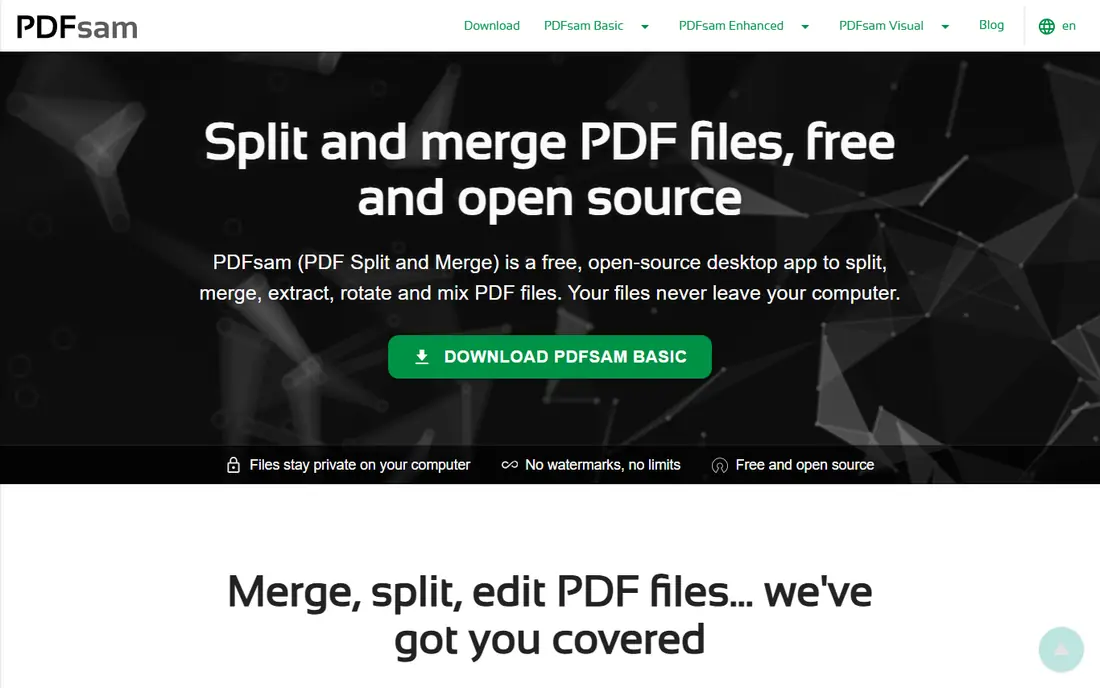
PDFsam Basic is the tool we point to first when someone asks for a free PDF splitter they can rely on week after week. It runs on your own computer, so a large report or a private document never has to be uploaded anywhere. You can split after every page, after every set number of pages, by page ranges, by bookmarks, or by target file size. That range of modes covers most real jobs, from pulling one chapter out of a manual to breaking a scanned file into smaller parts for email.
The trade off is that you have to install it, and the interface looks plain next to a modern web app. There is no drag and drop magic that replaces clear controls, but the controls are easy to learn in a few minutes. If you split PDFs often, or you handle files you would rather not upload, PDFsam Basic is the safest free starting point.
- Free and open source desktop tool
- Splits by page, range, bookmark and size
- Files stay on your computer
- Requires installation
- Interface is functional rather than polished
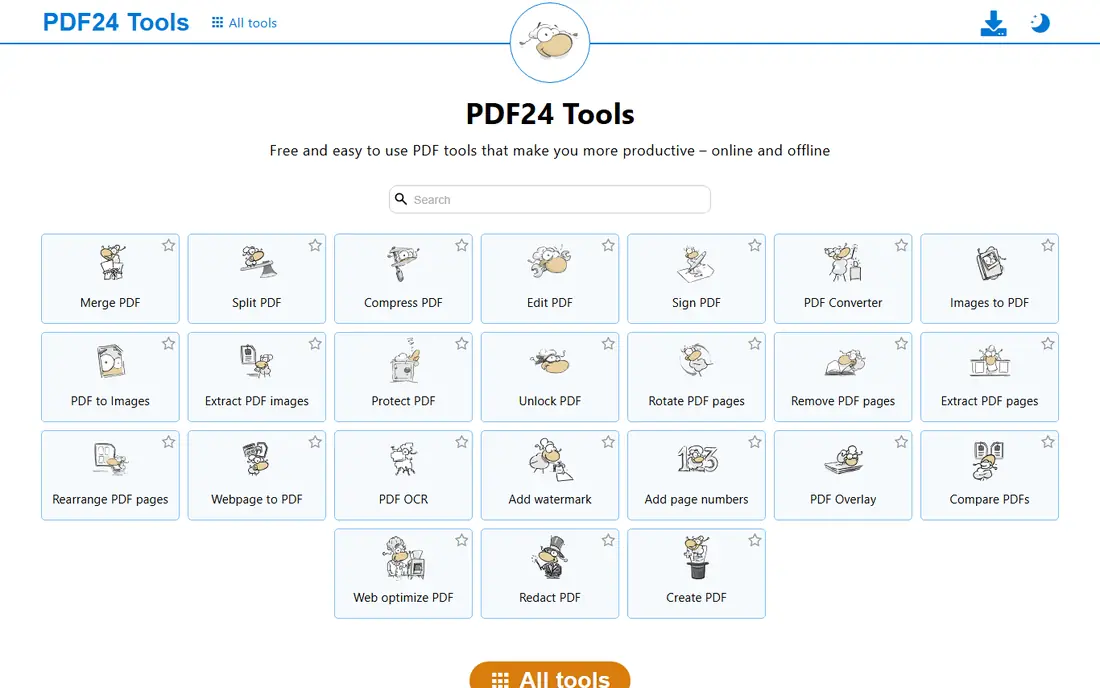
PDF24 Tools is the easiest option when you need a split right now and do not want to install anything. Open the split tool in a browser, upload the file, choose the pages, and download the result. There is no account step in the way, which makes it useful on a shared computer or a device you do not own. The wider PDF24 suite also covers merging, compressing and converting, so a split is rarely the only job you need.
The honest catch is privacy. An online split means your file travels to a server, even if the service deletes it afterwards. For routine, non sensitive files that is a fair trade for speed. For contracts, medical records or client files, use PDF24 Creator on Windows or an offline tool instead. Check the current deletion policy on the site before you upload anything sensitive.
- Online tools are free with no account
- Simple page based splitting
- Desktop Creator option for Windows
- Online files are uploaded to a server
- Fewer advanced split modes than PDFsam
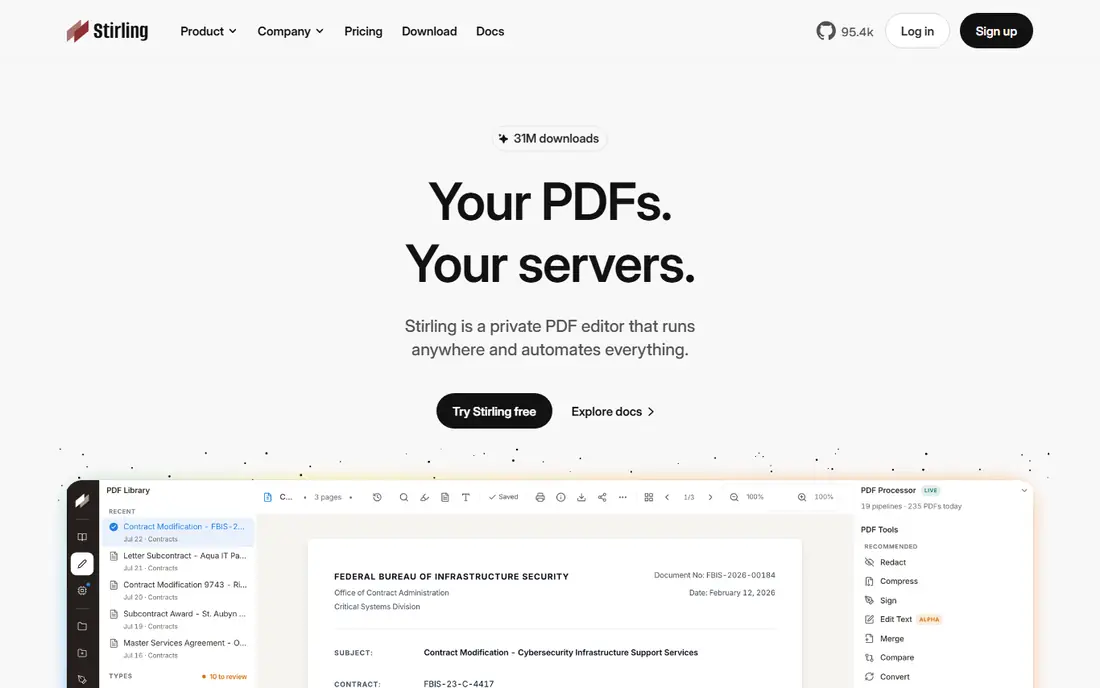
Stirling PDF is a free toolkit you can run on your own computer or server, with splitting as one of many tools. That makes it attractive for a small team or a technically confident user who wants merge, split, compress, convert and organize tools without paying a subscription or sending files to a third party service. Once it is running, the workflow is simple, and the toolset grows with your needs.
The downside is setup. Self hosting is not a one click job for everyone, and if you only need to split a single PDF, a simpler tool will get you done faster. Stirling PDF earns its place here for people who split PDFs often, want control over where files are processed, and are happy to spend a little time on setup in return for a free, private toolkit.
- Free and self hostable
- Dozens of PDF tools in one place
- Good for teams with their own server
- Setup takes more effort than a web tool
- Overkill if you only need one split
Sejda stands out online because it offers more split modes than most free web tools. You can pull out a page range, split every page into its own file, split at bookmarks, or split by file size, which is useful when an email system caps attachments. There is also a desktop option for users who want to keep more work local. The interface guides you through the choice, so you do not need to guess which mode fits your file.
Free use is limited, with caps on pages and on the number of free tasks per hour for the standard online splitter, so a very large job may need to be broken into parts or moved to a paid plan. For occasional, precise splits, those limits rarely get in the way. Sejda is a good pick when PDFsam feels like too much and a basic online splitter feels too simple.
- Split by ranges, every page, bookmarks or file size
- Desktop option available
- Clear free limits
- Free online use is limited to a set number of tasks and pages
- Larger jobs need a paid plan
iLovePDF is one of the most familiar online PDF suites, and its split tool follows the same simple pattern. Upload a file, choose custom ranges or extract selected pages, and download the pieces. Because the same site also handles merging, compressing and converting, it works well as a general PDF stop for office work. Mobile apps extend the same workflow to a phone or tablet when you are away from a desk.
The limit is the free tier. Basic use includes split with limited document processing, so frequent or large jobs will hit a cap and prompt an upgrade. Files are also processed online, so the same privacy caution applies as with other web tools. For occasional splits inside a broader set of PDF jobs, iLovePDF is a friendly and fast choice.
- Easy split by range or page extraction
- Merge, compress and convert tools nearby
- Mobile apps available
- Free use is limited
- Files are uploaded and processed online
Smallpdf is built for people who want a clean, fast web tool without learning a desktop app. The split tool lets you extract pages and break a document into parts in a few clicks, and the same account works across devices. That polish matters when you are helping a colleague or working on a borrowed machine, since there is almost nothing to learn. The site also covers the usual companion jobs, such as compressing and converting PDFs.
Free use is limited by daily allowances, so Smallpdf is best for occasional splits rather than daily batch work. If you find yourself splitting every day, an offline tool will save time and money. For a one off job that needs to look simple and work first time, Smallpdf is a dependable pick.
- Clean interface
- Split and extract pages quickly
- Works across devices in a browser
- Free use is subject to daily limits
- Full features need a paid plan
Adobe Acrobat online offers a split tool from the company behind the PDF format itself, which gives many users extra confidence about layout and file quality. The online tool supports large files, with limits published on the site, and the desktop version of Acrobat adds richer controls such as splitting by page count, file size and bookmarks. If your workplace already uses Acrobat, the online tool fits naturally into that workflow.
The free tier is limited, and the full desktop product is paid, so this is not the best choice if you need unlimited free splitting. It earns a place here because the output quality is consistent and the tool is easy to find and use. For an occasional split where fidelity matters, Adobe Acrobat online is a safe option.
- Familiar Adobe workflow
- Handles large files on the online tool
- Desktop Acrobat adds deeper split controls
- Free transactions are limited
- Full Acrobat is a paid product
PDF Candy rounds out the list as a straightforward online option for splitting and related PDF jobs. The split tool is easy to follow, and the site groups it with conversion, merge, compress and edit tools, so you can finish a small document job without opening several sites. That breadth makes it useful for students and office users who need a PDF tool a few times a month rather than every day.
Like other online tools, free use has limits and files are uploaded for processing. Check the current limits and privacy notes before a large or sensitive job. For a quick, simple split in a browser, PDF Candy does the job without fuss, and it is a fine backup when your usual tool hits a free cap.
- Simple split tool
- Wide set of companion PDF tools
- No install needed
- Free use has limits
- Files are processed online
How we picked these
We compared official feature pages, free limits and privacy notes for tools that split PDFs in October 2026. We favored tools that are still available, that state their free limits clearly, and that cover a real split mode such as pages, ranges, bookmarks or file size. We included both offline and online options so readers can choose between privacy and convenience. Where a price could not be verified on the vendor site, we wrote See website rather than guessing. We did not claim hands on testing, and we based the trade offs on published features and limits.
How to choose a free PDF splitter
Start with privacy, then with the size of the job. If the file contains personal, client or financial details, use an offline tool such as PDFsam Basic or a self hosted tool such as Stirling PDF. If the file is routine and you need a result in a minute, an online tool such as PDF24 Tools or Sejda is fine, but check how long the service keeps the file and delete the download from a shared machine afterwards.
Next, match the split mode to the job. Splitting every page suits scanned forms and certificates. Splitting by range suits chapters and sections. Splitting by bookmark suits long reports that already have a table of contents. Splitting by file size suits email limits. If your tool only splits by page, a range job becomes tedious, so pick a tool with the mode you actually need.
Finally, check the free cap before a big job. Page limits, file size limits and daily task limits are the usual traps, and they differ between tools. For a one off job, any tool here will work. For repeated work, an offline tool removes the cap problem entirely, and that alone can be worth the few minutes of installation.
Frequently asked questions
What is the best free tool to split PDF files?
PDFsam Basic is the best free tool for most people who can install software, since it works offline and splits by page, range, bookmark and size without a size cap on the free desktop tool. PDF24 Tools is the best free online option when you do not want to install anything. The right pick depends on privacy and how often you split files.
Can I split a PDF for free without uploading it?
Yes. PDFsam Basic and Stirling PDF process files on your own computer or server, so the document never has to be uploaded to a third party. Some browser tools also process files locally, but most online splitters upload the file, so check the privacy note on the tool you choose.
How do I split a PDF by page range?
Open a tool that supports ranges, such as Sejda, iLovePDF or PDFsam Basic, upload or open the file, enter the ranges you want, and download each part. For example, a range of 1 to 6 gives you the first six pages as one file. Save the original file separately before you split, so you can start again if a range is wrong.
Is there a free PDF splitter with no page limit?
PDFsam Basic has no artificial size limit on its free desktop tool, which makes it the best option for large files. Online tools usually cap pages, file size or daily tasks on the free tier. If you regularly split large PDFs, an offline tool avoids those caps.
Does splitting a PDF change its quality?
Splitting should not change the content of the pages you keep, since the tool copies pages into new files rather than retyping them. Layout, images and text should stay intact with a reputable tool. Always open the split files and check page order and count before you send them on.
What is the best free PDF split software for Windows and Mac?
PDFsam Basic runs on both Windows and Mac, as well as Linux, and is a good cross platform choice. PDF24 Tools and Sejda work in a browser on either system. If you use Windows only, PDF24 Creator gives you an offline desktop option as well.
Sources
See where you really rank - block by block
ProMapRanker scans Google Maps across a grid of your service area. Simple monthly plans from $19, white-label on every plan.
Start freeKeep reading
 zendesk alternatives
Best Zendesk Alternatives in 2026
Compare the best Zendesk alternatives in 2026, from budget help desks to AI-first support tools, with current pricing, free plans, and honest trade-offs.
Read → wordpress alternatives
Best WordPress Alternatives in 2026
Looking for the best WordPress alternatives? We compare 8 free and paid options for blogs, business sites, stores, and developer-led projects in 2026.
Read → which real estate company has the best training
Best Real Estate Company Training in 2026
Compare which real estate company has the best training, from Keller Williams and eXp to Compass and Coldwell Banker, by program, mentor, and fit in 2026.
Read →