 ProMapRanker
Best Free PDF Signing Tool in 2026

Key takeaways
- Adobe Acrobat free Fill and Sign is the best starting point for signing your own PDFs without sending requests.
- SignWell and Dropbox Sign offer useful free sending limits, with three documents a month on their free plans.
- BoldSign stands out for higher free sending volume, with 25 envelopes a month for a single user.
- DocuSign is best for signer familiarity, but sending your own documents usually needs a paid plan or trial.
- Free plans suit occasional use, while regular sending quickly needs a paid plan for templates, teams, and audit depth.
Quick comparison
| Pick | Great for | Pricing starts at | Free tier | |
|---|---|---|---|---|
 Adobe Acrobat Adobe Acrobat | Signing your own PDFs free | Free | Yes | Visit |
 DocuSign DocuSign | Widely recognised sending | $11 per month | No | Visit |
 Smallpdf Smallpdf | Simple online signing | Free | Yes | Visit |
 SignWell SignWell | Free sending for occasional use | $10 per month | Yes | Visit |
 Dropbox Sign Dropbox Sign | Sending from Dropbox files | $10 per month | Yes | Visit |
 PandaDoc PandaDoc | Documents and proposals | $19 per month | Yes | Visit |
 SignNow SignNow | Team signing workflows | See website | No | Visit |
 BoldSign BoldSign | Highest free sending volume | $5 per month | Yes | Visit |
 PDFescape PDFescape | Browser signing without install | Free | Yes | Visit |
The best free PDF signing tools
Free PDF signing can mean two different jobs, signing a PDF yourself, or sending a PDF for someone else to sign, and free limits differ sharply between them.
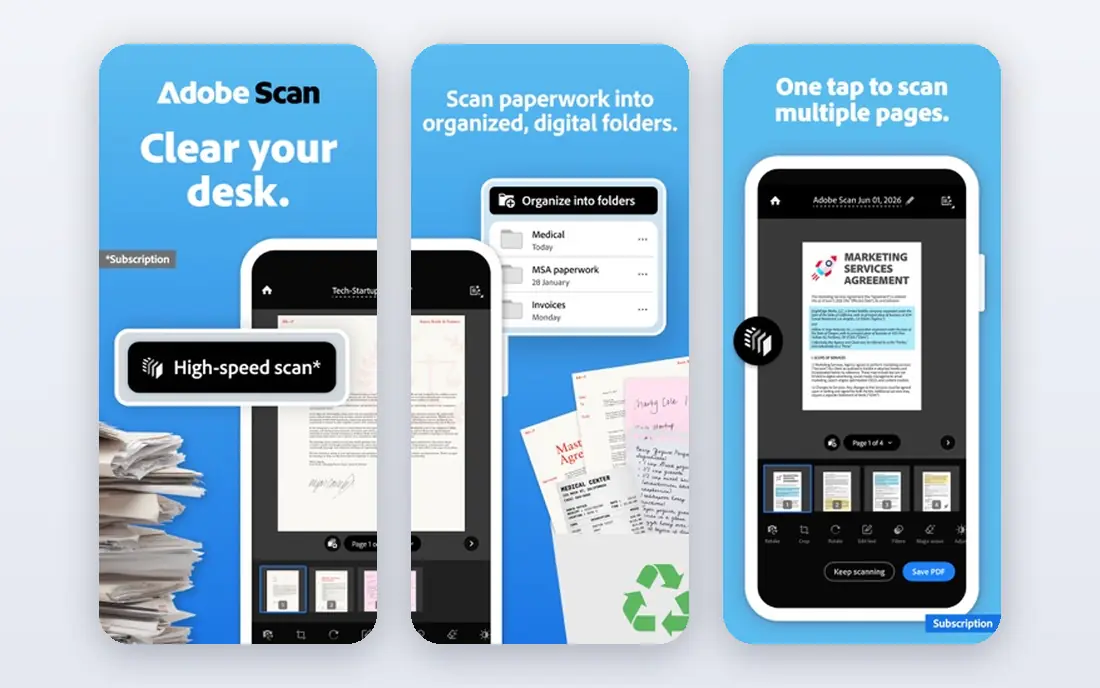
Adobe Acrobat free Fill and Sign lets users type, draw, or upload a signature and add it to a PDF in a browser or app, with a free Adobe account. For the common job of signing a form, contract, or application sent to you, that free route is often enough, with no document limit for self-signing described on Adobe pages. PDF handling is also reliable, which matters when a signed file must stay readable and printable. The limit appears when you need to send a document to someone else for signature, request fields, or get a full audit trail, since those features sit in paid Acrobat plans. A trial can cover a short burst of sending, but regular senders should budget for a paid plan. Adobe fits users who mainly sign their own PDFs and only occasionally need to request a signature.
- Free Fill and Sign for self-signing
- Trusted PDF handling
- Works on web, desktop, and mobile
- Sending for signature needs a paid plan
- Full audit trails need paid Acrobat Sign
- Annual plan terms to check
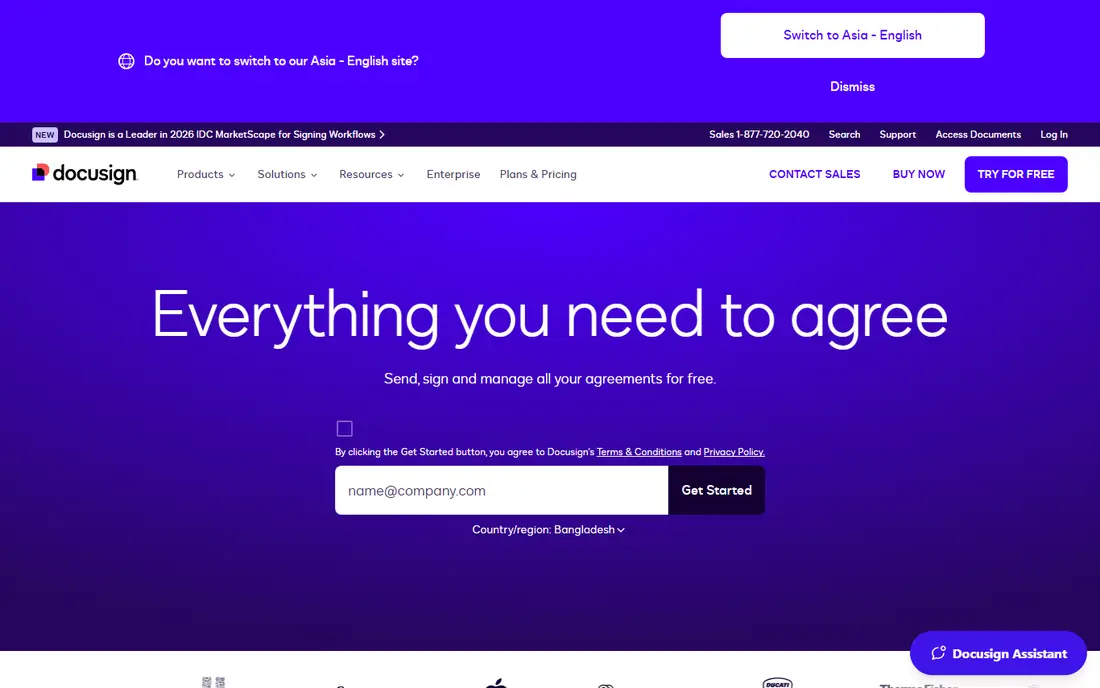
DocuSign is the name most recipients already know, which reduces confusion when you send a document for signature. Recipients can sign on a phone without printing or scanning, and completed documents include a certificate with signer timestamps and IP details. That familiarity and audit depth make DocuSign a safe choice for business documents where trust matters. Free use is limited to signing documents others send you and storing them, plus a trial for sending. Regular sending needs a paid plan, starting at $11 per user per month on an annual Personal plan in the sources we reviewed. DocuSign fits users who send documents often, need strong audit records, and value a workflow that signers already understand.
- Signers recognise the workflow
- Certificate of completion with timestamps
- Strong mobile signing
- No free plan for sending your own documents
- Paid plan needed after trial
- Costs rise with volume
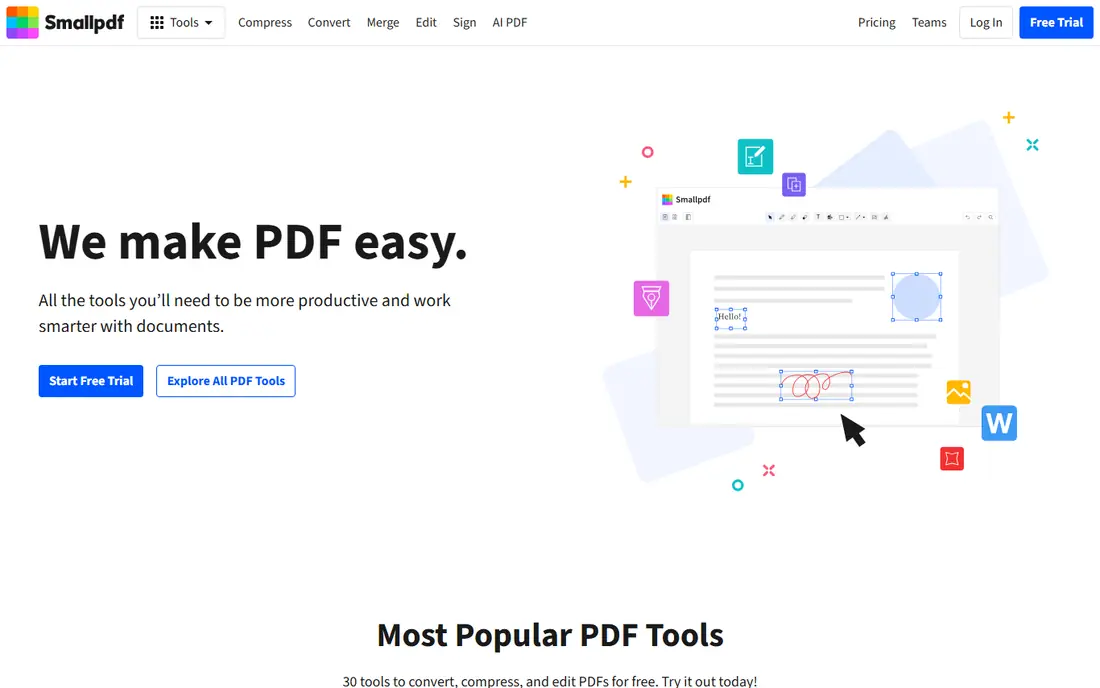
Smallpdf offers a simple online e-signature tool that lets users upload a PDF, add a signature, and download the signed file without installing software. That simplicity suits a quick, one-off job, such as signing a school form or a rental document on a shared computer. The same account also covers compression, conversion, and other PDF tasks, which is useful for occasional PDF work. Free use is limited, and regular signing, sending for signature, or team features need a paid plan. Smallpdf is also less suited to formal sending workflows with templates, reminders, and detailed audit trails. It fits users who need a fast, browser-based way to sign their own PDFs now and then, rather than a daily sending tool.
- Easy browser signing without install
- Simple upload, sign, and download flow
- Wider PDF tools in one account
- Free use is limited per day or task
- Sending and audit features need a paid plan
- Not a full e-signature platform
SignWell offers a clear free plan for occasional senders, with three documents a month, one user, and one template, plus tamper-proofing and an audit trail even on the free tier. That combination makes it one of the most honest free options for sending, since the audit features that matter for a signed agreement are not locked behind payment. Sending is simple, with fields for signature, date, and text. The free limits are tight for anyone sending weekly, and the single template limit will frustrate users with varied document types. Paid plans start at $10 per month on an annual Light plan in the sources we reviewed. SignWell fits freelancers and small teams who send a few documents a month and want a proper audit trail without paying from day one.
- Free plan with three documents a month
- Tamper-proofing and audit trail even on free plan
- Simple sending flow
- One user and one template on free plan
- No editing after upload on some flows
- Paid plan needed for volume
Dropbox Sign, formerly HelloSign, offers a free plan with three signature requests a month, which suits occasional senders who already store files in Dropbox. Signing is clean on desktop and mobile, and paid plans add templates, reminders, and team features. For Dropbox users, starting a signature request from a stored file feels natural and saves re-uploading. The free limit is the main constraint, and team plans can require a minimum number of users, which raises cost for a solo sender who needs team features. Paid Essentials pricing was listed at $10.05 per month on an annual plan in the sources we reviewed. Dropbox Sign fits Dropbox users who send a few documents a month and want a simple, trusted sending flow.
- Free plan with three signature requests a month
- Smooth for Dropbox users
- Templates and reminders on paid plans
- Free plan is limited
- Standard plan needs at least two users in some cases
- Paid cost adds up for teams
PandaDoc goes beyond signing, with document creation, proposals, quotes, and analytics, plus a free plan covering five documents a month in the sources we reviewed. That makes it useful for sellers and freelancers who send proposals that need signatures, rather than only signing a PDF someone else prepared. Templates, content blocks, and tracking help teams see when a document is opened and signed. For simple PDF signing alone, PandaDoc can feel heavier than SignWell or Smallpdf, and its paid Starter plan starts at $19 per seat per month on an annual plan. CRM integrations and bulk sending sit on higher plans. PandaDoc fits users who create and send business documents regularly and want signing built into that workflow, not added as a separate step.
- Free plan with five documents a month
- Strong document creation for proposals
- Analytics and templates on paid plans
- Best value is for proposals, not simple signing
- CRM and bulk features need higher plans
- Interface has more to learn
SignNow is built for teams that send documents regularly, with templates, signing roles, reminders, and integrations that keep a signing workflow moving without manual chasing. It suits businesses that need multiple signers, ordered signing, or repeated use of the same agreement. That workflow depth is why SignNow appears in many business comparisons, even though it is not a free-first tool. The drawback for this list is clear, since SignNow does not offer a lasting free sending plan comparable to SignWell or BoldSign, and pricing should be confirmed on its current pricing page. For a one-off signature, Adobe or Smallpdf will be faster and cheaper. SignNow fits teams that have outgrown free limits and need reliable, repeatable sending at business volume.
- Strong team and workflow features
- Templates, roles, and integrations
- Good value for regular business sending
- No lasting free plan for sending
- Pricing varies by plan and billing
- Simpler free tools beat it for one-off signing
BoldSign offers the largest free sending allowance in this list, with 25 envelopes a month for a single user on its free plan in the sources we reviewed. That volume suits a freelancer or small business that sends documents weekly but does not want to pay yet. Paid Growth pricing starts at $5 per user per month on an annual plan, which keeps the upgrade cost low when volume or features grow. The free plan is single-user only, so teams need a paid plan to add colleagues. BoldSign is also less widely recognised by signers than DocuSign, though the signing experience itself is straightforward. For solo senders who need volume without cost, BoldSign is the strongest free sending choice here, and a low-cost upgrade path when needs grow.
- Free plan with 25 envelopes a month for one user
- Low paid starting price
- Audit trail and templates on paid plans
- Free plan limited to one user
- No extra users on free plan
- Brand and familiarity lower than DocuSign
PDFescape is a browser-based PDF editor that includes signature options without requiring a download, which suits users on a shared or locked-down computer. You can open a PDF, add text, annotations, and a signature, then save the result. That combination of editing plus signing in one free web tool is useful for forms that need a few corrections before signing. Free use has limits on file size and pages, and PDFescape is not a full e-signature platform for sending, tracking, and audit trails. Its interface also feels older than Adobe or Smallpdf. PDFescape fits users who need a free, no-install way to edit and sign a PDF in a browser, especially for personal forms and applications.
- Free browser editing and signing without install
- Simple form filling and annotation
- No account needed for basic use in some cases
- Free tier has file size and page limits
- Sending and audit features are limited
- Interface feels dated
How we picked these
We compared official feature pages, pricing pages, app store listings, privacy policies, and public reviews for tools that were actively available in October 2026. We distinguished self-signing from sending for signature, since free limits differ sharply between those jobs, and we favoured tools with clear free limits and audit features over tools that only offered a trial. We also included a mix of simple signing tools and fuller sending platforms, so occasional and regular users could both find a fit. We did not claim hands-on testing, and we treated free limits as current at review time, since vendors change free tiers often. When a price varied by billing period or user count, we used the annual starting price from vendor or review sources, or See website where pricing was not clearly published. Readers should confirm the current free limit on the vendor pricing page before relying on it for regular sending.
How to choose the right signing tool
Start by naming your job. If you only sign PDFs sent to you, a free self-signing tool such as Adobe Acrobat or Smallpdf is enough. If you send PDFs for others to sign, check the free sending limit, the audit trail, and whether templates and reminders matter. If you send proposals or contracts weekly, a paid platform with templates will save more time than a free tool with manual workarounds.
Check legal and audit needs
For informal forms, a simple signature image may be enough. For contracts, hiring documents, or financial agreements, use a platform with tamper-proofing, signer authentication, timestamps, and a certificate of completion. Check whether your country or industry has specific e-signature rules, and keep the completed PDF plus its audit record together after signing.
Watch free limits and file handling
Free plans often limit documents per month, pages, file size, or users, and those limits can block an urgent signing job. Also check where files are stored, how long they are kept, and whether you can download the signed PDF without a paid account. A tool that locks your signed files behind payment is a poor choice for important documents.
Test the signer experience
Send a test document to yourself or a colleague and sign it on a phone, since most recipients will sign on mobile. Check whether the signer needs an account, how clear the field prompts are, and whether the completed document arrives promptly. A smooth signer experience reduces delays and follow-up messages, which is often worth more than a small price saving.
Frequently asked questions
What is the best free PDF signing tool for signing my own PDF?
Adobe Acrobat free Fill and Sign is the best starting point, since it lets you add a typed, drawn, or uploaded signature to a PDF in a browser or app. Smallpdf and PDFescape also work well for quick browser signing without install. These tools suit forms and applications sent to you, rather than documents you need to send for someone else to sign.
What is the best app for signing PDFs for free and sending them?
SignWell and Dropbox Sign both offer three free documents or requests a month with audit trails, while BoldSign offers 25 free envelopes a month for one user. BoldSign suits higher volume, while SignWell suits occasional senders who want a clear audit record. Check current free limits before you rely on any of them for regular sending.
Is DocuSign free?
DocuSign offers a free option for signing and storing documents others send you, plus a trial for sending your own documents. Sending your own documents on an ongoing basis needs a paid plan, starting at $11 per user per month on an annual Personal plan in the sources we reviewed. For occasional sending, a free plan from SignWell or BoldSign may be cheaper.
Are free PDF signatures legally valid?
In many countries, electronic signatures are legally recognised for many agreements, but rules vary by document type, industry, and jurisdiction. A platform with tamper-proofing, signer identity checks, timestamps, and an audit trail gives stronger evidence than a simple pasted image. For high-value or regulated documents, check local rules and use a platform with full audit features.
What is the best PDF signing software for teams?
SignNow and PandaDoc suit teams that need templates, roles, reminders, and integrations for regular sending. DocuSign also suits teams that need wide signer familiarity and strong audit records. Free plans are usually single-user, so teams should compare paid per-user pricing and minimum user rules before choosing.
Can I sign a PDF on my phone for free?
Yes. Adobe Acrobat, Smallpdf, DocuSign, and most tools here offer mobile apps or mobile browser signing. Open the PDF, add your signature by drawing, typing, or uploading an image, then save or share the signed file. For sending, check whether the mobile app supports the full sending flow or whether desktop is easier for adding fields.
Sources
See where you really rank - block by block
ProMapRanker scans Google Maps across a grid of your service area. Simple monthly plans from $19, white-label on every plan.
Start freeKeep reading
 zendesk alternatives
Best Zendesk Alternatives in 2026
Compare the best Zendesk alternatives in 2026, from budget help desks to AI-first support tools, with current pricing, free plans, and honest trade-offs.
Read → wordpress alternatives
Best WordPress Alternatives in 2026
Looking for the best WordPress alternatives? We compare 8 free and paid options for blogs, business sites, stores, and developer-led projects in 2026.
Read → which real estate company has the best training
Best Real Estate Company Training in 2026
Compare which real estate company has the best training, from Keller Williams and eXp to Compass and Coldwell Banker, by program, mentor, and fit in 2026.
Read →