 ProMapRanker
Best Free Online Face Swap Tool No Sign Up in 2026

Key takeaways
- Only swap faces you own or have clear permission to use, and never swap a real person without consent.
- Magic Hour is the clearest no-sign-up starting point, with free photo swaps and a separate short video allowance.
- Free video swaps are usually short, watermarked and for personal use only, while longer or commercial work needs a paid plan or local software.
- Sign-up rules differ by tool and by format, so check the photo and video rules separately before you upload anything.
- Free tiers change often, so confirm the daily limit, watermark and export size on the tool page on the day you use it.
Quick comparison
| Pick | Great for | Pricing starts at | Free tier | |
|---|---|---|---|---|
 Magic Hour | No-sign-up photo and short video tests | Free | Yes | Visit |
 Remaker AI | Free photo swaps and batch photo work | Free | Yes | Visit |
 FaceSwapper.ai | Simple no-sign-up photo swaps | Free | Yes | Visit |
 Pixlr | Photo swaps inside a full photo editor | Free | Yes | Visit |
 Photo AI Studio | Unlimited-style photo swap tests | Free | Yes | Visit |
 WaveSpeedAI | Credit-based photo and video swaps | See website | Yes | Visit |
 Reface | Mobile video and GIF face swaps | Free | Free trial | Visit |
 FaceFusion | Private local face swaps | Free | Yes | Visit |
The best free online face swap tools no sign up
These tools cover photo swaps, short video swaps and local processing. We focused on legitimate creative uses, such as swapping your own face into a photo, making a marketing avatar, or testing a film or costume idea. We did not include tools marketed for undressing people or for non-consensual imagery.
Only use a face you own or have clear permission to use. That rule applies to friends, family, colleagues and public figures alike. Do not upload photos of children, sensitive personal photos, or footage you do not have rights to use. If you plan to publish or sell the result, check the commercial-use terms for your plan, because many free tiers allow personal use only.

Magic Hour is our first suggestion for a quick, legitimate test because its free routes are stated plainly. Its photo face swap has offered five daily guest swaps without sign-up and without a watermark, while its video route has offered three shared daily creations up to ten seconds each at 480p with a watermark. That split matters, because a tool that is generous for photos can still be limited for video.
Use Magic Hour for your own photos, a permitted group edit, or a short clip you own. Paid plans remove the watermark and add commercial-use permission under the current plan terms, subject to source and likeness rights. Check the current limit before a longer project, because free allowances change.
- Photo swaps without sign-up
- Video and GIF tools in the same place
- Clear published daily limits
- Free video is short, lower resolution and watermarked
- Paid plans start at $19 per month
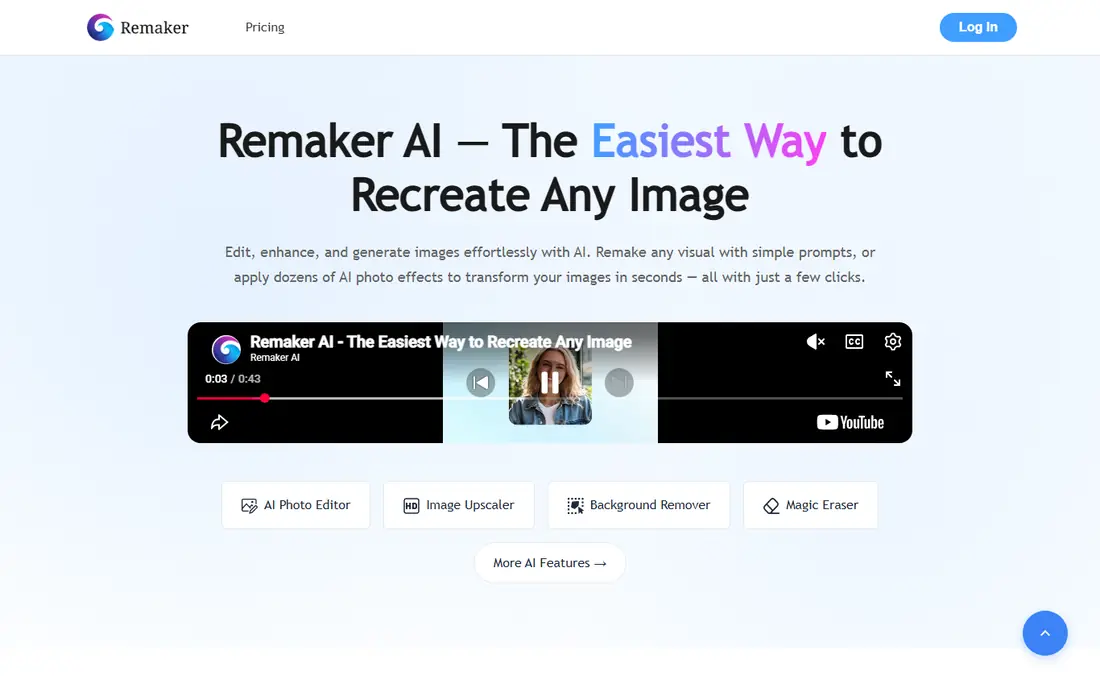
Remaker AI is a practical second test if your main need is photos. Its photo tool has been advertised as free and watermark-free without sign-up, which makes it easy to try a single image or a set of images. The wider platform also covers photo enhancement and background removal, so a simple swap can sit inside a broader edit.
Video is a different story. Remaker video has required VIP access through a credit purchase, with published packs starting at $5.99 for 200 credits in recent guides. Do not assume a free photo allowance covers video, and check the credit cost shown in the tool before you start a long clip.
- Photo tool advertised as free without sign-up
- Batch and multi-face photo options
- Video support on paid credit packs
- Video needs VIP access through credit purchase
- Credit costs vary by format and length
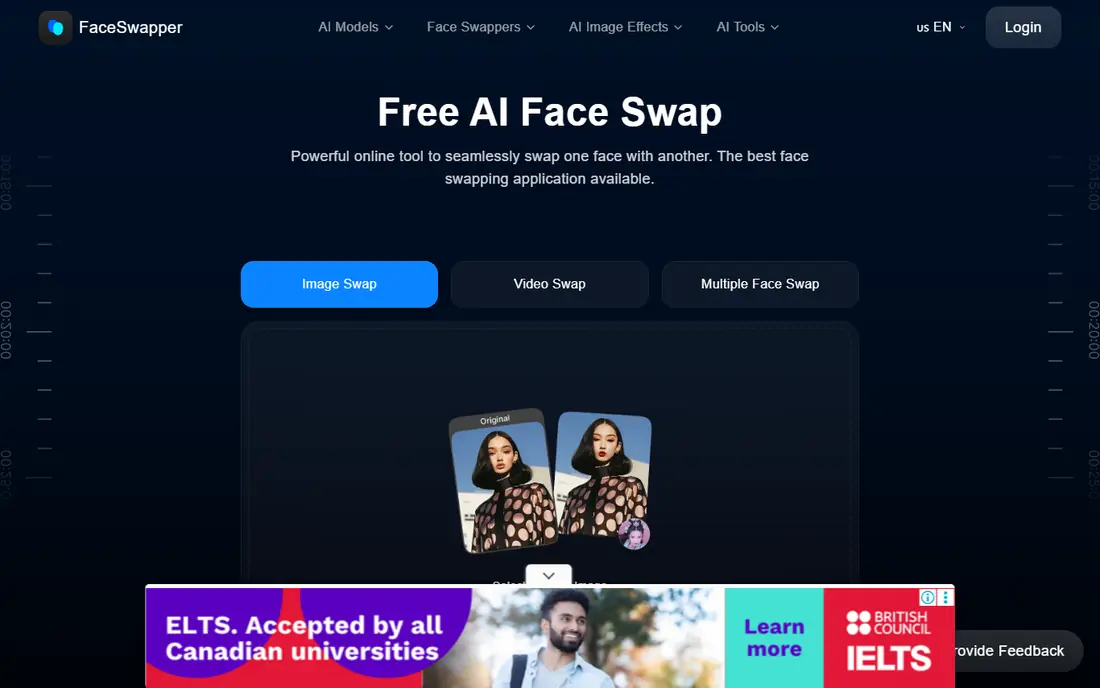
FaceSwapper.ai suits people who want one job done quickly: put one face onto another photo and download the result. Recent comparisons have described it as working without sign-up and without a watermark for photos, with a file-size limit around 5 MB. That simplicity is a strength if you do not need video, templates or a full editor.
The limits are also the point. A photo-only tool will not help with a video project, and a small file limit can force you to compress a high-resolution image first. Use it for a quick test with your own photos, and move to a fuller tool if you need retouching or video.
- Simple photo-only workflow
- No sign-up described in recent comparisons
- No watermark reported for photos
- Photo only in the comparisons we found
- File-size limits apply
- Limited editing beyond the swap
Pixlr is a better pick if the swap is only part of the edit. You can swap a face, then adjust colour, crop, retouch and export from the same browser workspace, without installing desktop software. That matters for marketing images and social posts, where the swap alone rarely finishes the job.
The trade-off is focus. Pixlr is not a dedicated face-swap studio, so its swap workflow may feel less direct than a single-purpose tool. Check which AI features sit on the free tier and which need a subscription, and confirm export terms before you use a result commercially.
- Full browser editor around the swap
- Layers and retouching tools
- Free tier for casual use
- Face swap is one feature inside a larger editor
- Some AI features and exports need a paid plan
Photo AI Studio is often cited for a very simple promise: upload two images, pick the faces, and download the result without an account or a watermark. That makes it a useful test bed for your own portraits, costume ideas and product mockups. The workflow is short, which helps when you want to compare several source faces quickly.
We would still verify the current tool page before a large batch, because third-party comparisons have listed different limits for this service over time. Treat the free photo route as a test route, and keep your source images to photos you own or have permission to use.
- Described as unlimited photo swaps without sign-up
- No watermark reported on its free photo tool
- Fast two-image workflow
- Mainly for still images, not video
- Some site comparisons list different limits, so verify on the tool page
WaveSpeedAI belongs on this list for quality and rules, not for no-sign-up access. Its face swap page has been described as free to start, but starter credits need a sign-in, and the page has not always stated how many credits you receive or how long a clip they cover. That honesty matters, because calling it no-sign-up would mislead you.
Once signed in, the appeal is clearer output and a consent-first approach, with rules that limit use to your own footage, fictional characters, or faces you have permission to use. Sign in, check your balance, and test one short clip before you commit to a larger project.
- No watermark stated for its face swap output
- Photo and video support
- Clear consent-first rules in its guides
- Starter credits need sign-in, so it is not a no-sign-up tool
- Credit allowances are not always stated up front
Reface is the mobile-first option here, and it works best for short, fun video and GIF swaps using your own face. Its template approach makes it easy to place your face into a short scene without learning an editor. For a birthday clip, a social post or a costume test, that speed is the whole point.
It is not a no-sign-up web tool in the same sense as Magic Hour or FaceSwapper.ai. Comparisons have listed a limited free tier with a watermark and a sign-up requirement, plus a paid plan for fuller use. Use it for short mobile clips, and do not use it to swap another real person without consent.
- Strong mobile video and GIF templates
- Quick social clips
- Large template library
- Free tier is limited and watermarked in comparisons
- Sign-up and app install needed for full use
FaceFusion is the privacy-first choice, because it runs locally rather than sending your photos to a web service for processing. That control matters if you work with your own portraits repeatedly, want to test many variations, or prefer not to upload personal images. It also supports photo and video work, which gives it more range than a photo-only web tool.
The cost is effort. FaceFusion needs installation, a capable computer and time to learn its settings, and its licence restricts some uses. It is not a quick no-sign-up web test, but it is a strong option for creators who want local control and who can manage the setup.
- Free and open source
- Runs on your own computer
- No browser upload for the swap itself
- Installation and setup need technical skill
- Hardware demands can be high
- Licence limits apply to some uses
How we picked these
We compared official tool pages and recent 2026 guides on free limits, sign-up rules, watermarks, formats and consent terms. We kept only tools with a current official page and a usable free entry point or open-source route, and we left out tools marketed for undressing people or for non-consensual imagery. Where sources disagreed on a limit, we described the disagreement rather than picking the most generous claim.
Buying guide: picking a free face swap tool without a bad surprise
Start with format, then sign-up
Photo and video limits are different products inside the same brand. A free photo allowance does not mean free video, and a no-sign-up photo route does not mean a no-sign-up video route. Decide whether you need a still image, a GIF or a video clip, then check that exact route.
Check watermark, length and commercial use
Free video often carries a watermark, caps length at about ten seconds, and allows personal use only. If you need a clean final, a longer clip or a commercial result, budget for a paid plan or use local software with clear licence terms. Test the download before you promise a result to a client.
Keep consent and privacy in the workflow
Use only faces you own or have clear permission to use, and avoid uploading sensitive photos just to test an interface. For repeated or private work, a local tool such as FaceFusion gives you more control than a browser upload. For a one-off test, a no-sign-up web tool limits the account trail, but it still processes your upload, so read the retention terms.
Frequently asked questions
What is the best free online face swap tool with no sign up?
For photos, Magic Hour is the clearest no-sign-up starting point in recent guides, with five daily guest photo swaps and no watermark on that route. For a short video test, its guest video route offers three daily creations up to ten seconds at 480p with a watermark. FaceSwapper.ai and Photo AI Studio are also described as no-sign-up photo options, so test the photo route that fits your image size.
Are there best free online face swap tools with no sign up for video?
Yes, but the free video allowances are short. Magic Hour offers a no-sign-up video test up to ten seconds, while longer clips usually need paid credits or local software. If you need a thirty-second or longer clip, plan for a paid plan or install FaceFusion, and check export and watermark rules first.
Do I need an account for every free face swap tool?
No. Magic Hour, Remaker AI for photos, FaceSwapper.ai and Photo AI Studio have been described as usable without sign-up for photos, while WaveSpeedAI and Reface need sign-in or app setup for their free routes. Always check the exact tool page, because a brand can offer a no-sign-up route for one format and require an account for another.
Is face swapping legal if I use my own photo?
Swapping your own face into your own photo or video for personal creative use is generally the safest case, but you still need permission for any other recognisable face in the image. Do not create deceptive content, impersonate another person, or use a face for sexual or harmful content. Commercial use needs a separate check of the plan terms and likeness rights.
Can I use a free face swap for commercial work?
Usually not on a free tier. Many free tiers allow personal, non-commercial use only, and paid plans add commercial permission subject to source and likeness rights. Check the plan terms for your exact use, and keep proof of permission for any face that is not your own.
What should I do if a tool asks for a sign-up I did not expect?
Stop and read the tool page for that exact format before you upload. Some tools offer a guest route on one page and an account route in the main editor, and the limits differ. If the guest route does not cover your format, switch to a tool whose free route matches your need, rather than uploading sensitive material to test the account flow.
Sources
- https://magichour.ai/blog/best-free-ai-face-swap-tools-2026
- https://magichour.ai/products/face-swap/video
- https://magichour.ai/blog/remaker-ai-face-swap
- https://www.photoaistudio.com/blog/7-free-face-swap-apps-compared-no-watermark-no-sign-up-2026
- https://blog.laozhang.ai/en/posts/free-video-face-swap
- https://apidog.com/blog/best-free-ai-face-swapper-2026/
- https://www.photoaistudio.com/blog/10-free-face-swap-ai-tools-compared-no-watermark-2026
- https://pixlr.com
- https://wavespeed.ai
- https://reface.app
- https://facefusion.io
- https://faceswapper.ai
- https://remaker.ai
See where you really rank - block by block
ProMapRanker scans Google Maps across a grid of your service area. Simple monthly plans from $19, white-label on every plan.
Start freeKeep reading
 zscaler alternatives
Best Zscaler Alternatives in 2026
Looking for zscaler alternatives? We compare 9 SASE and zero trust platforms on architecture, data protection, pricing, and fit for your network and team.
Read → zapier alternatives free
Best Zapier Alternatives Free in 2026
Nine automation tools for zapier alternatives free in 2026, all with genuinely free tiers, plus free plan limits, starting prices and upgrade paths explained.
Read → which platform is best for online reputation
Which Platform Is Best for Online Reputation in 2026
Wondering which platform is best for online reputation? We compare 8 review, listing, and response tools for small and multi-location businesses and agencies.
Read →