 ProMapRanker
Best Free Network Mapping Software in 2026

Key takeaways
- Nmap and Angry IP Scanner are the best free starting points for discovering what is actually on a network right now.
- LibreNMS, Zabbix, Nagios Core, OpenNMS, and Icinga are free and open source, with no license fee, but they need setup time and skill.
- PRTG offers a free tier up to 100 sensors, which suits a small network, while larger networks must pay for more sensors.
- Netdisco suits teams that need a detailed inventory of switches, ports, and connected devices from network protocols.
- Every free tool here has a real limit, such as manual diagram work, a sensor cap, or no vendor support, so check that limit before you build on it.
Quick comparison
| Pick | Great for | Pricing starts at | Free tier | |
|---|---|---|---|---|
 Nmap | Network discovery and scanning | Free | Yes | Visit |
 Angry IP Scanner | Fast local network scans | Free | Yes | Visit |
 LibreNMS | Auto-discovered network maps and monitoring | Free | Yes | Visit |
 Zabbix | Full monitoring with network maps | Free | Yes | Visit |
 Nagios Core | Classic free monitoring for skilled admins | Free | Yes | Visit |
 PRTG Network Monitor | Small networks up to 100 sensors | Free | Yes | Visit |
 OpenNMS | Large open source monitoring and mapping | Free | Yes | Visit |
 Netdisco | Switch and port inventory mapping | Free | Yes | Visit |
 Icinga | Modern open source monitoring with maps | Free | Yes | Visit |
The best free network mapping software
Network mapping software shows devices, connections, and status on a network, so you can spot a failed switch, an unknown device, or a wrong connection fast. The free tools below range from quick scanners to full monitoring platforms. All of them include a real free plan or free edition, and paid extras are flagged where they apply.
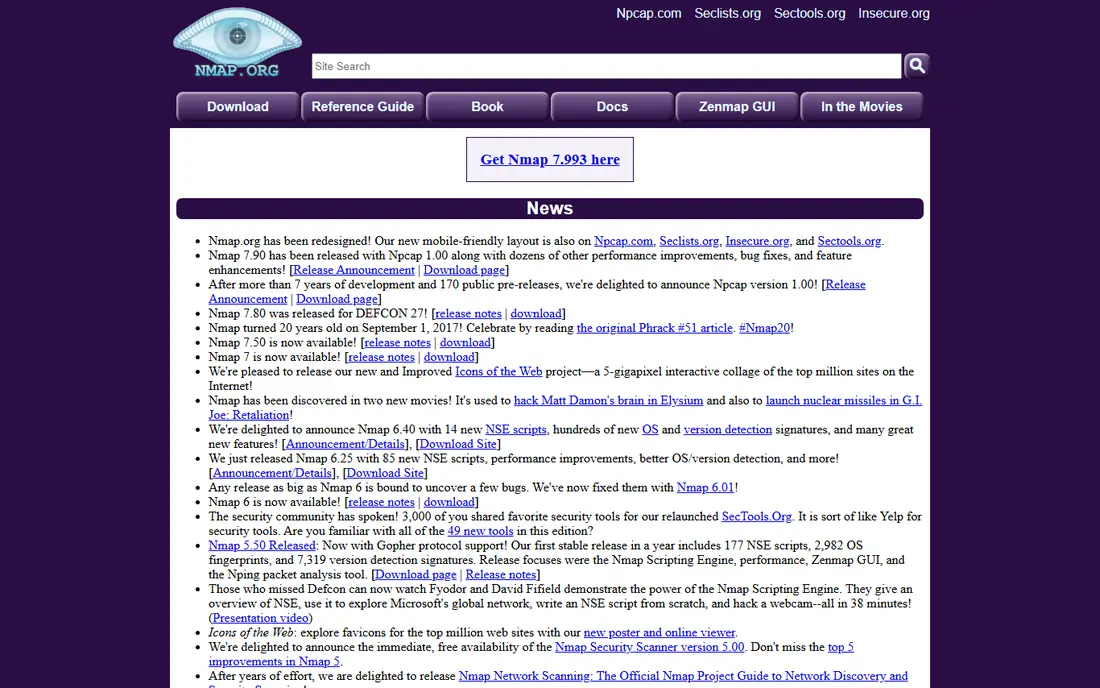
Nmap is the standard free tool for finding out what is on a network. It scans hosts, open ports, and services, and it can identify operating systems and versions on many devices. Zenmap, its graphical front end, presents results in a way that is easier to read than raw command output.
Nmap does not give you a live, auto-updating network diagram on its own. Treat it as a discovery and audit tool: run a scan, export the results, and use them to build or correct a map. Only scan networks you own or have clear permission to test, since scanning other networks can break rules or law.
- Free and open source
- Finds hosts, ports, and services
- Zenmap gives a graphical view
- Maps are scan results, not live diagrams
- Needs care to avoid scanning networks you do not own

Angry IP Scanner is the quickest way to answer a simple question: which addresses on this local network respond, and what hostnames do they have? It scans a range fast, shows live hosts, and lets you export the list for a spreadsheet or an inventory. It runs on Windows, macOS, and Linux.
It is not a monitoring platform. It will not alert you when a device drops, and it will not draw a live topology map. Use it for a fast check, a new site survey, or a first pass before you set up a fuller tool such as LibreNMS or Zabbix.
- Free and open source
- Very fast for local ranges
- Simple interface with export options
- Basic detail compared with Nmap
- No ongoing monitoring or live maps
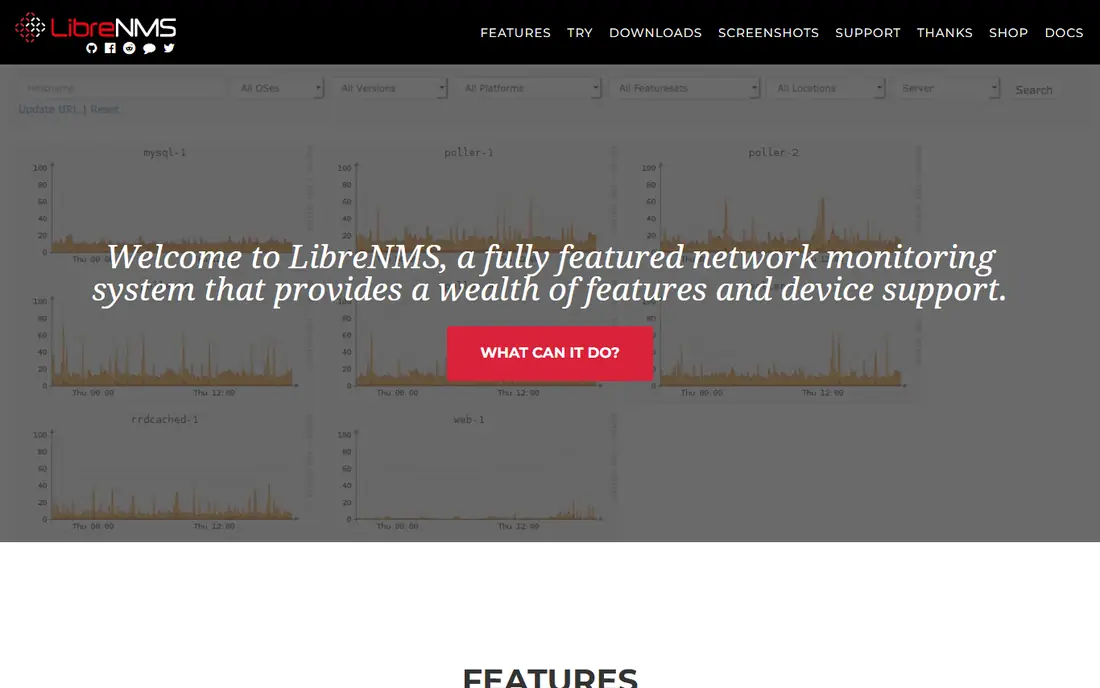
LibreNMS is a strong free pick for a team that wants discovery plus ongoing maps. It finds devices through SNMP, CDP, LLDP, OSPF, and BGP data, then builds views of devices, ports, and traffic. Bandwidth graphs and alerting help you see a failing link before users report it.
The cost is time and skill, not a license fee. You host it yourself, usually on Linux, and you maintain updates and backups. There is no paid tier to buy your way out of setup, though paid support may be available from third parties. For a skilled admin, it is one of the best free network tools available.
- Free and open source
- Auto-discovery through SNMP and other protocols
- Maps, graphs, and alerts
- Needs a Linux server and setup skill
- Community support only, no vendor support contract included
Zabbix is a full monitoring platform with network maps built in. You can draw maps, link devices, and color links by status, so a failure shows up visually. It monitors servers, cloud, containers, and network devices, with templates for many common vendors.
That breadth means setup work. Templates need tuning, thresholds need care, and a large deployment needs planning for database and server capacity. The software itself is free, with no license fee, but paid technical support and Zabbix Cloud hosting are extra if you want them. Start with a small set of devices, prove the maps and alerts, and then expand.
- Free and open source
- Network maps, triggers, and dashboards
- Scales to large networks
- Setup and template tuning take time
- Paid support and cloud hosting cost extra
Nagios Core is the free, open source core of the Nagios monitoring family. It checks hosts and services, sends alerts, and supports a large catalog of plugins for different devices and protocols. Many admins know it well, and its concepts carry over to related tools.
The interface looks dated, and configuration is largely file-based, which slows new users. Paid Nagios XI adds a graphical interface, wizards, and support, but Core itself remains free with community help. Choose Core when you value a proven, free engine and you have the skill to configure it, not when you need a polished setup wizard.
- Free and open source
- Huge plugin catalog
- Proven on many networks
- Older interface
- Configuration is file-based and takes learning
PRTG is the easiest free start on this list for a Windows shop. Install it, run auto-discovery, and you get devices, sensors, maps, and alerts with little manual work. The free tier covers up to 100 sensors, which fits a small office or a home lab with about ten devices, depending on what you monitor per device.
Flag the paid extra plainly: beyond 100 sensors, you must buy a paid license, with larger sensor packs priced as subscriptions. Count sensors before you build, because each monitored value, such as CPU, traffic, or disk, counts as a sensor. For a small network that stays under the cap, PRTG free is hard to beat for ease.
- Free tier up to 100 sensors
- Auto-discovery and clear dashboards
- Easy Windows setup
- Paid extras beyond 100 sensors
- Sensor counting can surprise new users
OpenNMS is an open source platform built for larger and more complex networks. It discovers devices, builds topology views, collects performance data, and handles events and alarms at scale. Service providers and large IT teams use it where a small tool would run out of room.
For a small office, that power is more than needed, and setup is heavier than PRTG or LibreNMS. Paid support and commercial editions exist as extras, but the core platform is free. Pick OpenNMS when you expect growth, need strong event handling, or manage many sites from one system.
- Free and open source
- Discovery, maps, and event handling
- Built for large networks
- Heavier setup than LibreNMS for small sites
- Interface takes learning
Netdisco is a network management tool that builds a detailed inventory from switches and routers. It records devices, ports, VLANs, and connected endpoints, which helps when you need to answer questions such as which switch port a device uses, or which VLAN a port belongs to. That detail is valuable during audits and moves.
It is less of a live status dashboard than Zabbix or PRTG. Use Netdisco alongside a monitoring tool when inventory accuracy matters, and use a monitoring tool alone when live alerts matter more. Setup needs SNMP access to your devices, so check credentials and access rules before you install it.
- Free and open source
- Detailed device, port, and VLAN data
- Useful for audits
- Focused on inventory more than live status maps
- Needs SNMP access and setup
Icinga grew from the Nagios tradition but with a more modern web interface and a modular design. It monitors hosts and services, draws maps, and offers dashboards and reporting through its web interface. Configuration can use files or a director module, which helps teams that manage many hosts.
Like other open source tools here, the software is free, while paid support and some commercial offerings are extras. Icinga suits a team that likes the Nagios model but wants a cleaner interface and more current tooling. Start with a pilot set of devices, and confirm that your device types have ready checks before a full rollout.
- Free and open source
- Modern web interface
- Maps, dashboards, and a large module set
- Setup needs skill
- Paid support and some enterprise features cost extra
How we picked these
We compared official project and vendor pages for network mapping and monitoring tools with a real free plan or free edition in October 2026. We kept tools that can discover devices, show them in a map or topology view, or build an inventory that feeds a map. We excluded tools whose free tier had ended, trial-only tools, and paid-only mapping tools. Paid extras are flagged in each write-up, and prices are starting list prices where a vendor publishes them.
How to choose a free network mapping tool
Match the tool to the job, not to the longest feature list. A scanner, a monitoring platform, and an inventory tool solve different problems, and many teams use two of them together.
Start with discovery
Run Nmap or Angry IP Scanner first to confirm what is actually on the network. Compare that list with your documented inventory, and investigate any unknown device before you trust a map. This step costs nothing and often finds the biggest surprise.
Pick a platform for ongoing maps
For a small network, PRTG free is the easiest ongoing option if you stay under 100 sensors. For a larger or Linux-based network, LibreNMS or Zabbix give free, unlimited device monitoring with maps, at the cost of setup time. Nagios Core and Icinga suit teams that prefer a check-based model with plugins.
Add inventory when you need detail
Add Netdisco when you need switch, port, and VLAN accuracy for audits, moves, or troubleshooting. Keep the inventory current by scheduling regular discovery, and store credentials securely with least-privilege SNMP access. A map built on stale data is worse than no map, because it sends you to the wrong port.
Plan for support and growth
Free and open source tools rely on community docs and forums, so budget staff time for updates, backups, and troubleshooting. If you need a support contract, a hosted option, or more sensors, price that extra before you commit. A free tool that nobody maintains will fail at the worst time.
Frequently asked questions
What is the best free network mapping software?
LibreNMS and Zabbix are the strongest free all-round picks, because they combine discovery, maps, and monitoring without a license fee. PRTG is easier for a small Windows network under 100 sensors. Nmap is best for a one-time discovery scan, rather than an ongoing map.
What are the best network mapping tools?
The best network mapping tools include Nmap for discovery, LibreNMS and Zabbix for free monitoring maps, and PRTG for an easy commercial free tier. Paid tools add vendor support and polished setup, but the free tools here cover most small and mid-size networks. Pick by network size, operating system, and staff skill.
Is there a free network mapping tool with no limits?
Open source tools such as LibreNMS, Zabbix, Nagios Core, OpenNMS, Netdisco, and Icinga have no license fee and no device cap in the software itself, but they still need a server, setup time, and maintenance. PRTG free is capped at 100 sensors. No free tool gives you unlimited vendor support for free.
How do I map my network for free?
Start with a scan using Nmap or Angry IP Scanner, then install LibreNMS or Zabbix, give it read-only SNMP access to your devices, and let it discover the network. Review the discovered devices, correct names and groups, and build a map view for each site. Re-run discovery regularly so the map stays current.
Do free network mapping tools work for business networks?
Yes, for many small and mid-size business networks, especially when a skilled admin maintains them. Larger networks, regulated environments, or teams without in-house skill may still prefer a paid tool with vendor support. Test a free tool on one site first, and check backup, update, and alerting before a full rollout.
Sources
See where you really rank - block by block
ProMapRanker scans Google Maps across a grid of your service area. Simple monthly plans from $19, white-label on every plan.
Start freeKeep reading
 zscaler alternatives
Best Zscaler Alternatives in 2026
Looking for zscaler alternatives? We compare 9 SASE and zero trust platforms on architecture, data protection, pricing, and fit for your network and team.
Read → zapier alternatives free
Best Zapier Alternatives Free in 2026
Nine automation tools for zapier alternatives free in 2026, all with genuinely free tiers, plus free plan limits, starting prices and upgrade paths explained.
Read → which platform is best for online reputation
Which Platform Is Best for Online Reputation in 2026
Wondering which platform is best for online reputation? We compare 8 review, listing, and response tools for small and multi-location businesses and agencies.
Read →