 ProMapRanker
Best Free Music Making Software in 2026

Key takeaways
- GarageBand is the best free start for Mac and iPad users, while Cakewalk is the best free full studio for Windows.
- BandLab suits beginners and collaborators who want to make music in a browser or on a phone without installing a large DAW.
- Waveform Free and LMMS suit cross platform producers, with Waveform for recording and LMMS for pattern based beats.
- Audacity is not a full DAW, but it remains the fastest free tool for editing, chopping, and cleaning up audio.
Quick comparison
| Pick | Great for | Pricing starts at | Free tier | |
|---|---|---|---|---|
 GarageBand GarageBand | Mac beginners and songwriters | Free | Yes | Visit |
 Cakewalk Cakewalk | Full Windows studio recording | Free | Yes | Visit |
 BandLab BandLab | Browser and phone collaboration | Free | Yes | Visit |
 Waveform Free Waveform Free | Cross platform recording | Free | Yes | Visit |
 LMMS LMMS | Pattern based beats and electronic music | Free | Yes | Visit |
 Ardour Ardour | Linux recording and mixing | Free | Yes | Visit |
 Audacity Audacity | Audio editing and sample chopping | Free | Yes | Visit |
 SoundBridge SoundBridge | Modern simple workflow | Free | Yes | Visit |
 Pro Tools Intro Pro Tools Intro | Learning the industry standard workflow | Free | Yes | Visit |
The best free music making software
We compared pricing pages, feature lists, app store listings, and public reviews to build this shortlist of nine options. The list below covers well known leaders and strong smaller options, so you can compare fit, price, and limits before you sign up.
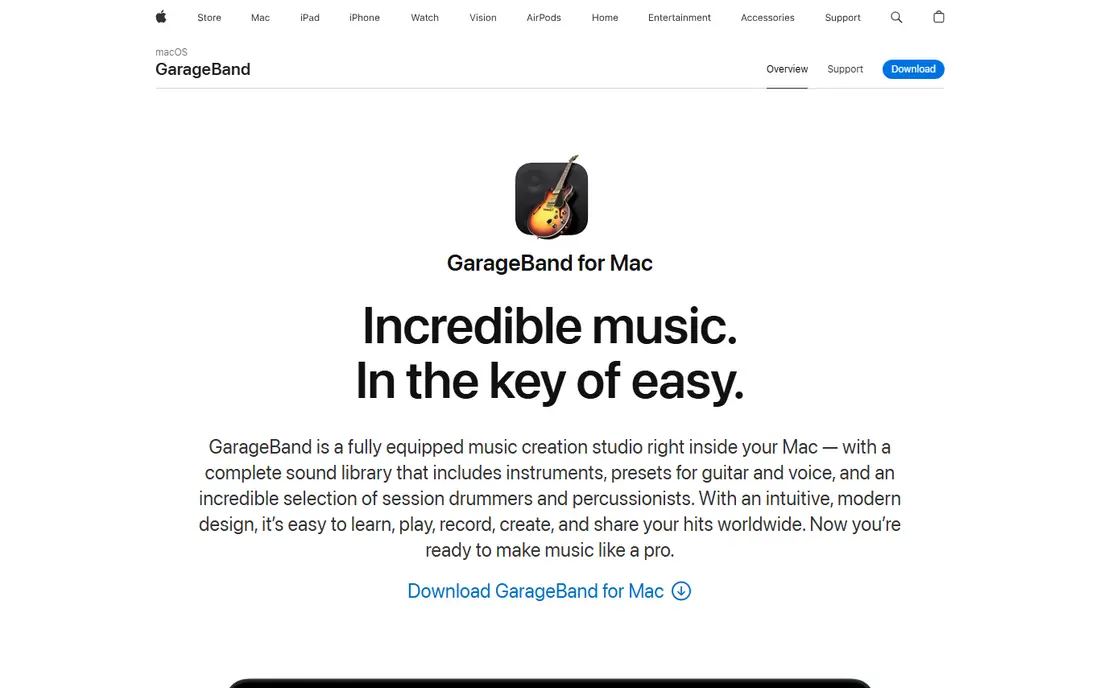
This is the pick to start with if you want a proven option with broad coverage and clear pricing. GarageBand is the easiest way for a Mac or iPad owner to start making music. Loops, virtual instruments, and a virtual drummer help a beginner build a song without buying sounds or learning a complex mixer. Windows and Linux users cannot use it. If you later move to Windows, Cakewalk or Waveform Free will be a better long term home. Check the current plan page before you buy, because prices and free limits change.
- Free on Mac and iOS
- Virtual drummer and loops
- Projects open in Logic Pro
- Mac and iOS only
- Plugin format is Audio Units, not VST
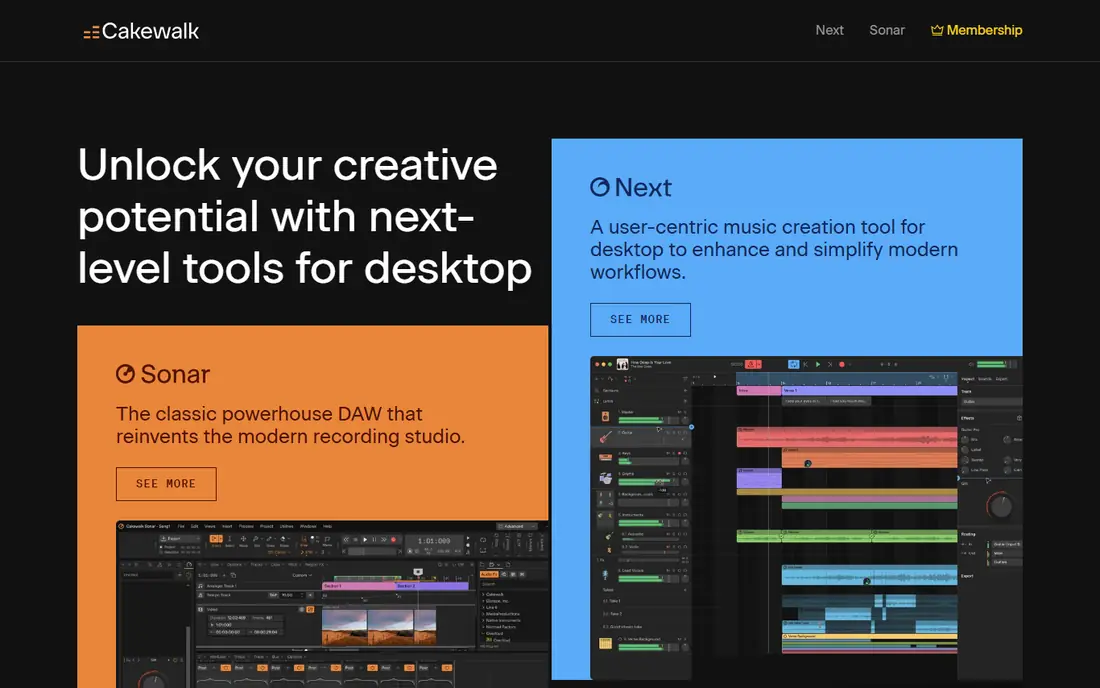
For readers who value a focused feature set over a long list of extras, this option deserves a close look. Cakewalk was once a paid professional DAW, and it still feels like one. Unlimited tracks, strong MIDI editing, and a full mixing console make it the best free choice for serious Windows recording. Its depth can overwhelm a first time producer. Spend a few sessions learning track setup and mixing basics before judging it against simpler tools. Check the current plan page before you buy, because prices and free limits change.
- Unlimited tracks
- VST3 support
- ProChannel mixing suite
- Windows only
- Interface can feel dense at first
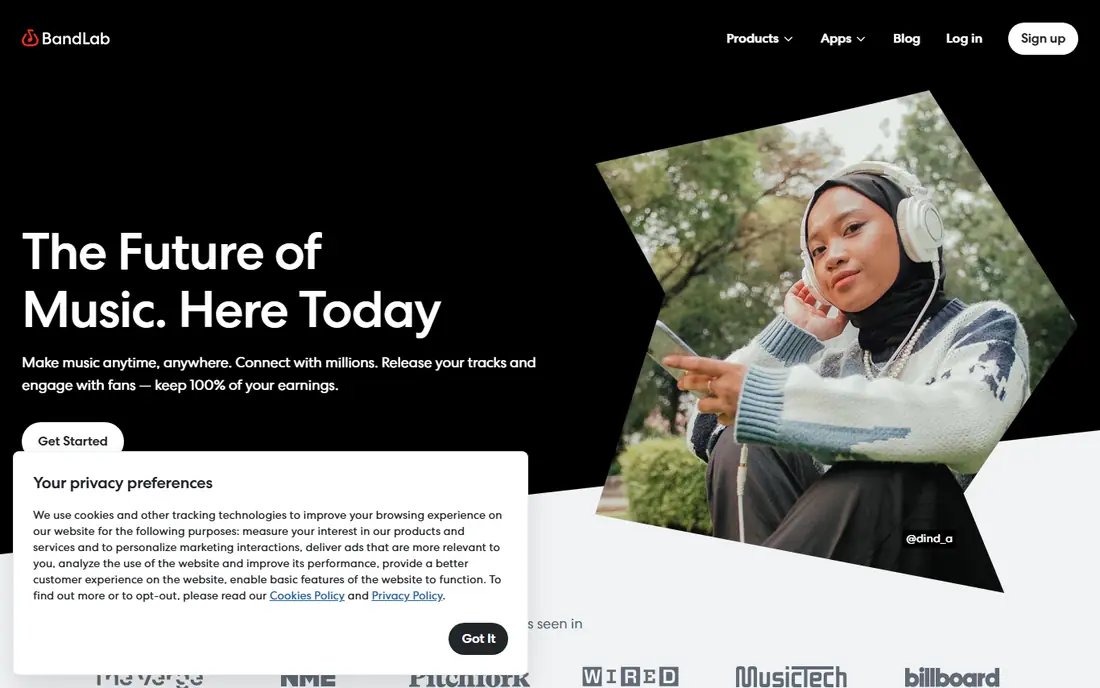
If your main need is simplicity on a busy day, this is one of the easier options to live with. BandLab suits beginners and collaborators who want to start a song on a phone and finish it with a friend online. Its loop library and simple studio lower the barrier to a first finished track. Producers who need deep mixing or third party plugins will outgrow it. Move a finished idea to Cakewalk or Waveform Free for detailed mixing. Check the current plan page before you buy, because prices and free limits change.
- Works in browser and on phones
- Collaboration and sharing built in
- Large loop library
- No VST plugin support
- Mixing depth is thinner than desktop DAWs
Teams and individuals who already use related tools will find this option fits into daily work with little friction. Waveform Free is the most scalable free DAW for users on any desktop system. Unlimited tracks and VST support mean a project can grow without hitting a paywall on core features. Its single window layout divides opinion. Some producers love it, others prefer a traditional multi panel DAW, so try it for a full song before deciding. Check the current plan page before you buy, because prices and free limits change.
- Unlimited tracks on Windows, Mac, and Linux
- VST support
- Single window workflow
- Paid tiers add extra features
- Community is smaller than GarageBand
This option stands out for people who want strong core features without paying for a large bundle they will not use. LMMS suits electronic producers who think in patterns and loops. Its beat editor, piano roll, and built in instruments make it easy to build drums, bass, and melodies fast. Recording live instruments is not its strength. If you record vocals or guitar often, pair LMMS with Audacity or move to Waveform Free for those sessions. Check the current plan page before you buy, because prices and free limits change.
- Open source
- Pattern sequencer like FL Studio
- Built in synths and samples
- Audio recording is thinner than in Cakewalk
- Interface feels dated
When budget matters more than having every advanced feature, this is a practical place to start. Ardour is the most capable free option for Linux recording and mixing. Its routing, editing, and plugin support suit producers who want a professional workflow without Windows or Mac. Beginners may find setup and routing complex. Mac and Windows users may prefer GarageBand or Cakewalk for a gentler start. Check the current plan page before you buy, because prices and free limits change.
- Strong recording and mixing on Linux
- Plugin support
- Professional routing
- Free version on some systems asks for a donation build
- Learning curve is steep
For users who need depth in one area rather than average performance across many areas, this option makes sense. Audacity is the fastest free tool for recording a single track, chopping a sample, or cleaning up audio. Podcasters and beat makers use it daily for tasks that do not need a full song arrangement. Do not judge it as a DAW. For full songs with MIDI, loops, and mixing, use it beside GarageBand, Cakewalk, or Waveform Free. Check the current plan page before you buy, because prices and free limits change.
- Fast editing on all systems
- Sample chopping
- Noise reduction and effects
- Not a full DAW
- No MIDI sequencing for complete songs
This is a good second option to compare side by side with the leaders, especially if you want a different style of interface. SoundBridge suits producers who want a modern, uncluttered DAW without a steep learning curve. Its workflow feels direct, and VST support lets you add your own instruments and effects. Its smaller community means fewer tutorials than GarageBand or Cakewalk. If you rely on video guides, check that SoundBridge guides cover the features you need. Check the current plan page before you buy, because prices and free limits change.
- Clean modern interface
- VST support
- Works on Windows and Mac
- Smaller community and tutorial library
- Fewer built in sounds than rivals
If you want a smaller, more focused service that still covers the basics well, this option is worth testing. Pro Tools Intro helps students and studio assistants learn the workflow used in many professional studios. Even with limits, it teaches session setup, editing, and mixing habits that transfer to paid Pro Tools. Track limits will frustrate producers who build large songs. Use it to learn, and use Cakewalk or Waveform Free for large free projects. Check the current plan page before you buy, because prices and free limits change.
- Real Pro Tools workflow
- Useful for studio collaboration
- Free entry point
- Track counts are limited
- Full Pro Tools needs a paid plan
How we picked these
We compared official feature pages, pricing pages, app store listings, privacy policies, and public reviews for each product. We checked whether each product still exists and works in October 2026, whether it truly fits the topic, and whether its starting price and free tier could be verified from the vendor or an app store listing. Where a price could not be verified, we wrote See website rather than guessing. We did not claim hands-on testing, and we did not add scores or ratings that we could not trace to a published source. If a product changed its plans after our check, the vendor page is the final source.
How to choose free music software
Free music software ranges from full DAWs to simple editors and browser studios. The right choice depends on your computer, whether you record instruments or make beats, and how much you want to learn at first.
Start with your operating system
Mac users should start with GarageBand, Windows users with Cakewalk, and cross platform users with Waveform Free or LMMS. A tool that runs well on your current computer will teach you faster than a powerful tool that stutters or needs workarounds.
Decide between recording and beat making
Recording singers and instruments needs audio tracks, editing, and mixing, which Cakewalk, Waveform Free, and GarageBand handle well. Beat making needs step sequencers and loops, which LMMS and BandLab handle in a more direct way. Try both styles for a week if you are unsure.
Check plugins, export, and learning help
Look for VST or Audio Unit support, unlimited or high track counts, and clean WAV or MP3 export with no watermark. Check tutorials and community help, because a free tool with good guides will save hours when you hit your first mixing problem.
Frequently asked questions
What is the best music making software free for beginners?
GarageBand for Mac, Cakewalk for Windows, and BandLab for any device are the best beginner starts. Each is free, covers recording and loops, and has tutorials that help a new producer finish a first song.
What is the best free music making app for beats?
LMMS suits pattern based beats on desktop, while BandLab suits beat making on a phone or in a browser. Both offer loops, drum patterns, and simple mixing without payment.
Can you make professional music with free software?
Yes, free DAWs such as GarageBand and Cakewalk offer unlimited tracks, mixing tools, and plugin support that can produce release quality songs. Skill, sound choice, and mixing matter more than the price of the DAW.
What is the best beat making software free on Windows?
Cakewalk is the strongest free full DAW on Windows, while LMMS is the closest free alternative to a pattern based beat workflow. Use Cakewalk for recording and mixing, and LMMS for electronic beats.
Is Audacity a music making app?
Audacity is an audio editor, not a full DAW, so it suits recording, chopping samples, and cleaning audio rather than arranging full songs with MIDI. Pair it with a DAW such as Waveform Free or GarageBand for complete songs.
Sources
See where you really rank - block by block
ProMapRanker scans Google Maps across a grid of your service area. Simple monthly plans from $19, white-label on every plan.
Start freeKeep reading
 zendesk alternatives
Best Zendesk Alternatives in 2026
Compare the best Zendesk alternatives in 2026, from budget help desks to AI-first support tools, with current pricing, free plans, and honest trade-offs.
Read → wordpress alternatives
Best WordPress Alternatives in 2026
Looking for the best WordPress alternatives? We compare 8 free and paid options for blogs, business sites, stores, and developer-led projects in 2026.
Read → which real estate company has the best training
Best Real Estate Company Training in 2026
Compare which real estate company has the best training, from Keller Williams and eXp to Compass and Coldwell Banker, by program, mentor, and fit in 2026.
Read →