 ProMapRanker
Best Free Movie Streaming Apps Legal in 2026

Key takeaways
- Tubi has the largest free on-demand library for most viewers, while Pluto TV is best for live channel-style viewing.
- Kanopy and Hoopla are ad-free for library cardholders, and they carry arthouse, classic, and documentary films that ad-supported services rarely match.
- The Roku Channel, Plex, Sling Freestream, and Xumo Play all work without a subscription, with ads as the trade for free access.
- Only licensed services are listed here. No piracy sites or tools are included, and catalogs rotate as licenses change.
Quick comparison
| Pick | Great for | Pricing starts at | Free tier | |
|---|---|---|---|---|
 Tubi | Largest free on-demand library | Free | Yes | Visit |
 Pluto TV | Live channels plus on-demand | Free | Yes | Visit |
 The Roku Channel | Free movies and live TV | Free | Yes | Visit |
 Plex | Free streaming plus personal media | Free | Yes | Visit |
 Kanopy | Arthouse and classic films | Free | Yes | Visit |
 Hoopla | Library movies and more | Free | Yes | Visit |
 Sling Freestream | Cable-style free package | Free | Yes | Visit |
 Xumo Play | Live channels and on-demand | Free | Yes | Visit |
 YouTube | Free movies on every device | Free | Yes | Visit |
The best free movie streaming apps legal
Free does not have to mean shady. Licensed ad-supported services now carry large studio libraries, and public libraries fund ad-free services that rival paid arthouse platforms. Every app below is a legal, licensed service in the US, and none requires a subscription for its core free movies. Our pick for most people is Tubi for on-demand volume, plus Pluto TV for live viewing and Kanopy for films that need no ads.
Tubi is the default free movie app for a reason. Its library covers studio films, independent titles, international cinema, and Tubi Originals, all funded by ads rather than a monthly fee. An account is optional for browsing, though signing in saves a watchlist and viewing progress across devices.
Ads are the trade, and they appear at intervals during a film, which some viewers find disruptive for a long drama. Catalog rotation also means a film you plan to watch next month may leave before you reach it. For sheer volume at no cost, Tubi still leads this list.
- Very large licensed library of movies and TV
- No subscription needed and account optional
- Apps on most TVs, phones, and browsers
- Ad breaks during films
- Catalog rotates as licenses change
- No offline downloads for free titles in the usual sense
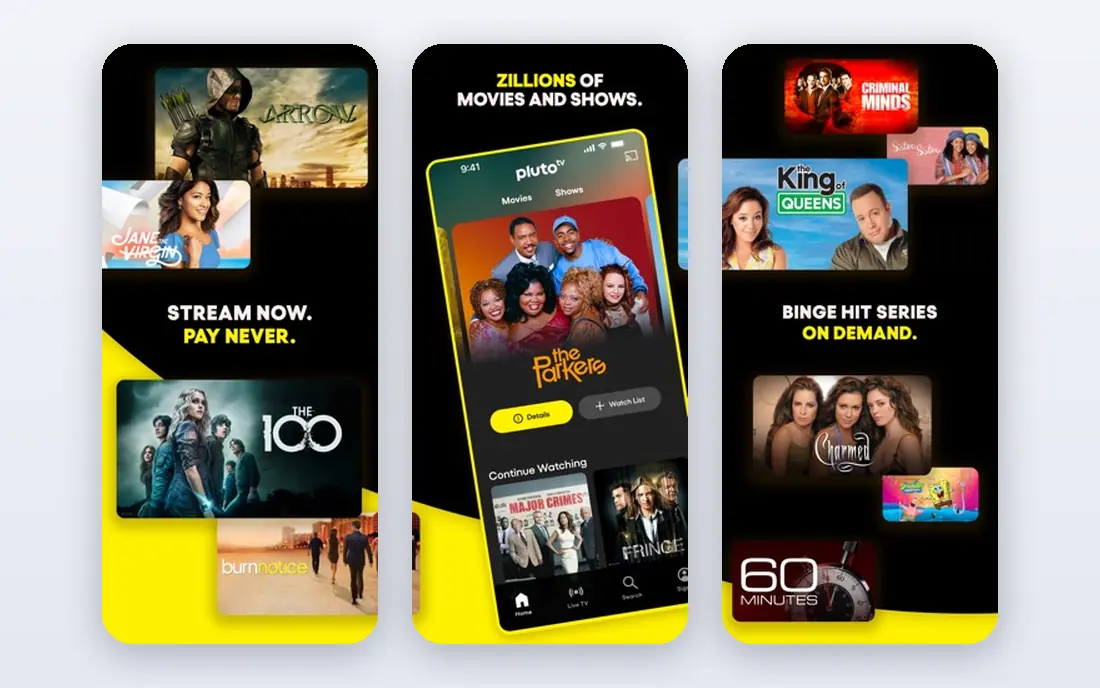
Pluto TV feels closest to traditional television among free apps. Genre movie channels run around the clock, so a viewer can drop in on an action film or a comedy without choosing a title first, and an on-demand section covers films to watch from the start. No account is needed, which makes it easy to try on a new TV.
The channel model is also the limit. A film already in progress cannot be rewound to the start on a live channel, and ad breaks during films can be frequent. Pluto TV suits viewers who like channel surfing and background viewing, while Tubi suits viewers who want to pick a specific film.
- Hundreds of live channels plus on-demand titles
- No account needed to start watching
- Genre channels for movies, comedy, and drama
- Scheduled channels give less playback control than on-demand
- Ad load can feel heavy during a full film
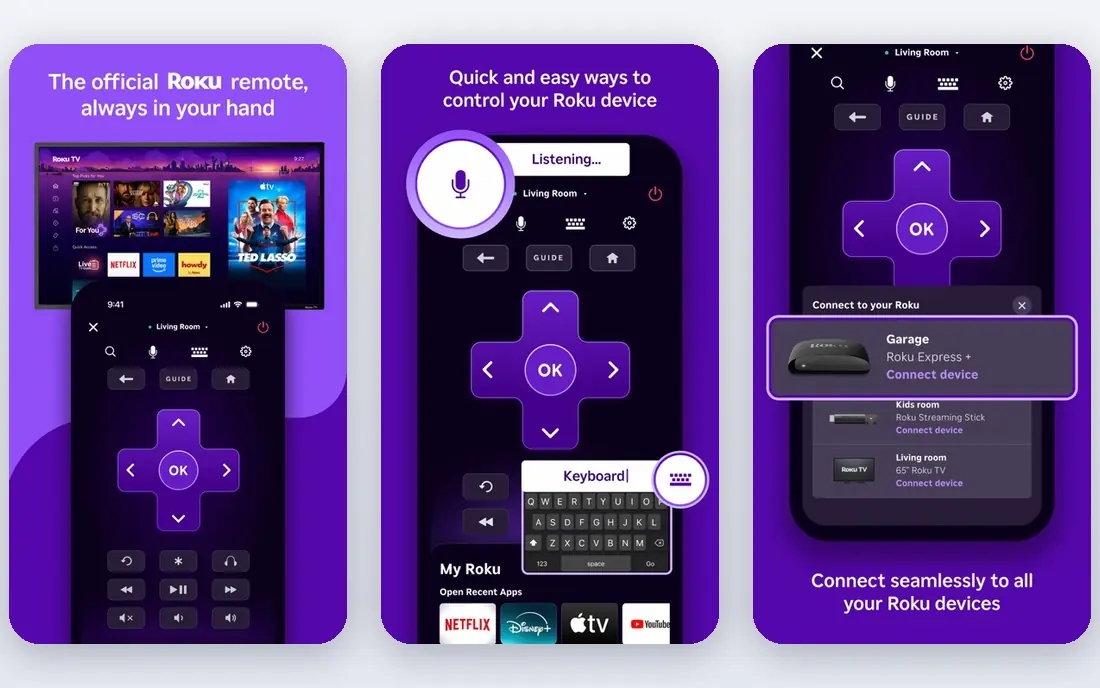
The Roku Channel has grown from a Roku device extra into a full free streaming service. Its on-demand movies cover studio and independent titles, and its live channels add news, sports, and genre viewing. An account is optional for basic viewing, though signing in helps with watchlists and progress.
The Roku Channel is strongest in the US, with availability and catalog varying in other countries. Viewers should also note that free titles sit beside rentals and subscriptions, so check the label before pressing play. For Roku owners, it is already installed and ready, which removes any setup friction.
- Strong free movie and TV library
- Live channels beside on-demand titles
- Works on Roku devices, phones, and the web
- Availability varies outside the US
- Some premium content sits behind paid subscriptions or rentals
Plex does two jobs in one app, which is why it earns a place here. Its free streaming section carries licensed movies and live channels, while its media server features let a user organize and stream their own stored films, music, and photos. A free account syncs progress across devices, though much of the free streaming works without one.
The free catalog is smaller than Tubi, and the personal media side needs a computer or server to host files, which not every viewer wants to manage. Plex suits a viewer who already keeps a digital library and wants free streaming beside it, rather than a viewer who only wants the largest free catalog.
- Free ad-supported movies and live channels
- Personal media server features in the same app
- Wide device support
- Free catalog is smaller than Tubi
- Personal media features need setup and a server or stored library
Kanopy is the film-lover pick on this list. Through a public library or university membership, a viewer gets ad-free access to arthouse films, classics, documentaries, and Criterion Collection titles that rarely appear on ad-supported services. The viewing experience is calm, with no ad breaks to interrupt a slow drama.
Access is the gate. A viewer needs a card from a participating library or university, and most libraries set a monthly limit on plays. That limit still covers several films a month for most viewers, and the quality of the catalog makes Kanopy worth checking before assuming a film needs a rental.
- Ad-free viewing through participating libraries and universities
- Criterion Collection and classic titles
- Strong documentary selection
- Access depends on a participating library or university
- Monthly play limits apply at most libraries
Hoopla is the broader library app beside Kanopy. A library card gives ad-free movies plus TV shows, audiobooks, music, and comics in one place, which suits a household that uses the library for more than film. Borrowing is instant for available titles, with no waitlists for most content.
Monthly borrow limits and library variation are the limits. A small library may offer fewer borrows or a smaller movie catalog than a large city library, so the experience depends on where you live. Check your library website first, since Hoopla and Kanopy are often both available from the same card.
- Ad-free movies through participating libraries
- Also covers TV, audiobooks, music, and comics in one app
- No separate subscription
- Access depends on a participating library
- Monthly borrow limits apply
- Catalog varies by library
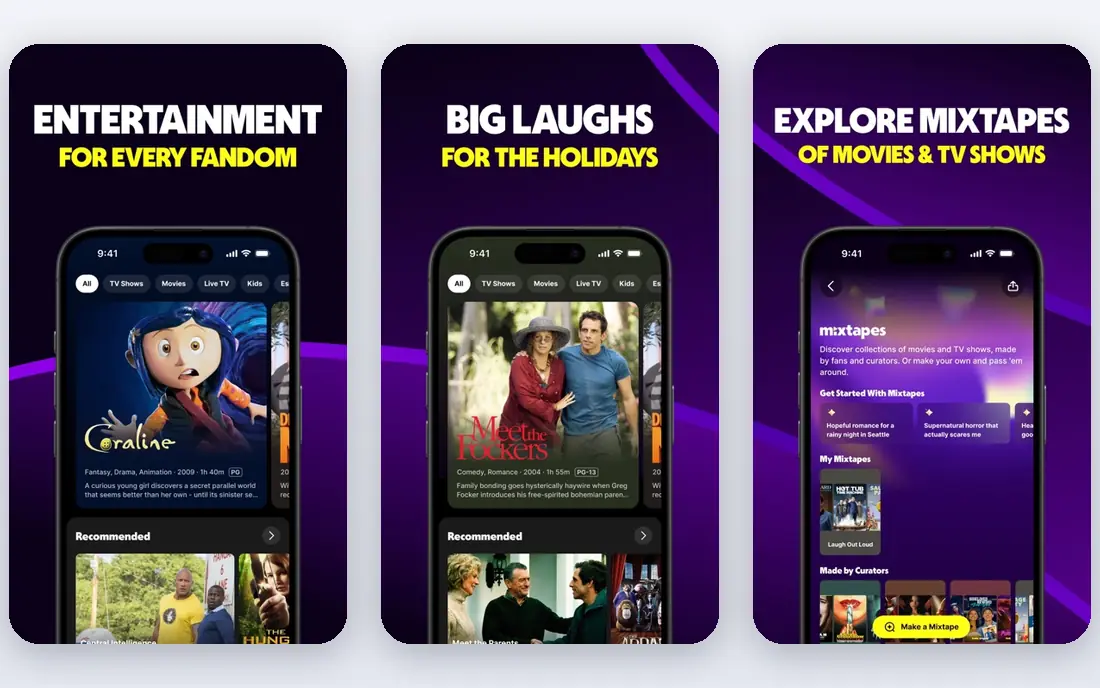
Sling Freestream gives the closest free version of a cable package on this list. It combines live channels with a large on-demand library, and basic viewing needs no account, which makes it easy to open and browse. For a cord-cutter who misses channel surfing, Freestream fills that gap without a subscription.
Geography is the main limit, since Freestream is mainly a US and Puerto Rico service. Paid Sling plans also appear in the same app, so a viewer should confirm a title is in the free section before expecting it at no cost. For US viewers, it is one of the strongest free stacks beside Tubi and Pluto TV.
- Large on-demand library plus hundreds of live channels
- No account needed for basic viewing
- Free DVR features on some content
- Available mainly in the US and Puerto Rico
- Free catalog sits beside paid Sling plans, so check labels carefully
Xumo Play, from the Comcast and Charter joint venture, offers live channels and an on-demand library funded by ads. Genre channels for westerns, thrillers, family films, and action make it a good background service, while the on-demand section covers films to watch from the start. No subscription or login is needed for basic use.
Xumo Play does not match Tubi for on-demand depth, and its catalog varies by country. It works best as a second or third free app, adding live channels to a stack led by Tubi or Pluto TV. For viewers who already have Xumo on a smart TV, it costs nothing extra to use.
- Live channels and on-demand movies with no login for basic use
- Genre movie channels for background viewing
- Apps on many TVs and devices
- On-demand depth is smaller than Tubi
- Availability and device support vary by country
YouTube is the fallback every viewer already has. Its free movies section carries full-length, ad-supported films from licensed distributors, and the app is already on nearly every phone, TV, and browser. When a title rotates off Tubi or Pluto TV, a YouTube search often finds an official ad-supported copy.
The free catalog is smaller and older than a dedicated free service, and rentals sit beside free titles, so a viewer should look for the free with ads label before pressing play. Unofficial uploads of recent films are often pirated and disappear quickly, so stick to official studio channels and the free movies section. As a universal backup, YouTube is unmatched.
- Free with ads movie section from licensed distributors
- Works on almost every device
- Easy to search for a specific title
- Free catalog is smaller and older than Tubi
- Free and paid titles sit together, so check for the free with ads label
How we picked these
We compared free streaming services that are live and licensed in the US in October 2026, using vendor pages, library service pages, and recent free streaming guides. We kept only services whose core movie offering is free and licensed, and we excluded piracy sites, unlicensed aggregators, and tools that fetch content from unauthorized sources. We also excluded services whose standalone free app has shut down, such as Amazon Freevee, whose content folded into Prime Video, and we left out Crackle after recent reports described it as unreliable and no longer listed in current roundups.
How to build a free movie stack
Start with Tubi for on-demand choice, add Pluto TV or Sling Freestream for live channels, and add Kanopy or Hoopla if your library participates. That stack covers most casual viewing without a subscription, and it avoids the need to search unlicensed sites for a title that is already free legally.
Check the label before you press play
Free, rental, and subscription titles often sit in the same app, especially on YouTube, The Roku Channel, and Sling Freestream. Look for the free, free with ads, or Freestream label, and confirm no payment step appears before the film starts.
Use your library card first for prestige films
Kanopy and Hoopla cost nothing beyond a library card, yet they carry films that ad-supported services rarely license. Check your library website for both services before renting an arthouse or classic title, since a monthly borrow may cover it.
Expect rotation and ads
Licensed free catalogs rotate as studio deals change, so a film available today may leave next month. Ads are the funding model for most services here, so expect breaks during films and plan viewing accordingly. Library services are the exception, with no ads but monthly limits instead.
Frequently asked questions
What are the best free legal movie streaming apps?
Tubi is best for on-demand volume, Pluto TV is best for live channels, The Roku Channel is best for Roku owners, and Kanopy and Hoopla are best for ad-free library films. Plex, Sling Freestream, Xumo Play, and YouTube round out a strong free stack.
Are these free movie apps really legal?
Yes. Every app listed here licenses its films from studios and distributors and funds viewing through ads or library funding. Avoid sites that offer recent theatrical films free with no ads, no account, and no clear owner, since those are often unlicensed.
Do I need a library card for Kanopy and Hoopla?
Yes, in most cases. Both services work through participating public libraries and universities, and a card number is used at sign-up. If your library does not participate, Tubi, Pluto TV, and the other ad-supported apps on this list need no library card.
Why do free movie catalogs change so often?
Studios license films for set periods, so a title can leave one free service and appear on another when a deal ends. That rotation is normal for licensed streaming, and it is why a stack of two or three free apps covers more titles than any single app.
Can I watch these free apps without an account?
Many of them, yes. Tubi, Pluto TV, Sling Freestream, and Xumo Play allow basic viewing without an account, while Kanopy and Hoopla need a library sign-in. An account usually helps with watchlists and progress, but it is not required for the core free viewing on ad-supported apps.
Sources
See where you really rank - block by block
ProMapRanker scans Google Maps across a grid of your service area. Simple monthly plans from $19, white-label on every plan.
Start freeKeep reading
 zscaler alternatives
Best Zscaler Alternatives in 2026
Looking for zscaler alternatives? We compare 9 SASE and zero trust platforms on architecture, data protection, pricing, and fit for your network and team.
Read → zapier alternatives free
Best Zapier Alternatives Free in 2026
Nine automation tools for zapier alternatives free in 2026, all with genuinely free tiers, plus free plan limits, starting prices and upgrade paths explained.
Read → which platform is best for online reputation
Which Platform Is Best for Online Reputation in 2026
Wondering which platform is best for online reputation? We compare 8 review, listing, and response tools for small and multi-location businesses and agencies.
Read →