 ProMapRanker
Best Free Movie Apk Apps for Android Phone in 2026

Key takeaways
- Every app here is a licensed, ad-supported service, and none of them is a piracy APK or an unofficial mirror.
- Tubi has the deepest on-demand movie library of the group, while Pluto TV is the strongest pick for channel-style live viewing.
- Kanopy and Hoopla are the best routes to ad-free or library-backed films, but both depend on a participating library card.
- Expect ads on the free commercial services, and expect some titles to rotate in and out of each catalog.
Quick comparison
| Pick | Great for | Pricing starts at | Free tier | |
|---|---|---|---|---|
 Tubi | Deepest free movie library | Free | Yes | Visit |
 Pluto TV | Live channels and on-demand films | Free | Yes | Visit |
 The Roku Channel | Free films plus live channels | Free | Yes | Visit |
 Plex | Free streaming plus personal media | Free | Yes | Visit |
 Kanopy | Critically praised and classic films | Free | Yes | Visit |
 Hoopla | Library films, TV and audiobooks | Free | Yes | Visit |
 Fandango at Home | Free movies alongside rentals | Free | Yes | Visit |
 Xumo Play | Free live channels and films | Free | Yes | Visit |
The best free movie apps for Android phones
This list covers only legal, licensed services with Android apps. Piracy APKs are not listed or endorsed here, and we advise against sideloading APKs from unknown sources, since those files can carry malware, steal account details, and break without warning.
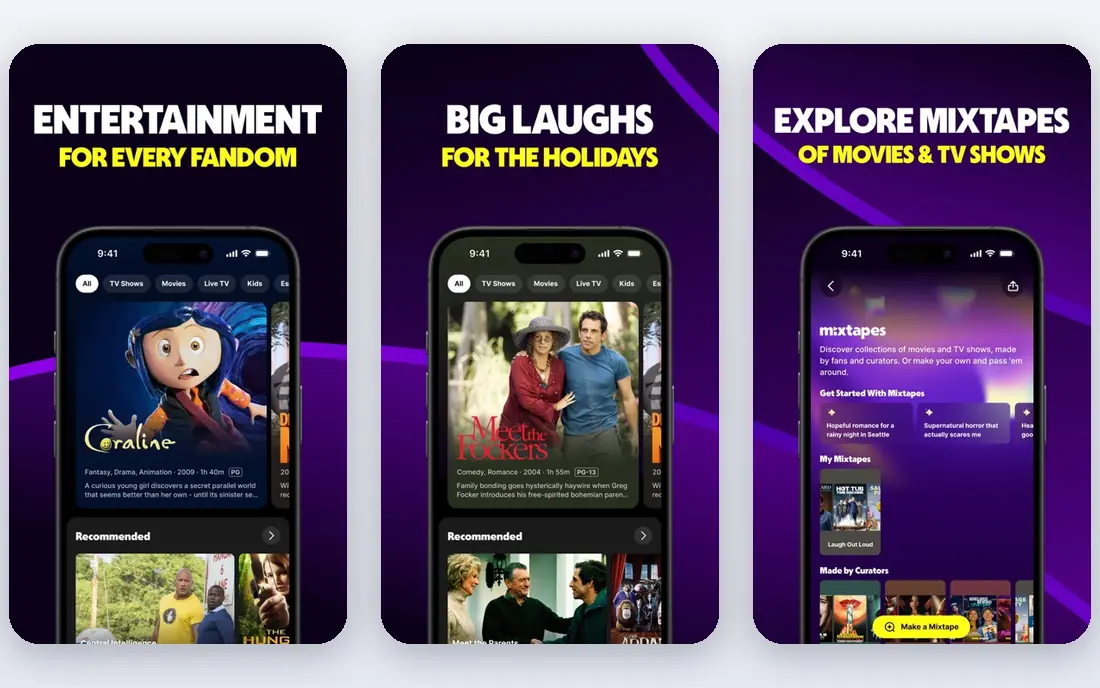
Tubi is our first pick for most Android viewers who want a free movie app without a subscription. Its catalog leans toward older films, cult titles, and full TV series, but the sheer depth means most people can find something worth watching on a given night. The app is simple to browse, and you can start watching without handing over payment details.
The trade-off is advertising, which appears during films in the same way it does on commercial TV. Picture quality and title availability also vary by film, so a movie you want may be present one month and gone the next. Still, for a free service with no sign-up pressure, Tubi sets the standard the rest of this list is measured against.
- Very large on-demand catalog
- No account needed for much viewing
- Works on Android phones and many other devices
- Ads interrupt films
- Newer blockbusters are rare
- Some titles leave the service over time
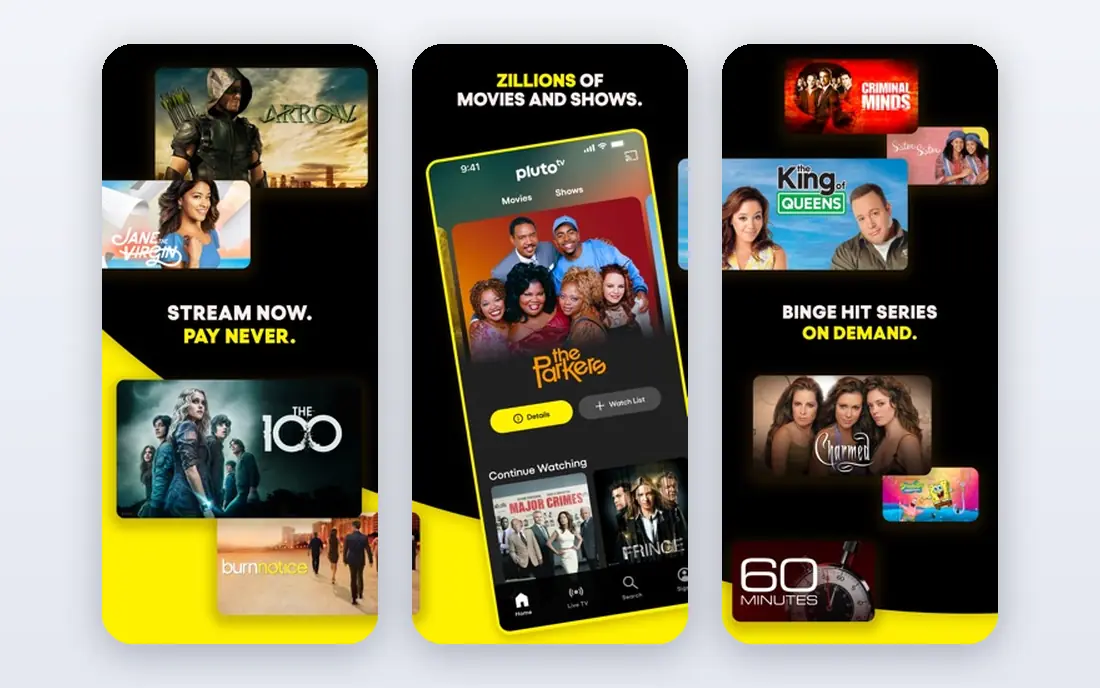
Pluto TV suits viewers who miss the habit of turning on a channel and seeing what is playing. Its themed channels cover movies by genre, classic TV, news, and reality programming, and its on-demand section adds films you can start at any time. For an Android phone, it works well as a second screen or a casual background watch.
The catch is control. Live channels do not pause or restart in the way an on-demand film does, and ad breaks are part of the deal. If you want a specific film at a specific time, Tubi or another on-demand pick will serve you better. If you want to browse and settle in quickly, Pluto TV is hard to beat for free.
- Hundreds of themed live channels
- A separate on-demand section
- No account required to start watching
- Live channels run on a schedule, not on demand
- Ads are frequent
- The guide can feel crowded
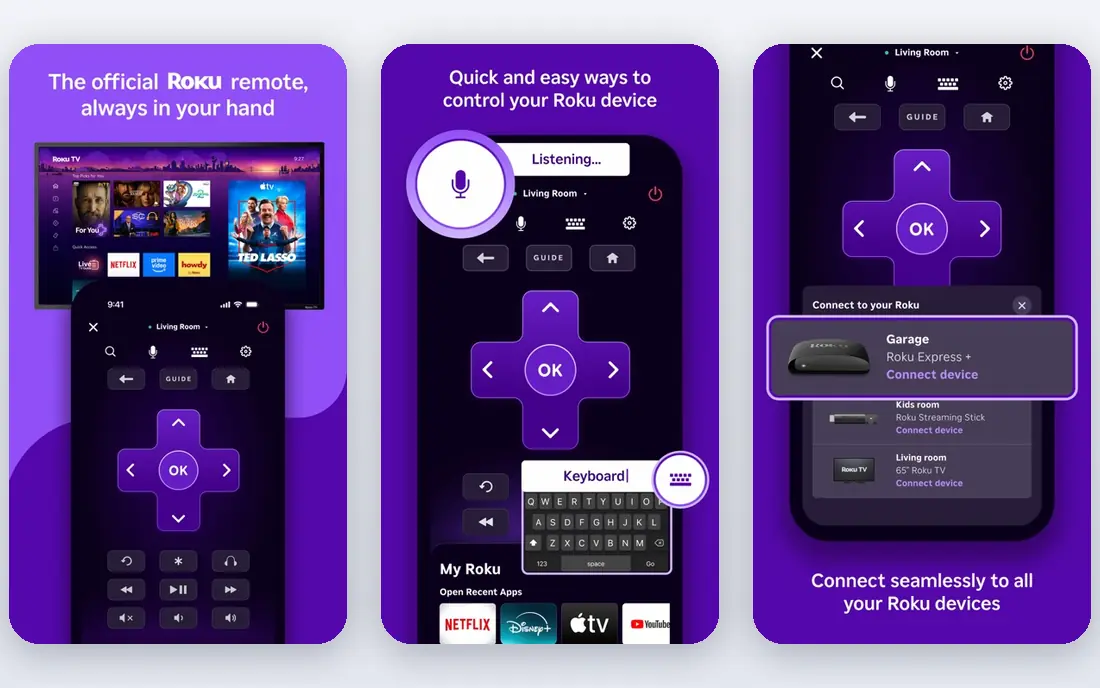
The Roku Channel began as a built-in option on Roku devices, but its Android app stands on its own as a free streaming service. You get a mix of films, series, and live channels, plus some original programming, all without a subscription. It is a strong all-round second app to pair with Tubi.
Its main weakness is the same one shared by every licensed free service: availability changes as licenses expire. A film listed today may not be there next month, and some sections push paid titles from partner services. Check that a title is marked free before you settle in, and you will get a solid free service with little fuss.
- Mix of on-demand films, series and live channels
- No Roku device required
- Clean browsing on Android
- Catalog varies by region
- Some content is licensed for a limited window
- Ads appear during playback
Plex is two products in one app, and that is what makes it worth a place here. On one side, it offers free ad-supported movies, shows, and live channels, much like Pluto TV. On the other side, it can organize and stream your own legally owned video files from a computer or storage device to your Android phone.
That second side is the reason to choose Plex over a simpler free app, but it is also the reason to be realistic about it. Setting up a personal server takes time and a computer that stays on, and the free streaming catalog alone is not the deepest here. If you only want free films, pick Tubi first. If you also want one app for your own collection, Plex is the natural choice.
- Free ad-supported films and live channels
- Also plays your own media library
- Strong Android app
- Free catalog is smaller than Tubi for films
- Personal media setup takes effort
- Some features need a paid pass
Kanopy is the quiet standout for viewers who care more about film quality than catalog size. Access comes through a participating public library or university, and viewing is ad-free once you sign in with that card. Its catalog leans toward acclaimed films, documentaries, and world cinema rather than recent blockbusters.
The limits are real. Not every library offers Kanopy, and many libraries cap how many titles you can play each month. If your library does not participate, this pick will not help you. If it does, Kanopy gives you a viewing experience that feels closer to a paid arthouse service, at no cost.
- Ad-free viewing through participating libraries
- Strong catalog of classics, documentaries and world cinema
- No subscription cost
- Requires a participating library card
- Monthly title limits may apply
- Mainstream new releases are limited
Hoopla works in a similar way to Kanopy, but with a broader mix. Through a participating library, you can borrow films, TV episodes, music, and audiobooks in a single Android app, with no ads on the borrowed titles. For households that already use a library card, it adds real value beyond films alone.
Borrow limits are the main frustration, since libraries set how many titles you can borrow each month. Film choice also depends on what your library has licensed, so two users in different towns can see different catalogs. Still, as a free, legal route to films on Android, Hoopla is one of the most useful apps on this list.
- Films, TV, music and audiobooks in one app
- No ads on borrowed titles
- Instant borrowing where offered
- Requires a participating library card
- Monthly borrow limits apply
- Film selection varies by library
Fandango at Home, formerly Vudu, is mainly a rental and purchase store, but its free section earns it a place here. Free films sit alongside paid titles, so you need to filter for free content rather than browsing the whole store. When you do, you will find a rotating set of films that cost nothing beyond ad breaks.
The honest weakness is scope. The free shelf is a side offering, not the main event, and the newest films will almost always carry a rental price. Use this app when you want one place for both a free film tonight and a paid rental later in the week, and use Tubi when free depth is the priority.
- Free ad-supported films in the same app as rentals and purchases
- Some titles in higher quality
- Easy to find free titles with filters
- Most new releases are paid rentals
- Free section is smaller than Tubi
- Ads appear on free titles
Xumo Play rounds out the list as a straightforward free option for channel surfers. It combines live themed channels with an on-demand film section, and you can start watching on Android without creating an account. It is a good fallback when Pluto TV or The Roku Channel does not have the channel or film you want.
Expect a smaller on-demand library than the leaders here, and expect ads. Xumo Play is best treated as a third free app in your rotation, not your only one. Kept in that role, it adds variety at no cost and with no sign-up pressure.
- Live channels and on-demand films in one free app
- No account needed to start
- Simple Android interface
- Smaller on-demand film catalog than Tubi
- Ads are part of viewing
- Channel lineup varies by region
How we picked these
We compared official service pages, Android app store listings, and public reporting on which free services were still operating in October 2026. We kept only services with a licensed catalog, an Android app, and a free tier that works without payment. We left out services that shut down during 2025, and we left out any APK, mirror, or clone that streams films without a license. Prices here mean the free tier itself, not paid rentals or upgrades inside the app.
What to check before you install
Start with the source, not the search result. Install free streaming apps from Google Play, not from a random download link, and check that the developer name matches the service you expect. A genuine free app will never ask for payment details to watch its free tier, and it will show ads rather than asking you to pay to remove a lock on a single film. If an app promises every new release for free, that promise is a warning sign, not a feature.
Also check your library options before you settle for ads alone. Kanopy and Hoopla cost nothing beyond a library card, and they remove ads from borrowed titles, so they are worth trying even if you already use Tubi. Finally, remember that free catalogs rotate. If a film matters to you, watch it while it is listed, and keep two or three of these apps installed so a departing title on one service does not leave you with nothing to watch.
Frequently asked questions
Are these apps really free?
Yes, the free tiers listed here cost nothing to watch, and they are funded by advertising or by public libraries. Paid rentals, purchases, or premium upgrades may sit inside the same app, so check that a title is marked free before you press play.
Why do you not list piracy APKs?
We list only licensed services, because unlicensed APKs can expose your phone to malware, steal login details, and vanish without warning. They also do not pay the people who made the films. The licensed apps here give you a large free catalog without those risks.
Is it safe to sideload an APK from another site?
We advise against it. Sideloaded files from unknown sources bypass the checks in Google Play, and a file can look like a movie app while carrying harmful code. If an app is not in Google Play or on the service's own site, treat that as a reason to skip it.
Do I need an account to watch?
Most of these services let you watch without an account, though signing in can add watchlists and resume features. Kanopy and Hoopla are the exceptions, since both need a participating library card to borrow titles.
Why does a free film disappear?
Free services license films for a set period, and when that period ends the film leaves the catalog. This is normal for licensed streaming, and it is why keeping two or three free apps installed gives you more choice over time.
Which app should I install first?
Install Tubi first for on-demand films, add Pluto TV for live channels, and add Kanopy or Hoopla if your library supports them. That combination covers films, channels, and ad-free library viewing without spending anything.
Sources
See where you really rank - block by block
ProMapRanker scans Google Maps across a grid of your service area. Simple monthly plans from $19, white-label on every plan.
Start freeKeep reading
 zyte alternatives
Best Zyte Alternatives in 2026
These zyte alternatives cover managed scraping APIs, proxy networks and no code tools for lawful collection from your own or consented sources only in 2026.
Read → zerto alternatives
Best Zerto Alternatives in 2026
Compare the best zerto alternatives for disaster recovery and replication, with recovery targets, cloud options and honest trade-offs for teams in 2026.
Read → zerofox alternatives
Best ZeroFox Alternatives in 2026
We compared 9 zerofox alternatives for brand protection, phishing takedowns, dark web monitoring, and social impersonation, with clear coverage notes.
Read →