 ProMapRanker
Best Free Help Desk Software in 2026

Key takeaways
- Zoho Desk offers the strongest hosted free plan for a small team, with up to 3 agents and email ticketing at no cost.
- HubSpot Service Hub fits teams already using HubSpot CRM, with free tools for up to 2 users and a clear paid ladder.
- Tawk.to gives unlimited agents and sites for live chat plus ticketing, though branding removal is paid.
- Spiceworks is free and hosted for internal IT teams, but advertising supports it, so it suits internal use better than customer-facing support.
- Self-hosted tools such as osTicket and Zammad cost nothing in licences, but you pay with server time and maintenance work.
Quick comparison
| Pick | Great for | Pricing starts at | Free tier | |
|---|---|---|---|---|
 Zoho Desk | Small hosted teams | Free | Yes | Visit |
 HubSpot Service Hub | HubSpot CRM users | Free | Yes | Visit |
 Tawk.to | Unlimited free live chat | Free | Yes | Visit |
 Spiceworks | Internal IT help desks | Free | Yes | Visit |
 Jira Service Management | Internal service requests | Free | Yes | Visit |
 osTicket | Classic open source ticketing | Free | Yes | Visit |
 Zammad | Modern open source desk | Free | Yes | Visit |
 Freshdesk | Polished desk with a free program | $19 per agent per month | Free trial | Visit |
The best free help desk software
We compared free agent limits, ticket channels, knowledge base features, hosting type, and paid upgrade prices. The tools below all offer a free way to run a help desk in October 2026, though some are free forever and others are free for a limited time or agent count.
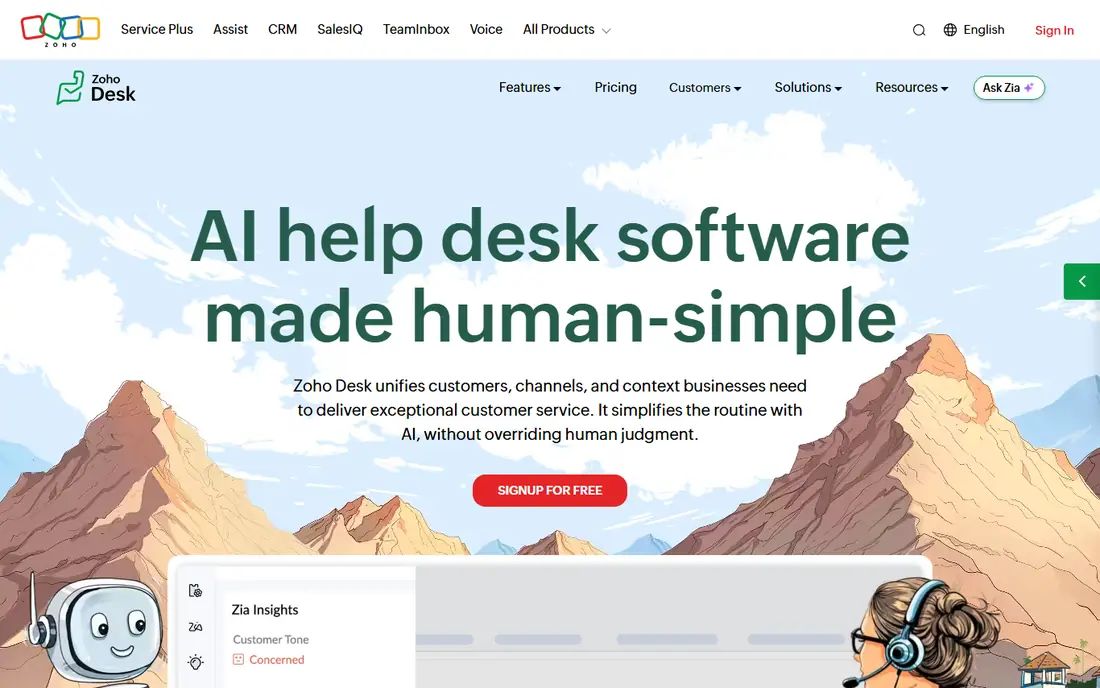
Zoho Desk is our first pick for a small team that wants a real hosted desk without setting up a server. The free plan covers up to 3 agents, email ticketing, and web forms, which is enough for a startup or a small support team handling a modest queue. It also grows into the wider Zoho suite if you later need CRM, chat, or project tools.
The limits are clear. Service level agreements, advanced automation, and fuller reporting sit on paid plans, starting at $7 per agent per month billed annually for Express. If your team is larger than three agents, or you need strict response targets, budget for a paid plan from the start rather than stretching the free tier.
- Free forever for up to 3 agents
- Email ticketing and web forms
- Help centre on higher plans
- No service level agreements on free plan
- Advanced automation needs paid plans
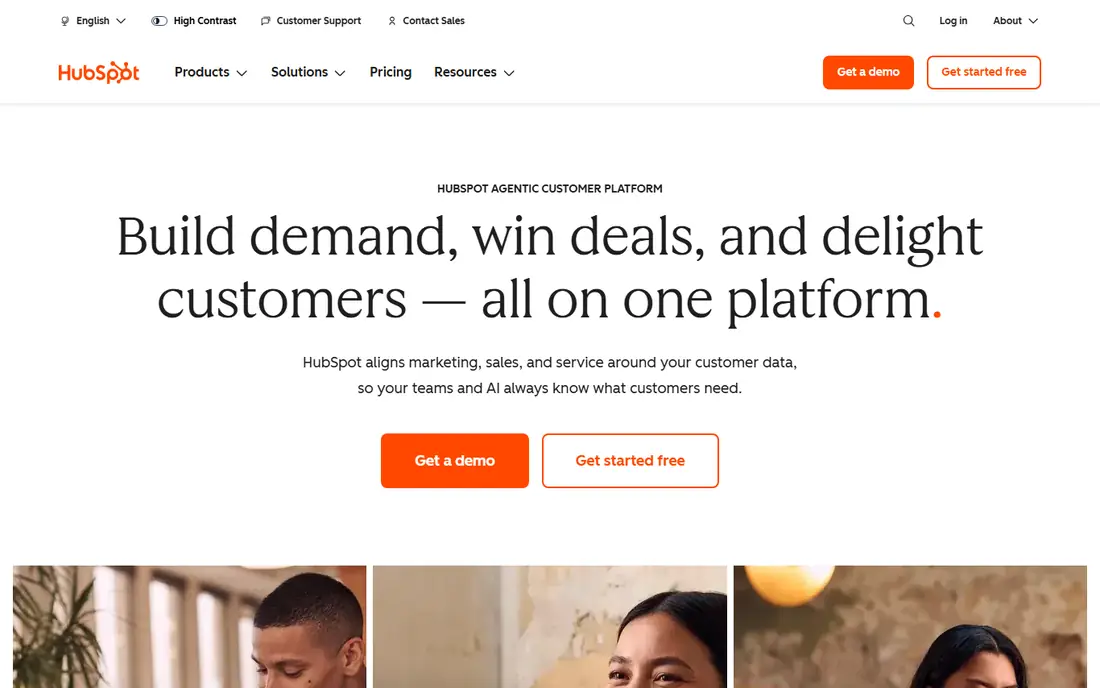
HubSpot Service Hub suits teams already using HubSpot for marketing or sales. Free tools include ticketing, live chat, email templates, and forms, all linked to the same contact records as the CRM. That link means an agent can see past purchases and conversations without switching systems.
Free use is limited to 2 users, and a knowledge base, customer feedback tools, and advanced automation require paid plans. Starter pricing has been listed from $20 per seat per month in some guides, so check the current HubSpot pricing page for your region. If you are not already on HubSpot, Zoho Desk may give you more free agent room.
- Free ticketing inside a free CRM
- Live chat and forms
- Contact and company records included
- Free plan covers up to 2 users
- Knowledge base and advanced routing need paid plans
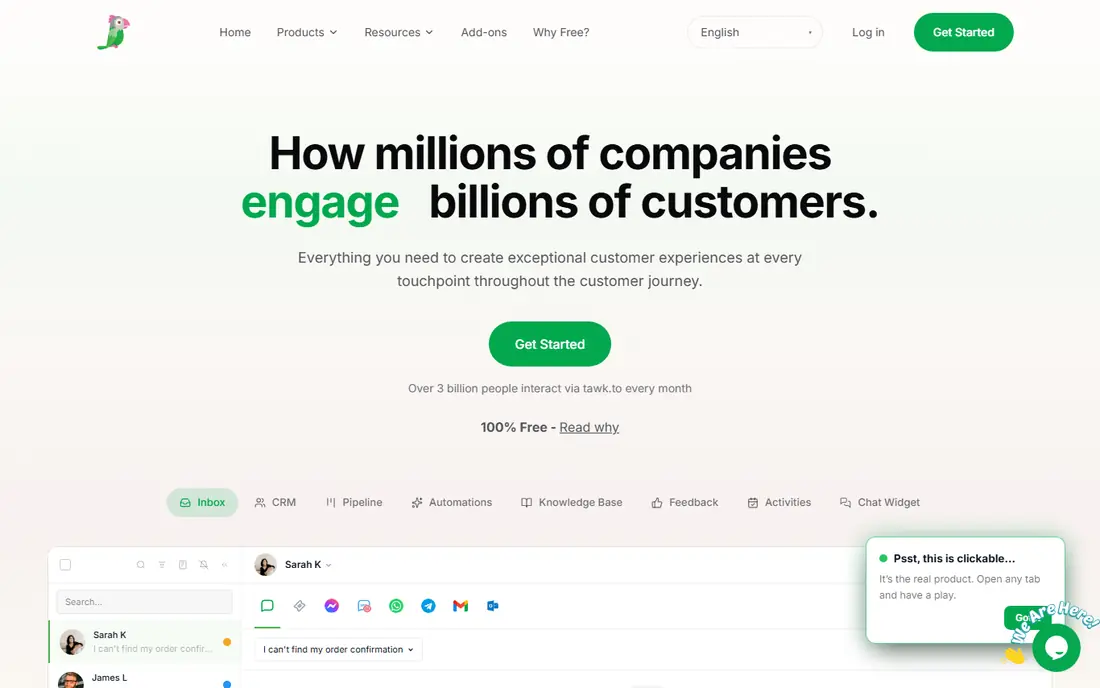
Tawk.to is the most generous free hosted option for live chat. You can add unlimited agents and websites, chat with visitors in real time, and use ticketing and a knowledge base, all at no licence cost. That scale makes it a good fit for small businesses that want chat on several sites without paying per seat.
The main trade-off is branding. Free use shows Tawk.to branding, and removing it costs $19 per month per property in published guides. Some advanced add-ons are also paid. If branding matters for a customer-facing site, factor that cost in, but for many small teams the free plan alone is enough.
- Unlimited agents, sites, and chats
- Ticketing and knowledge base included
- Mobile apps
- Tawk.to branding on free use
- Branding removal and some add-ons are paid
Spiceworks is built for internal IT teams that need a free ticket system for staff requests. The hosted help desk covers up to 5 tech seats, with a user portal and email ticketing, plus inventory features that IT teams often use alongside tickets. For a small IT department with no budget, that combination is hard to beat.
Advertising supports the free service, which is why it fits internal use better than a public customer support page. An ad-free option has been listed at about $6 per seat per month in guides, so check current Spiceworks pricing if ads are a problem. Customer-facing teams should look at Zoho Desk or HubSpot instead.
- Free hosted desk for up to 5 tech seats
- Ticket portal and email ticketing
- Inventory tools
- Ad-supported
- Shaped for internal IT, not customer-facing support
Jira Service Management fits teams that already use Jira for development or project work. The free plan covers up to 3 agents, with a request portal and channels including email, Slack, and Microsoft Teams. That link to development issues helps when a support request turns into a bug fix or a feature task.
The free plan storage is limited, and paid plans start at $20 per agent per month in published guides. It is less suited to a pure customer support desk than Zoho Desk or Freshdesk, since its workflows lean toward internal service management. Choose it when internal requests and engineering work overlap.
- Free for up to 3 agents
- Request portal, email, Slack, and Teams channels
- Strong link to Jira development work
- Shaped for internal and development teams
- Paid plans start higher than some rivals
osTicket is a long-running open source ticket system that costs nothing in licence fees and allows unlimited agents. It handles email and web form tickets, custom fields, and basic reporting, and because you host it, you control your data and customisation. Small teams with a spare server and basic technical skill can run it for years at low cost.
The interface feels dated next to modern hosted desks, and maintenance is on you. You must install updates, back up the database, and secure the server, which takes staff time even though the licence is free. If you want a modern look without hosting work, Zammad or a hosted free plan will be a better fit.
- Free open source licence
- Unlimited agents
- Email and web form tickets
- Full data control
- Dated interface
- You host, update, and secure it yourself
Zammad is the modern open source alternative to osTicket. Its community edition is free to self-host, with a cleaner interface and channels covering email, chat, social media, and phone. That breadth makes it a good choice for teams that want a current look and full control without a licence fee.
As with osTicket, hosting and maintenance fall to your team, including updates, backups, and security. Zammad also offers paid hosted plans if you later want to hand that work over. Start with the community edition only if someone on your team can own the server, or choose a hosted free plan instead.
- Modern interface
- Email, chat, social, and phone channels
- Community edition is free to self-host
- You host and maintain the community edition
- Hosted plans are paid
Freshdesk is included because many teams want its polished interface, even though its free offer has narrowed. Current guides describe a free program for 2 agents for 6 months, plus a 14-day trial of paid plans, rather than a free forever tier. Growth, the main paid plan, is listed at $19 per agent per month billed annually.
That time limit matters. If you choose Freshdesk expecting free support forever, you will face a paid bill within months. It is still worth considering when you plan to pay anyway and want automation, AI features, and a large integration set. For a truly free long-term desk, Zoho Desk, HubSpot, Tawk.to, or an open source tool is a safer pick.
- Polished interface
- Strong automation and AI features on paid plans
- Wide integration set
- No free forever plan in current guides
- Free program is limited to 2 agents for 6 months
How we picked these
We compared vendor pricing pages and current free help desk guides checked in October 2026, and we distinguished free forever plans from trials and time-limited programs. We favoured tools that are still active, publish clear agent limits, and cover real ticketing work. We did not claim hands-on testing, and where a price came from a guide rather than a vendor page, we describe it in general terms and advise checking the vendor page before budgeting.
How to choose a free desk that will not trap you later
Check the free limit that matters most to you. Agent count, ticket volume, storage, and feature limits all shape whether a free plan lasts. A three-agent team fits Zoho Desk free, while a five-agent internal IT team fits Spiceworks, and a team that needs unlimited chat agents fits Tawk.to. Count your agents first, then your channels, then your need for a knowledge base or automation.
Next, decide whether you want to host. Hosted free plans save setup and maintenance time, but they limit customisation and data control. Self-hosted tools give you control and unlimited agents, but they need server time, backups, and security updates. If no one on your team can own that work, a hosted plan is cheaper in practice even when the licence is free elsewhere.
Finally, look at the first paid step. A free plan that jumps to a high seat price can cost more than a modest paid plan from another vendor. Check what the next tier adds, whether you need it soon, and whether annual billing locks you in. A free desk should solve this month's queue, not force a costly migration in six months.
Frequently asked questions
What is the best free help desk software for a small team?
Zoho Desk is a strong starting point, with a free hosted plan for up to 3 agents. HubSpot Service Hub is better if you already use HubSpot CRM, and Tawk.to is better if live chat is your main channel.
Is Freshdesk really free?
Not free forever in current guides. Freshdesk offers a time-limited free program for 2 agents for 6 months, plus a trial of paid plans. Plan for a paid Growth subscription if you stay with Freshdesk long term.
Can I use a free help desk for customer-facing support?
Yes, with hosted tools such as Zoho Desk, HubSpot, and Tawk.to. Spiceworks is better for internal IT support, since it is ad-supported and shaped for staff requests rather than public customer pages.
What is the difference between hosted and self-hosted help desk software?
Hosted software runs on the vendor servers, so setup and maintenance are handled for you. Self-hosted software such as osTicket and Zammad runs on your server, giving you full control but also full responsibility for updates and security.
Do free help desk tools include a knowledge base?
Some do, but often only on paid plans. Tawk.to includes a knowledge base on its free plan, while HubSpot and Zoho Desk reserve fuller knowledge base features for paid tiers. Check the plan details before promising self-service help to customers.
How many agents can use a free help desk?
It varies. Zoho Desk free covers up to 3 agents, HubSpot free covers up to 2 users, Spiceworks covers up to 5 tech seats, and Tawk.to, osTicket, and Zammad allow unlimited agents under their free terms.
Sources
- https://www.zoho.com/desk
- https://www.hubspot.com
- https://www.tawk.to
- https://www.spiceworks.com
- https://www.atlassian.com/software/jira/service-management
- https://osticket.com
- https://zammad.com
- https://www.freshdesk.com
- https://www.liveagent.com/blog/free-help-desk-software/
- https://www.dragapp.com/blog/free-help-desk-software/
See where you really rank - block by block
ProMapRanker scans Google Maps across a grid of your service area. Simple monthly plans from $19, white-label on every plan.
Start freeKeep reading
 outreach alternatives
Outreach Alternatives in 2026
Compare outreach alternatives for 2026, from Salesloft and Apollo to HubSpot and Lemlist, with pricing, channels, features, limits, and honest trade-offs.
Read → best web conference tools
Best Web Conference Tools in 2026
Compare the best web conference tools for meetings, webinars and team calls, with current pricing, free plans and honest limits for each option here today.
Read → best voice cloning tools
Best Voice Cloning Tools in 2026
Compare the best voice cloning tools in 2026, from ElevenLabs and Descript to Resemble and Cartesia, with consent rules, pricing, licenses, and limits.
Read →