 ProMapRanker
Best Free CRM With Mobile App in 2026

Key takeaways
- HubSpot and Zoho CRM offer the broadest free starting points, with HubSpot stronger on marketing tools and Zoho stronger on sales depth.
- Bigin is the simplest free CRM for one person, while Freshsales is a good free pick if phone and chat matter from day one.
- Free plans all have limits on users, records, or pipelines, so check the limit that will hit you first before you import contacts.
- Every tool here has iOS and Android apps, but mobile features vary, so test adding a contact and logging a call on your phone first.
Quick comparison
| Pick | Great for | Pricing starts at | Free tier | |
|---|---|---|---|---|
 HubSpot CRM | Starting free with room to grow | Free | Yes | Visit |
 Zoho CRM | Budget teams that want depth | $14 per user per month | Yes | Visit |
 Bigin by Zoho | Solo sellers and tiny teams | $7 per user per month | Yes | Visit |
 Freshsales | Phone and chat led sales | $9 per user per month | Yes | Visit |
 Bitrix24 | All in one team workspace | $49 per month | Yes | Visit |
 Capsule CRM | Simple contact and pipeline tracking | $18 per user per month | Yes | Visit |
 Attio | Flexible records for modern teams | $35 per user per month | Yes | Visit |
 Insightly | CRM plus simple projects | $29 per user per month | Yes | Visit |
 EngageBay | Free marketing plus CRM | See website | Yes | Visit |
The best free CRM with mobile app options
We compared official pricing pages, mobile app listings, and feature pages for tools that offer a real free plan and a real mobile app, not just a trial. The best free CRM software with a mobile app is the one your team will actually open on the road, so mobile contact lookup, call logging, and task checks matter as much as desktop reports.
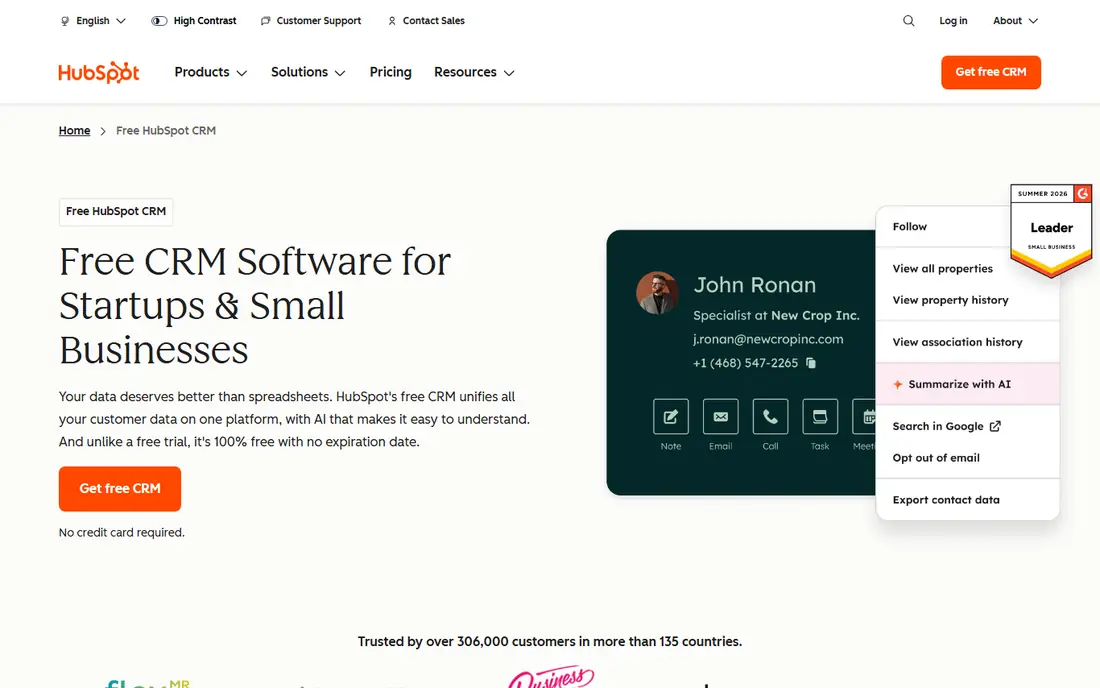
HubSpot CRM is the safest free starting point for most small teams. The free plan covers contact and company records, a sales pipeline, forms, live chat, and email tracking, and the mobile app lets you view contacts, log calls, and check deals away from your desk. That breadth means you can run a simple sales process without buying add-ons on day one.
The limits are real. Free use is aimed at very small teams, and marketing contacts, automation, and reporting stay limited until you pay. Costs also rise as you add hubs and seats, so a team that grows fast should price the next tier before it depends on features that are paid only. For a team starting from spreadsheets, though, HubSpot gives you the most complete free base.
- Broad free tools for contacts, deals, and forms
- Mobile app for iOS and Android
- Clear upgrade path to paid hubs
- Free plan limits users and contacts
- Advanced automation and reporting need paid plans
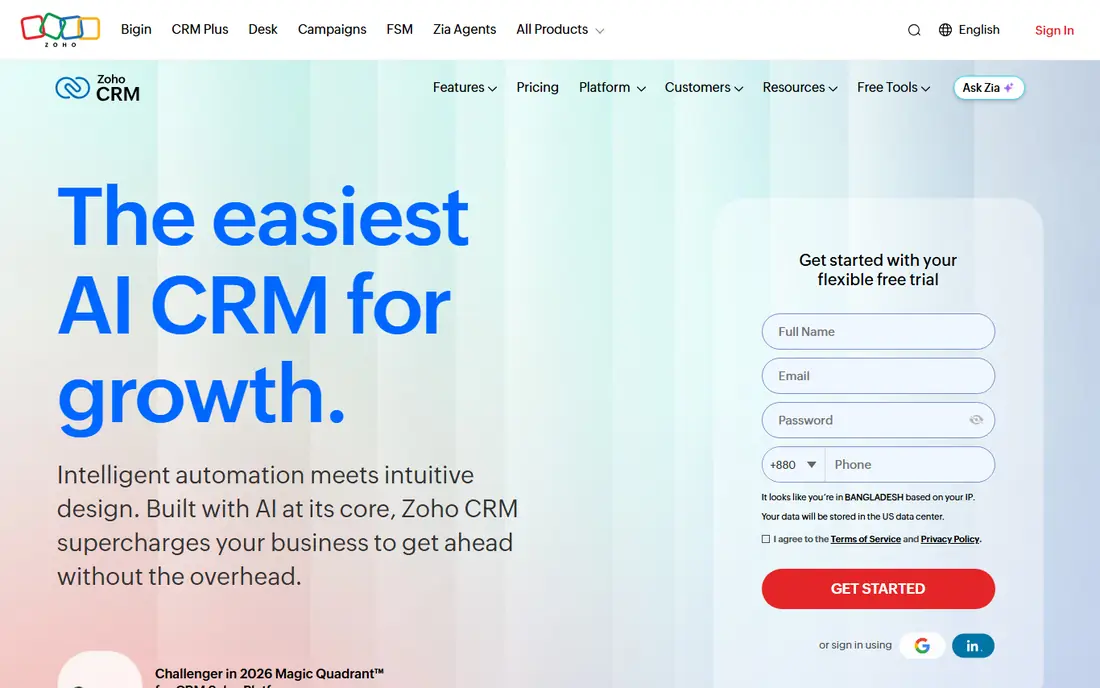
Zoho CRM is the value pick for teams that want more sales structure than a simple pipeline board. The free plan supports up to 3 users with leads, contacts, deals, tasks, and basic workflow rules, and the mobile app covers the core work of checking records and updating deals. Paid plans start at $14 per user per month in recent vendor pricing and add automation, forecasting, and AI tools.
The trade-off is setup time. Zoho can do a lot, which means you may spend a first week deciding on fields, layouts, and workflows. If you want a tool you can learn in an afternoon, Bigin below is simpler. If you want a CRM that can still fit in two years, Zoho CRM is the stronger long-term free start.
- Free plan for up to 3 users
- Mobile app with offline access on some plans
- Deep customization as you grow
- Setup takes longer than simpler tools
- Some features are spread across Zoho apps
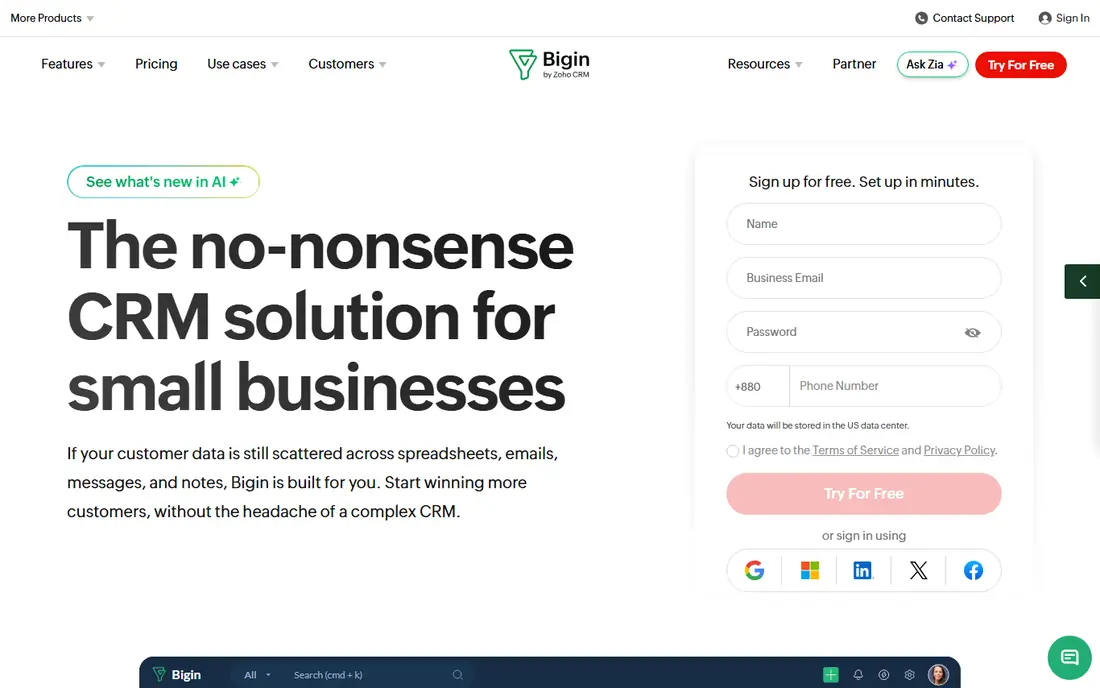
Bigin is Zoho's small-team CRM, and it shows in the best way. The interface is a clean pipeline with contacts, deals, tasks, and calls, without the extra menus that slow down a solo seller. The mobile app is fast for adding a contact after a meeting, scanning a business card, and moving a deal to the next stage.
The free plan is intentionally small, with 1 user, 500 records, and 1 pipeline in recent pricing summaries. That is enough to test the habit and to run a solo pipeline, but a second hire or a second pipeline will push you to a paid plan starting around $7 per user per month billed annually. For a one-person business, that simplicity is the point.
- Very simple pipeline view
- Mobile app built for quick updates
- Built-in phone and card scanner on free plan
- Free plan is for 1 user with 500 records and 1 pipeline
- Limited for larger teams
Freshsales, from Freshworks, fits teams that live on calls and messages. The free plan covers contact and account management, built-in email and phone, live chat, and Kanban deal views for up to 3 users in recent summaries. The mobile app lets you call, log notes, and check deals without returning to a laptop.
Paid plans start around $9 per user per month and add sequences, scoring, and AI insights. If your sales work is mostly email campaigns or complex marketing automation, HubSpot may fit better. If your day is calls, follow-ups, and quick deal updates, Freshsales gives you those tools free at the start.
- Free plan for up to 3 users
- Built-in phone, email, and chat
- Mobile app for on-the-go follow-up
- Advanced AI and sequences need paid plans
- Marketing depth is thinner than HubSpot
Bitrix24 is less a pure CRM and more a team workspace with a CRM inside. The free plan includes CRM records, tasks, chat, and basic collaboration tools, and the mobile app brings those together for field and remote teams. That breadth helps a small business that also needs task lists and team messages in one place.
The downside is clutter. There are many tools in the product, and a team that only wants a pipeline may find the menus distracting. Paid pricing is flat per organization in recent summaries, starting around $49 per month, which can be good value for a larger team but less so for a solo user. Turn off what you do not need during setup.
- Free plan with CRM, tasks, and chat
- Mobile app covers CRM and team tools
- Flat pricing for larger groups on paid plans
- Interface can feel busy
- Setup needs care to avoid unused features
Capsule CRM is for teams that want a CRM to stay simple. Contacts, sales opportunities, tasks, and calendars are easy to find, and the mobile app covers the daily work of checking a contact, adding a note, and moving a deal forward. The free plan supports 2 users with a limited contact count in recent summaries.
That limit is the main catch. At 250 contacts on the free tier, a growing list will force an upgrade to a paid plan starting around $18 per user per month. If you run a relationship-based service business with a modest list and you value clarity over features, Capsule is a calm choice.
- Clean and easy to learn
- Free plan for 2 users
- Mobile app for contacts, tasks, and sales tracking
- Free limits are tight at 250 contacts
- Fewer marketing tools than larger platforms
Attio suits teams that want to shape a CRM around their own data rather than fit a fixed template. You can build lists, link records, and view pipelines in ways that match how your team actually works. The free plan in recent summaries covers 3 seats with a generous record allowance, which makes it a good trial for a small, data-minded team.
The paid price, starting around $35 per user per month, is higher than Bigin or Freshsales, so it is not the cheapest upgrade path. Mobile use is also more about checking and updating records than running a full sales workflow. If flexibility matters more than a low paid price, Attio is worth testing.
- Flexible data model and lists
- Free plan for 3 seats in recent summaries
- Mobile app for quick record checks
- Paid plans are pricier than simpler CRMs
- Less hand-holding for a first-time CRM user
Insightly helps teams that sell a job and then need to deliver it. Contacts and deals sit next to simple projects, tasks, and milestones, so a small agency or service firm can track work after the sale without a second tool. The mobile app covers contacts, tasks, and project updates for people on site or on the road.
The free plan is limited to 2 users in recent summaries, and paid plans start around $29 per user per month. If you only need sales tracking, a simpler free CRM will be cheaper to run. If project handover is where work slips, Insightly's combined view is a real benefit.
- CRM plus project tracking in one place
- Free plan for 2 users
- Mobile app for contacts, tasks, and projects
- Free plan is limited
- Interface and setup feel dated to some users
EngageBay is a good free pick for a small team that needs both a CRM and basic marketing in one account. The free plan includes contact management, deal tracking, and limited email marketing, and the mobile app lets you check contacts and deals on the move. That pairing helps a business that is still building its first email list.
Free limits will matter once your list grows, and the more advanced automation and reporting sit on paid plans, so check current pricing on the vendor site before you import a large list. For a team that wants marketing and sales in one free start, EngageBay is a practical option to compare with HubSpot.
- Free CRM with marketing tools
- Mobile app for contacts and deals
- Useful for small teams that also send email campaigns
- Free limits on contacts and emails
- Advanced features need paid plans
How we picked these
We compared official pricing pages, app store listings, and feature pages, and we only included tools with a genuine free plan and an iOS or Android app in October 2026. We checked free user and record limits, mobile features such as contact lookup and call logging, and whether the paid upgrade path was clear. Tools with only a free trial, or with no mobile app, were left out.
What to check before you choose
Test the mobile app first
Install the app, add a test contact, log a call, and move a deal. If that flow feels slow or clumsy, your team will avoid the CRM on the road, and the desktop features will not matter. Offline access and quick search are worth checking during the trial.
Find your free limit
Free plans differ in what they limit. HubSpot limits users and marketing contacts, Bigin limits records and pipelines, and Capsule limits contacts. Import a realistic sample, not just ten contacts, and see which limit you hit first.
Plan one paid step ahead
A free CRM is only good if the next paid tier still fits your budget. Check the first paid price, what it adds, and whether billing is per user or per organization. A low free price with a steep paid jump can cost more than a slightly higher starting price later.
Keep the setup small
Start with contacts, one pipeline, and tasks. Add custom fields and automation only after two weeks of real use. A CRM with ten empty fields per contact will slow down every mobile update.
Frequently asked questions
What is the best free CRM software with a mobile app?
HubSpot CRM is our top free pick for most small teams because of its broad free tools and mobile app. Zoho CRM is close behind for teams that want deeper sales features, and Bigin is best for a solo seller. The right pick depends on your team size and whether phone, marketing, or projects matter most.
Is HubSpot CRM really free?
Yes, HubSpot offers a free CRM plan with contact management, a pipeline, forms, and basic tools, with limits on users and marketing contacts. Paid plans add automation, reporting, and more seats. Check the current free limits on the HubSpot pricing page before you import a large list.
Which free CRM is best for a solo business?
Bigin by Zoho is a strong solo pick because it is simple, mobile friendly, and free for 1 user with 500 records. Capsule CRM is another simple option for a small list. If you plan to hire soon, start with HubSpot or Zoho CRM so you do not need to move data later.
Do free CRMs work well on a phone?
Yes, but mobile depth varies. All the tools here have iOS and Android apps, yet some apps are better for quick updates than for full reporting. Test contact search, call logging, and deal updates on your own phone before you commit.
When should I pay for a CRM?
Pay when you hit a free limit that blocks real work, such as user count, records, or pipelines, or when you need automation, better reporting, or more support. Price the next tier first, and keep the free plan until that limit is close.
Sources
See where you really rank - block by block
ProMapRanker scans Google Maps across a grid of your service area. Simple monthly plans from $19, white-label on every plan.
Start freeKeep reading
 zscaler alternatives
Best Zscaler Alternatives in 2026
Looking for zscaler alternatives? We compare 9 SASE and zero trust platforms on architecture, data protection, pricing, and fit for your network and team.
Read → zapier alternatives free
Best Zapier Alternatives Free in 2026
Nine automation tools for zapier alternatives free in 2026, all with genuinely free tiers, plus free plan limits, starting prices and upgrade paths explained.
Read → which platform is best for online reputation
Which Platform Is Best for Online Reputation in 2026
Wondering which platform is best for online reputation? We compare 8 review, listing, and response tools for small and multi-location businesses and agencies.
Read →