 ProMapRanker
Best Free CRM Software for Remote Teams in 2026


Small remote teams starting with sales and marketing · Pricing starts at: Free
Key takeaways
- Only genuinely free-tier tools are listed here; trial-only tools are not presented as free.
- HubSpot and Zoho give small teams the clearest free starting points, with different limits.
- Bitrix24 stands out for remote collaboration, with CRM, tasks and chat in one workspace.
- Free tiers all have caps, so check users, contacts and automation limits before importing a full list.
Quick comparison
| Pick | Great for | Pricing starts at | Free tier | |
|---|---|---|---|---|
| HubSpot CRM | Small remote teams starting with sales and marketing | Free | Yes | Visit |
 Zoho CRM | Budget-conscious remote teams wanting depth | Free | Yes | Visit |
 Bitrix24 | Remote teams wanting CRM plus chat and tasks | Free | Yes | Visit |
 Freshsales | Small sales teams wanting built-in calling and email | Free | Yes | Visit |
 EngageBay | Small teams combining CRM with marketing | Free | Yes | Visit |
 Capsule CRM | Small teams wanting a simple shared pipeline | Free | Yes | Visit |
 Odoo CRM | Teams wanting CRM inside a wider business suite | Free | Yes | Visit |
 SuiteCRM | Technical teams wanting open source control | Free | Yes | Visit |
The best free crm software for remote teams
This guide lists only tools with a genuinely free tier, not trial-only products dressed up as free. Every option here can be used without paying, within its published limits, and every paid upgrade is noted plainly.
Customer data needs care. Only store contact details you have a proper basis to hold, limit access to staff who need it, and follow consent and privacy rules for marketing messages. Check each vendor privacy policy before importing customer lists, and delete data you no longer need.
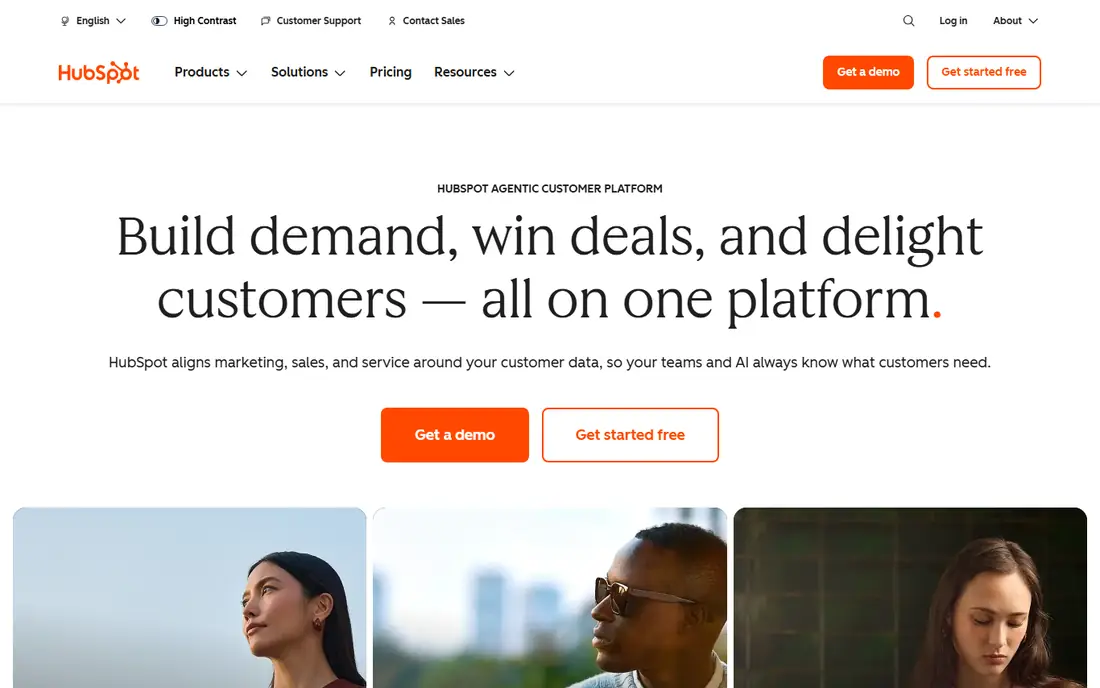
HubSpot CRM gives small remote teams a free starting point that feels complete rather than stripped down. Contacts, deals, email connection, live chat and basic reporting cover the daily work of a small distributed sales team. Remote staff can share the same pipeline view, log calls and emails, and hand deals over without a separate spreadsheet, which matters when no one shares an office.
The free tier has user and contact limits, and automation, deeper reporting and extra hubs sit behind paid plans. Costs can also rise as more hubs and seats are added, so teams should note the first paid price early. Choose HubSpot when ease of use and a clear upgrade path matter more than maximum free capacity, and when the team wants a tool new hires already know.
- Free contact and deal tools
- Email connection
- Live chat and basic reporting
- Free tier limits users and contacts
- Advanced automation needs paid tiers
- Costs rise with hubs
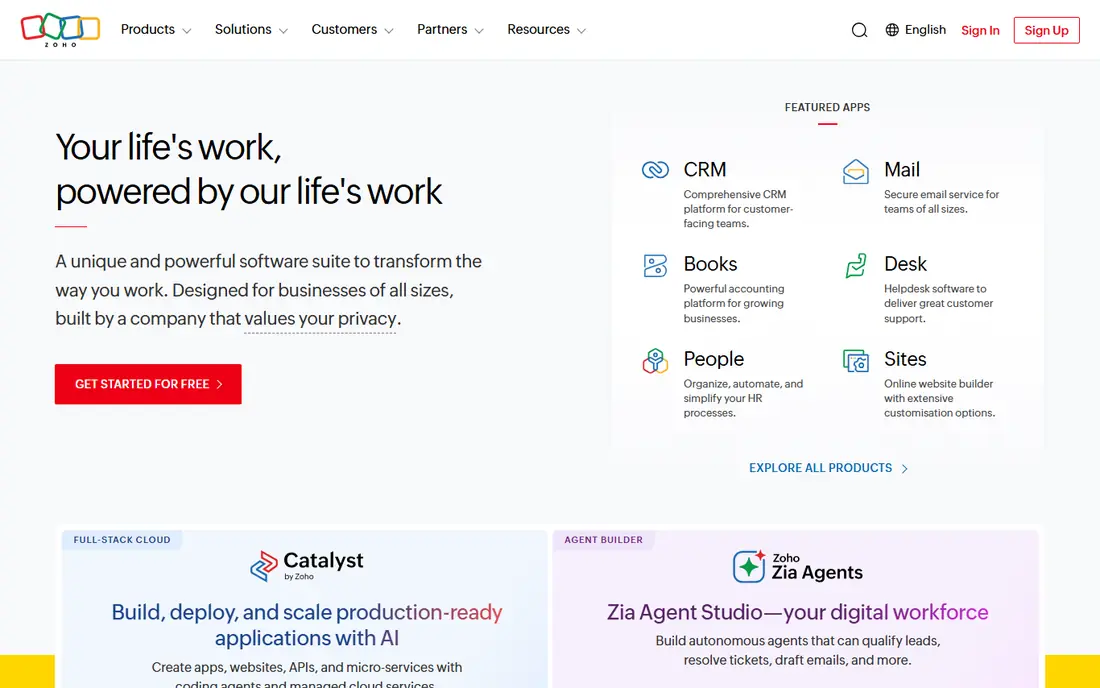
Zoho CRM suits remote teams that want more control without paying from day one. The free tier covers leads, contacts, deals, tasks and reminders for up to three users, which fits a small distributed team. Workflows and custom fields help teams shape the CRM around their own sales steps, rather than forcing every deal into one template, and that flexibility grows in value as processes mature.
The free allowance is limited, and setup can feel slow compared with simpler tools, so teams should start with one pipeline and expand later. Full value also grows inside the wider Zoho suite, which may not suit teams committed to other apps. Pick Zoho when a free tier plus room to customise matters more than instant simplicity.
- Free tier for small teams
- Leads, contacts and deals
- Workflow reminders
- Free tier caps users and records
- Setup takes time
- Full value grows inside the Zoho suite
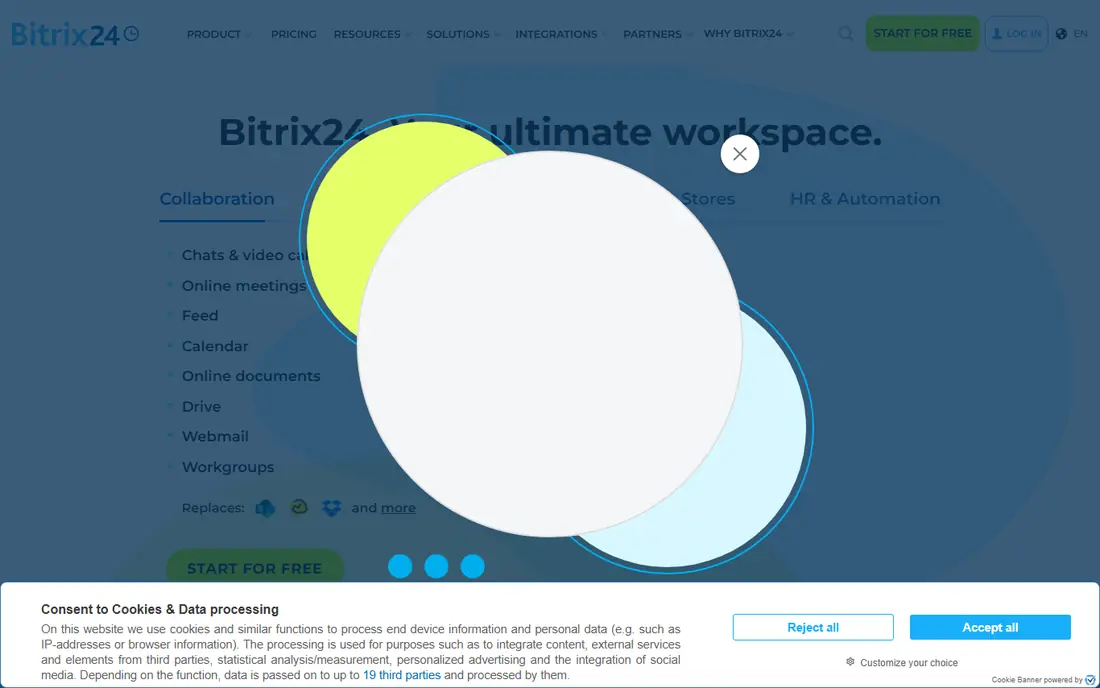
Bitrix24 fits remote teams that want CRM, tasks and team chat in one place. Contacts and pipelines sit beside tasks, shared calendars and team messages, so remote handoffs do not depend on a separate chat app. Flat organisation pricing on paid tiers can also help larger remote teams avoid per-seat costs that climb with every hire, which is a real advantage for fast-growing distributed teams.
The interface packs in a lot, which can overwhelm new users, and some features are limited on the free tier. Teams should therefore start with CRM and tasks only, and add other modules gradually. Choose Bitrix24 when one workspace for sales and daily collaboration beats a narrow CRM, and when the team will invest a little time in learning it.
- Free CRM with tasks, chat and calendars
- Flat paid pricing for larger teams
- Broad collaboration tools
- Interface can feel dense
- Free tier limits some features
- Learning curve for new teams
Freshsales suits small remote sales teams that live in email and calls. Contacts, deals, activities and built-in communication tools help reps work a pipeline without switching apps for every call. The interface is modern and quick to learn, which helps remote hires get productive without long training, and deal views stay clear even when several reps share the same pipeline.
The free tier covers core CRM work only, and automation, deeper analytics and larger limits sit in paid tiers. Pricing rises by tier, so teams should check what the first paid step adds before they depend on it. Pick Freshsales when sales engagement tools matter as much as contact records, and when reps spend most of their day in email and on calls.
- Free contact and deal management
- Built-in email and calling tools
- Modern interface
- Free tier is limited
- Advanced automation and analytics need paid plans
- Pricing rises by tier
EngageBay fits small remote teams that need CRM plus light marketing in one free account. Contacts and deals sit beside email marketing, web forms and live chat, so a small team can capture leads and follow up without a second tool. That breadth helps teams that run their own outreach, landing pages and follow-up sequences from one dashboard, rather than paying for separate marketing software.
The free contact allowance is small, and automation limits mean larger lists will need a paid plan sooner than with some rivals. Support also varies by tier, so teams should test response times during the free period. Choose EngageBay when marketing and CRM must share one free starting point, and when the contact list is still small enough to fit the free allowance.
- Free CRM with email marketing, forms and live chat
- Contact and deal basics
- Affordable entry paid tier
- Free contact allowance is small
- Sequences and automation are limited
- Support varies by tier
Capsule CRM suits remote teams that want a clear, simple pipeline without extra noise. Contacts, opportunities, tasks and history are easy to scan, which helps distributed teams agree on deal status at a glance. Calendar and email links keep follow-ups visible, and the clean layout shortens training for new hires, which matters when remote onboarding already takes effort.
The free tier is limited, and teams that want built-in marketing automation will need another tool beside it. Automation is also lighter than in HubSpot or Zoho, so teams with complex workflows may outgrow it. Pick Capsule when simplicity and a shared view matter more than an all-in-one suite, and when the team values a pipeline everyone will actually update.
- Simple contact and pipeline tools
- Tasks and calendar links
- Clean interface
- Free tier limits users and contacts
- Fewer built-in marketing tools
- Automation is lighter
Odoo CRM fits teams that may later add invoicing, projects or inventory beside sales. The CRM app covers leads, opportunities, activities and pipeline stages, and it sits inside a much wider suite of business apps. That path helps remote teams that want one vendor for several functions, rather than a patchwork of separate subscriptions that each need their own login and billing.
Setup takes more effort than simpler CRMs, and teams should confirm which hosting and app costs apply before rolling it out. The interface also varies by app, so the CRM experience may differ from other Odoo modules. Choose Odoo when future breadth across business apps matters more than the fastest first setup, and when the team has someone to own configuration.
- Free CRM app with pipeline and activities
- Wide app suite for later growth
- Open source roots
- Setup and configuration take effort
- Free use needs care with hosting and apps
- Interface varies by app
SuiteCRM suits technical remote teams that want full control over their CRM and data. As open source software, it covers contacts, accounts, opportunities, campaigns and workflows without a per-seat licence fee. Teams can host it themselves, customise fields and processes, and keep data inside their own systems, which suits teams with strict data handling needs.
Self-hosting still needs technical skill, updates and backups, so the licence saving should be weighed against staff time and hosting costs. The interface is also less polished than hosted rivals, which can slow adoption for non-technical staff. Pick SuiteCRM when data control and customisation matter more than a hosted, hands-off setup, and when the team can own the hosting work.
- Open source CRM with no licence fee
- Custom fields and workflows
- Self-hosted control
- Self-hosting needs technical skill
- Support and hosting costs still apply
- Interface is less polished
How we picked these
We compared official product pages, pricing pages, documentation and public reviews, and we kept only tools that are live and truly fit the topic in October 2026. We checked starting prices and free tiers against vendor pages where they were published, and we wrote See website where a price was quote-based, conflicting across sources, or not published. We did not claim hands-on testing, and we weighed one concrete strength against one honest weakness for every option.
Choosing a free CRM that remote teams will actually use
Start with the limit that will bite first. For most teams it is users, contacts or automation, not the headline free label. Count your team, your active contacts and your monthly outreach, then test the free tier with real data for two weeks before importing everything.
Next, check remote work, not just sales features. Shared pipelines, task ownership, comments and mobile access decide whether handoffs survive time zones. A CRM that only one person updates will fail, however good its reports look.
Finally, plan the exit and the upgrade. Confirm that contacts and deal history export cleanly, and note the first paid tier price. A free tool that traps data or jumps sharply in price is a poor deal, even at zero cost today.
Frequently asked questions
What counts as genuinely free CRM software?
A tool with a free tier that does not expire and covers core contact and deal work. Trial-only tools, one-time credits and time-limited demos do not count as free, even when marketing pages use the word free loosely.
Which free CRM is best for a small remote team?
HubSpot suits teams that want ease of use, Zoho suits teams that want depth on a budget, and Bitrix24 suits teams that want chat and tasks beside the CRM. Test two options with real deals before choosing.
Can a free CRM handle a growing remote team?
For a while, yes. Most free tiers cap users, contacts or automation, so growth will eventually need a paid tier. Choose a tool whose first paid price you can afford, not just the free tier you like today.
Is customer data safe in a free CRM?
Safety depends on access controls, privacy policies and your own handling. Limit access, use strong passwords and two-factor sign-in where offered, and only import data you have a proper basis to hold.
Can I move my data out of a free CRM later?
Usually, yes, through CSV export or an API, but limits vary. Test export early with a small sample, so a later move does not turn into a manual rebuild.
Sources
See where you really rank - block by block
ProMapRanker scans Google Maps across a grid of your service area. Simple monthly plans from $19, white-label on every plan.
Start freeKeep reading
 what’s the best risk software for enterprises
What Is the Best Risk Software for Enterprises in 2026
We compared what’s the best risk software for enterprises on risk registers, controls, third-party risk, and reporting, with pricing notes for large teams.
Read → what's the best pam software for enterprises
What is the Best PAM Software for Enterprises in 2026
Find what's the best pam software for enterprises, with vaulting, session recording, just in time access and pricing compared for large enterprise IT teams.
Read → what’s the best grc software
What Is the Best GRC Software in 2026
We compared what’s the best grc software on risk, compliance, audit and vendor risk, so teams can pick a platform that fits their frameworks and budget.
Read →