 ProMapRanker
Best Free Construction ERP Software


Construction firms that want a complete free ERP with projects and manufacturing · Pricing starts at: Free (open source, self-hosted)
Key takeaways
- ERPNext, Odoo Community and Dolibarr are the three serious free ERP systems, and all three ship with a free licence you can self-host, with no per-user subscription for the core software.
- Free means the licence costs nothing, not that the system costs nothing, since hosting, setup, training and upgrades still take time or money.
- ERPNext is the most complete free option for construction, with projects, bills of materials, work orders and accounting in one codebase and nothing important held back.
- Odoo Community wins on modular breadth, with thousands of apps, but Studio and official support need the Enterprise plan, which starts at $31.10 per user per month billed yearly.
- Small contractors should start with Dolibarr or FrontAccounting, while larger firms with in-house technical skill should look at ERPNext or Odoo Community first.
Quick comparison
| Pick | Great for | Pricing starts at | Free tier | |
|---|---|---|---|---|
| ERPNext | Construction firms that want a complete free ERP with projects and manufacturing | Free (open source, self-hosted) | Yes | Visit |
 Odoo Community | Firms that want modular apps and the largest open-source ERP ecosystem | Free (open source, self-hosted) | Yes | Visit |
 Dolibarr | Small contractors and micro-businesses that want simple ERP and CRM | Free (open source, self-hosted) | Yes | Visit |
 Tryton | Technical teams that want a modular open-source ERP they can extend | Free (open source, self-hosted) | Yes | Visit |
 webERP | Small builders that need free accounting, inventory and job costing | Free (open source, self-hosted) | Yes | Visit |
 FrontAccounting | Accounting-first firms that need project costing at no licence cost | Free (open source, self-hosted) | Yes | Visit |
 metasfresh | Firms that need manufacturing and distribution depth in a free ERP | Free (open source, self-hosted) | Yes | Visit |
 Axelor | Firms that want ERP with built-in process automation | Free (open source, self-hosted) | Yes | Visit |
The best free construction ERP software options
ERPNext
Great for: Construction firms that want a complete free ERP with projects and manufacturing
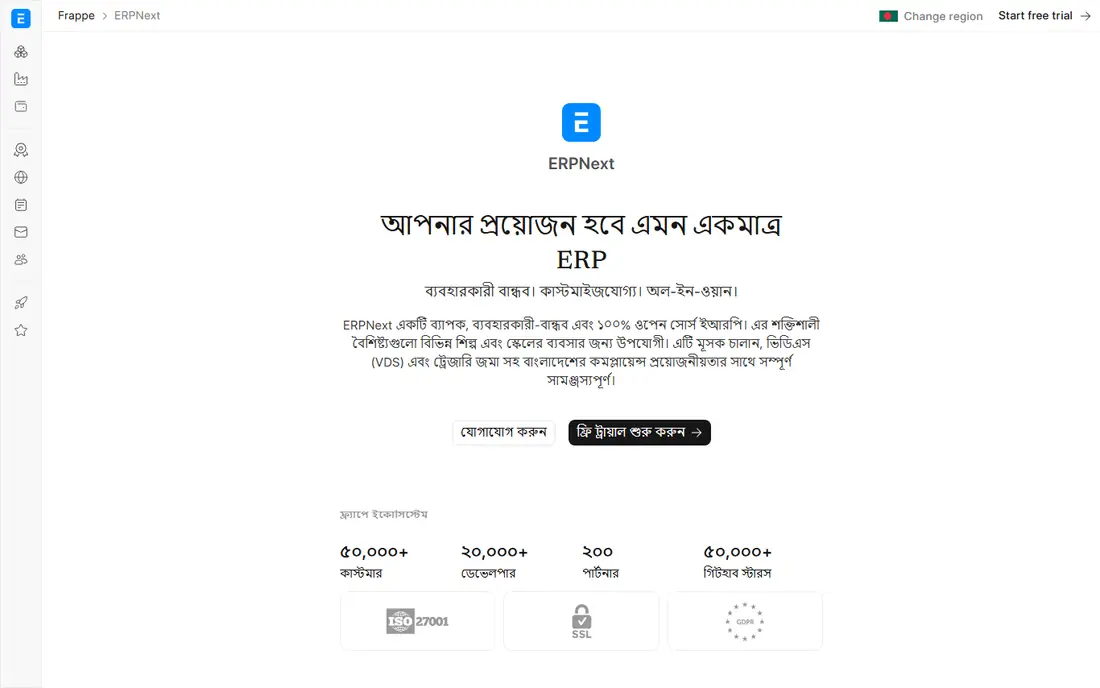
ERPNext is about as close to genuinely free as ERP gets. It is free and open source under the GNU GPLv3 licence, and every module is included, from accounting and inventory to a full manufacturing module with bills of materials, work orders and production planning. For construction, the project module tracks job costs, timesheets, tasks and materials against each project, and the buying and stock modules handle suppliers, purchase orders and site inventory without a second system.
There is no paywalled core, which sets ERPNext apart from freemium tools that hold back the features a contractor needs most. Frappe Cloud sells managed hosting for teams that prefer not to run servers, and a partner network offers implementation help, but the software itself costs nothing to download and run. The trade-off is real: upgrades, backups, security and custom reports fall on your team or your partner, so budget for that work even though the licence is free.
- Full platform with every module included under a free licence
- Projects, bills of materials, work orders and accounting in one system
- You implement, host and maintain it yourself, which takes technical skill
- Construction-specific workflows need setup before the first job
Odoo Community
Great for: Firms that want modular apps and the largest open-source ERP ecosystem
Odoo Community is the free, self-hosted edition of the platform that grew out of OpenERP, and it covers CRM, sales, inventory, accounting, manufacturing, HR and ecommerce through a modular app model. A construction firm turns on what it needs, such as project, timesheet, purchase and stock apps, and adds more as it grows. The app store holds thousands of community and commercial apps, so a contractor can usually find a module for equipment, subcontractors or job costing without building one from scratch.
The Community edition alone runs a real business, but the limits matter. Studio, the low-code customization tool, needs the Custom Enterprise plan at $46.70 per user per month billed yearly, and official support comes with the Enterprise plan. Odoo Enterprise starts at $31.10 per user per month billed yearly in the United States, with a lower first-year rate for new customers. A firm that plans to stay on Community should confirm that the apps it needs are free and maintained, since some useful modules are commercial.
- Free LGPLv3 core with CRM, sales, inventory, accounting, manufacturing and HR
- Largest app store of any open-source ERP
- Studio and official support need the Enterprise plan, which starts at $31.10 per user per month billed yearly
- Construction workflows need configuration and add-on apps
Dolibarr
Great for: Small contractors and micro-businesses that want simple ERP and CRM
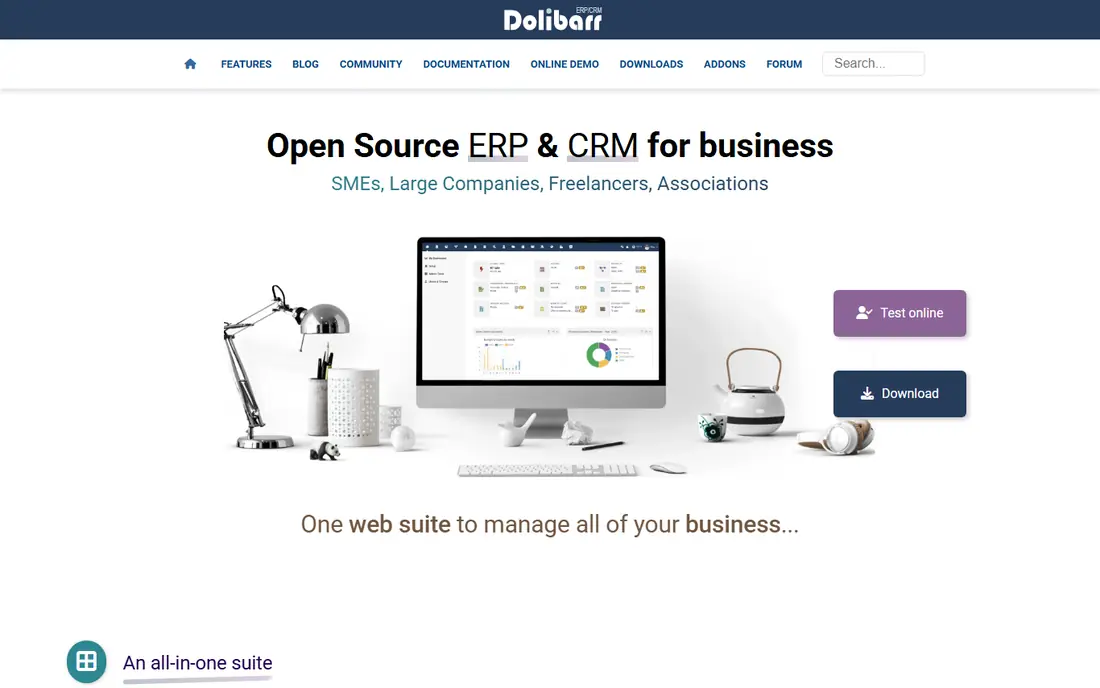
Dolibarr is the friendliest option for a small business that wants ERP and CRM without a heavy IT project. It is fully open source under the GNU GPL, and it installs quickly on shared hosting or a small server, which suits a contractor with one office and a handful of staff. The core covers customers, suppliers, quotes, orders, invoices, payments, stock and projects, and the module system lets a firm switch on only the pieces it uses.
Dolibarr suits freelancers and micro-businesses with about ten staff or fewer, and it is a good fit for a contractor that mainly needs clean invoicing, supplier tracking and basic job records. The limits show up on bigger work: manufacturing and inventory are basic, and multi-company handling needs an add-on. A Dolibarr Cloud subscription exists for hands-off hosting, but the self-hosted software itself is free, so a small firm can run it for the cost of a server and its own time.
- Easiest free ERP to install and run for a small team
- Whole platform is free, including CRM, invoicing and stock
- Basic manufacturing and inventory, with limited depth for complex jobs
- Multi-company handling needs an add-on module
Tryton
Great for: Technical teams that want a modular open-source ERP they can extend
Tryton is a modular open-source ERP released under a free licence, built for businesses that want a solid core they can extend with their own modules. It covers accounting, inventory, purchasing, sales, projects and manufacturing, and its data model is clean and well documented, which appeals to developers who want to build construction-specific workflows such as job costing, equipment tracking or subcontractor billing on top of a stable base.
The trade-off is ecosystem size. Tryton has a smaller community and fewer ready-made modules than Odoo or ERPNext, so a contractor may need to build or commission the construction pieces it needs rather than installing them from an app store. That makes Tryton a better fit for a firm with in-house developers or a trusted partner than for a small builder that wants to install and go. The licence is free and the code is open, so there is no vendor lock-in if the firm later changes direction.
- Clean modular design under a free licence, with accounting, stock and projects
- Strong data model that suits custom construction workflows
- Smaller community and fewer ready-made construction modules than Odoo or ERPNext
- Setup and customization need real technical skill
webERP
Great for: Small builders that need free accounting, inventory and job costing
webERP is a free, open-source ERP that focuses on the financial and operational core a small builder needs: general ledger, accounts payable and receivable, inventory, manufacturing and project costing. It runs on a basic web server with modest hardware, and it can be installed on shared hosting, which keeps the infrastructure cost near zero for a small contractor. Job costing tracks materials, labour and overhead against each project, and the reporting covers the profit and loss and balance sheet basics.
The interface is dated, and that is the first thing a new user will notice, but the functions underneath are sound and well tested. The community is small and releases arrive slowly, so a firm should not expect rapid feature growth or a large app marketplace. webERP suits a small builder that values a free, stable accounting and job costing core over a modern interface, and it works best when the owner or bookkeeper is comfortable with a plain, functional design.
- Free accounting, inventory, manufacturing and project costing in one system
- Runs on a basic web server with modest hardware needs
- Dated interface that feels old next to modern ERP tools
- Small community and a slow release pace
FrontAccounting
Great for: Accounting-first firms that need project costing at no licence cost
FrontAccounting is a free, open-source accounting system with ERP features, and it suits a construction firm whose biggest need is clean books with job costing attached. It covers the general ledger, payables, receivables, banking, inventory and manufacturing, and its project costing tracks costs against jobs so a contractor can see which projects make money. It installs easily, runs on light hardware and needs little maintenance, which keeps the total cost low for a small firm.
The limits follow from its accounting-first design. Project and field workflows such as scheduling, daily logs, equipment tracking and subcontractor management are thin or absent, so a firm that needs those functions will pair FrontAccounting with other tools or choose a broader ERP. The interface is dated and the community is small, yet the software is stable and the code is open. FrontAccounting is a good pick for a small contractor that wants free, honest accounting first and can live without deep project management.
- Free accounting with inventory, manufacturing and project costing
- Simple to install and light on server resources
- Accounting-first design, so project and field workflows are thin
- Dated interface and a small community
metasfresh
Great for: Firms that need manufacturing and distribution depth in a free ERP
metasfresh is a fully open-source ERP with no licence fees, built for manufacturing and distribution, and it can be self-hosted or run in the cloud through the vendor. It covers sales, purchasing, inventory, production, accounting and logistics, with document management and workflow tools that suit a contractor that also fabricates, assembles or distributes building products. The system is used by mid-size firms that need more manufacturing depth than a light ERP can offer.
The self-hosted edition is free, but the managed cloud plans start near 79 euros per user per month, which is a real cost for a larger team. Construction-specific workflows such as job costing, site scheduling and subcontractor billing need configuration and usually partner help, since metasfresh is built around manufacturing rather than building. A firm that fabricates or distributes as well as builds will get the most from it, while a pure general contractor may find ERPNext or Odoo Community a closer fit.
- Fully open source with no licence fees and a strong manufacturing core
- Self-hosted or cloud, with workflow and document handling built in
- Managed cloud plans start near 79 euros per user per month, which is costly
- Construction modules need configuration and partner help
Axelor is an open-source ERP platform that combines CRM, sales, purchasing, stock, production, project management and accounting with a built-in business process modeller. That process tool is the reason to look at Axelor: a construction firm can model its own workflows for approvals, job stages, purchase requests and invoicing, and run them inside the ERP instead of stitching together separate tools. The platform is modular, so a firm starts with the apps it needs and adds more over time.
The ecosystem is smaller than Odoo or ERPNext, which means fewer ready-made apps and fewer partners, and documentation and community support are thinner. A firm that picks Axelor should expect to do more of its own configuration and to lean on a partner for complex setups. The licence is free and the code is open, so the software cost stays at zero, and the process automation can pay back the setup effort for a firm with repeatable workflows across many jobs.
- Open-source ERP with CRM, project management, production and accounting
- Built-in business process modelling for custom workflows
- Smaller ecosystem than Odoo or ERPNext, with fewer ready-made apps
- Documentation and community support are thinner
How we chose
We compared vendor licence pages, documentation and feature lists for free and open-source ERP systems, and we checked prices and licence terms in November 2026. We ranked tools on whether the licence is genuinely free, whether the core covers projects, job costing, inventory and accounting, and whether a construction firm can run it without an Enterprise plan. We gave extra weight to tools with no paywalled core and to tools with an active community, since an abandoned open-source project is a risk. We did not test the products hands-on, and we did not count review scores or awards.
| Tool | Setup effort | Hosting need | Construction fit | | ERPNext | Medium, needs setup and training | Self-hosted server or Frappe Cloud | Strong, projects and BoM included | | Odoo Community | Medium, app selection takes time | Self-hosted server or Odoo hosting | Strong, with project and stock apps | | Dolibarr | Low, installs fast | Shared hosting or small server | Basic, best for small firms | | Tryton | High, needs developers | Self-hosted server | Medium, needs custom modules | | webERP | Low, simple install | Basic web server | Basic, accounting and costing | | FrontAccounting | Low, simple install | Basic web server | Basic, accounting-first | | metasfresh | High, needs a partner | Self-hosted server or cloud | Medium, manufacturing strength | | Axelor | Medium to high | Self-hosted server | Medium, process automation helps |
What to check before you buy
Check the licence first. Confirm the edition you plan to run is free under an open licence, and confirm which features sit in an Enterprise edition, since some vendors hold back Studio tools, support, mobile apps or advanced accounting for paying customers. Ask whether the modules you need for job costing, timesheets and subcontractor billing are free community modules or commercial add-ons, because that distinction decides whether the system stays free.
Check the real cost of running it. A free licence still needs hosting, backups, security updates, training and someone to answer questions when a report breaks. Get a quote for managed hosting or partner support, and compare it with a subscription cloud ERP, since a free system with heavy support can cost more than a modest subscription. Test the upgrade path too, since a major version upgrade on a customized open-source system can cost thousands, and a firm should plan for that before it has years of data inside.
Frequently asked questions
Is free construction ERP software really free?
The licence is free, but the system is not free to run. Open-source ERP systems such as ERPNext, Odoo Community and Dolibarr cost nothing to download and use, yet you still pay for hosting, setup, training, upgrades and support, whether in staff time or partner fees. Industry estimates put a serious open-source ERP rollout at $25,000 to $80,000 in year one once hosting and implementation are counted, so budget for the work around the software.
Which free ERP is best for a small construction company?
Dolibarr is the easiest free ERP for a small contractor, since it installs fast, covers invoicing, stock and projects, and suits teams of about ten people or fewer. FrontAccounting is a good alternative when accounting comes first, while ERPNext is the better pick when the firm wants a complete system with projects, manufacturing and HR and has the technical skill to run it.
Can Odoo Community handle construction projects?
Yes, with the right apps turned on. Odoo Community includes project, timesheet, purchase, stock and accounting apps, and the app store holds community modules for equipment, subcontractors and job costing. The limits are that Studio and official support need the Enterprise plan, and some useful modules are commercial, so confirm the apps you need are free and maintained before you commit.
What is the difference between ERPNext and Odoo Community?
ERPNext ships as one complete system with every module included under a free licence and nothing important held back, while Odoo Community ships as a free core with thousands of apps, some free and some commercial, and with Studio and support reserved for Enterprise. ERPNext suits firms that want everything in one codebase, while Odoo suits firms that want to pick apps one by one and value the larger ecosystem.
Do free ERP systems work for multi-company construction groups?
Some do, with limits. ERPNext and Odoo Community both support multiple companies, while Dolibarr needs an add-on for multi-company handling. A group should test intercompany transactions, consolidated reporting and separate charts of accounts in a trial setup before migrating, since multi-company features vary in depth and some need partner configuration to work well.
Sources
See where you really rank - block by block
ProMapRanker scans Google Maps across a grid of your service area. Simple monthly plans from $19, white-label on every plan.
Start freeKeep reading
 best invoicing software for roofers
Best Invoicing Software for Roofers
The best invoicing software for roofers compared on price, card fees, and job billing, so a roofing company can send invoices fast and collect money sooner.
Read → best invoicing software for auto repair shops
Best Invoicing Software for Auto Repair Shops
Compare the best invoicing software for auto repair shops, with real starting prices, repair-ready templates, and payment links that get invoices settled fast.
Read → best insulation contractor software
Best Insulation Contractor Software 2026
Compare the best insulation contractor software for spray foam, fiberglass and cellulose crews in 2026. See prices, trials and the right fit for your team size.
Read →