 ProMapRanker
Best Free Calorie Tracker Apps in 2026

Key takeaways
- Cronometer and MyNetDiary offer the strongest free tiers, with barcode scanning and deep nutrient detail at no cost.
- MyFitnessPal and Lose It still log food free, but barcode and photo logging now sit behind paid plans.
- FatSecret is the simplest no-cost diary, with a free scanner and community features.
- Photo and AI logging looks convenient, but logged weights and portions still matter more for accuracy.
Quick comparison
| Pick | Great for | Pricing starts at | Free tier | |
|---|---|---|---|---|
 Cronometer | nutrient detail on a free plan | Free | Yes | Visit |
 MyNetDiary | feature-rich free tracking | Free | Yes | Visit |
 FatSecret | simple free diary with community | Free | Yes | Visit |
 MyFitnessPal | largest food database and device links | Free | Yes | Visit |
 Lose It | simple weight-loss diary | Free | Yes | Visit |
 Yazio | recipes plus fasting tools | Free | Yes | Visit |
 Lifesum | guided diet plans and recipes | Free | Yes | Visit |
 Carb Manager | keto and low-carb tracking | Free | Yes | Visit |
 Nutritionix Track | fast natural-language logging | Free | Yes | Visit |
The best Free Calorie Tracker Apps
A good free calorie tracker should let you log food quickly, see calories and macros at a glance, and keep going without constant upgrade prompts. The catch in 2026 is that many apps keep basic logging free while moving barcode scanning, photo logging and fasting tools behind a paywall. The nine apps below are ranked by what you can actually do without paying, not by what the paid plan promises. This is general information only, not medical advice, and calorie figures in any app are estimates.
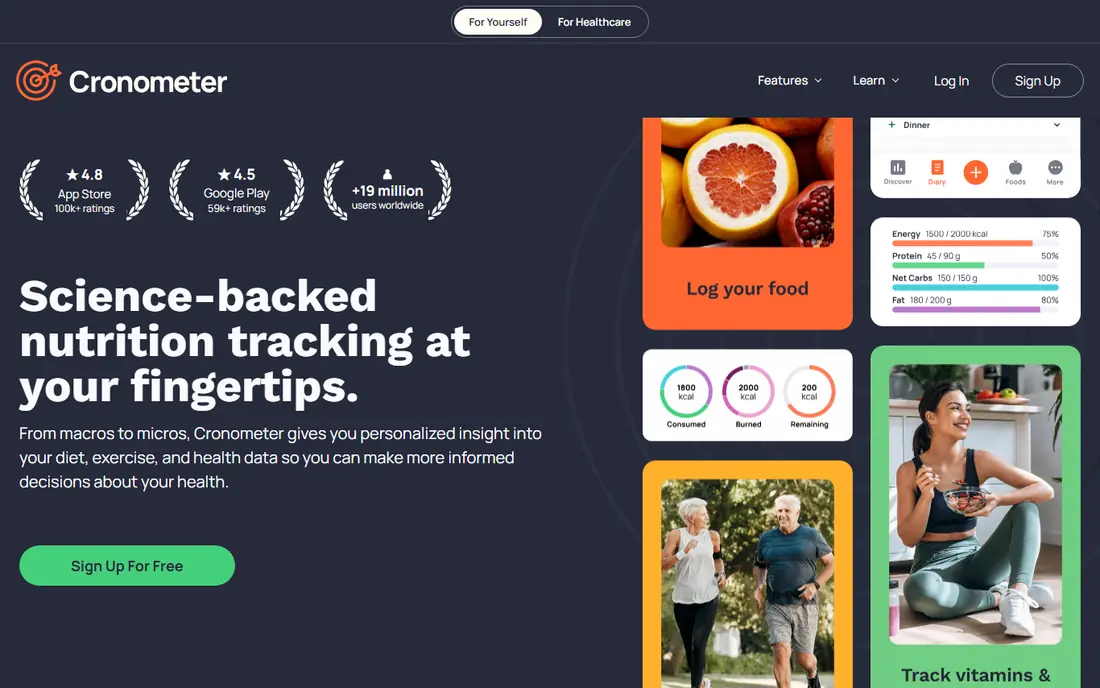
Cronometer is our pick for people who want more than a calorie total, because its free plan tracks a wide set of nutrients from verified data sources. Barcode scanning stays free, which is a real advantage in 2026, and the web app makes logging easier on a computer. If you care about vitamins, minerals and fibre as well as calories, this is the free tier to beat.
The depth is also the drawback. New users who only want a daily calorie number may find the nutrient panels and settings more than they need. Photo and voice logging sit in the Gold plan, so fast logging relies on search and scanning. For detail-focused users, that trade is worth it. For speed-only users, MyNetDiary may feel lighter.
- Barcode scanning free
- Up to 84 nutrients tracked
- Verified food data sources
- Web, iOS and Android apps
- Depth can feel heavy for simple calorie goals
- Photo and voice logging need Gold
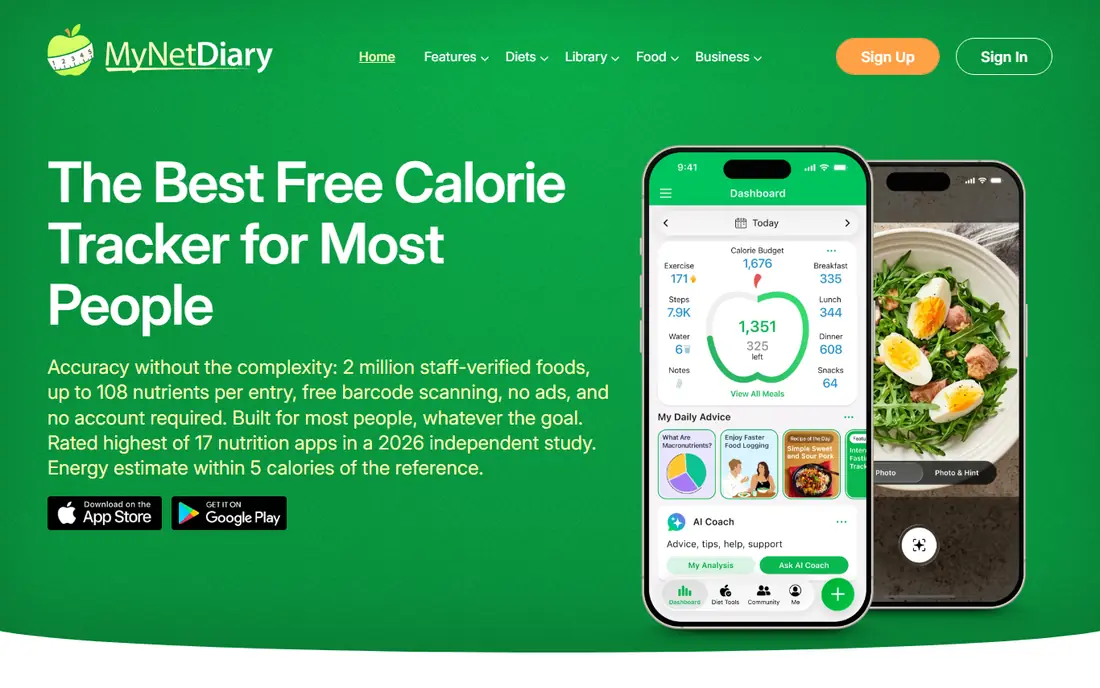
MyNetDiary has one of the most usable free tiers in this list, with barcode scanning, voice logging and a wide nutrient view at no cost and no ads. You can start without an account, which lowers the barrier for a first week of logging. The verified database also helps when you want a result you can trust for common foods.
Premium adds an AI coach, advanced planning, meal scanning and fasting tools, so the free plan is not the whole product. The design is also more plain than Lifesum or Yazio, which may matter if a polished look keeps you logging. If free features and accuracy matter more than looks, MyNetDiary is a top pick.
- Barcode and voice logging free
- No ads on the free plan
- Verified database
- Up to 108 nutrients per entry
- AI coach and advanced planning need Premium
- Interface is plain next to Lifesum
FatSecret keeps the core diary free: food logging, barcode scanning, macro totals, an exercise diary and a weight tracker. The community adds recipes and support, which helps some people stay consistent. For a user who wants a straightforward diary without paying, FatSecret delivers more free function than its price suggests.
The free tier carries ads, and newer conveniences such as photo logging, smart quick logging, water tracking and dietitian meal plans sit in Premium at $14.99 per month or $59.99 per year. Nutrient detail is also lighter than Cronometer or MyNetDiary. If ads bother you or you want deep micronutrient data, pick one of those instead.
- Full food database and barcode scanning free
- Exercise diary and weight tracker free
- Active community
- Ads in the free tier
- Photo logging, water tracking and meal plans need Premium
MyFitnessPal still has the broadest food database and the widest device support in this category, which is why many long-time loggers stay. Manual logging, macro totals and saved meals work free, and the app connects to many wearables and health apps. If your friends or coach already use it, that shared familiarity has value.
The free tier is thinner than it used to be. Barcode scanning, voice logging and meal scanning need Premium at $19.99 per month or $79.99 per year, and the free version shows ads. Daily barcode users will feel that limit on day one. MyFitnessPal suits manual loggers and existing users best, while new barcode users should start with Cronometer or MyNetDiary.
- Huge food database
- Wide wearable and app integrations
- Recipes and saved meals
- Familiar logging flow
- Barcode, voice and meal scanning need Premium
- Free tier carries ads
- Premium costs $79.99 per year
Lose It keeps the daily question simple: how much of your calorie budget is left. That clear budget view, plus goal setting and weight tracking, makes it easy for beginners who do not want nutrient panels. Logging is quick once favourite foods are saved, and the app stays focused on weight goals rather than every health metric.
Barcode scanning, photo logging and voice logging need Premium, which costs $79.99 per year, so free users log by search and manual entry. The free tier also shows ads. If you scan packaged food daily, the free tier will frustrate you. If you cook at home and log by search, Lose It remains a clean and friendly diary.
- Clean daily budget view
- Goal setting and weight tracking
- Large food database
- Simple logging flow
- Barcode, photo and voice logging need Premium
- Premium costs $79.99 per year
- Free tier carries ads
Yazio pairs a food diary with recipes and fasting support, which suits people who want meal ideas next to their log. The design is clean, the diary is easy to read, and fasting timers help users who follow time-based eating patterns. For a user who plans meals as well as logging them, Yazio covers both jobs in one app.
Barcode scanning, photo logging and many planning tools need Pro, so the free tier works best for manual logging and basic recipes. There is also no web app, so logging stays on a phone. If scanning is central to your routine, Cronometer is freer. If recipes and fasting matter more, Yazio earns its place.
- Recipe library and meal planning basics
- Fasting timer options
- Clean design
- Food diary with macro totals
- Barcode scanning and photo logging need Pro
- No web app
- Many planning tools need Pro
Lifesum looks the most polished in this list, with guided diet plans, curated recipes and a calm diary design. That structure helps people who want a plan to follow rather than a blank diary. Calorie and macro tracking work free, and the app feels pleasant to open each day, which matters for a habit you repeat.
The free tier is the weakest here for feature depth, since meal plans, life scores and advanced tracking sit behind Premium. Promotional pricing also varies, so check the checkout price before subscribing. Lifesum suits users who plan to pay or who value guided plans over free depth. Free-first users will get more from Cronometer or MyNetDiary.
- Guided diet plans and curated recipes
- Polished design
- Macro and calorie tracking
- Habit and water tools on paid plans
- Free tier is limited compared with rivals
- Many useful features need Premium
- Prices vary by promotion
Carb Manager is built for low-carb and keto eating, with net carb maths handled for you instead of worked out by hand. Keto recipes, meal planning and fasting tools sit alongside the diary, so a low-carb user does not need a second app for meal ideas. The free tier covers core logging well enough to test the approach.
The fit narrows outside low-carb eating. General diet users may find keto defaults and meal plans less useful, and the full feature set needs a paid plan. If you follow keto or low-carb eating, Carb Manager is the most focused free diary here. If you eat a general diet, a broader tracker will serve you better.
- Net carb calculations built in
- Keto recipes and meal plans
- Barcode scanning on free tier basics
- Fasting tools
- Full premium features need a paid plan
- Best fit is low-carb eating, not general diets
Nutritionix Track stands out for speed: type a plain sentence about what you ate and it parses the foods and portions. That natural-language entry suits users who hate searching through long food lists for every meal. The database covers many branded and generic foods, and logging a common lunch can take seconds.
It is a leaner product than MyFitnessPal or Cronometer, with fewer planning tools, community features and guided plans. Users who want fasting timers, recipes or deep nutrient panels will miss those extras. For fast, no-fuss logging, Nutritionix Track is a useful free option, especially for people who quit trackers because entry felt slow.
- Natural-language food entry
- Large branded and generic database
- Quick logging for common meals
- API-backed data
- Smaller community and fewer planning tools than the leaders
- Advanced features vary by listing
How we picked these
We compared official pricing pages, feature lists, app store listings and privacy policies for each product, and we checked that each product exists and fits the topic in October 2026. We favoured products with a usable free tier or a clear trial, honest pricing, and features that match the main use case, rather than the longest feature list. Where a price could not be verified from a current vendor page, we wrote See website instead of guessing.
We also weighed the honest drawbacks. A tool can be excellent for one user and wrong for another, so each write-up names who it fits and where it falls short. We did not claim hands-on testing we did not do, and we did not invent ratings, user counts or awards. Prices change, so check the vendor site before you buy.
How to pick a free calorie tracker
Start with the free tier, not the premium page. Open the app, log three real meals, and see if barcode scanning, saved meals and macro totals work without paying. If the feature you will use every day is paid, the app is not really free for you, even if downloads cost nothing.
Check the food database for the foods you eat most. A huge database helps little if your usual brands, restaurant items or home-cooked portions are missing or badly labelled. Verified entries, portion options in grams and saved recipes save more time than any AI photo tool.
Keep the habit small and honest. Log portions in grams where you can, use the same unit each day, and treat photo estimates as rough guides. If tracking starts to feel stressful or obsessive, pause and talk to a qualified health professional, since no app can judge what is right for your body.
Frequently asked questions
What is the best free calorie tracker app?
For most people, Cronometer or MyNetDiary is the best free pick, because both keep barcode scanning and detailed nutrient tracking free. MyFitnessPal has a larger food database and more device links, but its free tier is more limited than it once was. The best app for you is the one whose free features cover your daily logging.
Is MyFitnessPal really free?
Yes, for basic manual logging, but barcode scanning, voice logging and meal scanning need Premium, which costs $19.99 per month or $79.99 per year. If you scan barcodes every day, Cronometer, MyNetDiary or FatSecret will feel freer in practice, even though MyFitnessPal still has a free tier.
Which free calorie tracker has the best barcode scanner?
Cronometer, MyNetDiary and FatSecret all keep barcode scanning free, which sets them apart from MyFitnessPal and Lose It, where scanning is paid. Scanner quality still depends on the food database, so test it on your usual groceries during the first week before settling.
Are calorie counts in these apps accurate?
They are estimates, not lab measurements. Database entries can be wrong, portions are often guessed, and photo logging adds more error. Weighing food in grams and using verified entries gives closer results, but day-to-day totals should be treated as guides rather than exact figures.
Do I need to pay to track macros?
No, in most cases. Cronometer, MyNetDiary, FatSecret and the free tiers of Yazio and Lifesum all show calories and macros without paying. Paid plans mainly add advanced targets, meal planning, fasting tools, photo logging and ad removal, so check the free macro view before upgrading.
Sources
See where you really rank - block by block
ProMapRanker scans Google Maps across a grid of your service area. Simple monthly plans from $19, white-label on every plan.
Start freeKeep reading
 zoho inventory alternatives
6 Alternatives to Zoho Inventory, Compared on Price and Fit
Zoho Inventory alternatives: 6 tools compared on price, free plans and fit. Katana leads the list for manufacturers. Fit and flaws are laid out for each entry.
Read → zoho crm alternatives
Best Zoho CRM Alternatives (2026)
Need Zoho CRM alternatives? We compare 7 tools on cost, free access and who each suits. Every pick gets a straight assessment. Built for quick decisions.
Read → zelle alternatives
Best Zelle Alternatives in 2026
Compare the best Zelle alternatives for sending money to friends, paying sellers and moving funds abroad, with honest notes on fees, speed and safety in 2026.
Read →