 ProMapRanker
Best Free Calorie Counter Apps With No Subscription in 2026

Key takeaways
- MyNetDiary is our pick for most people because its free tier includes barcode scanning, custom gram targets and no ads.
- Cronometer is the best free choice for nutrient depth, with a verified food database and tracking for many nutrients beyond calories.
- FatSecret is the simplest free option for a basic food diary, though its design feels dated beside newer apps.
- Trial-only tools are not included here, since a short trial that ends in a paid plan is not a free plan.
Quick comparison
| Pick | Great for | Pricing starts at | Free tier | |
|---|---|---|---|---|
 MyNetDiary | Best overall free tracking | Free | Yes | Visit |
 Cronometer | Nutrient depth and charts | Free | Yes | Visit |
 FatSecret | Simple free food diary | Free | Yes | Visit |
 YAZIO | Fasting and simple daily logging | Free | Yes | Visit |
 Carb Manager | Low carb and keto tracking | Free | Yes | Visit |
 MyFitnessPal | Largest food database | Free | Yes | Visit |
 Lose It | Beginner friendly logging | Free | Yes | Visit |
 Eat This Much | Meal planning on a free tier | Free | Yes | Visit |
The best free calorie counter apps with no subscription
General information only, not medical advice. Talk to a clinician or a registered dietitian before changing your diet, especially if you have a health condition, are pregnant, or take medication that affects appetite or weight. We compared official feature pages, pricing pages, app store listings and public reviews, and we only included apps with an ongoing free plan.
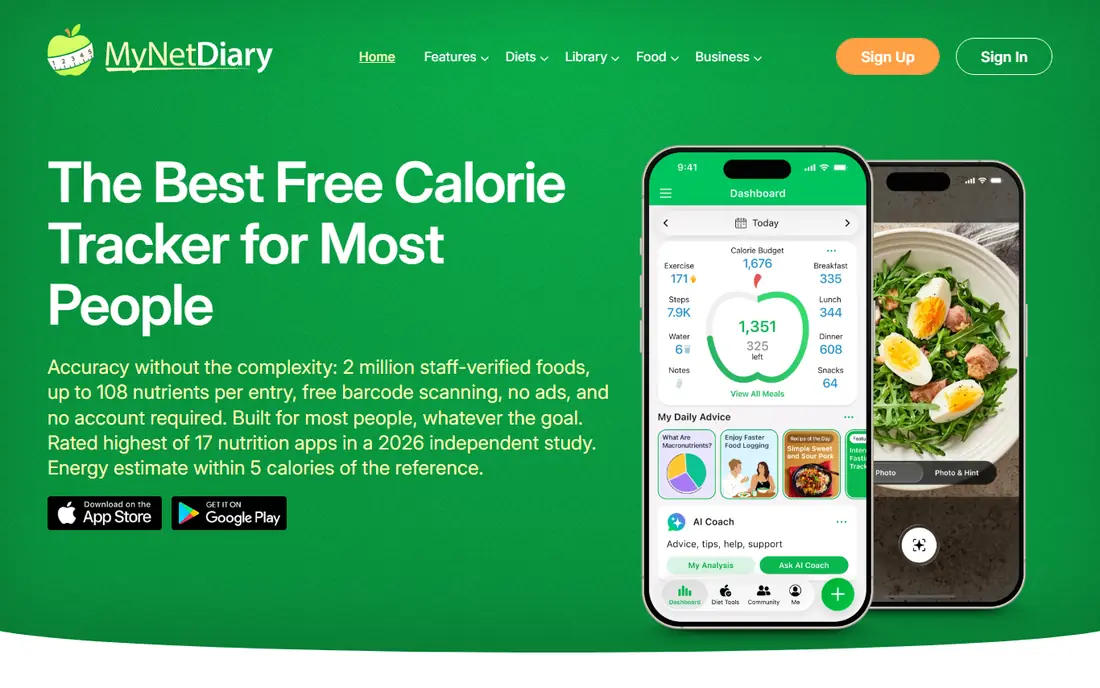
MyNetDiary stands out because the free tier keeps the tools that other apps move behind a paywall. You can scan barcodes, set a calorie budget, set macro targets by grams or percentages, log water and exercise, and track a wide range of nutrients without starting a subscription. That combination makes daily logging sustainable, since the app does not interrupt the core job with upsell screens.
Premium is $59.99 per year, with a Premium Plus tier at $99.99 per year and a lifetime option listed at $179.99, but none of those are needed for basic calorie and macro tracking. The free tier has no expiration and no account is required to start, which is rare in this category. If ads put you off other trackers, this is the first app to try.
- Barcode scanner free
- Custom calorie and macro targets in grams free
- No ads on the free tier
- AI photo logging needs Premium
- Interface is functional rather than flashy
- Some coaching features are paid
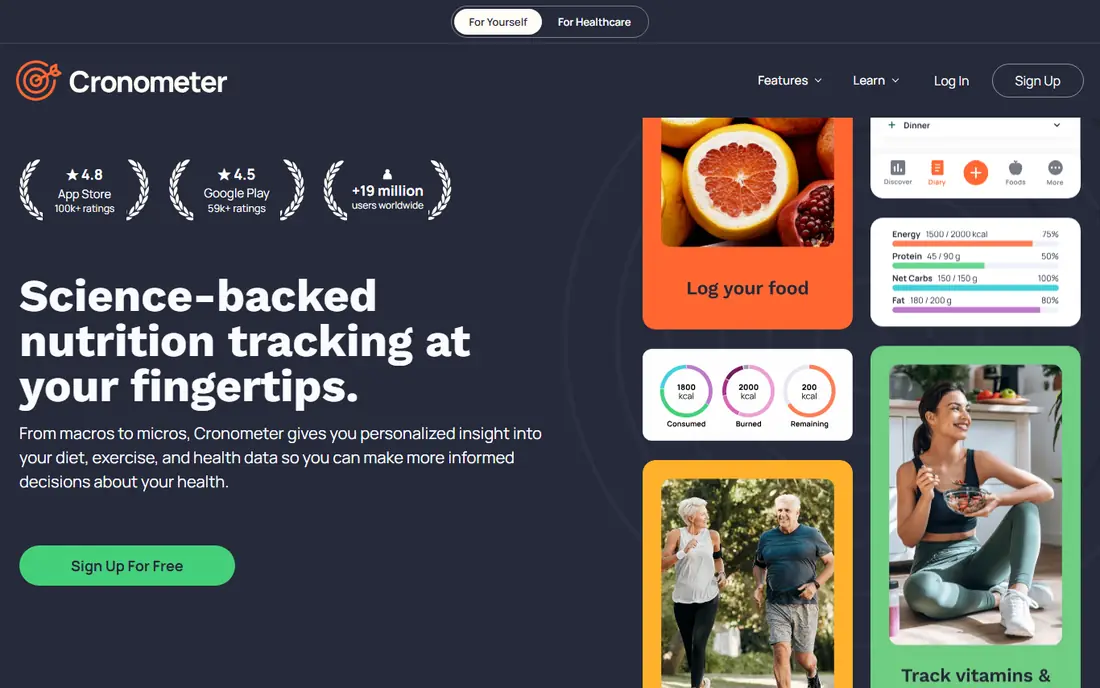
Cronometer is the pick for readers who want to see more than calories and three macros. Its free tier tracks a long list of vitamins, minerals and amino acids where data exists, and its food entries are verified by a curation team rather than left fully to user submissions. That depth helps when you are checking a specific nutrient, not just a daily total.
Gold is $59.99 per year, or $10.99 per month, and adds custom charts, a macro scheduler, photo and voice logging, and ad removal. You do not need Gold to log food, scan barcodes or set gram targets. The free tier does show ads, and some users find the interface dense at first, but the data quality is the reason to stay.
- Barcode scanner free
- Up to 95 nutrients tracked
- Verified food database with curation
- Free tier shows ads
- Photo and voice logging need Gold
- Food database is smaller than MyFitnessPal
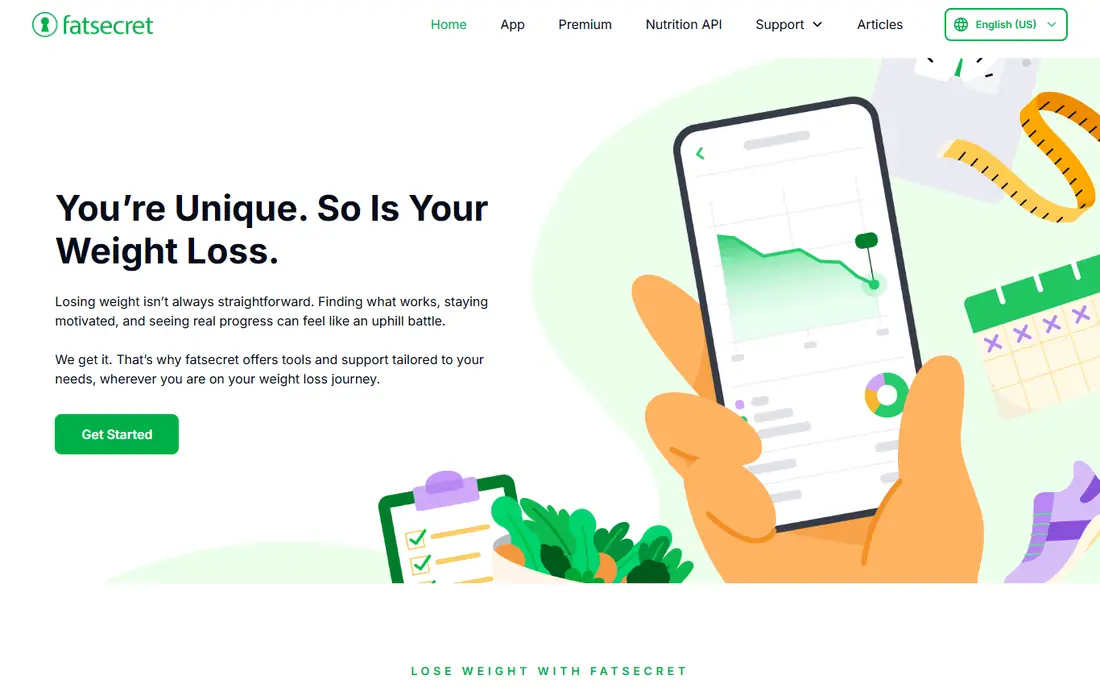
FatSecret has long been known as a free-first tracker, and its core diary still works without a subscription. You can log food, track macros, scan barcodes, record weight and exercise, and browse community recipes. For a reader who wants a plain diary and nothing else, that is enough, and the price is hard to argue with.
The trade is polish. The design has changed little in recent years, and Premium at $59.99 per year adds a photo scanner, meal planner and water tracking that some rivals include free. Regional coverage can also be thinner than MyFitnessPal. Try FatSecret if you value a simple free diary over a modern interface, and move to MyNetDiary if you want the same free core with a cleaner layout.
- Core diary, macros and barcode scanner free
- Community and recipes included
- Straightforward daily logging
- Interface feels dated
- Some newer features sit in Premium
- Food database coverage varies by region
YAZIO suits readers who want a calm, simple diary with a fasting timer built in. The free tier covers food search, barcode scanning, basic macro tracking and a 16:8 fasting timer, which covers the most common daily jobs without payment. Its layout is easier to learn than Cronometer, so it works well for a first tracker.
Pro is listed at $39.90 per year in recent comparisons, and it adds fuller fasting plans, recipes, meal plans and deeper nutrient views. The free tier shows ads, and nutrient tracking stops at a small set of macros and basics. If fasting is your main extra, YAZIO is a good free start. If nutrient depth matters more, Cronometer is stronger.
- Basic calorie and macro tracking free
- Barcode scanner free
- Simple fasting timer included
- Free tier shows video ads
- Fuller fasting plans need Pro
- Nutrient depth is thinner than Cronometer
Carb Manager is the clearest free choice for low carb and keto eating. Its free tier tracks total and net carbs, lets you set daily targets, and logs food with a barcode scanner, all without third-party ads. That focus matters, since a general tracker can make net carb counting feel like an afterthought.
Premium is $39.99 per year and adds per-meal targets, day-of-week targets, meal plans and deeper recipe tools. If you do not follow a low carb plan, a general app like MyNetDiary will feel simpler, since Carb Manager frames many screens around carb limits. For keto readers, though, the free tier already covers the daily job well.
- Daily carb targets free
- Net carb tracking suited to keto
- No third-party ads on the free tier
- Per-meal and day-of-week targets need Premium
- Recipe and meal plan depth is paid
- General trackers suit non-keto users better
MyFitnessPal remains useful for one reason: its food database is larger than most rivals, so an unusual branded product is more likely to appear in search. Basic logging, percentage macro targets, exercise logging and community forums stay free, and its integrations with fitness apps and wearables are broad. If you eat many packaged foods, that database can save time.
The free tier has real limits now. Barcode scanning and gram-based macro targets sit behind Premium at $79.99 per year, and the free tier shows ads. That makes MyFitnessPal a weaker free pick than MyNetDiary or Cronometer for most readers. Choose it when database size matters more than free scanning, and check the current Premium price before upgrading.
- Very large food database
- Broad third-party integrations
- Basic food and exercise logging free
- Barcode scanner needs Premium
- Gram macro targets need Premium
- Free tier shows ads
Lose It is a friendly first tracker. Its logging flow is short, its goal setting is plain, and its weight tracking sits beside the food diary without extra steps. That simplicity helps a new user stick with logging for the first few weeks, which is when most trackers are abandoned.
The free tier is less generous than MyNetDiary on scanning and macro detail, since some barcode, smart photo and voice features are listed under Premium at $79.99 per year. Prices can also vary with promotions, so treat any discounted price as temporary. Pick Lose It for ease of use, and pick Cronometer or MyNetDiary if free scanning and nutrient detail are priorities.
- Simple logging flow for beginners
- Weight and goal tracking free
- Community features included
- Some scanning and photo features are listed under Premium
- Free tier shows ads
- Nutrient depth is limited free
Eat This Much fits readers who want a plan, not just a diary. You set calorie and macro targets and dietary preferences, and it builds a day of meals to match, which removes the daily question of what to eat. That planning angle is different from the other apps here, and it can help when logging alone feels aimless.
The free tier covers basic planning, while Premium at $60 per year adds fuller customisation and features. Food logging itself is simpler than MyNetDiary or Cronometer, so it works best as a planner paired with a diary, or as a standalone tool for readers who mainly need meal ideas. Check the current free limits on its site, since plan features change over time.
- Meal planning tools with a free tier
- Automatic meal plans from targets and preferences
- Recipe and pantry tools
- Free tier is more limited than its Premium plan
- Calorie tracking is simpler than dedicated diary apps
- Premium is subscription based for fuller features
How we picked these
We compared official feature pages, pricing pages, app store listings and public reviews for apps live in October 2026. We only included apps with an ongoing free plan that covers food logging without a subscription, and we excluded trial-only tools, since a trial that ends in a paid plan is not a free plan. We did not claim hands-on testing, and we treated vendor pricing pages as the final authority at signup, since offers vary by region and platform.
How to choose a free tracker that you will keep using
Start with the task you will do every day. If you scan packaged food, pick an app with free barcode scanning. If you track protein in grams, pick an app with free gram targets. If you only need a simple diary, pick the simplest app you like looking at. A free tier that misses your one daily task will fail, no matter how many other features it lists.
Next, test logging for three days before judging an app. Speed matters more than design awards, since a tracker that takes many taps per meal will be abandoned. Check whether your usual foods appear in search, whether the scanner works in a dim kitchen, and whether the app works offline when you need it. Those practical tests beat any feature list.
Finally, be careful with health claims. Calorie and nutrient figures come from databases and estimates, and they can be wrong for a specific product or portion. Weigh food when accuracy matters, check labels, and talk to a clinician or dietitian if you have a medical condition or a history of disordered eating. A tracker is a record tool, not a medical device.
Frequently asked questions
Is there a truly free calorie counter app with no subscription?
Yes. MyNetDiary, Cronometer, FatSecret, YAZIO, Carb Manager, MyFitnessPal, Lose It and Eat This Much all offer ongoing free plans. Free does not always mean ad-free, and some features stay paid, but basic food logging continues without a subscription in each app listed here.
Which free app has free barcode scanning?
MyNetDiary, Cronometer, FatSecret, YAZIO and Carb Manager all include barcode scanning in their free tiers, based on recent vendor and comparison checks. MyFitnessPal and Lose It place some scanning features behind Premium, so check the current plan page in your app before relying on scanning.
Are free calorie counts accurate?
They are estimates based on database entries and portion sizes, so they can be off for branded products, restaurant meals and home cooking. Use label values where you have them, weigh portions when accuracy matters, and treat daily totals as a guide rather than an exact measurement.
Can I use a free app without an account?
MyNetDiary states that no account is required to start, which is unusual. Most other apps ask for an account to save history, sync across devices and back up data. If privacy matters to you, read the app privacy policy and check what data is stored before logging sensitive health information.
What is the difference between a free plan and a free trial?
A free plan keeps specified features available without payment for as long as you use the app, with paid upgrades optional. A free trial gives paid features for a short period, then requires payment or locks those features. This article only includes apps with an ongoing free plan, not trial-only tools.
Sources
See where you really rank - block by block
ProMapRanker scans Google Maps across a grid of your service area. Simple monthly plans from $19, white-label on every plan.
Start freeKeep reading
 worlds best local seo company
8 Worlds Best Local SEO Companies for Map Pack Growth in 2026
Compare the worlds best local seo company options for Google Business Profile work, citations, reviews, and multi-location rankings and reporting in 2026.
Read → world's best web hosting company
World's Best Web Hosting Company in 2026
Searching for the world's best web hosting company? We compared 10 hosts on price, renewal rates, speed, and support to help you choose well today in 2026.
Read → who's got the best nanny tax services
Who's Got the Best Nanny Tax Services in 2026
We answer who's got the best nanny tax services, comparing full filing, back taxes, software, and pricing so families can handle nanny taxes correctly.
Read →