 ProMapRanker
Best Free CAD Software in 2026

Key takeaways
- FreeCAD is the best free CAD software overall for parametric 3D parts, assemblies, and engineering work.
- LibreCAD and QCAD lead for free 2D drafting, while OpenSCAD suits programmers who model with code.
- Tinkercad and SketchUp Free are the easiest starting points for beginners and concept design.
- Onshape Free and Autodesk Fusion for personal use offer near professional CAD, with limits on privacy or documents.
- Free does not always mean unlimited: check commercial use rules, public document rules, and export limits before you build a project around a tool.
Quick comparison
| Pick | Great for | Pricing starts at | Free tier | |
|---|---|---|---|---|
 FreeCAD FreeCAD | parametric 3D engineering | Free | Yes | Visit |
 LibreCAD LibreCAD | lightweight 2D drafting | Free | Yes | Visit |
 OpenSCAD OpenSCAD | code based parametric parts | Free | Yes | Visit |
 Tinkercad Tinkercad | absolute beginners and kids | Free | Yes | Visit |
 Onshape Free Onshape Free | cloud CAD collaboration | Free | Yes | Visit |
 SketchUp Free SketchUp Free | fast browser concept design | Free | Yes | Visit |
 Autodesk Fusion Autodesk Fusion | near professional hobby CAD | Free | Yes | Visit |
 QCAD QCAD | clean minimal 2D drafting | Free | Yes | Visit |
 Shapr3D Shapr3D | iPad modelling for beginners | Free | Yes | Visit |
The best free cad software
Free CAD software now covers most design work, from a first 3D print to a technical drawing for a workshop. The right tool depends on whether you draft in 2D, model in 3D, write code, or sketch on a tablet. The picks below cover those paths without a licence fee for core use.
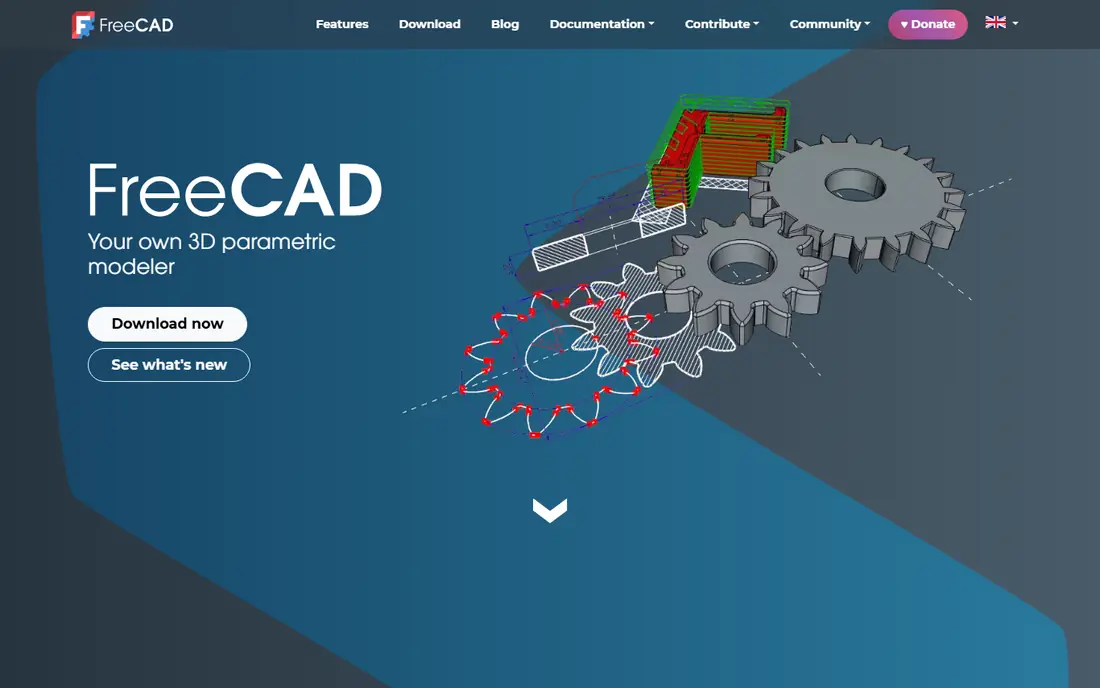
FreeCAD is the most capable free parametric 3D CAD tool available. Build a part from sketches and features, change a dimension later, and watch the model update. Workbenches add finite element analysis, CAM toolpaths for CNC, architectural design, and robotics, so one install can cover a full engineering workflow. The interface rewards patience. New users face many workbenches and settings, and complex models can occasionally feel slow. For mechanical engineers, product designers, makers, and students who need real parametric modelling without paying for SolidWorks or Fusion, FreeCAD is the clear starting point.
- Parametric modelling with full feature history
- Workbenches for FEM, CAM, and architecture
- Open source with no licence fee
- Learning curve is steeper than beginner tools
- Interface can feel complex for newcomers
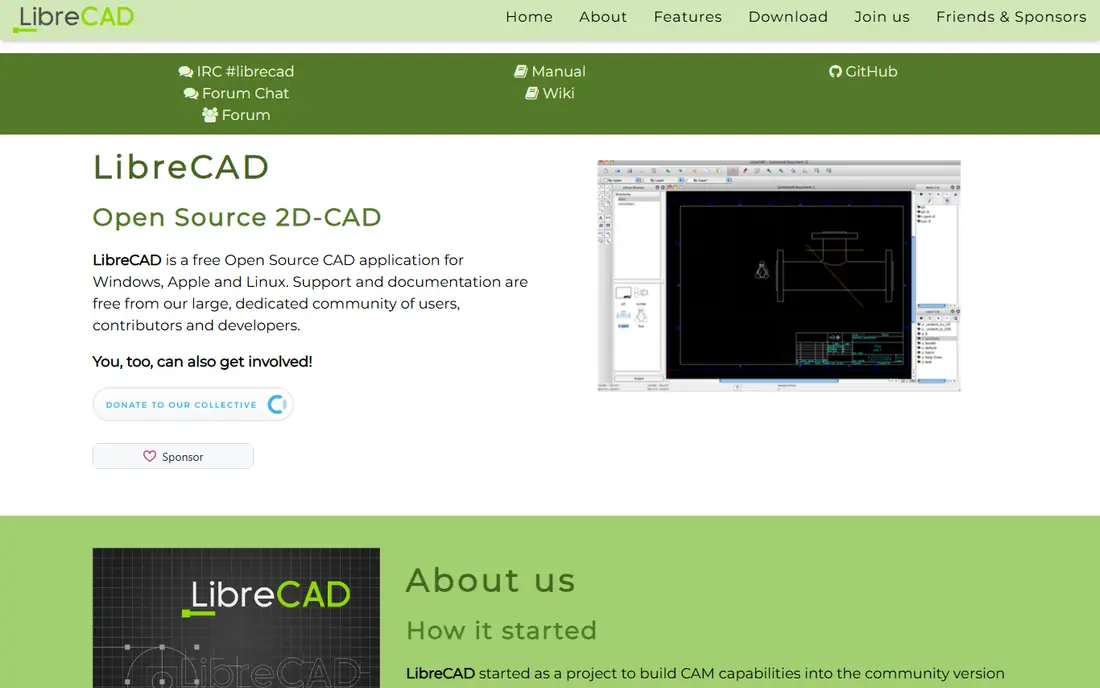
LibreCAD is the best fully free option for basic 2D drafting. Draw floor plans, technical drawings, and layouts with layers, dimensions, and standard drafting entities, then export in DXF for sharing or manufacturing. It runs on Windows, Mac, and Linux, and stays light on older computers. It is not a 3D modeller, so parts and assemblies need FreeCAD or another 3D tool. DWG exchange with AutoCAD users also needs care, because LibreCAD is DXF native in many workflows. For clean 2D drawings without a subscription, LibreCAD remains a reliable choice.
- Free and open source 2D drafting
- DXF support and familiar drafting tools
- Runs well on modest hardware
- 2D only, with no 3D solid modelling
- DWG handling is import focused in many workflows
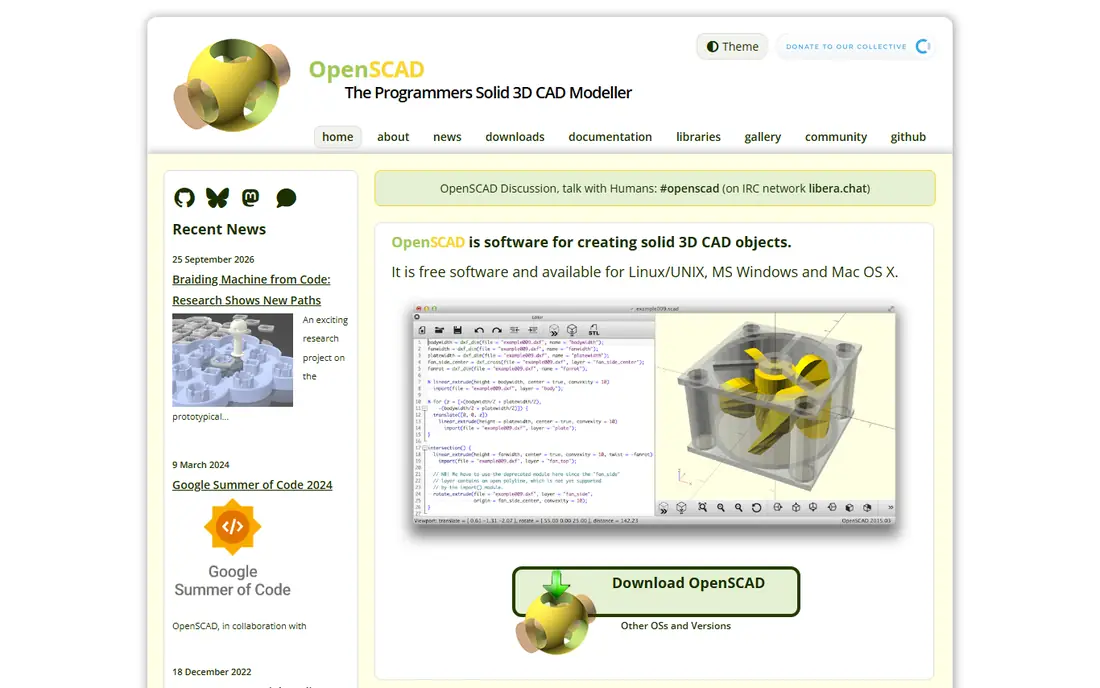
OpenSCAD suits programmers and makers who prefer code to clicking. Write a script that defines shapes, holes, and dimensions, then render a solid model for 3D printing. Changing a parameter and re-rendering a whole family of parts takes seconds, and scripts work well with version control. Mouse led designers will find the workflow slow for organic or artistic shapes. There is no direct drag and sculpt modelling, so visual exploration is limited. For brackets, enclosures, mounts, and other repeatable printed parts, OpenSCAD is precise, free, and easy to share.
- Script based parametric models that are easy to version and repeat
- Ideal for 3D printing
- Free and open source
- No mouse first modelling
- Visual design and organic shapes are hard to model in code
Tinkercad is the easiest way to start 3D design. Drag shapes together in a browser, combine them, and export for 3D printing, with no install and no cost. Teachers use it widely because students can build a first model in a single lesson and understand 3D thinking without learning CAD terms. Precision work will soon outgrow it. Tinkercad lacks parametric history, constraints, and detailed technical drawing tools, so engineering students should move to FreeCAD or Fusion after the basics. As a first step, especially for children and beginners, it is unmatched for simplicity.
- Very easy browser based 3D design
- Free for education
- Good first step before parametric CAD
- Basic features only
- Not suitable for precise engineering drawings
Onshape Free brings professional style parametric CAD to the browser. Model parts and assemblies, share a link, and collaborate in real time without installing software or managing files. That cloud workflow suits student teams, open source projects, and remote collaborators. The main catch is privacy. Free tier documents are public, so commercial or confidential work needs a paid plan. For learning, teaching, and open projects, that trade is acceptable. For private product development, check paid pricing before building a confidential project in the free tier.
- Full cloud CAD with real time collaboration
- Parametric modelling in a browser
- No install needed
- Free documents are public, not private
- Commercial use has restrictions on the free tier
SketchUp Free is built for speed. Sketch a room, a house concept, or a piece of furniture in a browser, push and pull faces into 3D, and share the idea quickly. Architects, interior designers, and homeowners use it for early concepts before detailed drawings begin. Detailed engineering and manufacturing work needs another tool. The free web version limits export options and commercial use, and paid plans add desktop features and fuller export. For concept design and client communication, SketchUp Free is fast and approachable.
- Very fast concept modelling in a browser
- Easy to learn
- Good for architecture and interior concepts
- Browser only on the free tier
- Export and commercial use are limited
Autodesk Fusion, often called Fusion 360, is the closest a hobbyist gets to professional CAD for free. Model parts, create assemblies, generate CAM toolpaths, and run basic simulation in one program, with a large community and many tutorials. That breadth helps makers move from a first part to a manufactured product. The free personal tier is not unlimited. It limits active documents and some features, and it excludes commercial use. Paid plans cost substantially more per year. For serious hobby projects and learning industry workflows, the free tier is still the best bridge to professional CAD.
- Professional CAD, CAM, and simulation in one tool
- Free for personal non-commercial use
- Large learning community
- Free personal tier limits documents and features
- Commercial use requires a paid plan
QCAD Community Edition offers a clean, focused 2D drafting experience. The interface stays minimal, with standard tools for lines, circles, layers, and dimensions, and DXF as the native format. That focus suits users who want LibreCAD style drafting with a slightly different workflow and layout. It is 2D only, and the free Community Edition lacks some Pro features such as advanced DWG support. For floor plans, workshop drawings, and simple technical layouts, QCAD is a solid free choice, especially for users who prefer a tidy interface over a long feature list.
- Clean and minimal 2D drafting interface
- DXF native
- Runs on Windows, Mac, and Linux
- 2D only
- Community edition lacks some features of the paid Pro version
Shapr3D stands out for tablet modelling. Sketch with an Apple Pencil on iPad, push faces into solids, and explore a design away from a desk. That direct sketching feel helps beginners and concept designers who think better by drawing than by typing dimensions. The free Basic plan limits you to two designs and restricts export, so regular use will need Pro. Desktop versions also exist, but the iPad experience is the main draw. For students and beginners with an iPad, Shapr3D is the most enjoyable free starting point for 3D modelling.
- Intuitive modelling on iPad with Apple Pencil
- Good for sketching concepts in 3D
- Usable free Basic plan
- Free Basic plan limits designs to two
- Full export and Pro features need a paid plan
How we picked these
We compared official feature pages, pricing and licence pages, app listings, privacy policies, and public reviews for free CAD tools available in October 2026. We looked for 2D drafting, parametric 3D modelling, code based design, browser access, export options, and the real limits of free tiers, including commercial use, public documents, and document caps. We included open source, education, and freemium tools so different budgets and goals were covered. We did not claim hands-on testing for this list. Free tier terms change, so check the vendor licence page before using a tool for commercial work, and test file export with your workshop, printer, or collaborator early.
How to choose free CAD software
Start with 2D or 3D
If you draw floor plans and technical layouts, start with LibreCAD or QCAD. If you design parts for printing or manufacturing, start with FreeCAD, Onshape, or Fusion. Mixing the two jobs in one tool often leads to frustration, so pick the dimension that matches your first project.
Check commercial and privacy rules
Free tiers differ on commercial use. Open source tools such as FreeCAD, LibreCAD, and OpenSCAD allow commercial use without a licence fee. Onshape Free makes documents public, while Fusion personal use excludes commercial work. Read those rules before you design a product for sale.
Test export early
Export a test file in the format your printer, CNC shop, or collaborator needs, such as STL, STEP, DXF, or DWG. A model that looks good on screen but exports poorly will waste time later. Check units, scale, and dimension accuracy on that first export.
Learn one tool well before adding another
Free CAD tools reward depth. Spend a few weeks learning sketches, constraints, and features in one parametric tool before switching. That foundation transfers to other CAD programs, while jumping between tools leaves gaps in core skills.
Frequently asked questions
What is the best free CAD software overall?
FreeCAD is the best free CAD software overall for parametric 3D engineering, with no licence fee and a full feature history. For 2D drafting, LibreCAD leads. For beginners, Tinkercad is easiest. The best choice depends on whether you need 2D, 3D, or code based modelling.
What is the top free CAD software for beginners?
Tinkercad is the top free CAD software for absolute beginners, because it runs in a browser and teaches 3D thinking with simple shapes. SketchUp Free is the next step for concept design, and Shapr3D suits iPad users. Move to FreeCAD or Fusion when you need precise parametric modelling.
What is the best online CAD software for free?
Onshape Free and SketchUp Free are the strongest browser based options. Onshape offers full parametric CAD with collaboration, but free documents are public. SketchUp Free offers fast concept modelling with limited export. Tinkercad also runs in a browser for beginners.
What is the best CAD software for engineers for free?
FreeCAD is the best free option for engineers, with parametric modelling, FEM, and CAM workbenches. Onshape Free and Fusion personal use also offer professional style workflows, with limits on privacy, documents, or commercial use. For commercial engineering work, check licence terms carefully.
What is the best drafting software for free?
LibreCAD and QCAD are the best free drafting software options for 2D technical drawings. Both support DXF, layers, and dimensions, and both run on modest hardware. LibreCAD is fully open source, while QCAD Community Edition offers a clean, minimal interface.
Can I use free CAD software for commercial work?
It depends on the tool. FreeCAD, LibreCAD, OpenSCAD, and QCAD Community Edition allow commercial use in most cases. Onshape Free restricts commercial use and makes documents public, while Fusion personal use and SketchUp Free limit commercial work. Always check the current licence page for the tool you choose.
Sources
See where you really rank - block by block
ProMapRanker scans Google Maps across a grid of your service area. Simple monthly plans from $19, white-label on every plan.
Start freeKeep reading
 zendesk alternatives
Best Zendesk Alternatives in 2026
Compare the best Zendesk alternatives in 2026, from budget help desks to AI-first support tools, with current pricing, free plans, and honest trade-offs.
Read → wordpress alternatives
Best WordPress Alternatives in 2026
Looking for the best WordPress alternatives? We compare 8 free and paid options for blogs, business sites, stores, and developer-led projects in 2026.
Read → which real estate company has the best training
Best Real Estate Company Training in 2026
Compare which real estate company has the best training, from Keller Williams and eXp to Compass and Coldwell Banker, by program, mentor, and fit in 2026.
Read →