 ProMapRanker
Best Free Audio to Text Transcription Tools in 2026

Key takeaways
- Otter gives a generous monthly free allowance for meetings, but its free file imports are tightly limited over the life of the account.
- Whisper, run locally, is the only option here with no monthly minute cap, though it needs technical setup.
- Notta and Rev suit short files and quick checks, not long archives, because their free limits are small.
- TurboScribe and MeetGeek are useful middle options for people who transcribe files or meetings often.
- Always check privacy terms before uploading sensitive audio, since most free web tools process audio on their servers.
Quick comparison
| Pick | Great for | Pricing starts at | Free tier | |
|---|---|---|---|---|
 Otter | Meetings and live notes | Free | Yes | Visit |
 Notta | Short multilingual files | Free | Yes | Visit |
 Whisper | Unlimited local transcription | Free | Yes | Visit |
 TurboScribe | Daily file transcription | Free | Yes | Visit |
 MeetGeek | Meeting uploads | Free | Yes | Visit |
 Rev | Short accurate AI transcripts | Free | Yes | Visit |
 Descript | Transcript-based editing | Free | Yes | Visit |
 Happy Scribe | Multilingual trial transcripts | $17 per month | Free trial | Visit |
The best free audio to text transcription tools
We focused on tools with a real free tier or free open-source route, not just a short trial, and we paid close attention to minute caps, file limits, and export options. The list below covers meetings, files, and local transcription.
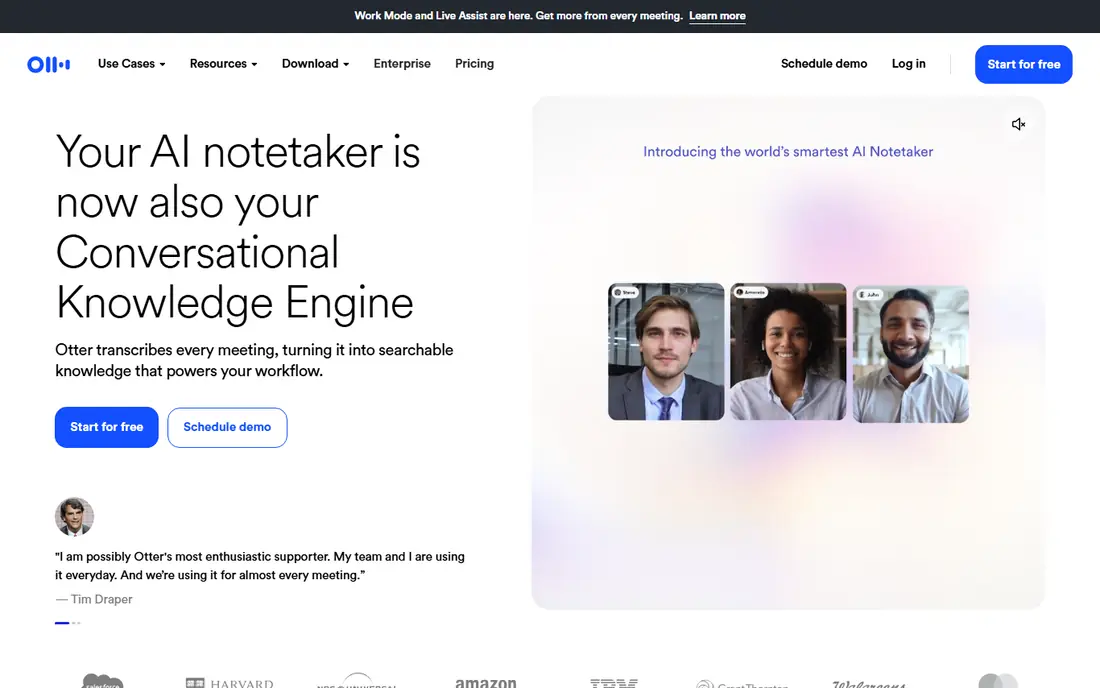
Otter is a strong first try for meetings. It can transcribe live, label speakers, and produce a searchable record you can review after the call. For a few short meetings each week, the free monthly allowance goes a long way.
The fine print matters for file work. Free imports are limited over the life of the account in recent listings, and live conversations have a per-session cap, so Otter fits ongoing meetings better than a large folder of old recordings. Export options are also narrower on the free tier, so check them before you rely on Otter for finished documents.
- 300 free minutes a month in recent listings
- Live transcription for common meeting apps
- Speaker labels
- Free file imports are limited over the account lifetime
- Longer conversations are capped per session
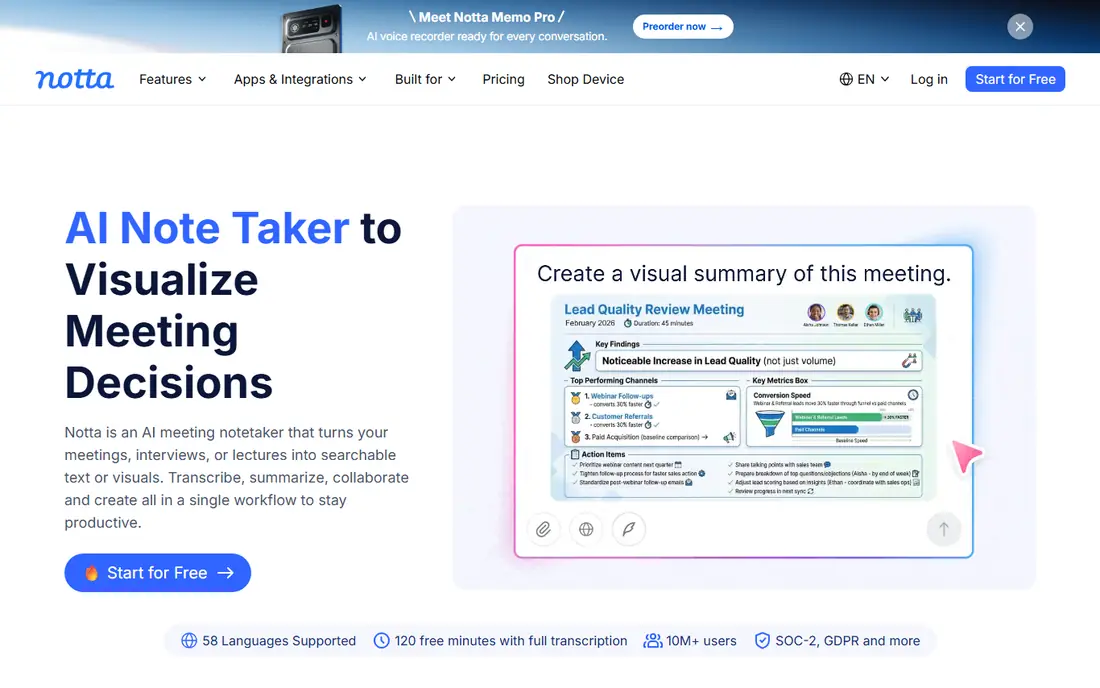
Notta suits short, clear audio in several languages. Upload a clip, get a transcript, and tidy it up for notes or quotes. The interface is simple, which helps when you only transcribe now and then.
It is not the tool for long lectures on the free tier. Monthly minutes are limited, and live recordings cap at a few minutes in recent listings, so long sessions will hit a wall. Treat Notta as a quick-check tool, and move to a paid plan or a local tool if you transcribe long files often.
- Broad language support
- Simple upload and recording flow
- Useful for short clips
- Monthly minutes are modest
- Live recordings are short on the free tier
- Exports are limited
Whisper is the open-source speech model from OpenAI, and it is the best free route for volume. Run it locally and there is no monthly cap to watch, which makes it ideal for large archives, long interviews, and sensitive audio you would rather not upload. Privacy is a genuine advantage here, since local use keeps files off a vendor server.
Setup is the price. You need to install it, pick a model size, and accept slower results on modest hardware. There is no polished meeting bot or shared workspace out of the box, so Whisper fits people who are comfortable with a command-line tool or a front-end built on it.
- Open source and free
- No monthly minute cap when run locally
- Audio can stay on your own machine
- Needs setup and a capable computer
- No built-in meeting interface or team features
TurboScribe is built around files rather than live meetings. Upload audio, get text back, and repeat the next day, which suits journalists, students, and researchers with a steady stream of recordings. The daily free allowance makes it more useful than a one-time trial for regular use.
Length is the main limit. Free files cap at a set duration in recent listings, so split long recordings before upload or use Whisper for very long files. Some polish features, such as speaker labels and richer exports, are paid, so check the plan page against your workflow.
- Daily free transcripts in recent listings
- Simple file upload flow
- Useful for regular file work
- Per-file length cap on free
- Speaker labels and some exports sit on paid tiers
MeetGeek fits people who want meeting notes without joining every call live. It can handle recorded meetings and uploads, and it adds summaries that help you scan a long discussion fast. Language coverage is broad, which helps mixed teams.
The free tier has a per-recording cap and no export in some listings, so it works best as a review tool rather than a source for finished transcripts. If you need to export clean text every time, test that flow on the free tier before you build a routine around it.
- Free monthly hours for meetings and uploads
- Broad language coverage
- Meeting summaries
- Per-recording length cap
- Export is limited on the free tier
Rev is worth trying for short files where clarity matters. The AI transcript is easy to edit, and the same service can upgrade to human transcription when a file needs near-perfect accuracy for publication or legal use. That path from quick AI draft to checked transcript is useful.
Volume is the limit. Free AI minutes each month cover a few short files, not a weekly interview series. If you transcribe in languages other than English, note that the free tier has been English only in recent listings, so check current language support first.
- Free monthly AI minutes
- Clear editor
- Human transcription available as a paid upgrade
- Free minutes are modest
- Free tier is English only in recent listings
Descript is different from the rest here, because the transcript is an editing tool. Delete a sentence in the text and the matching audio or video goes with it, which makes cutting interviews and podcasts much faster. For creators who publish edited media, that workflow can matter more than raw minute counts.
The free tier gives media minutes each month, but imports and recordings share that allowance, so a few long files can use it up. Exported video on free carries a watermark in recent listings, so Descript fits drafting and editing best, with a paid plan for finished published video.
- Edit audio and video by editing text
- Useful media minutes on free
- Works on Mac and Windows
- Video exports carry a watermark on free
- Media minutes count imports and recordings together
Happy Scribe is a solid multilingual tool, with a clean editor and support for many languages. It can be a good test for a non-English file or a short clip where you need a readable transcript fast. Meeting recordings have their own allowance, which helps for live capture.
Do not count on it as a permanent free tool for AI file transcription. The free AI allowance is small and does not reset like a monthly plan in recent listings, so regular users will need a paid plan. Use the trial to judge accuracy on your audio, then decide if the monthly price fits your volume.
- Broad language support
- Clean editor
- Meeting recording options
- AI transcription free allowance is small and one-time in recent listings
- Paid plan needed for regular use
How we picked these
We compared vendor pricing pages, free-tier limits, language support, and export rules as reported in October 2026, and we favored tools with a genuine free route over one-time trials alone. We did not claim hands-on testing. Where listings disagreed on a cap, we described the limit in general terms and pointed readers to the current plan page, rather than presenting a disputed number as fact.
How to choose a free transcription tool
Match the tool to the source
Live meetings, uploaded files, and phone recordings are different jobs. Otter and MeetGeek suit meetings, TurboScribe and Rev suit files, and Whisper suits large local archives. Picking by source avoids paying for features you will not use.
Read the cap, not just the headline
A headline monthly total can hide a per-file cap, a lifetime import limit, or an export lock. Check all three before you commit: minutes per month, minutes per file, and what you can export on the free tier. A tool with fewer headline minutes but full exports may serve you better.
Protect sensitive audio
If a recording holds personal, medical, or business-sensitive speech, prefer a local tool or check the vendor privacy policy first. Most web tools upload audio to their servers for processing, and retention rules vary. When in doubt, use Whisper locally or a tool whose policy you have read.
Improve accuracy at the source
Clear audio helps every tool here. Record close to the speaker, reduce background noise, and avoid talking over others where you can. A clean ten-minute file often beats a noisy hour, no matter which free tier you use.
Frequently asked questions
What is the best free audio to text transcription software for long files?
Whisper, run locally, is the best free route for long files, since it has no monthly minute cap. It needs setup and a capable computer, so it is less handy than a web tool for a single quick file. For long files you cannot run locally, split them and use a daily free tool such as TurboScribe.
How many free minutes does Otter give?
Recent listings show 300 free minutes a month, with a per-conversation cap and a lifetime limit on free file imports. Those details change, so check the Otter pricing page before you plan a large project around the free tier.
Can I transcribe audio to text for free without uploading it?
Yes, Whisper can run on your own computer, and some phone apps transcribe on the device. Local transcription keeps audio off vendor servers, which helps for sensitive material. The trade-off is setup time and slower results on older hardware.
Which free tool is best for meetings?
Otter and MeetGeek are the most meeting-focused options here, with live or recorded meeting support and summaries. Otter fits live notes, while MeetGeek fits reviewing recorded meetings. Test both on a real meeting, since speaker labels and summaries vary with audio quality.
Do free transcription tools support other languages?
Yes, several do, including Notta and Happy Scribe, though free tiers may limit languages or minutes. Rev free has been English only in recent listings. Check the language list for your exact language, since support for a language family does not always mean support for your dialect.
Sources
See where you really rank - block by block
ProMapRanker scans Google Maps across a grid of your service area. Simple monthly plans from $19, white-label on every plan.
Start freeKeep reading
 zscaler alternatives
Best Zscaler Alternatives in 2026
Looking for zscaler alternatives? We compare 9 SASE and zero trust platforms on architecture, data protection, pricing, and fit for your network and team.
Read → zapier alternatives free
Best Zapier Alternatives Free in 2026
Nine automation tools for zapier alternatives free in 2026, all with genuinely free tiers, plus free plan limits, starting prices and upgrade paths explained.
Read → which platform is best for online reputation
Which Platform Is Best for Online Reputation in 2026
Wondering which platform is best for online reputation? We compare 8 review, listing, and response tools for small and multi-location businesses and agencies.
Read →