 ProMapRanker
Best Free App for Hairstyles on My Face in 2026

Key takeaways
- YouCam Makeup is the strongest free starting point for AI hairstyle and hair color try-on on your own photo.
- YouCam Online Editor is the best browser option when you do not want to install an app.
- FaceApp and PhotoDirector suit quick AI previews, while Perfect365 and Style My Hair lean more on color and makeup looks.
- Use only your own photos, or a photo you have clear permission to edit, and treat every preview as a guide for your stylist, not a guarantee.
Quick comparison
| Pick | Great for | Pricing starts at | Free tier | |
|---|---|---|---|---|
 YouCam Makeup | AI hairstyles and color | Free | Yes | Visit |
 YouCam Online Editor | Browser try-on | Free | Yes | Visit |
 FaceApp | Quick AI style previews | Free | Yes | Visit |
 PhotoDirector | AI try-on plus editing | Free | Yes | Visit |
 BeautyPlus | Quick edits and style changes | Free | Yes | Visit |
 Perfect365 | Makeup plus hair color looks | Free | Yes | Visit |
 Fotor | Browser AI hairstyle previews | Free | Yes | Visit |
 Style My Hair | Hair color shades | Free | Yes | Visit |
The best free app for hairstyles on my face
A hairstyle preview helps you walk into a salon with a clear picture, instead of a vague description. The tools below let you test cuts and colors on your own photo for free, with paid tiers for extra styles, high-resolution exports, or advanced edits. A note on consent: only edit your own photo, or a photo of someone who has clearly agreed to it.
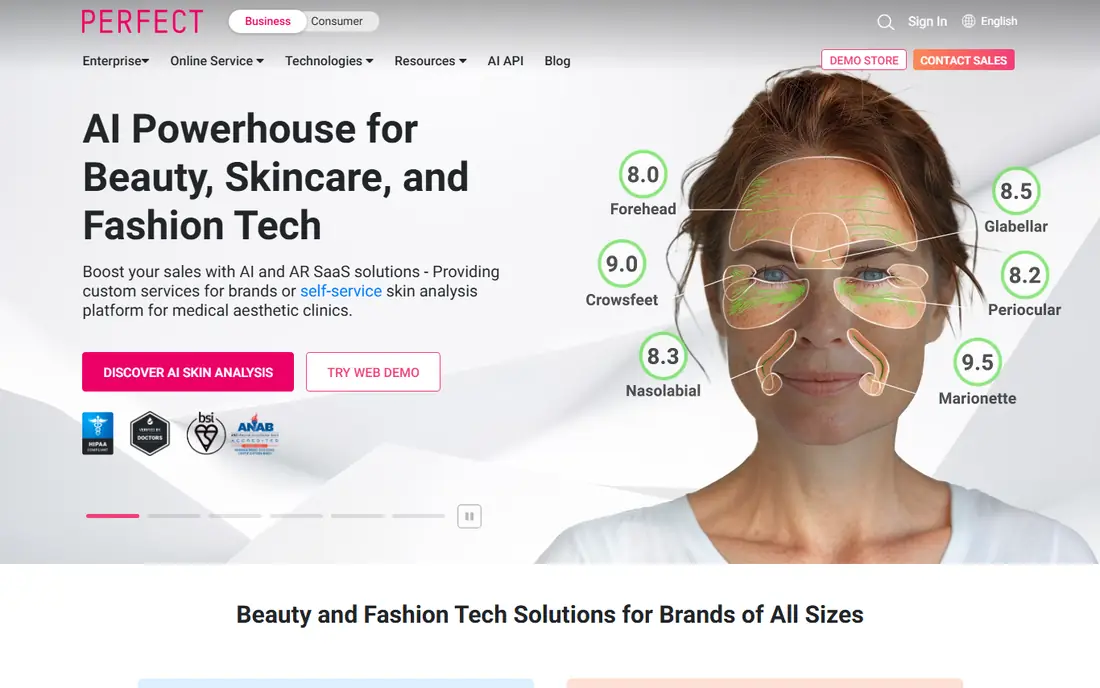
YouCam Makeup is our pick for most people because its AI hairstyle feature covers both cuts and colors in one app. Published comparisons note 60 or more styles for men and women, plus many hair color options, which makes it easy to compare a bob, a pixie cut, long waves, and bangs on the same face. A clear, front-facing photo with good lighting gives the best preview.
The free tier is genuinely useful, but not unlimited. Some premium styles, makeup palettes, and high-resolution exports require a paid plan, so check which styles are free before you fall in love with a locked look. Even with that limit, YouCam Makeup is the best free starting point for a realistic preview.
- AI hairstyle try-on with many styles
- Hair color options for men and women
- Save results to show a stylist
- Some styles and high-resolution exports sit behind a paid tier
- Results vary with photo angle and lighting
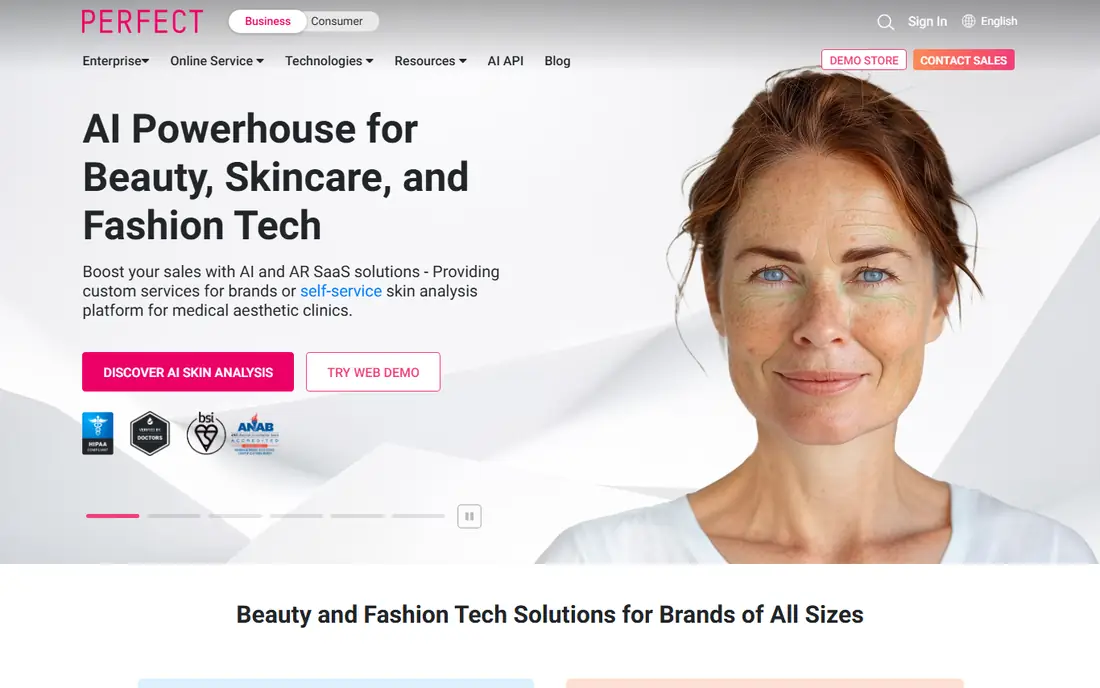
YouCam Online Editor, from the same maker as YouCam Makeup, lets you try hairstyles in a browser without installing an app. That is useful on a shared computer, or when you want to test a look on a larger screen before a salon visit. Published comparisons list it as a strong second option, with a similar AI try-on range.
Browser tools can be pickier about photo angle and lighting, so use a clear front-facing shot. Save your favorite results, since a browser session is easy to lose. If you like the browser preview, the mobile app may give a smoother experience for quick tests on the go.
- No app install needed
- AI hairstyle and color try-on in a browser
- Easy to test on a computer
- Browser results depend on photo quality
- Some features may require an account or paid tier
FaceApp is a quick way to test a new look when you do not want a long setup. Its AI tools cover hairstyles, hair color, and volume, and published comparisons note 20 or more styles. That range is enough to test a big change, such as short versus long hair, before you commit to a salon booking.
The catch is depth. FaceApp is a general face-editing app, not a hairstyle library, so it has fewer cuts than a dedicated try-on tool. It also puts some features behind a paid plan. Use FaceApp for a fast first impression, then use YouCam Makeup or PhotoDirector for a wider set of cuts.
- Fast AI previews
- Hairstyle, color, and volume options
- Simple interface
- Style range is smaller than YouCam Makeup in published comparisons
- Some features require a paid plan
PhotoDirector, from CyberLink, combines photo editing with an AI hairstyle try-on, which is useful if you want to clean up a photo before testing a style. Published comparisons note 60 or more styles for men and women, putting it in the same range as YouCam Makeup for style count. That makes it a strong second app for a realistic preview.
Because PhotoDirector is a full editor, the hairstyle tools take a moment to find, and some AI features require a paid tier. If you already edit photos, that extra power is a plus. If you only want a hairstyle preview, YouCam Makeup is simpler. Either way, save two or three favorites to show your stylist.
- AI hairstyle try-on plus photo editing
- Good for polishing a preview image
- Works on iPhone and Android
- Hairstyle tools sit inside a larger editor
- Some AI features require a paid tier
BeautyPlus is a photo editor with AI tools that include hairstyle changes, which makes it a handy option for a quick test plus a polished photo. Published comparisons note free access on mobile and web, with a premium tier for extra features. That low barrier is useful when you want to test a look without a new subscription.
The hairstyle range is smaller than YouCam Makeup or PhotoDirector in published comparisons, with fewer dedicated styles. Treat BeautyPlus as a quick, casual preview tool, not as a full style library. For a major cut change, compare the result in a dedicated try-on app as well.
- Free entry on mobile and web in published comparisons
- Quick hairstyle and photo edits
- Simple for casual use
- Hairstyle range is smaller than dedicated try-on apps
- Premium tier adds many features
Perfect365 is a selfie and makeup app that also lets you test hairstyles and hair colors, which suits a full-look preview rather than a cut-only test. If you want to see how a new hair color works with a makeup look, this app gives that combined view in one place. It is free to start, with paid tiers for extra features.
For cuts, Perfect365 is thinner than YouCam Makeup, with published comparisons noting around 30 styles focused on women. That is enough for a color test or a simple style check, but not for a wide cut comparison. Use it when the whole look matters, and use a dedicated try-on app when the cut itself is the main question.
- Makeup and hair color in one app
- Quick selfie edits
- Useful for a full look preview
- Hairstyle range is smaller than dedicated apps
- Some features require a paid tier
Fotor is a browser photo editor with an AI hairstyle tool, which makes it a useful option for desktop users. You can upload a photo, test a style, and edit the result without installing an app. That workflow suits someone who already edits photos on a computer and wants a quick hairstyle check.
Published comparisons note a smaller hairstyle range than YouCam Makeup, with around 10 or more styles. That is enough for a first test, but not for a deep comparison of many cuts. Some AI features may also use credits or a paid tier, so check the free allowance before a long session.
- Browser-based AI hairstyle tool
- No app install needed
- Photo editing in the same place
- Hairstyle range is smaller than mobile leaders in published comparisons
- Some AI credits may be paid
Style My Hair, from L'Oreal, focuses on hair color try-on, which makes it a strong choice when color is the main decision. You can test shades on your own photo before dyeing, and compare warm, cool, and bold options side by side. That color focus is useful, since dye is harder to undo than a cut.
It is not a full hairstyle library, so do not expect a wide range of cuts. Lighting and your current hair color also affect how a shade looks on screen, so show the result to your stylist and ask about your hair type and past color history. A preview is a starting point for that conversation, not a final color match.
- Focus on real hair color shades
- Useful for color decisions before dyeing
- Simple color try-on
- Color-focused, not a full cut library
- Results vary with lighting and base hair color
How we picked these
We compared official product pages, app store listings, and published try-on comparisons for tools that offer a genuinely free tier and a hairstyle preview on your own photo. We favored AI try-on tools and large style libraries, and we excluded undressing or clothes-removal tools entirely. We did not claim hands-on testing, and we did not invent style counts or prices beyond published comparisons. Where a price or tier was unclear, we wrote Free for the starting tier and noted paid limits in the text.
How to get a useful preview
Start with a good photo. Use a clear, front-facing shot in natural light, with your face and shoulders visible and your hair pulled back if possible. That gives the AI a clean base, and it makes cuts and colors easier to compare. Test the same photo across two apps, since each app renders hair differently, and a style that looks odd in one app may look better in another.
Next, save your favorites and bring them to the salon. Save two or three looks you like, plus one you do not like, so your stylist can see the direction. Ask about your hair type, face shape, and upkeep, since a style that looks good in a photo may need more daily work than you want. A good stylist will tell you honestly if a preview needs changes for your hair.
Finally, respect consent and privacy. Only upload your own photo, or a photo of someone who has clearly agreed. Avoid sharing edited photos publicly without permission, and check each app's privacy terms before uploading a photo you would not want stored. A preview should help you decide, not create a photo you regret sharing.
Frequently asked questions
What is the best free app for hairstyles on my face?
YouCam Makeup is the best free starting point for AI hairstyle and hair color try-on, with a wide style range in published comparisons. YouCam Online Editor is the best browser option, while FaceApp and PhotoDirector are strong for quick AI previews. Test the same photo in two apps for a fair comparison.
Are these hairstyle apps really free?
Yes, each app in this list has a free tier, but most reserve some styles, high-resolution exports, or advanced AI features for a paid plan. The free tier is enough to test many looks, but check which styles are locked before you settle on one.
How accurate are AI hairstyle previews?
Previews are a guide, not a guarantee. Lighting, photo angle, hair texture, and past color history all affect the result. Show your favorites to a stylist, and ask how the style would work with your hair type and upkeep routine.
Can I try hairstyles on someone else's photo?
Only with that person's clear permission. Do not edit or share a photo of someone else without consent, and do not use try-on tools to create misleading or intimate images. Use your own photo for personal tests, and keep edited photos private unless permission is given.
What photo works best for a hairstyle try-on?
A clear, front-facing photo in natural light works best, with your face and shoulders visible. Avoid hats, heavy shadows, or a side angle for the first test. Once you find a style you like, you can test it on other angles to see how it holds up.
Sources
See where you really rank - block by block
ProMapRanker scans Google Maps across a grid of your service area. Simple monthly plans from $19, white-label on every plan.
Start freeKeep reading
 zscaler alternatives
Best Zscaler Alternatives in 2026
Looking for zscaler alternatives? We compare 9 SASE and zero trust platforms on architecture, data protection, pricing, and fit for your network and team.
Read → zapier alternatives free
Best Zapier Alternatives Free in 2026
Nine automation tools for zapier alternatives free in 2026, all with genuinely free tiers, plus free plan limits, starting prices and upgrade paths explained.
Read → which platform is best for online reputation
Which Platform Is Best for Online Reputation in 2026
Wondering which platform is best for online reputation? We compare 8 review, listing, and response tools for small and multi-location businesses and agencies.
Read →