 ProMapRanker
Best Free Antique Identification App in 2026

Key takeaways
- Google Lens is the best free starting point for visual matches, but it is not a specialist antique app and it gives no formal appraisal.
- Curio, TIQ, and Antique Identifier offer photo-based antique ID with a free allowance, then charge for unlimited scans.
- eBay sold listings and LiveAuctioneers are the best free checks for what similar pieces actually sold for, which matters more than an asking price.
- No free app result is a certified appraisal, so use a qualified appraiser for insurance, estate, or legal decisions.
Quick comparison
| Pick | Great for | Pricing starts at | Free tier | |
|---|---|---|---|---|
 Google Lens | Broad visual matches | Free | Yes | Visit |
 Lens AI | Structured photo ID cards | Free | Yes | Visit |
 Curio | Antique ID with collection records | Free | Yes | Visit |
 TIQ Antique Identifier | Photo ID with era and value clues | Free | Yes | Visit |
 Antique Identifier | Quick photo ID on the web or in app | Free | Yes | Visit |
 eBay | Sold prices from real sales | Free | Yes | Visit |
 LiveAuctioneers | Auction results for higher-end pieces | Free | Yes | Visit |
 TinEye | Reverse image search across the web | Free | Yes | Visit |
The best free antique identification app
These eight tools all offer a genuinely free way to start, from photo ID to sold-price research, and they work best when used together.
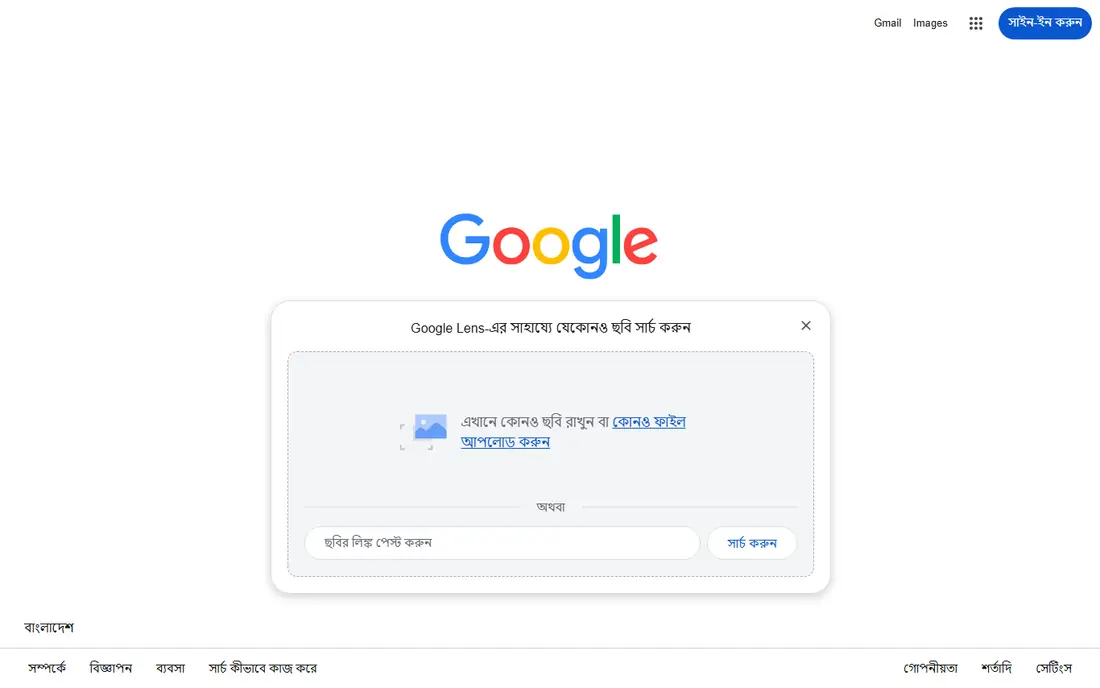
Google Lens is the tool we would open first for almost any unknown object. Point the camera at a vase, chair, or lamp, and it returns visually similar items from across the web, which often reveals a pattern name, a maker, or a category. It costs nothing, it needs no specialist account, and on many Android phones it already sits inside the camera or Google app.
The limit is depth. Lens matches pictures, it does not read a hallmark the way a specialist guide would, and it cannot tell a reproduction from an original on looks alone. Use it to get search terms and candidate matches, then check those leads against sold listings and mark guides. For a first pass, though, no free tool covers more ground.
- Free visual search
- Finds similar listings and museum pages
- Built into many phones
- Weak on hallmarks and maker marks
- Gives no value estimate on its own
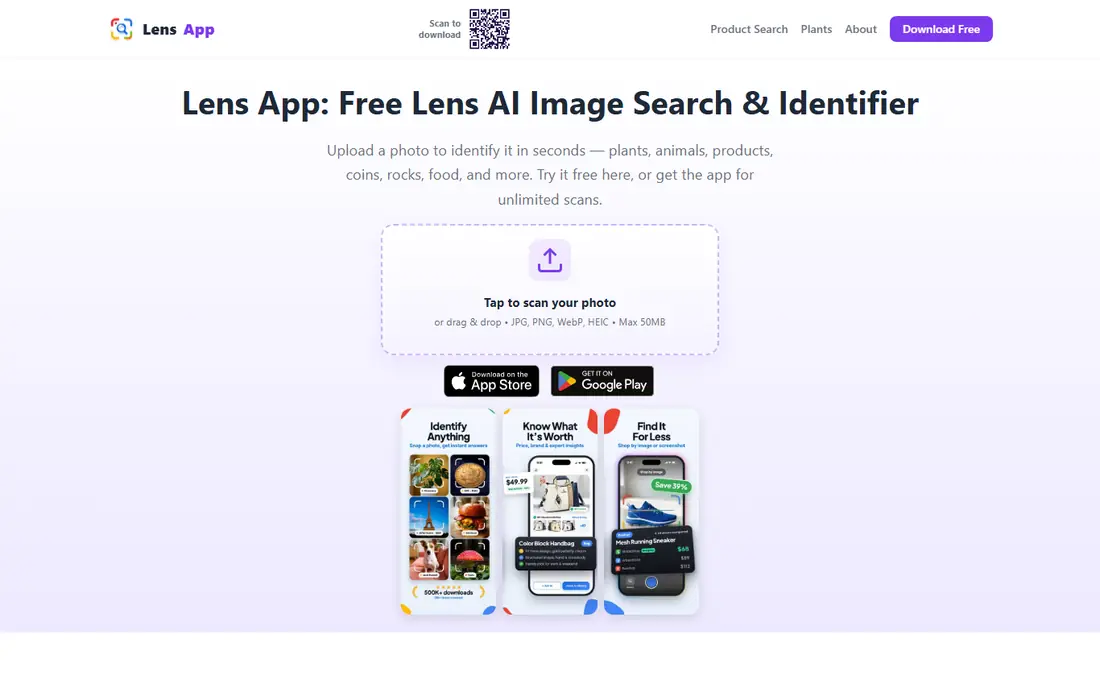
Lens AI takes a photo and returns a structured card with a likely name, visible traits, and possible alternatives, which is easier to work from than a raw set of image matches. Saved history helps when you are working through a house full of items over several days, and follow-up questions let you refine a result without starting over. The free plan uses daily scans that reset, so casual use stays free.
As a general identifier, Lens AI can miss the fine detail that separates one pottery pattern from a close copy. Treat its card as a lead and confirm maker marks, materials, and condition with a specialist source. For the first step of naming an unknown object, the clear layout is a real advantage over a plain image search.
- Daily free scans
- Saved scan history
- Follow-up questions on the same image
- Daily scan cap
- General identifier, not an antique specialist archive
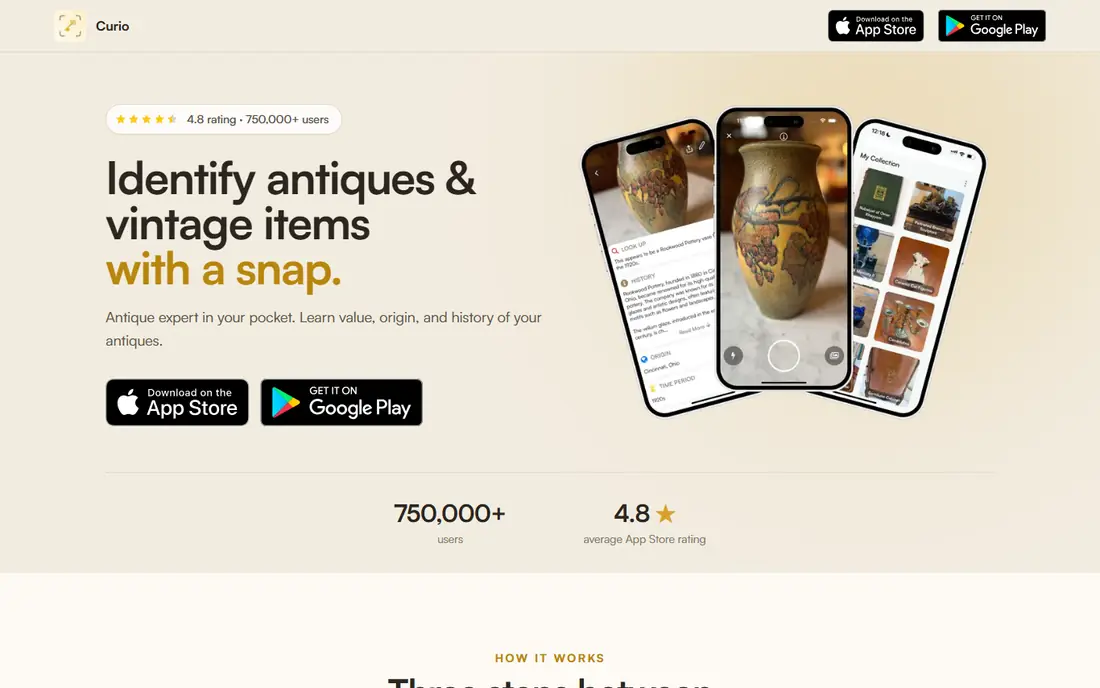
Curio is built for people clearing a house, shopping at estate sales, or keeping a record of family pieces. Snap a photo and it returns an identification, maker and era notes, and an estimated value range based on similar pieces. Adding a maker mark or pattern name sharpens the result, and the collection view lets you save items, organize them, and export a record for family or insurance notes.
The free version covers a limited number of identifications, so heavy users will hit a paywall. Value ranges also depend on condition and on how close the matches really are, so a rare or damaged piece can sit far from the middle of a range. Curio works best as a research notebook: identify, save, then verify the important pieces before you sell.
- Photo ID for many categories
- Estimated value range
- Collection catalog with export
- Free scans are limited
- Value ranges are estimates, not appraisals
TIQ focuses on the antique workflow rather than general object ID. Upload a full-item photo plus close-ups of marks, labels, and joints, and it returns likely identifications, era clues, and a rough value range. That structure pushes users toward better photos, and better photos tend to produce better identifications. The app is free to download, with optional in-app purchases for extended scans.
Like every photo tool here, TIQ gives a probability, not a certainty. A value range is only useful when the matched pieces share the same condition, size, and maker, so check auction comparables before acting on a number. For a first-pass answer on a piece you found at a sale, TIQ is a solid free start.
- Photo-first antique workflow
- Era clues and rough value ranges
- Free to download with in-app purchases
- Rough values need cross-checking
- Not a certified appraisal service
Antique Identifier offers a simple three-step flow: photograph the object, review the likely identification and value range, then keep researching. Its free tier includes three photo identifications, which is enough to test the tool on pieces you already own or are considering at a sale. The same photo-to-ID flow applies to free and premium scans, so the trial shows the real product.
Three scans run out fast during a house clearance, and that is the main drawback. The tool also states plainly that it is a research aid, not a laboratory or auction-house appraisal, and that framing is honest. Use the free scans on your most puzzling pieces, and save the rest for a tool with a daily allowance.
- Free tier with photo identifications
- Likely ID plus value range
- Scan history
- Free tier is limited to a small number of scans
- Premium needed for unlimited use
eBay is not an identification app, and that is exactly why it belongs here. Once Lens or Curio gives you a name, filter eBay results to sold items and you see what similar pieces actually sold for in recent months. Asking prices mean little, since anyone can ask any price, while completed sales show demand, condition effects, and common price bands.
The work is manual. You must match size, maker, pattern, and condition yourself, and a mislabeled listing can mislead a beginner. Still, for pricing, no free antique app beats a careful sold-listing check. We would trust a sold price over any single app estimate when the two disagree.
- Free sold-listing search
- Huge range of categories
- Shows what buyers actually paid
- Not an identifier app
- Listings vary in accuracy and condition
LiveAuctioneers lets you browse auction listings and results without paying, which helps when a piece looks too good for a marketplace check. Auction houses often give better descriptions, provenance notes, and condition reports than a casual seller, so the comparables can be more reliable for furniture, art, silver, and jewelry. It is a good second check after eBay when the value might be significant.
It will not identify a photo for you, and everyday thrift items may have few or no auction matches. Use it to confirm value on the pieces that matter, not as a first step for every object in a box. When an auction match exists, it often gives the strongest price evidence of any free source here.
- Free to browse auction listings
- Strong for furniture, art, and jewelry
- Real auction results
- Not a photo identifier
- Higher-end focus misses everyday items
TinEye is a reverse image search engine, and it earns its place as a check against fakes and mislabeled listings. Upload a photo and it finds other pages using the same or similar images, which can reveal the original listing, a museum record, or a mass-produced copy. That trail is useful when a seller photo looks borrowed or a piece looks too familiar.
TinEye does not understand antiques, so it cannot name a pattern or read a mark. It also needs a clear, well-lit photo, and a rare piece may have no matches at all. Pair it with Google Lens: Lens for broad visual matches, TinEye for tracing a specific image back to its source. Together they catch errors that either tool alone would miss.
- Finds where an image appears online
- Useful for spotting copies and listings
- No account needed for basic search
- Matches images, not objects
- Needs a good photo to work well
How we picked these
We looked for tools with a genuinely free tier or free browsing in October 2026, using official app pages, store listings, and vendor sites. We kept photo identifiers, visual search tools, and price research sources, and we left out paid-only archives and subscription-only appraisers. We did not claim hands-on testing, and we treated every app value as an estimate to be checked against sold results. Where a free tier is capped, we said so rather than calling the whole app free without limits.
How to get a useful answer from a free app
Start with photos, not with the app. Take a full-item shot in natural light, then close-ups of marks, signatures, joints, feet, and any damage. Add a ruler or coin for scale in one shot, and use a plain background so the object, not the room, fills the frame. Most bad identifications trace back to a dark, cropped, or cluttered photo, and no free tool can fix that after the fact.
Next, run the same item through two different tools and compare the answers. If Lens and Curio agree on a maker and era, you have a lead worth pursuing. If they disagree, trust neither answer yet and search the maker mark or pattern name directly. Check sold listings for pieces in the same condition, and note differences in size, repair, and completeness, since each one moves the price.
Finally, know when to stop using apps. A piece tied to insurance, an estate division, a tax filing, or a high-value sale needs a qualified appraiser who can examine it in person. Free apps are excellent for learning, sorting, and deciding what deserves expert time, and that sorting job alone can save a lot of money and regret.
Frequently asked questions
What is the best free antique identification app?
Google Lens is the best free starting point for visual matches, and Curio is a strong next step when you want a structured antique answer with a saved record. Use both, then check sold listings before you trust a value. No single free app covers identification, marks, and pricing on its own.
Can a free app tell me what my antique is worth?
It can give a rough range based on similar pieces, but it cannot give a certified appraisal. Condition, repairs, size, and maker all shift value, and photos alone often hide those details. Treat app values as a guide, and use sold listings and, for valuable pieces, a qualified appraiser.
How do I identify an antique by photo for free?
Photograph the whole item in good light, add close-ups of marks and details, then run the photos through Google Lens and a dedicated identifier such as Curio or TIQ. Compare the answers, search any maker mark directly, and check sold prices for matching pieces. Clear photos and a second opinion matter more than any one app.
Are free antique apps accurate?
They are useful for common, well-documented categories and less reliable for rare pieces, close copies, and faint marks. Accuracy improves with clear photos, detail shots, and cross-checking against reference sources. Treat each result as a lead, not a final verdict.
Is there a free antique identifier by picture on iPhone and Android?
Yes. Google Lens, Lens AI, Curio, and TIQ all offer free tiers on iPhone and Android, with limits on scans or features. Check the current store listing before you start, since free allowances and subscription terms change. For price research, eBay and LiveAuctioneers also work free in a mobile browser.
Sources
See where you really rank - block by block
ProMapRanker scans Google Maps across a grid of your service area. Simple monthly plans from $19, white-label on every plan.
Start freeKeep reading
 zscaler alternatives
Best Zscaler Alternatives in 2026
Looking for zscaler alternatives? We compare 9 SASE and zero trust platforms on architecture, data protection, pricing, and fit for your network and team.
Read → zapier alternatives free
Best Zapier Alternatives Free in 2026
Nine automation tools for zapier alternatives free in 2026, all with genuinely free tiers, plus free plan limits, starting prices and upgrade paths explained.
Read → which platform is best for online reputation
Which Platform Is Best for Online Reputation in 2026
Wondering which platform is best for online reputation? We compare 8 review, listing, and response tools for small and multi-location businesses and agencies.
Read →