 ProMapRanker
Best Free Alternatives to Midjourney in 2026


Everyday image generation and editing · Pricing starts at: Free
Key takeaways
- Google Gemini and Microsoft Designer give the broadest free starting point for most people, with conversational editing in Gemini and high-volume slower generation in Designer.
- Ideogram is the strongest free pick when readable words must appear inside a poster, logo, or thumbnail.
- Adobe Firefly and Canva suit client-facing work where licensed training data and finished layouts matter more than raw artistic style.
- Every free tier in this list has limits on credits, speed, resolution, or public visibility, so check the current plan page before you build a project around one tool.
- Midjourney itself is not listed here, because it has no free tier in 2026 and this guide covers free options only.
Quick comparison
| Pick | Great for | Pricing starts at | Free tier | |
|---|---|---|---|---|
| Google Gemini | Everyday image generation and editing | Free | Yes | Visit |
 Microsoft Designer | High-volume free image ideas | Free | Yes | Visit |
 Adobe Firefly | Commercially safe design work | Free | Yes | Visit |
 Ideogram | Posters and readable text | Free | Yes | Visit |
 Leonardo AI | Style variety and creative control | Free | Yes | Visit |
 Craiyon | No-signup casual fun | Free | Yes | Visit |
 Playground | Trying many models in one place | Free | Yes | Visit |
 Recraft | Vectors and brand graphics | Free | Yes | Visit |
 Canva | Finished designs with generated images | Free | Yes | Visit |
The best free alternatives to Midjourney
Free image tools have improved enough that most casual and small-business needs no longer require a paid subscription. The nine tools below all offer a free way in, but they differ in style, text accuracy, and what you may do with the results.
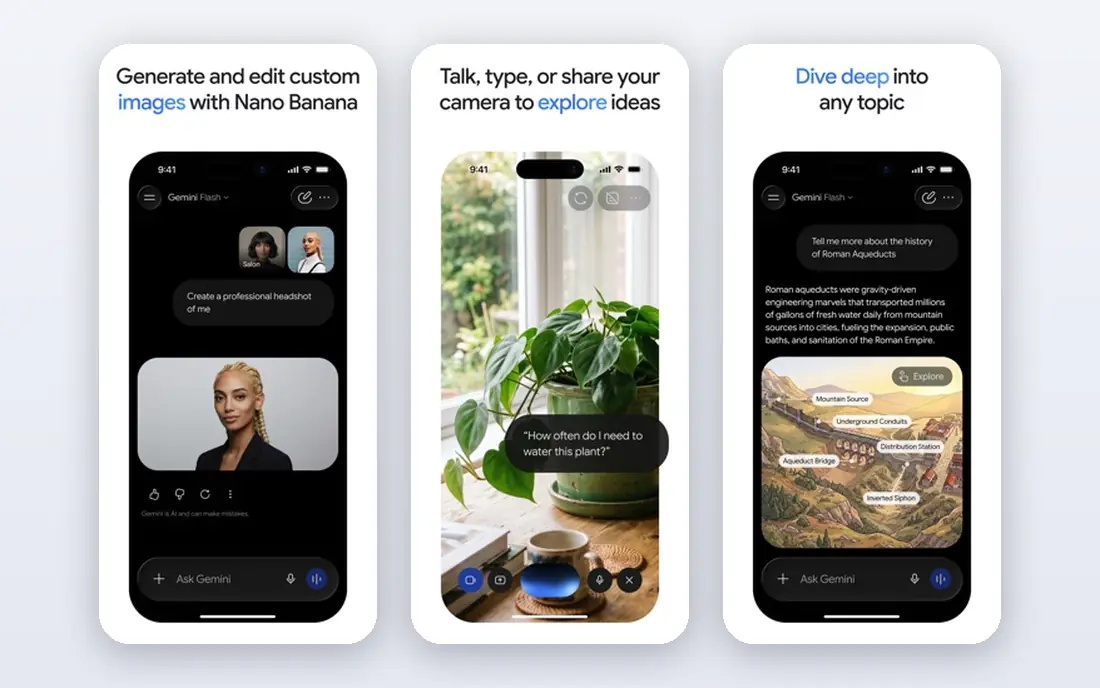
Gemini is our pick for most people who want a free Midjourney alternative, because it pairs generation with editing in one chat. You can ask for an image, then ask for a single change, such as a different background or a warmer light, without starting over. That back-and-forth style suits product shots, social posts, and quick mockups where the first result is rarely final.
The catch is that Google does not publish one simple free quota that stays fixed. Limits can vary by account, model, and region, and they can change. Treat Gemini as a strong daily tool for normal use, not as a guaranteed high-volume production line, and keep a second tool on this list ready for busy days.
- Strong photorealistic results
- Conversational editing
- No watermark noted on free output
- Free quotas are not stated as one fixed daily number
- Content rules can refuse some prompts

Designer, which includes the image creator formerly known as Bing Image Creator, is a good choice when you want to try many ideas without worrying about a small credit bank. It offers a set of faster priority generations each day, and slower standard generation after that, which keeps casual experimentation going. The interface is plain, which is a plus when you just want to type a prompt and see results.
Style control is thinner here than in Leonardo or Ideogram. You get solid, clean images for social posts, blog headers, and brainstorming, but fine art direction takes more prompt work. If volume matters more than precise style, Designer earns its place near the top of this list.
- Priority generations each day plus slower standard generation
- Simple browser access
- Microsoft account sign-in
- Output can feel less refined than specialist art tools
- Priority credits run out fast on heavy days
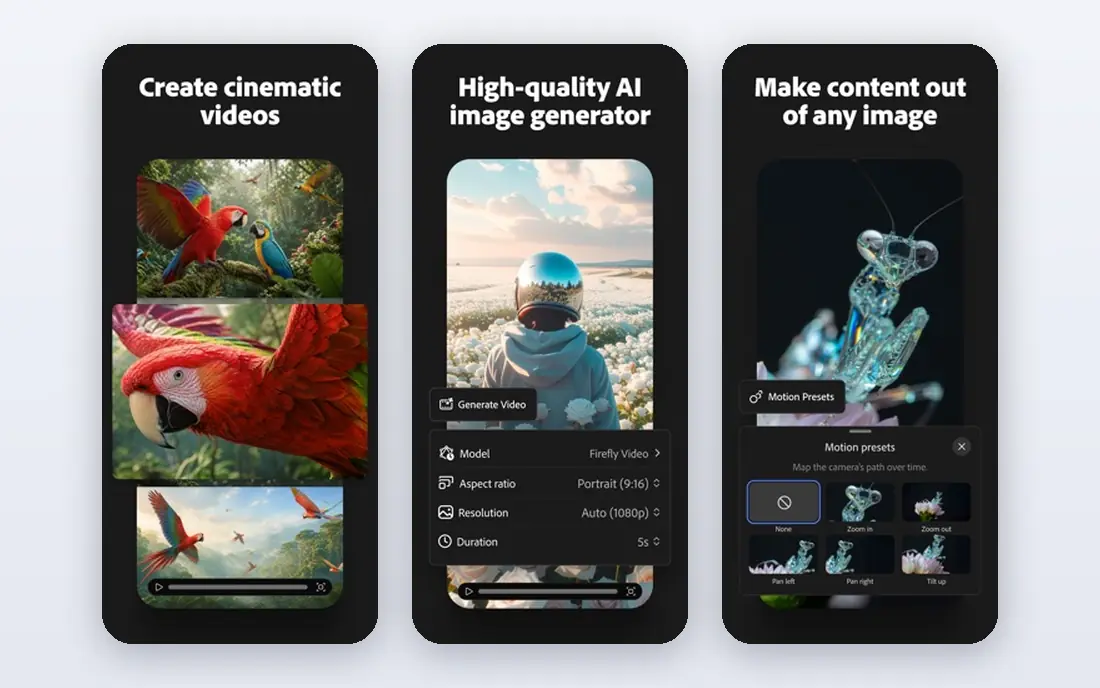
Firefly stands out for a practical reason: Adobe says it is trained on licensed content, which lowers the worry that often comes with using generated images for client work. For a small business owner who needs a hero image, a background, or a social graphic, that clarity matters. The tool also sits close to Photoshop and Adobe Express, so an image can move into a finished design without a fresh export and rework step.
Free credits are limited each month, so Firefly works best as a careful-use tool rather than a bulk generator. Plan your prompts, generate in small batches, and save paid upgrades for weeks when a campaign needs many variations. For occasional professional use, the free tier is genuinely useful.
- Trained on licensed content
- Connects with Photoshop and Express
- Monthly free credits
- Free credit allowance is modest
- Some features sit behind paid plans
Ideogram earns its spot because text is where many free generators still fail. Ask for a poster headline, a shop sign, or a short phrase on a product label, and Ideogram is far more likely to spell it correctly than a general art tool. That single strength makes it the right pick for event flyers, book covers, thumbnails, and any graphic where words carry the message.
Free use comes with trade-offs. Generations on the free plan are public, so do not use it for unreleased client work or private concepts. The credit refresh rhythm also rewards planning: draft your wording first, then generate, rather than burning credits on rough guesses.
- Reliable readable text in images
- Good poster and logo starting points
- Simple prompt flow
- Free generations are public
- Free credits refresh weekly rather than daily in some reports
Leonardo is the pick for people who enjoy shaping an image rather than accepting the first result. It offers a range of models and presets, plus controls that help you steer toward game art, illustration, product looks, or photographic styles. The daily token allowance gives regular users a steady, if modest, amount of experimentation each day.
Beginners should expect a short learning curve. The extra settings that make Leonardo powerful can also slow down a first session. Start with a preset close to your goal, change one setting at a time, and keep notes on prompts that worked. Used that way, the free tier goes further than it first appears to.
- Daily free tokens
- Many models and presets
- Fine control over style and composition
- Free creations are public
- Learning the settings takes time
Craiyon is the simplest tool on this list, and that simplicity is the point. You can open it, type a prompt, and see results without creating an account or adding payment details. For party invitations, classroom fun, quick memes, or testing whether an idea is worth refining elsewhere, that low friction is hard to beat.
Quality is the trade-off. Images tend to look rougher and less detailed than Gemini, Firefly, or Leonardo output, and free results may include a watermark. Use Craiyon to explore ideas, then move a promising concept to a stronger tool for a final version.
- No account needed for basic use
- Truly casual and fast
- Good for jokes and brainstorming
- Lower image quality than leaders here
- Free output may carry a watermark
Playground suits curious creators who want to compare how different models handle the same prompt. Instead of learning several separate tools, you can test styles side by side and keep the variations that work. That comparison step saves time when you are still deciding on a look for a project, a brand, or a series of posts.
Read the free-plan terms before using output for paid work, because commercial use on the free plan is restricted in some reports. For personal projects, learning, and portfolio experiments, Playground is a strong and flexible free option.
- Multiple models to compare
- Creative workspace for variations
- Free plan for experimentation
- Free-plan commercial use is restricted in some reports
- Limits vary by model
Recraft fills a gap that photo-style generators leave open: clean vector-style graphics. Icons, illustrations, logos, and UI art often need crisp edges and simple shapes, and Recraft is built for that kind of work. Small teams can draft a set of matching graphics without hiring an illustrator for every early concept.
Photorealism is not its strength, so do not pick Recraft for lifelike product photography or cinematic scenes. Pair it with Gemini or Firefly for photos, and use Recraft where a graphic needs to scale cleanly and stay consistent across sizes.
- Vector and raster output
- Brand-friendly graphics
- Useful for icons and illustrations
- Less suited to photorealistic scenes
- Free limits apply
Canva is the best free Midjourney alternative when the image is only part of a finished piece. A generated picture can go straight into a poster, presentation, social post, or flyer, with text, brand colours, and layout tools in the same workspace. That end-to-end flow matters for small businesses that need a usable result, not just a raw image file.
The free AI allowance is shared across Canva AI tools, so heavy use in one area reduces what remains for others. Image controls are also more basic than in Leonardo or Ideogram. Still, for people who publish designs rather than collect images, Canva often delivers the fastest path from prompt to post.
- Generated images drop straight into layouts
- Huge template library
- Easy sharing and export
- AI allowance is shared across Canva AI tools
- Image control is more basic than specialist tools
How we picked these
We compared official pricing and plan pages, app store listings, and public feature descriptions for tools with a real free tier in October 2026. We excluded Midjourney itself, because it has no free tier, and we excluded tools that only offer a short paid trial with no ongoing free use. Each pick had to generate images today, offer a free way in without a card, and fit a distinct use, from text-heavy posters to vector graphics to finished layouts.
What to check before you rely on a free tier
Free tiers change, and the change usually arrives without much warning. Before you plan a campaign, a product launch, or a client deadline around one tool, open its pricing page and confirm the current credit amount, refresh timing, and commercial use rules. A tool that is generous for personal posts may still restrict paid client work on its free plan.
Think about output rights in the same way. Some free plans make generations public, some add a watermark, and some limit resolution. Those details matter more than a small quality gap between two tools. If a design will appear on packaging, in an ad, or in a client deliverable, choose the tool whose terms clearly allow that use, even if another tool looks slightly prettier on a first test.
Start with two tools, not nine. Pick one general generator, such as Gemini or Designer, and one specialist, such as Ideogram for text or Recraft for vectors. Learn their prompts, save the ones that work, and only add a third tool when a real project needs it. That habit keeps free credits useful instead of scattered across accounts you rarely open.
Frequently asked questions
What is the best free alternative to Midjourney?
Google Gemini is our pick for most people, because it combines strong image quality with conversational editing in a free chat. Microsoft Designer is a close second for high-volume idea testing, and Ideogram wins when readable text must appear in the image. The right choice depends on what you make most often, so try the top two for a few days before settling.
Are there free Midjourney alternatives with no signup?
Craiyon allows basic generation without an account, which makes it the easiest tool to try. Most stronger tools, including Gemini, Firefly, Ideogram, and Leonardo, require a free account. That account is also how they track free credits and store your past generations.
Which free alternative handles text in images best?
Ideogram handles text in images best among the free tools in this guide, especially for posters, signs, and thumbnails. Gemini has also improved at short phrases, but Ideogram remains more reliable when a headline, a logo word, or a label must be spelled exactly. Always proofread the output before publishing, since no generator is perfect.
Can I use free AI images for commercial work?
It depends on the tool and the plan. Adobe Firefly is designed with licensed training data for commercial use, while some free plans restrict commercial use or make generations public. Check the terms on the vendor site for the exact tool you use, and keep a record of the plan terms for client projects.
Do free alternatives to Midjourney add watermarks?
Some do and some do not, and the answer can change with the plan. Craiyon free output may carry a watermark, while Gemini and Leonardo free output is generally reported without a visible watermark. If a clean final image matters, confirm the current policy on the vendor site before you start.
Is Midjourney itself free in any form?
No, Midjourney has no free tier in 2026, which is why it is not listed as a product in this guide. The tools above are free alternatives, not Midjourney itself, and they differ in style, controls, and terms. If you want Midjourney output specifically, a paid Midjourney plan is the only route.
Sources
See where you really rank - block by block
ProMapRanker scans Google Maps across a grid of your service area. Simple monthly plans from $19, white-label on every plan.
Start freeKeep reading
 zoho inventory alternatives
6 Alternatives to Zoho Inventory, Compared on Price and Fit
Zoho Inventory alternatives: 6 tools compared on price, free plans and fit. Katana leads the list for manufacturers. Fit and flaws are laid out for each entry.
Read → zoho crm alternatives
Best Zoho CRM Alternatives (2026)
Need Zoho CRM alternatives? We compare 7 tools on cost, free access and who each suits. Every pick gets a straight assessment. Built for quick decisions.
Read → zelle alternatives
Best Zelle Alternatives in 2026
Compare the best Zelle alternatives for sending money to friends, paying sellers and moving funds abroad, with honest notes on fees, speed and safety in 2026.
Read →