 ProMapRanker
Best Free AI Video Generator Apps in 2026

Key takeaways
- Free tiers in 2026 are testing budgets, not production plans, with credits, watermarks, and resolution caps as the real limits.
- Kling and Hailuo offer the most useful daily or trial credit paths for testing text-to-video models.
- Runway gives 125 one-time credits that never refresh, so spend them on a representative prompt, not random tests.
- CapCut and Canva are the best free options for finished social videos, since they add editing around generation.
Quick comparison
| Pick | Great for | Pricing starts at | Free tier | |
|---|---|---|---|---|
 Kling AI Kling AI | Daily testing and value | $6.99 per month | Yes | Visit |
 Hailuo AI Hailuo AI | Expressive character motion | See website | Yes | Visit |
 Runway Runway | Cinematic shots plus editing | $12 per month | Yes | Visit |
 Pika Pika | Short social clips and transitions | $8 per month | Yes | Visit |
 Google Flow Google Flow | Veo video with Google AI | See website | Yes | Visit |
 CapCut CapCut | Finished social videos | Free | Yes | Visit |
 Canva Canva | Social video from templates | Free | Yes | Visit |
 InVideo AI InVideo AI | Longer script-to-video projects | See website | Yes | Visit |
The best free AI video generator apps
Free AI video generation changed fast in 2026. Some tools give daily credits, some give one-time credits, and some gate free output behind watermarks, queues, or low resolution. The apps below all offer a real free path in October 2026, based on official pricing pages and public 2026 comparisons, and we focused on what that free path actually lets you make.
Treat every free tier as a test budget. Generate the same short prompt across two or three tools, compare motion, faces, hands, and text, and only pay when one model clearly fits your format. That test saves more money than any credit comparison table.
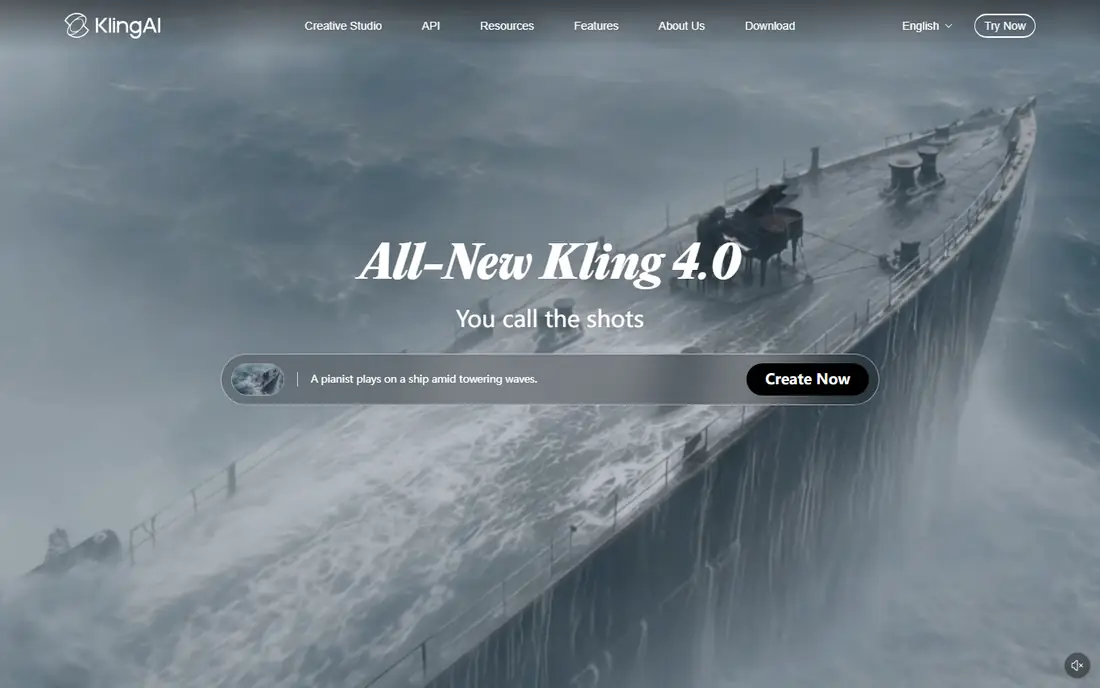
Kling AI is the best free ai video generator app for testing text-to-video at low cost. Published 2026 comparisons describe a free path with daily credits, and its Standard plan starts at $6.99 per month in some listings, with commercial rights included. Its motion looks smooth on everyday subjects, and it handles short social clips well.
Free use has real limits. Credits run out fast if you iterate, queues build at peak times, and free output carries watermark and resolution limits in published terms. Kling suits creators who test prompts daily and upgrade when a format proves itself. For a single finished client video, a paid plan is usually needed.
- Strong motion and realism for the price
- Daily credit path in published comparisons
- Commercial rights on paid plans
- Free credits are limited and queues can be long
- Watermark and resolution limits on free output
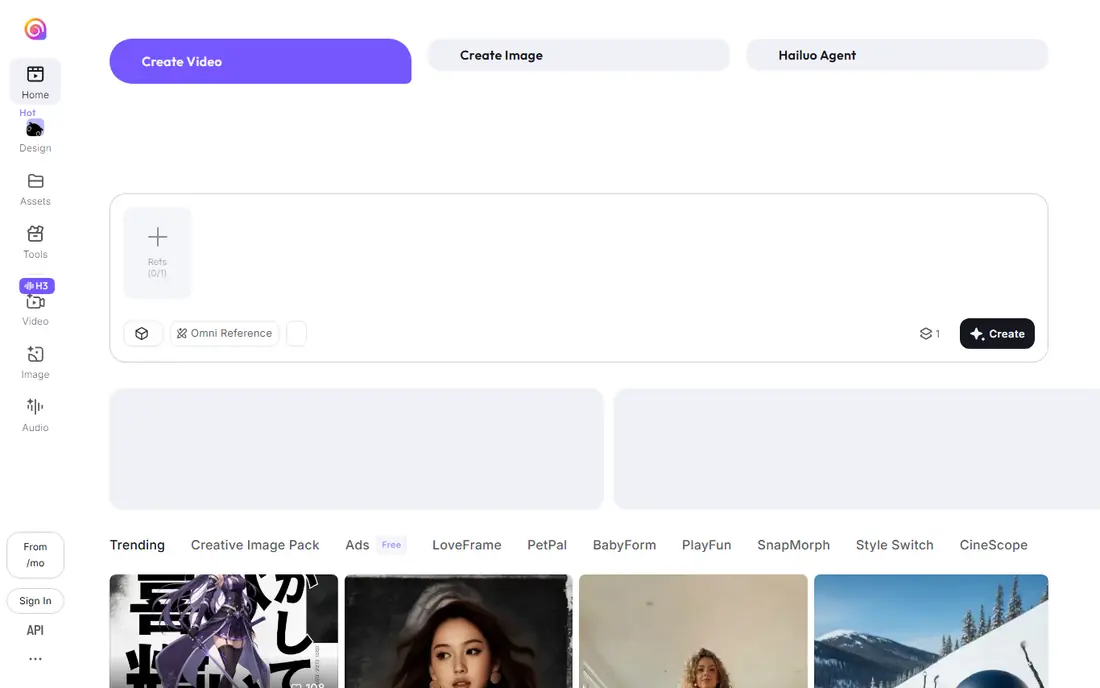
Hailuo AI, from MiniMax, stands out for character motion. Its model handles expressive faces and camera moves well, which makes it a good test tool for story-driven clips and character-led social content. New accounts receive one-time welcome credits in published terms, and paid plans start at around $8 to $15 per month depending on promotion.
The free path is short-lived. Welcome credits expire three days after they are granted in published subscription terms, free downloads carry a watermark, and commercial rights require a paid plan. Hailuo suits creators who want to test character motion quickly, then decide within a few days whether to pay.
- Expressive character and camera motion
- Daily credit path for new users in published terms
- Easy prompt interface
- Welcome credits expire quickly in published terms
- Watermark on free downloads
- Commercial rights only on paid plans
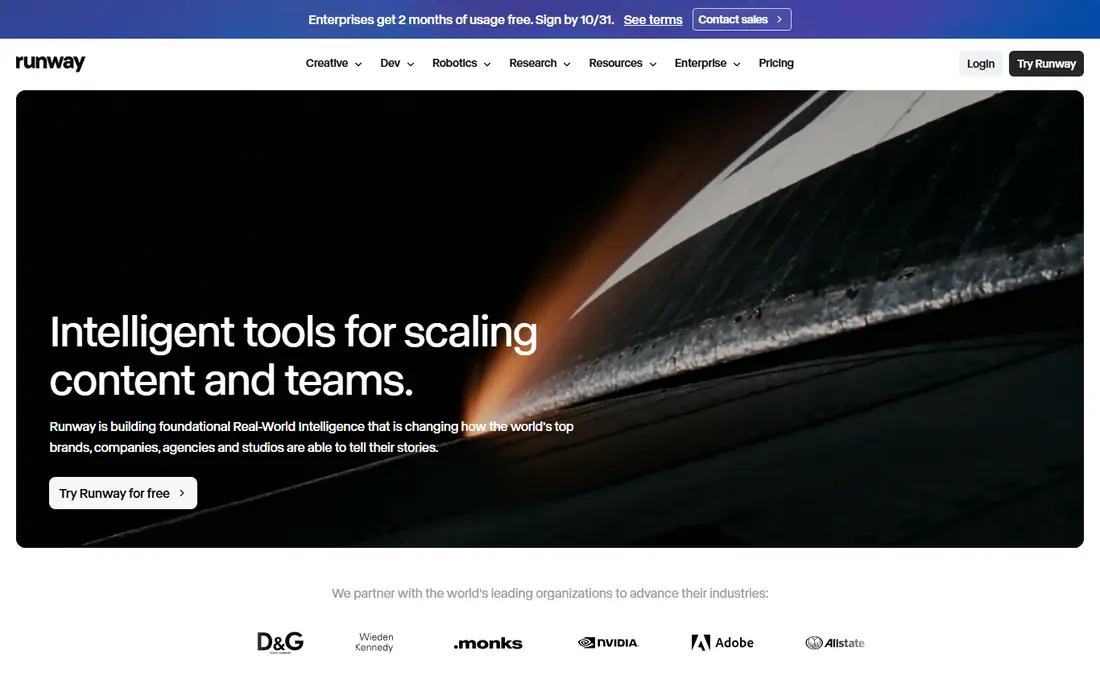
Runway pairs its Gen-4.5 video model with a broader editing suite, so you can generate a shot, then extend, restyle, or clean it up without leaving the app. Its free plan gives 125 one-time credits, and its Standard plan is $15 per month, or $12 per month billed annually, in published 2026 pricing. That editing depth makes Runway the choice when a shot needs work after generation.
The free plan is the smallest real budget here. At 12 credits per second for Gen-4.5 in published comparisons, 125 credits cover about two five-second clips, and they never refresh. Spend them on one representative prompt, with a clear subject and camera move, rather than on random tests.
- Gen-4.5 model plus editing tools
- Transparent credit system
- Generations are yours to use in published terms
- Free plan gives only 125 one-time credits
- Credits do not refresh
- Paid plans cost more per clip than rivals
Pika suits short, effect-driven social clips and transitions. Its Pikaframes feature lets you define a start image and an end image, and the model generates the transition between them, which is useful for product reveals and scene changes. Paid plans start at about $8 per month on annual billing in published comparisons.
Free access changed during 2026, with some listings describing the free plan as packs only, with no monthly credit allowance, and commercial use limited to higher plans. Check the current free terms on Pika's pricing page before you plan a project around it, and treat Pika as a transition specialist rather than a general production tool.
- Pikaframes for start-to-end transitions
- Effect-driven social clips
- No watermark on output in recent published terms
- Free plan changed in 2026 to packs only in some listings
- Commercial licence starts on higher plans
Google Flow gives access to Google's Veo video model, with native audio and strong realism on cinematic prompts. Non-subscribers receive 50 credits per day with no rollover in published comparisons, and a Veo 3.1 Lite clip costs 10 credits, while Quality costs 100, so free users cannot reach the top tier. Google AI Pro, at $19.99 per month in third-party reports, raises the allowance.
Flow suits creators who want to test Veo quality for free, especially for short clips with audio. Its daily credit cap and peak-time limits mean it is not a production tool on the free tier. Use it to compare Veo against Kling and Runway on the same prompt, then pay only if Veo clearly wins for your format.
- Veo 3.1 model with native audio
- No visible watermark on some outputs
- Strong realism
- Free credits are limited daily and do not roll over
- Higher quality clips cost far more credits
CapCut is not a pure text-to-video model, but it belongs on a best ai video apps list because it turns generated clips into finished social videos. Its free tier covers editing, captions, trimming, and effects, with watermark-free exports in published comparisons, and its template library covers almost every social format. That makes it the best finishing tool after you generate clips elsewhere.
Its own AI generation is simpler than Kling, Runway, or Veo, so do not expect cinematic text-to-video from CapCut alone. Use CapCut to edit, caption, and publish, and pair it with a dedicated generator for the raw footage. For creators who publish daily, that combination is often cheaper than a single premium generator.
- Full editing, captions, and effects
- Free tier with watermark-free exports in published comparisons
- Huge template library
- AI generation is less advanced than dedicated video models
- Some AI features require Pro
Canva is the fastest route from an idea to a publishable social video. Its free plan covers templates, stock footage, and basic AI video features, with watermark-free exports in published comparisons, and Pro adds more AI generations and premium assets. For marketing teams and small businesses, that speed matters more than raw model quality.
Canva will not match Runway or Veo for cinematic generation, and its AI video tools are template-based rather than a full text-to-video model. Use Canva when you need a finished post today, and use a dedicated generator when you need a specific shot that templates cannot provide.
- Templates and stock footage for fast social video
- Free tier with watermark-free exports in published comparisons
- Easy team sharing
- AI video generation is template-based, not a full video model
- Best features sit behind Pro
InVideo AI suits creators who start from a script rather than a single prompt. It turns text into longer videos, with editing, voiceover, and multi-model access in published comparisons, and it can produce videos up to 15 minutes in some listings. That makes it useful for YouTube, ads, and explainer content, where a five-second clip is not enough.
The free tier is limited and watermarked, and serious use needs a paid plan, listed at about $17 per month in some comparisons. InVideo AI is the best ai video creation app on this list for longer projects, but it is not the cheapest way to test a single cinematic shot. Use Kling or Runway for shots, and InVideo AI for full script-to-video work.
- Script-to-video workflow for longer projects
- Multi-model access in published comparisons
- Editing and voiceover tools
- Free tier is limited and watermarked in published comparisons
- Longer videos need paid plans
How we picked these
We compared official pricing pages, feature pages, and public 2026 comparisons for AI video tools with a real free path in October 2026. We included text-to-video models, a Google model, and finishing tools, and we favoured tools with published credit, watermark, and commercial-use terms. We did not claim hands-on generation, and we noted where free terms changed during 2026 so you can check the current pricing page before you rely on a tier.
How to stretch free credits further
Write a tight prompt before you generate anything. Name the subject, the action, the camera move, and the setting in one or two sentences, and keep the clip short. Short clips cost fewer credits, and a clear prompt wastes fewer retries. Test the same prompt across two tools, not ten, and judge motion, faces, and text rather than the first frame alone.
Use free tiers for testing, and pay for production. When a format works, upgrade to the model that won your test, and use CapCut or Canva to finish the video rather than burning generation credits on edits. Check commercial rights before you publish client work, since most free tiers limit output to personal, noncommercial use.
What to check before you pay
Confirm the credit cost per second, the resolution, the watermark, and the commercial licence on the plan you would actually buy. Check queue times at the hours you work, since free and low tiers queue longer at peak times. Check whether credits roll over, expire, or refresh daily, since that changes the real monthly allowance more than the headline credit number.
Frequently asked questions
What is the best free AI video generator?
Kling AI and Hailuo AI are the strongest free testing options, while Runway offers a small one-time credit budget for cinematic shots. The best free ai video generator app for you depends on whether you need daily credits, character motion, or editing tools around generation.
Are free AI video generators really free?
Yes, for testing, with limits. Free tiers cap credits, add watermarks, limit resolution, and usually restrict output to personal, noncommercial use. CapCut and Canva offer watermark-free exports on free tiers in published comparisons, but dedicated video models generally require a paid plan for commercial, watermark-free work.
What is the best AI video generation tool for story videos?
Kling AI and Hailuo AI suit short story clips, while InVideo AI suits longer script-to-video projects. For story videos, test character consistency across clips, since most models struggle to keep the same character looking identical from one clip to the next.
Can I use free AI videos commercially?
Usually not on free tiers. Most dedicated generators grant commercial rights only on paid plans, while CapCut and Canva allow commercial use on free tiers in published comparisons. Check the licence for the exact tool and plan you use before you publish client or ad work.
How long are free AI video clips?
Most free clips run five to ten seconds, with Kling and Runway at about ten seconds and Hailuo and Luma-style models at five to six seconds in published comparisons. InVideo AI can produce longer script-based videos, but free tiers limit length and add watermarks. For longer content, plan to stitch clips together in an editor.
Sources
- https://brightseotools.com/post/best-luma-ai-alternatives-for-text-to-video
- https://ecommerceparadise.com/best-ai-video-generators-in-2026-top-tools-for-creators-marketers-and-ecommerce-brands/
- https://scrimba.com/articles/free-ai-video-generators-2026/
- https://trendvis.com/blog/how-to-make-ai-videos-for-free-2026
- https://www.nemovideo.com/blog/free-kling-ai-video-generator
See where you really rank - block by block
ProMapRanker scans Google Maps across a grid of your service area. Simple monthly plans from $19, white-label on every plan.
Start freeKeep reading
 youtube alternatives
Best YouTube Alternatives in 2026
Looking for youtube alternatives in 2026? We compare Vimeo, Dailymotion, Twitch, Rumble, and more on price, audience, monetization, control and privacy.
Read → what's the best ai tool for photo editing
What Is the Best AI Tool for Photo Editing in 2026
What is the best AI tool for photo editing? We compare ten tools for 2026, from Photoshop and Lightroom to Luminar, Topaz, Canva and mobile editors today.
Read → twitter alternatives
Best Twitter Alternatives in 2026
Compare the best twitter alternatives for 2026, from Bluesky, Threads, and Mastodon to Reddit, Tumblr, and Micro.blog, with free plans and audience notes.
Read →