 ProMapRanker
Best Free AI Video Generator Android Apps in 2026

Key takeaways
- Only tools with a recurring free tier are listed here, so one-time credit bundles and trial-only offers do not count as free plans.
- Daily credit tools suit frequent short tests, while monthly free allowances suit slower projects with a few clips per month.
- Free output is often watermarked, lower in resolution, or limited for commercial use, so check the terms before posting client work.
- Use only your own material or material you have permission to use, and get clear consent before generating video of a real face or voice.
Quick comparison
| Pick | Great for | Pricing starts at | Free tier | |
|---|---|---|---|---|
 Kling AI | Daily cinematic short clips | Free | Yes | Visit |
 PixVerse | Fast daily social clips | Free | Yes | Visit |
 Dreamina | Realistic daily generations | Free | Yes | Visit |
 HeyGen | Monthly presenter videos | Free | Yes | Visit |
 CapCut | Editing generated clips on a phone | Free | Yes | Visit |
 Canva | Simple promo clips and templates | Free | Yes | Visit |
 Meta AI | Quick phone-first image-to-video ideas | Free | Yes | Visit |
 InVideo | Script-based promo videos | Free | Yes | Visit |
The best free AI video generator Android apps
We compared official pricing pages, app store listings, and current free-tier terms, and kept only tools that still offer a recurring free tier on Android or in a mobile browser. Each pick below works from a phone, even when the main workspace is a web app.
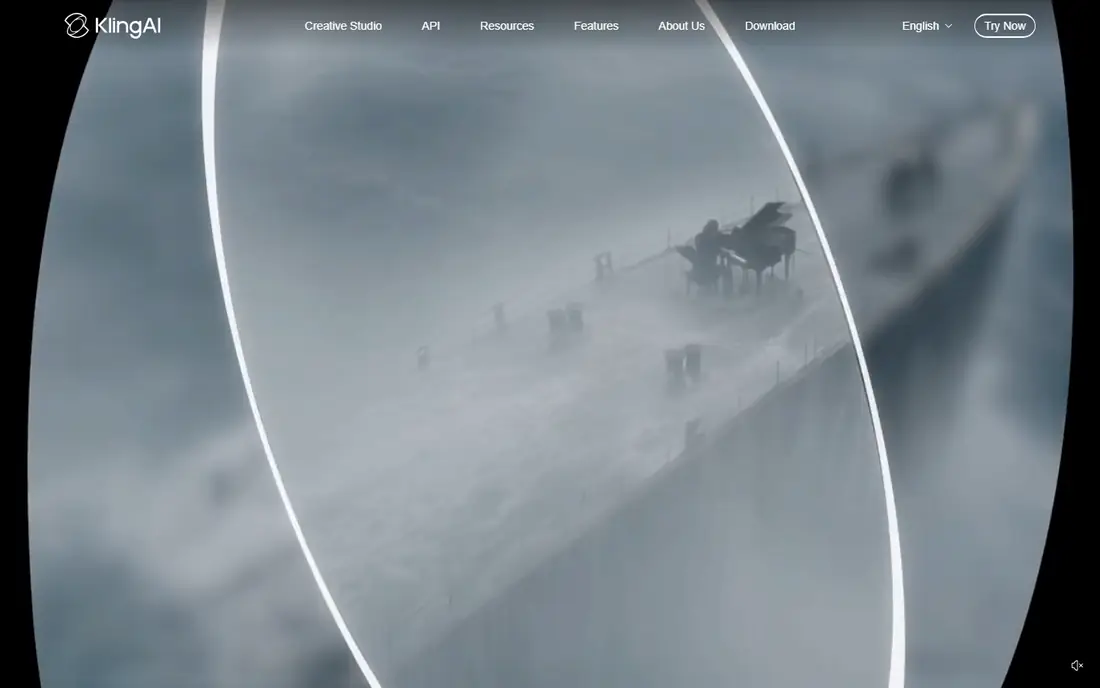
Kling AI stands out first because its free tier refreshes with daily login credits, which makes it useful for regular practice rather than a single test. The tool handles text-to-video and image-to-video prompts, and its newer models add clearer motion and more controlled camera moves. For short social clips, that combination gives a creator room to try several ideas in a week without paying.
The limits are plain. Free generations are lower in resolution than paid output, queues can be slower at busy times, and the newest features often sit behind a paid plan. We would use Kling AI to learn what style and motion work, then pay only when a clip needs clean, commercial-ready export.
- Daily login credits
- Strong motion and camera control
- Text and image inputs
- Free output is watermarked
- Free use is not for commercial work
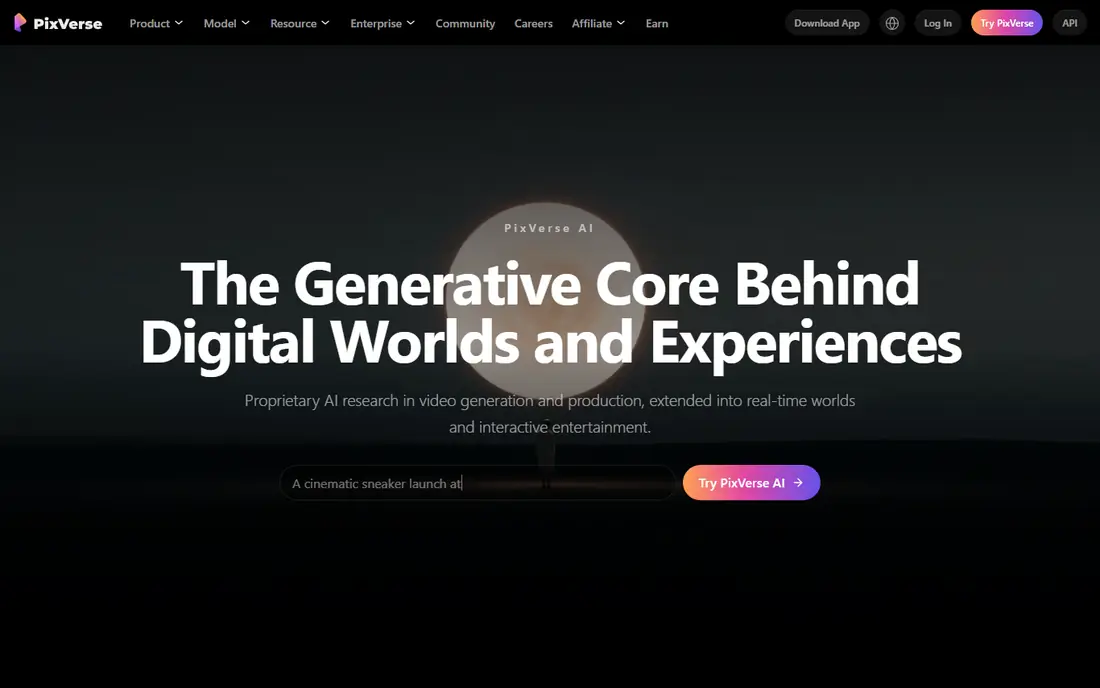
PixVerse suits creators who want quick, stylized clips for TikTok, Reels, or Shorts without a long setup. Its free plan includes daily credits, and its templates and style options help a short idea become a finished clip faster than a blank prompt often does. The app side of the service keeps the workflow close to where many social videos are posted.
The catch is scale. Free credits run out quickly when a clip needs several retries, and free exports are not the right choice for polished brand work. Treat PixVerse as a daily idea machine, and move to a paid tier when resolution, length, or clean export matters.
- Daily free credits
- Fast stylized output
- Templates for short-form video
- Free resolution is limited
- Daily credits may not cover longer clips
Dreamina, from the CapCut family, is a strong choice for creators who prefer a more realistic look over cartoon effects. Its daily free credits let you test prompts over time, and image-to-video is useful when you already have a product photo or portrait that needs motion. The interface stays simple, which helps on a phone.
Free use still has clear bounds. Daily credits do not stretch to a full production schedule, and generated faces, hands, and text can still show flaws that need a human check. Use Dreamina for realistic test clips, then edit and review the result before it goes public.
- Daily free credits
- Realistic image-to-video results
- Simple prompt workflow
- Free credits are limited each day
- Output may need editing before posting
HeyGen takes a different route from scene generators, because it builds presenter-style videos from a script and an avatar. Its free plan allows a small number of watermarked videos each month, which is enough for a demo, a short explainer, or a test of whether an avatar fits your content. That format works well for training notes, product updates, and simple announcements.
The main weakness is scope. HeyGen is not the tool for cinematic scenes, and free avatar videos are short and marked. Never use a real person's face or voice in an avatar without that person's clear permission, and keep the script and source material to content you own or have licensed.
- Monthly free avatar videos
- Clear presenter format
- Simple script workflow
- Free videos are watermarked and short
- Avatar use needs care with consent
CapCut belongs here because most generated clips still need trimming, captions, music, and a clean export, and CapCut does that work well on Android. Its free plan covers a large part of everyday editing, and its templates help a short AI clip look finished without desktop software. For creators who generate elsewhere, CapCut is the practical finishing step.
CapCut is not a full replacement for a dedicated scene generator, and some of its newer AI features sit behind paid access. The honest approach is to generate the scene in Kling AI, PixVerse, or Dreamina, then finish it in CapCut, rather than expecting one free app to do every job at full quality.
- Free editing on Android
- Templates and captions
- Direct social export
- Some AI features need a paid plan
- Generated video quality varies by feature
Canva is the pick for a small business owner who needs a promo clip more than a film scene. Its free plan gives templates, text, stock-style layouts, and basic video editing, so a short announcement or product clip can be made on a phone without learning a specialist tool. The template approach also keeps branding consistent across posts.
The limit is depth. Canva does not match dedicated video models for realistic motion or long scenes, and its AI video options are narrower on the free plan. Use Canva when the message and layout matter more than the generated footage itself.
- Free plan for design and video
- Templates for promos
- Easy text and branding
- AI video generation is limited on the free plan
- Best for short simple clips
Meta AI fits casual creators who already use Meta apps on Android and want a quick moving version of an image. The workflow is light, the entry cost is zero, and it is useful for testing whether motion adds anything to a photo or idea. For a fun post or a quick draft, that speed is a real advantage.
It is not a production tool. Control over camera, length, and style is limited, and results suit casual sharing better than client work. Use Meta AI for ideas and drafts, and use a dedicated generator when the final clip needs consistent quality.
- Free to use
- Phone-first workflow
- Quick image-to-video ideas
- Video length and control are limited
- Output is best for casual clips
InVideo is useful when you start with words rather than a visual prompt. You can turn a short script or product description into a structured promo video with scenes, text, and stock-style footage, then adjust it in a browser on your phone. That structure helps small sellers who need a clear message in a short video.
The free plan has the usual trade-off. Exports carry a watermark, and AI generation is limited, so a free video is best for a draft or a personal project. Check the current free limits before planning a series, and upgrade only if the watermark or the volume becomes a blocker.
- Free plan for script-based videos
- Templates for promos
- Web workflow on mobile
- Free exports carry a watermark
- AI generation limits apply on the free plan
How we picked these
We compared official pricing pages, app store listings, and current free-tier terms, and we excluded tools whose free offer was only a one-time credit bundle, a short trial, or a paid plan with no recurring free use. We also excluded Sora, which is not a live option for this list. Each tool above still offers a recurring free tier in October 2026, and each can be used from an Android phone, either through an app or a mobile browser.
What to check before you generate for free
Start with the free limit that matters most to you. Daily credits suit frequent testing, while a monthly allowance suits a slower pace. Then check three details on the pricing page: whether free output has a watermark, whether free output may be used for commercial work, and whether higher resolution requires payment. Those three answers often decide the pick faster than model names do.
Consent and source material
Use only your own photos, video, and scripts, or material you have a clear licence for. Do not generate video of a real person, or clone a real voice, without that person's clear consent, even for a joke or a test. This rule applies to avatars, face swaps, and voice features, and it matters more than any feature list.
Making free clips look finished
Keep prompts short and specific, and generate several versions of a key scene instead of expecting one perfect result. Trim the best seconds, add captions for viewers who watch without sound, and check faces, hands, and on-screen text frame by frame. A short clean clip will serve you better than a longer clip with visible flaws.
Frequently asked questions
Is there a truly free AI video generator for Android?
Yes, several tools in this list offer recurring free tiers, including Kling AI, PixVerse, and Dreamina with daily credits. Free tiers usually limit resolution, length, or commercial use, so read the current terms before posting work for a client.
Why do some free tools disappear from lists?
Free allowances change often, and some vendors replace a recurring free plan with a one-time bundle or a paid-only model. We kept only tools with a recurring free tier at the time of writing, and we left out one-time-only offers.
Can I use free AI video for commercial work?
Not always. Some free tiers allow personal use only, and others add a watermark that makes the clip unsuitable for paid work. Check the licence on the vendor's own terms page before using a free clip in an ad or a client project.
Do I need consent to make a video of a real person?
Yes, get clear consent from the person before generating video of their face or voice, and use only your own material or licensed material as the source. This applies to avatars, face animation, and voice cloning, even for short clips.
Which free tool is best for beginners on Android?
CapCut is the easiest finishing tool, while Kling AI and PixVerse are good starting points for generation itself. Beginners often do best by generating a short clip in one tool and editing it in CapCut.
Is Sora available as a free Android video generator?
No, Sora is not listed here as a live option. The standalone Sora app closed in April 2026, and its API ended in September 2026, so we did not count it as a current free tool.
Sources
See where you really rank - block by block
ProMapRanker scans Google Maps across a grid of your service area. Simple monthly plans from $19, white-label on every plan.
Start freeKeep reading
 worlds best local seo company
8 Worlds Best Local SEO Companies for Map Pack Growth in 2026
Compare the worlds best local seo company options for Google Business Profile work, citations, reviews, and multi-location rankings and reporting in 2026.
Read → world's best web hosting company
World's Best Web Hosting Company in 2026
Searching for the world's best web hosting company? We compared 10 hosts on price, renewal rates, speed, and support to help you choose well today in 2026.
Read → who's got the best nanny tax services
Who's Got the Best Nanny Tax Services in 2026
We answer who's got the best nanny tax services, comparing full filing, back taxes, software, and pricing so families can handle nanny taxes correctly.
Read →