 ProMapRanker
Best Free AI Tools to Convert Image to Video in 2026

Key takeaways
- Kling AI gives the most free footage per month on a hosted plan, with daily credits that reset, while Runway free access is a one-time credit deposit.
- Most free plans watermark clips, limit resolution to 720p and block commercial use, so read the terms before publishing.
- Wan-style open source models are the only truly unlimited free route, but they need your own graphics card and setup time.
- Only animate images you own or have permission to use, and never animate a real person without their clear consent.
Quick comparison
| Pick | Great for | Pricing starts at | Free tier | |
|---|---|---|---|---|
 Kling AI | Most free hosted footage | Free | Yes | Visit |
 Hailuo AI | Natural faces and expressions | Free | Yes | Visit |
 Runway | Pro editing controls | Free | Yes | Visit |
 Pika | Creative social clips | Free | Yes | Visit |
 Luma Dream Machine | Cinematic image-to-video | Free | Yes | Visit |
 PixVerse | Effect-driven short clips | Free | Yes | Visit |
 Adobe Firefly | Commercial-safe brand work | Free | Yes | Visit |
 Canva | Beginners and social posts | Free | Yes | Visit |
 Vidu | Character and image animation | Free | Yes | Visit |
 CapCut | Editing plus light AI tools | Free | Yes | Visit |
The best free ai tools to convert image to video
We compared hosted generators, editors with AI generation and open workflows on free credits, clip length, watermark rules and image-to-video quality. These ten all offer a real free route to animate a still image. A plain consent note applies to every tool here: use only images you have rights to, and do not animate real people without permission.
Kling AI is our free pick for most people. Its free plan hands out around 66 credits a day, which covers several short standard-quality clips, and those credits reset daily rather than running out for good. Motion quality is strong for people, scenery and camera moves, which is why it ranks first for general image-to-video tests.
The limits matter. Free output carries a watermark, resolution is capped below paid tiers, and commercial use needs a paid membership. If you only need personal tests, social drafts or practice clips, Kling gives more free footage in a month than any other hosted tool here.
- Daily free credits refresh
- Strong motion and camera movement
- Image-to-video and text-to-video in one account
- Free clips are watermarked
- Commercial use is not included on the free plan
- Peak queues can be slow
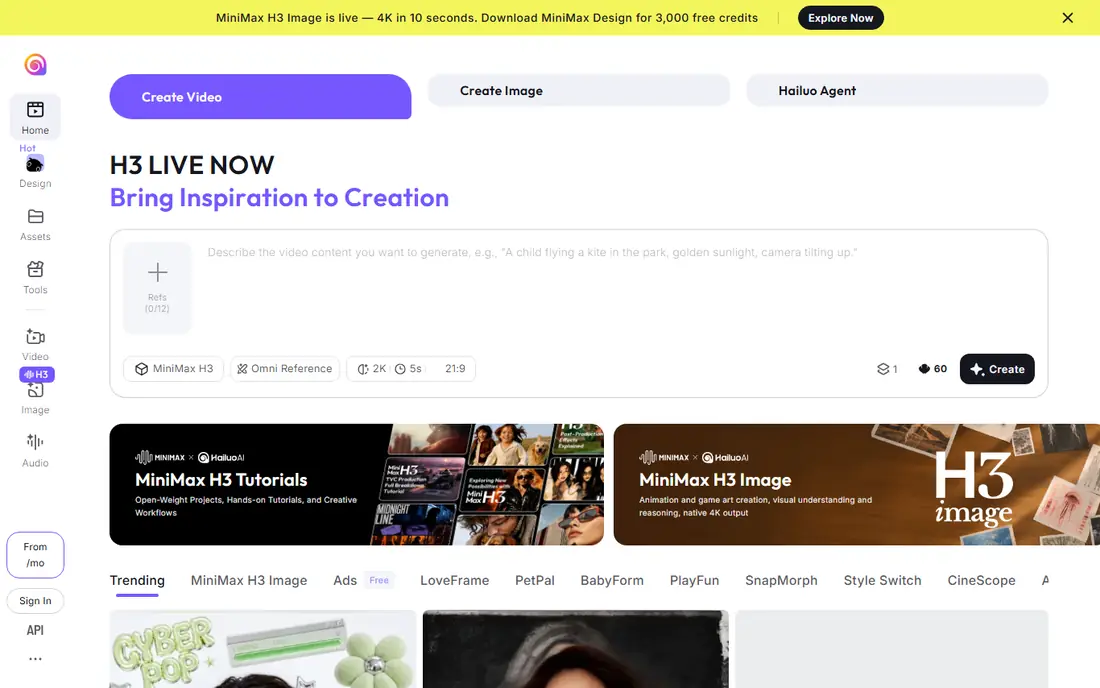
Hailuo AI, also known as MiniMax Hailuo, is a strong choice when the image is a person or a face. Its motion looks natural on expressions, hair and small movements, which suits portrait animation and character tests better than tools tuned for scenery.
Free access comes as trial and daily credits rather than a large ongoing allowance, and free clips carry a watermark. Paid plans remove the watermark and raise resolution. Try it for face-led clips, and use Kling when you need more free volume.
- Photorealistic short clips
- Good facial expressions
- Simple upload and prompt flow
- Free access is trial credits only
- Watermark removal needs a paid plan
- Clips are short
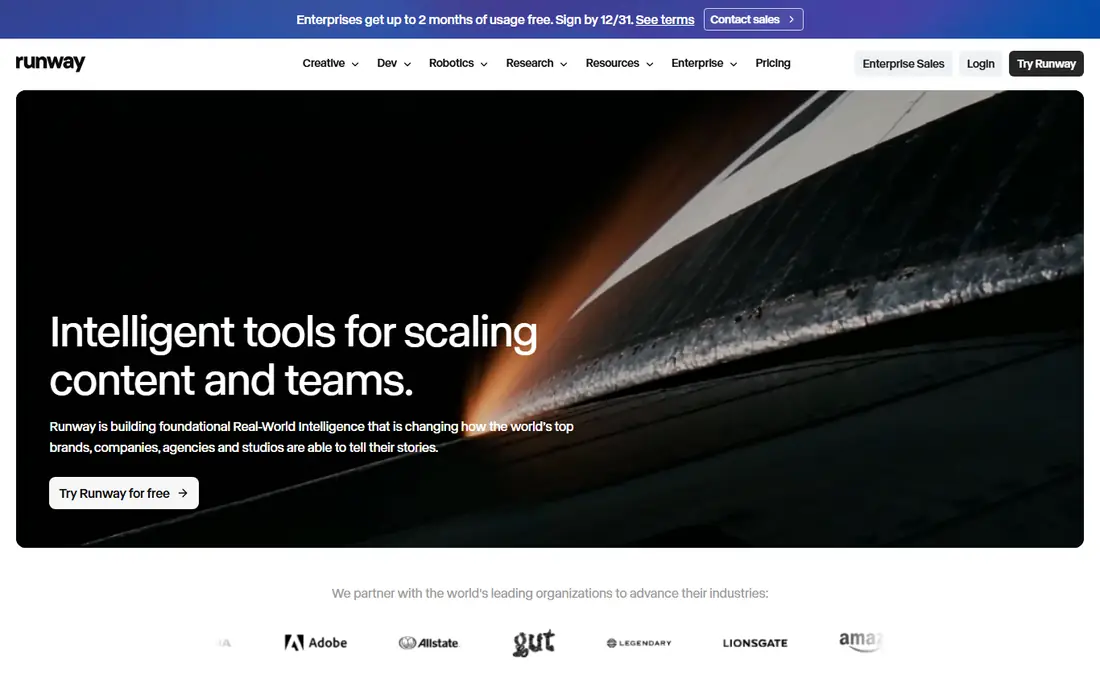
Runway is the most capable editor in this list, not just a clip generator. You can start from an image, describe the motion, then edit, extend and combine clips in the same workspace. That control appeals to creators who plan to learn video work properly rather than make one clip.
The free catch is important: Runway has offered around 125 starter credits as a one-time deposit, so free use ends when those credits run out. Treat it as a trial of a pro tool, not as an ongoing free plan, and budget for a paid plan if you want regular output.
- High-quality generation plus editing tools
- Strong camera and motion controls
- Useful beyond simple clips
- Free access is a one-time credit deposit, not a monthly refresh
- Free clips are watermarked
Pika suits social creators who want a quick, playful clip from a photo. Upload an image, pick an effect or write a short motion prompt, and get a clip in a few seconds. The interface is simpler than Runway, which helps first-time users.
Free access is a Basic plan with credits that vary by current offer, so check the allowance when you sign up. Watermark and commercial rules depend on tier, so do not assume a free clip can be used in paid ads. For fun personal clips, it is one of the easiest tools here.
- Easy for beginners
- Fun effects and stylised motion
- Short-form clips for social posts
- Free credit allowance varies
- Commercial use is gated to higher tiers
- Clips are short
Luma Dream Machine is known for smooth, film-like motion from a still image. Camera moves feel steady, and scenery animates in a believable way, which suits mood clips, product shots and short cinematic tests.
Free use is limited to a set number of generations per month on the free tier, and free clips carry a watermark. It is best as a quality test tool: generate a few clips to judge the look, then decide whether a paid plan is worth it for regular work.
- Natural, cinematic movement
- Good on scenery and objects
- Simple image upload flow
- No free plan in the full sense on some tiers, with limited generations
- Free clips are watermarked
- Commercial use needs a paid plan
PixVerse is built for speed and trends. It offers daily free credits, a set of ready-made effects, and quick generation for vertical social formats. If you want to test a viral effect on a photo, it is faster than a pro editor.
The trade-off is polish. Free exports are watermarked, resolution is limited, and the effect library leans playful rather than cinematic. Use it for drafts and social experiments, and use Kling, Hailuo or Runway when the clip needs to look professional.
- Daily free credits
- Trend-focused effects
- Fast generation for social formats
- Free clips are watermarked and lower resolution
- Effect styles can look gimmicky for serious work
Adobe Firefly is the safest pick for business use. Adobe positions Firefly video generation as commercially safe, which matters when a clip will appear on a company page, in an ad or in client work. It also fits naturally into Photoshop and Premiere workflows.
Free access starts with a limited credit allowance, and heavier use needs a paid Adobe plan. The generation style is clean rather than wild, which suits brands but may disappoint users chasing dramatic effects. For work use, the licensing clarity outweighs that limit.
- Adobe says Firefly generation is commercially safe
- Integrates with Adobe editors
- Clean, brand-friendly output
- Free credits are limited
- Best value sits inside a paid Adobe plan
- Clip options are narrower than specialist generators
Canva is not the strongest generator here, but it is the easiest complete workflow. Turn a photo into a moving clip, add text, captions and music, and export a social post without learning a video editor. That simplicity makes it ideal for small businesses and beginners.
Free access is generous for editing, though AI generation credits are limited. If your goal is a polished social post rather than a cinematic clip, Canva saves time. If your goal is realistic motion, start with Kling or Hailuo and edit the result in Canva afterwards.
- Very easy for beginners
- Templates, text and music in one editor
- Free plan never expires
- AI video generation is basic next to specialist tools
- Free exports may carry branding limits
Vidu is worth trying for character-led animation, where a drawn or photographed character needs to move in a consistent way. It supports image-to-video and reference features that help keep a character recognisable across clips, which some simpler tools struggle with.
Free access is limited, and paid plans are among the cheaper step-ups in this category. It is a good second tool to test after Kling and Hailuo, especially if your clips feature the same character repeatedly.
- Strong character animation
- Low-priced paid step-up
- Image-to-video plus reference-based motion
- Free plan is limited
- Interface takes a little learning
- Output quality varies by prompt
CapCut is an editor with AI features rather than a pure generator, and that distinction matters. Its free plan covers editing, captions, templates and light AI tools with generous export options, which makes it the best free finishing tool in this list.
Use a specialist generator for the animated clip itself, then cut, caption and export it in CapCut. That two-step workflow gives better motion than CapCut alone and better editing than most generators alone. For simple photo-to-video slideshows, CapCut on its own is enough.
- Free plan is generous for editing
- Exports up to 4K on free tiers for edited video
- Captions and templates included
- AI generation is lighter than specialist generators
- Some advanced features need a Pro plan
How we picked these
We compared official product pages, free-plan descriptions and current October 2026 roundups of free video generators. We kept only legitimate creative tools that offer a real free route to image-to-video, and we excluded any tool built for non-consensual imagery. We checked free credit type, watermark rules and commercial limits where vendors publish them, and we marked one-time credits as different from refreshing free plans, since that distinction decides whether a tool stays free.
How to get a good clip from a still image
Start with a sharp, well-lit image with a clear subject and little clutter. Images with strong lighting and a single focal point animate more cleanly than busy scenes. Write a short motion prompt that describes one movement, such as a slow zoom or a head turn, rather than asking for five actions at once.
Expect short clips. Most free tools produce clips of a few seconds, so plan for that length and loop or edit several clips together if you need a longer video. Check the first frame and the last frame closely, since hands, faces and text distort most at the edges of motion.
Before publishing, check the licence. Free clips are often for personal use only, watermarked, or limited to lower resolution. If a clip will run in an ad, on a client site or in a paid product, use a tool with clear commercial terms such as Adobe Firefly, or upgrade to a paid plan on your chosen generator.
Frequently asked questions
What is the best free ai tool to convert image to video?
Kling AI gives the most free hosted footage, with daily credits that refresh. Hailuo AI is better for faces, Runway is better for pro control, and Pika is easiest for social clips. Pick by clip type, not by a single ranking.
Are free AI video tools really free?
Most are free with limits: credits, watermarks, lower resolution, queues or short clips. Runway free access is a one-time credit deposit, while Kling credits refresh daily. Read the free-plan page before starting a project that needs many clips.
Can I use free AI video clips commercially?
Usually not on a free plan. Kling, Hailuo, Luma and Pika all gate commercial use to paid tiers, and free clips often carry watermarks. Adobe Firefly is the clearest commercial-safe option here, though free credits are limited.
How long are free image-to-video clips?
Most free clips run for a few seconds, commonly around 5 seconds and up to about 10 seconds on some tools. Longer videos need paid plans, or editing several short clips together in CapCut or a similar editor.
Do I need consent to animate a photo of a person?
Yes, in practical terms. Only animate photos you own or have permission to use, and get clear consent before animating a real, identifiable person. Do not use these tools to create misleading or intimate imagery of anyone.
Sources
- https://klingai.com
- https://hailuoai.video
- https://runwayml.com
- https://pika.art
- https://lumalabs.ai/dream-machine
- https://pixverse.ai
- https://firefly.adobe.com
- https://www.canva.com
- https://www.vidu.studio
- https://www.capcut.com
- https://toolchase.com/blog/best-free-ai-video-generators-2026/
- https://www.theaitools.tech/2026/10/best-free-ai-video-generators-2026.html
See where you really rank - block by block
ProMapRanker scans Google Maps across a grid of your service area. Simple monthly plans from $19, white-label on every plan.
Start freeKeep reading
 zscaler alternatives
Best Zscaler Alternatives in 2026
Looking for zscaler alternatives? We compare 9 SASE and zero trust platforms on architecture, data protection, pricing, and fit for your network and team.
Read → zapier alternatives free
Best Zapier Alternatives Free in 2026
Nine automation tools for zapier alternatives free in 2026, all with genuinely free tiers, plus free plan limits, starting prices and upgrade paths explained.
Read → which platform is best for online reputation
Which Platform Is Best for Online Reputation in 2026
Wondering which platform is best for online reputation? We compare 8 review, listing, and response tools for small and multi-location businesses and agencies.
Read →