 ProMapRanker
Best Free AI Presentation Tools in 2026

Key takeaways
- Every tool here has a genuinely free tier, not only a trial: trial-only tools were left out on purpose.
- Gamma is the best free pick for a fast AI-first draft, while Canva is the best free pick for hands-on design control.
- Free credits are usually one-time or capped, so the best free tool depends on how many decks you need, not only on generation quality.
- Branding on free exports and PowerPoint conversion quality are the two limits most likely to matter for school or work decks.
- Check the live account screen before a deadline, because free credit and export rules change often.
Quick comparison
| Pick | Great for | Pricing starts at | Free tier | |
|---|---|---|---|---|
 Gamma | Fast free AI-first drafts | Free | Yes | Visit |
 Canva | Free design control | Free | Yes | Visit |
 Pitch | Free team decks | Free | Yes | Visit |
 Presentations.ai | Free simple business decks | Free | Yes | Visit |
 Prezi | Free dynamic presenting | Free | Yes | Visit |
 SlidesAI | Free Google Slides generation | Free | Yes | Visit |
 Tome | Free narrative decks | Free | Yes | Visit |
 Visme | Free data visuals and infographics | Free | Yes | Visit |
 Slidesgo | Free template-led decks | Free | Yes | Visit |
The best free ai presentation tools
Free in this guide means a permanent free tier that lets a user generate and present decks without paying, even if credits are capped or exports carry branding. Tools that only offer a time-limited trial were excluded, even when the trial is generous, because a trial ends and a free tier does not.
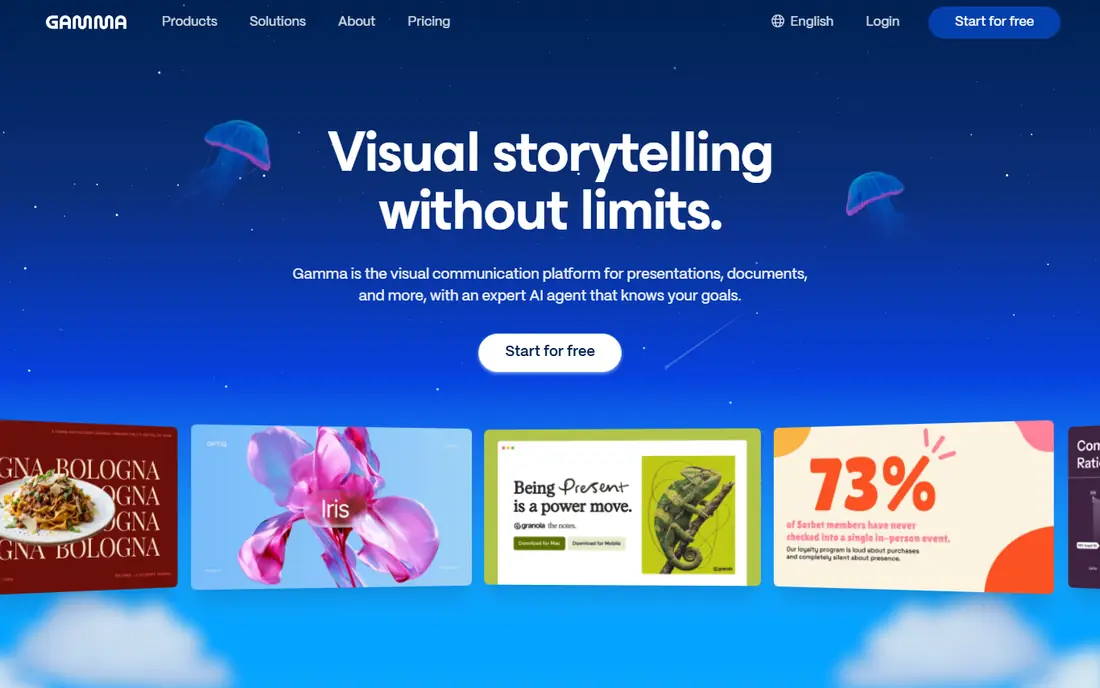
Gamma is the strongest free starting point for a user who wants a complete deck from one prompt. The free plan gives a starter credit allowance that covers several generations, with a cap on slides per prompt, and the resulting deck can be shared as a web page or exported to PDF and PowerPoint. Generation quality on the free tier matches the paid experience closely enough that a first deck rarely reveals it was made for free.
The limits are the ones to plan around. Free credits do not refill, so a user who makes decks weekly will exhaust them and need referrals or a paid plan, and free decks carry Gamma branding. PowerPoint export also converts from a web format, so layouts can shift slightly. Gamma fits occasional decks, class projects, and first drafts best, and it is our free pick for speed.
- Strong prompt-to-deck generation on the free tier
- Web, PDF, and PowerPoint output
- Clean modern themes
- Free credits are one-time and do not refill
- Free decks carry Gamma branding
- PowerPoint export is a conversion
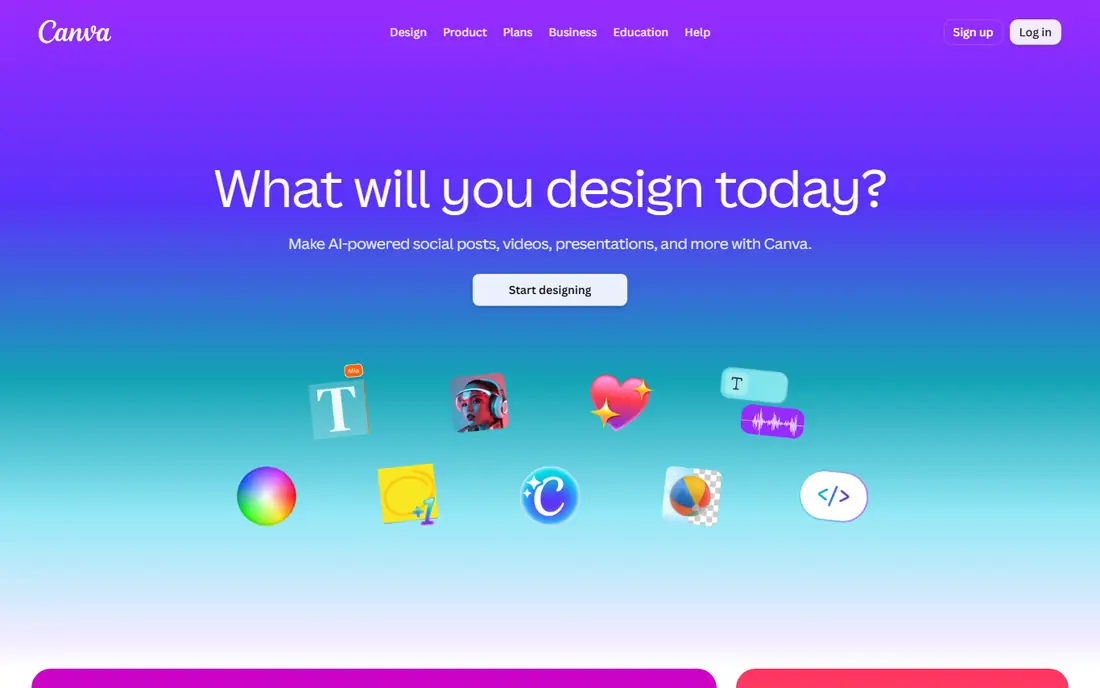
Canva's free plan is the most flexible free option for users who want to design by hand as well as use AI. It includes a large template library, media assets, storage, and a capped number of AI uses, plus PowerPoint and PDF export for presentations. A user can start from a template, use AI for a draft or an image, and then edit every element manually without paying anything.
The trade-off is AI depth. The free AI allowance is small compared with paid plans, and some templates, assets, and Brand Kit features require Pro, so a user who wants heavy AI generation will hit the cap quickly. Canva fits students, small businesses, and creators who value design control and templates over pure AI generation volume.
- Generous free template library
- Familiar editor
- PowerPoint, PDF, and image export
- AI use capped on the free plan
- Some templates and brand features need Pro
- AI generation allowance is limited
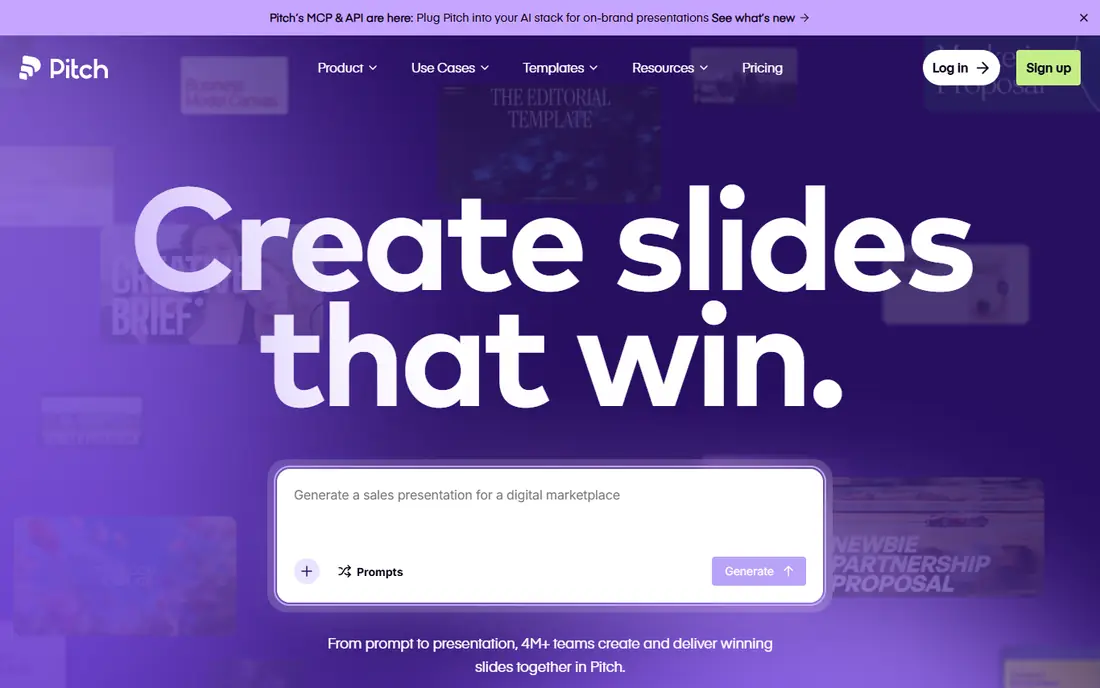
Pitch offers one of the most usable free plans for teams: unlimited presentations, a small team size, storage, and a one-time AI credit allowance, all without a card. That makes it a practical free choice for a student group, a startup team, or a classroom that needs to collaborate on decks together, with comments and sharing built in rather than bolted on.
The limits are AI credits and branding. Once the one-time AI credits are used, further AI generation needs a paid plan, and free exports carry Pitch branding, which may matter for client-facing work. Pitch fits free team collaboration best, and solo users who only need one fast deck may prefer Gamma.
- Free plan with unlimited presentations for small teams
- Collaboration and sharing built in
- Clean deck workflow
- Free AI credits are one-time
- Free exports carry Pitch branding
- Advanced brand features need paid plans
Presentations.ai gives free users a starter plan with prompt-to-deck generation, a slide cap, and PowerPoint and PDF export, which is enough to make a clean business deck without paying. The editor stays simple, so a manager or student can generate a quarterly update or a project summary, adjust the text, and export it without learning design software. That simplicity is the appeal for straightforward work decks.
The free allowance is small, so free use suits occasional decks rather than weekly generation, and design variety is narrower than a general design platform. Paid plans are also billed annually at the listed tiers, which matters if free credits run out mid-project. Presentations.ai fits free, simple business decks best.
- Free starter plan with prompt-to-deck generation
- Simple business-focused editor
- PowerPoint and PDF export
- Free credits are small and slide-capped
- Design range is narrower than Canva
- Paid plans are annual-only at listed tiers
Prezi's free Basic plan gives users access to its zooming canvas and AI-assisted creation with a capped credit allowance, which is enough to try dynamic presenting without paying. The format suits lessons, pitches, and talks where moving from an overview into detail helps the audience follow connections between ideas. PowerPoint import also lets users bring existing slides into the Prezi format.
The limits are credit caps and format familiarity. Regular AI generation needs a paid plan, and some workplaces expect classic linear slides that can be printed or skimmed, which makes Prezi a weaker fit for standard corporate decks. Prezi fits free, story-driven presenting best, especially in education.
- Free Basic plan with AI-assisted creation
- Zooming canvas for storytelling
- PowerPoint import
- Free AI credits are capped
- Format is less standard than linear slides
- Some workplaces expect classic slides
SlidesAI offers a genuinely free tier that generates Google Slides decks from text, which makes it ideal for Google Workspace users who want AI drafting without a new editor or an export step. The deck is a Google Slides file from the start, so sharing, commenting, and presenting work exactly as users already expect. For students and workplace teams on Google accounts, that familiarity removes friction.
The free allowance is small, so free use covers occasional decks rather than a heavy schedule, and generated decks usually need a design pass for polish. SlidesAI fits free Google Slides drafting best, and PowerPoint-first users should choose a tool with native PowerPoint output instead.
- Free tier for Google Slides generation
- Keeps the familiar Google workflow
- Fast text-to-deck drafts
- Free allowance is small
- Output needs a design pass
- Depends on Google Slides for editing
Tome's free tier supports narrative, story-driven decks, which makes it a useful free option for founders, students, and sales teams building pitches where flow matters. Generated decks lean toward a cinematic, story-first style, and embedded media can make a pitch feel more like a guided story than a document. For a pitch or a project narrative, that structure is a genuine advantage over a generic template.
The limits are generation caps and format. Free use is limited, dense data decks with many charts are not Tome's strongest use, and the format differs from classic slides, which may matter for workplaces that expect PowerPoint files. Tome fits free narrative decks best.
- Free tier for narrative, story-driven decks
- Good for pitches
- Supports embedded media
- Free generations are limited
- Less suited to dense data decks
- Format differs from classic slides
Visme's free plan covers presentations, infographics, and data visuals, which makes it the best free pick when the deck is really a data story. Charts, diagrams, and visual reports can be built from the same content, and templates help non-designers present numbers clearly. For analysts, educators, and marketers who present data often, that breadth is more useful than a pure text-to-deck generator.
The free plan limits projects and advanced features, and the most useful data widgets sit on paid plans, so heavy data work will eventually need an upgrade. The tool also takes longer to learn than a simple prompt-to-deck generator. Visme fits free data visuals best, and simple text decks may be faster elsewhere.
- Free plan with charts, infographics, and presentation formats
- Good for visual data stories
- Template library
- Free plan limits projects and features
- Advanced data widgets need paid plans
- Learning curve for advanced use
Slidesgo offers a free AI presentation maker that generates customizable, template-led decks, backed by a large template library for school and business use. That template-first approach suits users who know the look they want and need AI to fill the structure quickly, rather than users who want a fully original generated design. The resulting deck can be customized in familiar slide editors.
The cautions are terms and polish. Free download and asset terms should be confirmed on the live site before relying on Slidesgo for a deadline deck, and AI depth is thinner than a dedicated generator such as Gamma, so manual editing matters more. Slidesgo fits free, template-led decks best, especially for education and straightforward business topics.
- Free AI presentation maker for template-led decks
- Large template range
- Customizable generated templates
- Free download and asset terms need checking
- AI depth is thinner than Gamma
- Design polish needs manual work
How we picked these
We compared official pricing pages and recent October 2026 free-tier guides, and we kept only tools with a permanent free tier that allows AI generation or AI-assisted deck creation without payment. We excluded trial-only tools, including well-known tools whose only free path is a time-limited trial, because a trial is not a free tier. We favoured tools with a usable export path, a clear credit or usage limit, and a live product page, and we left out code-first slide frameworks that require technical setup.
What to check before you buy
Free is not unlimited, so count decks before choosing. If you need one deck a month, a one-time credit grant may last months; if you need one deck a week, it will not. Check three things on the live account screen: remaining credits, whether free exports carry branding, and whether the export format matches what your audience expects. A beautiful draft that cannot be exported cleanly is not a finished deck.
Making free tiers last longer
Use AI for the first draft only, then edit by hand instead of regenerating the whole deck for every change, because each regeneration spends credits. Save a good theme or template and reuse it, keep prompts specific so the first generation is closer to final, and keep a backup export in PDF so a deck remains presentable even if credits run out. For a deadline deck, generate early, export immediately, and keep the exported file as the master copy.
Frequently asked questions
What is the best completely free AI presentation tool?
Gamma is the best free pick for a fast AI-first draft, while Canva is the best free pick for design control and templates. The right choice depends on whether you want AI to draft the whole deck or a template and editor you control by hand.
Are free AI presentation tools really free?
Yes, with limits. Free tiers typically cap AI credits, limit projects or features, add branding to exports, or restrict advanced templates. They are free to use indefinitely within those limits, unlike trials that end after a set number of days.
Which free tool exports best to PowerPoint?
Canva, Gamma, Pitch, Presentations.ai, and SlidesAI all offer PowerPoint export on free or paid paths, but converted layouts can shift, so test one real deck before a deadline. SlidesAI avoids conversion entirely for Google Slides users, because its output is already a Google Slides file.
Why were some well-known tools left out?
Tools that only offer a time-limited trial were left out, because this guide covers genuinely free tiers. A generous trial can be useful for testing, but it ends, while a free tier remains available for occasional decks.
Can I use free tools for client or school work?
Yes, for most school and internal work, but check branding and licensing terms first. Free exports that carry a vendor logo may look unprofessional for client work, and some free asset licenses restrict commercial use, so confirm terms before delivering a client deck.
How do I check my remaining free credits?
Open the account or billing screen inside the tool, where credit balances and plan limits are shown. Do this before starting a deadline deck, because credit displays and free-tier rules change, and a deck started without enough credits may not finish.
Sources
See where you really rank - block by block
ProMapRanker scans Google Maps across a grid of your service area. Simple monthly plans from $19, white-label on every plan.
Start freeKeep reading
 zoro.to alternatives
Best Zoro.to Alternatives in 2026
We compare the best zoro.to alternatives in 2026, listing only legal licensed anime streaming services, from Crunchyroll to free options for fans today.
Read → zip alternatives
Best Zip Alternatives in 2026
We compare the best zip alternatives for buy now, pay later in 2026, covering pay-in-4 plans, fees, spending limits, and credit reporting options today.
Read → yesware alternatives
Best Yesware Alternatives in 2026
Compare the best yesware alternatives for sales email tracking, templates, and sequences, with current pricing and honest tradeoffs for small sales teams.
Read →