 ProMapRanker
Best Free AI Image Generator Apps in 2026

Key takeaways
- Microsoft Designer and Google Gemini offer the most useful free output for everyday images, with no paid plan needed to start.
- Ideogram is the best free choice for readable text in posters and graphics, while Leonardo AI suits game art and stylized work.
- Adobe Firefly is the safest free option for commercial work, but its free credit allowance is small.
- Free means different things here: daily credits, slow queues, public images, and watermarks vary by tool.
- Check commercial use terms before using a free image for a business, product, or client project.
Quick comparison
| Pick | Great for | Pricing starts at | Free tier | |
|---|---|---|---|---|
 Microsoft Designer | Everyday free images | Free | Yes | Visit |
 Google Gemini | Photorealistic free images | Free | Yes | Visit |
 Adobe Firefly | Commercial safe free tests | Free | Yes | Visit |
 Ideogram | Text inside images | Free | Yes | Visit |
 Leonardo AI | Game and stylized art | Free | Yes | Visit |
 Canva | Design plus image generation | Free | Yes | Visit |
 ChatGPT Images | Chat based image editing | Free | Yes | Visit |
 Craiyon | Quick casual images | Free | Yes | Visit |
 NightCafe | Art styles and community | Free | Yes | Visit |
 Recraft | Vectors and design assets | Free | Yes | Visit |
The best free ai image generator apps
We compared free AI image generator apps and tools that offer a real free tier in 2026, with attention to daily limits, text accuracy, commercial terms, and how easy each tool is for beginners.
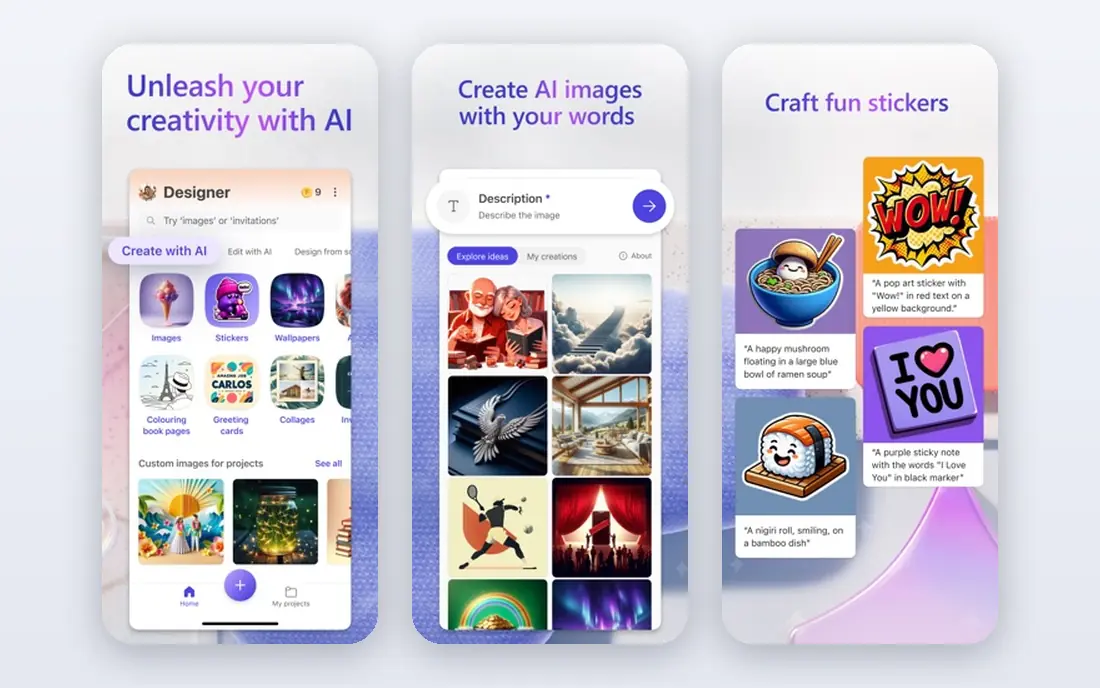
Microsoft Designer, which includes Bing Image Creator, is our pick for most people who want free images without a subscription. You can create images from text in a browser, then use Designer templates for social posts and presentations. Standard speed generations continue after fast boosts run out, which makes it more useful over a full day than a tool that stops at a hard credit cap.
The free experience is not unlimited in the fast lane, and results vary with prompt detail. Write specific prompts with subject, style, lighting, and composition, and generate a few versions before picking one. For blog images, social graphics, and everyday ideas, Microsoft Designer is the easiest free starting point.
- Free image creation with a Microsoft account
- Fast boosts plus slower standard generations
- Design templates beside generation
- Free fast boosts are limited per day
- Some images carry a small mark
- Best results need clear, detailed prompts
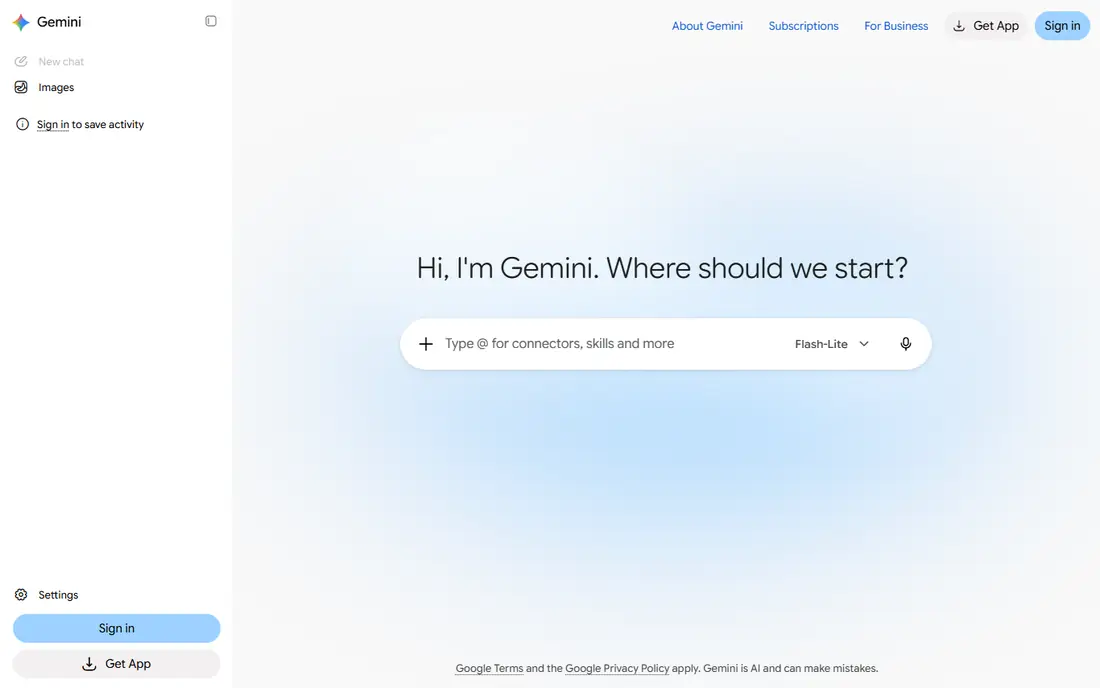
Google Gemini is the best free choice when you want realistic images or edits to an existing picture. You can describe a scene, ask for a change to a photo, or iterate in chat until the result fits. That conversational editing is a major advantage over one shot generators, since you can fix a detail without starting over.
Free use has a daily cap, and Google has warned that limits can change, so do not build a daily production workflow on an assumed number. For personal projects, blog visuals, and test images, Gemini delivers high quality free results. Check current terms before using free images in paid products or client work.
- Strong photorealistic and edited images
- Chat based revisions
- Image editing from an existing photo or image
- Daily free limits apply and can change
- Google account required
- Commercial terms need checking for business use
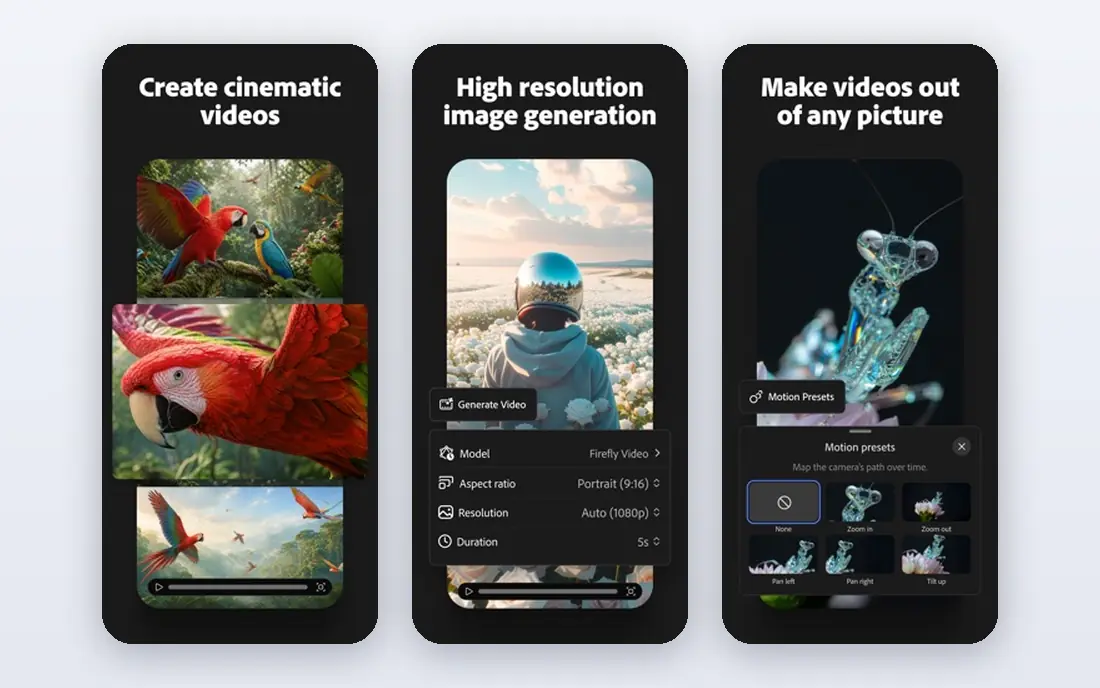
Adobe Firefly is the safest free test for commercial work, because Adobe positions its training and content credentials around licensed content and transparency. If you design for clients or sell products, that safety focus matters, and Firefly images fit naturally into Photoshop, Illustrator, and Express workflows. The free tier lets you test style and quality before paying.
The limit is volume. Free credits each month cover only a small number of generations, so Firefly is not the tool for dozens of free images a day. Use it for final, commercial facing images where safety matters, and use a higher volume free tool for drafts and ideas.
- Trained with a commercial safety focus
- Clean integration with Adobe apps
- No visible watermark on many outputs
- Free generative credits are limited each month
- Best as a sampler, not a daily free home
- Full use needs a paid plan
Ideogram stands out for one hard problem: readable text inside an image. Posters, book covers, social graphics, and product labels often fail in other generators, with misspelled or garbled words. Ideogram handles short headlines, titles, and layout text far more reliably, which makes it the first free tool to try for text heavy designs.
Free use runs in a slow queue, so generation takes longer, and free images may be public depending on the plan. Keep text short, check spelling in every result, and move to a paid plan if you need private generations. For posters and covers, Ideogram is worth the wait.
- Best free text rendering for posters and covers
- Layout aware generations
- Useful for logos and social graphics
- Free generations use a slow queue
- Free images may be public
- Private generation needs a paid plan
Leonardo AI suits creators who want stylized art, game assets, characters, and illustrations rather than only photos. Daily free tokens let you generate regularly, and model choice gives control over style, from anime and fantasy to realistic renders. Tools for character consistency and image guidance help when you need a series of related images.
Token math takes some learning, since image size, model, and features change token cost. Free creations may also be public, so check privacy settings before generating client work. For game art, concept art, and stylized illustrations, Leonardo AI offers more creative control than most free tools.
- Daily free tokens
- Many models and styles
- Character and game asset tools
- Community inspiration
- Tokens do not map to a fixed image count
- Free creations may be public
- Learning curve is higher than simple generators
Canva is the best free choice when an image is only part of a design. Generate an image, drop it into a post, poster, or presentation template, add text, and export, all in one place. That workflow saves time for small businesses and creators who need finished graphics, not only raw images.
Free AI use is limited, and premium models and assets sit behind Pro, so heavy image generation will hit caps. Use Canva free for finished designs that need one or two generated images, and pair it with Microsoft Designer or Gemini for bulk image ideas. For design led work, Canva remains the most practical free stack.
- Image generation inside a full design tool
- Templates for posts, presentations, and print
- Easy to add text and layouts
- Free AI uses are limited
- Best image models and assets need Pro
- Generation quality varies by prompt
ChatGPT Images suits people who think in conversation: describe an image, ask for a change, adjust a detail, and keep refining in the same chat. That loop is ideal for story illustrations, product mockups, and social images where the first version is rarely final. Past images stay in a library for reuse.
Free access exists, but OpenAI does not publish a stable free image count, so treat free capacity as variable. Paid Plus at $20 per month gives more room for regular use. For chat native editing and easy revisions, ChatGPT Images is a strong free test.
- Easy chat based creation and editing
- Strong iterative revisions
- Image library for past creations
- Free image count is not published as a stable number
- Limits vary
- Paid Plus gives more capacity
Craiyon is a simple, low barrier generator for casual use. Type a prompt, get a set of images, and move on, without accounts, credits, or design skills. It works for brainstorming, jokes, classroom ideas, and quick visual drafts where polish does not matter.
Quality is the clear limit. Craiyon images look rougher than Gemini, Firefly, or Ideogram, and free use includes ads and queues. Do not rely on it for business graphics or print work. For a fast, free, no fuss playground, Craiyon still has a place.
- Free and easy to use with no setup friction
- Fun for casual ideas and memes
- Fast for simple prompts
- Image quality is below leading tools
- Ads and queues on free use
- Not suited for professional client work
NightCafe suits art lovers who want to explore styles, join challenges, and share work with a community. Daily free credits let you try different models and styles, from oil painting looks to fantasy art, without paying. The community side can inspire prompts and techniques for beginners.
Free credits will not support high volume commercial work, and precise text or product accuracy is not its strength. Use NightCafe for artistic exploration, gifts, and personal projects, and choose Ideogram or Firefly when text accuracy or commercial safety matters more.
- Free daily credits
- Many artistic styles and models
- Community challenges and sharing
- Free credits are limited each day
- Best for art, less for precise product images
- Paid plans needed for heavy use
Recraft is the best free choice for logos, icons, vectors, and design assets. Unlike raster only generators, it can produce scalable vector style graphics that suit branding, stickers, and illustrations. Daily free credits and mockup tools help designers test ideas before committing to a paid plan.
Check the free plan terms carefully: free images may be public and may not carry a commercial license, depending on the current plan. That makes Recraft a great free design playground, but a paid plan is the safer route for client logos and products. For vector led free creation, it is a distinct and useful tool.
- Vector generation for logos and icons
- Mockups and design assets
- Daily free credits
- Free plan images are public and not licensed for commercial use in some terms
- Learning curve for vector workflows
How we picked these
We compared official feature pages, app listings, and recent published free tier checks for AI image tools available in October 2026. We favored tools with a real free tier, not only a short trial, and we noted daily limits, public image rules, and commercial terms where they affect use. Free limits change often, so we used See website logic in spirit by urging readers to check current terms, and we avoided inventing exact credit counts where sources conflicted.
Getting better free images
Write prompts like a brief, not a single word. Name the subject, action, setting, style, lighting, and composition, and add what to avoid in plain words. Generate several versions of the same idea, pick the best, and then edit that one rather than generating endless new versions. For text, keep headlines short, check every letter, and use Ideogram for posters and covers.
Free limits, rights, and safety
Track your daily credits across tools, since using two free tools can double your daily output without paying. Read commercial terms before business use, keep prompts original, and avoid generating images of real people, trademarks, or sensitive content without permission. If an image will appear in a product, ad, or client deliverable, prefer Firefly or a paid plan with clear commercial terms, and keep a record of the tool and prompt used.
Frequently asked questions
What is the best free AI image generator app?
Microsoft Designer is the best everyday free choice, Google Gemini is best for realistic images, Ideogram is best for text, and Adobe Firefly is safest for commercial tests. The best tool depends on whether you need volume, realism, text, or commercial safety.
What is the best AI image generator tool for free text in images?
Ideogram is the clearest free choice for readable text in posters, covers, and graphics. Keep headlines short, check spelling, and expect a slow queue on the free plan.
Can I use free AI generated images commercially?
It depends on the tool and plan. Adobe Firefly is positioned for commercial safety, while some free plans, such as Recraft free, may make images public or limit commercial use. Read the current terms for each tool before business use.
Which free AI image generator has no watermark?
Most leading free tools in this list do not add a visible watermark, though some add metadata or a small mark depending on the plan. Check the output before publishing, since free plan rules can change.
How many free images can I generate per day?
It varies by tool and changes often. Microsoft Designer offers slower standard generations after fast boosts, Gemini has a daily cap, Leonardo AI uses daily tokens, and Ideogram offers slow queue generations. Check the current free tier page for each tool.
Do free AI image generators need an app install?
Most tools in this list work in a browser, including Microsoft Designer, Gemini, Firefly, Ideogram, Leonardo AI, and Canva. Mobile apps exist for several tools, but a browser and an account are usually enough to start.
Sources
See where you really rank - block by block
ProMapRanker scans Google Maps across a grid of your service area. Simple monthly plans from $19, white-label on every plan.
Start freeKeep reading
 galaxy.ai alternatives with lifetime access
Best Galaxy.ai Alternatives With Lifetime Access in 2026
Looking for galaxy.ai alternatives with lifetime access? We compare 7 pay-once AI tools for chat, writing, images, video and SEO work in 2026, in detail.
Read → best workforce management software
Best Workforce Management Software in 2026
Compare the best workforce management software for scheduling, time tracking, and payroll, with prices, free plans, and picks by team size and industry.
Read → best wms software
Best WMS Software in 2026: 8 Systems Compared
Compare the best WMS software for warehouses of every size in 2026, from enterprise systems like SAP and Manhattan to mid-market options for growing brands.
Read →