 ProMapRanker
Best Free AI Art Generator Apps in 2026

Key takeaways
- Google Gemini and Microsoft Designer offer the simplest free starting point for everyday images and finished graphics.
- Leonardo AI and Ideogram offer useful free credits, but free images may be public and commercial terms vary by plan.
- Adobe Firefly suits free users who want commercially safer images, within its free credit limits.
- Canva, NightCafe, Wombo Dream, Craiyon, and StarryAI suit casual art and social posts, with different limits on style and volume.
- Only create images you own or have permission to use, and never create an image of a real person without their consent.
Quick comparison
| Pick | Great for | Pricing starts at | Free tier | |
|---|---|---|---|---|
 Google Gemini | Free everyday images and edits | Free | Yes | Visit |
 Microsoft Designer | Free finished social graphics | Free | Yes | Visit |
 Leonardo AI | Free daily tokens and style control | Free | Yes | Visit |
 Ideogram | Free text-heavy posters | Free | Yes | Visit |
 Adobe Firefly | Free commercially safer images | Free | Yes | Visit |
 Canva AI | Free design templates with AI images | Free | Yes | Visit |
 NightCafe | Free community art and styles | Free | Yes | Visit |
 Wombo Dream | Free quick stylized art | Free | Yes | Visit |
 Craiyon | Free unlimited casual images | Free | Yes | Visit |
 StarryAI | Free mobile art styles | Free | Yes | Visit |
The best free AI art generator apps
These are the best free AI art generator apps for people who want to create art without paying first. Every tool below has a free plan or free tier, though limits, watermarks, and commercial terms differ. We focused on legitimate creative tools that are live in October 2026, and we note where free use has limits that matter.
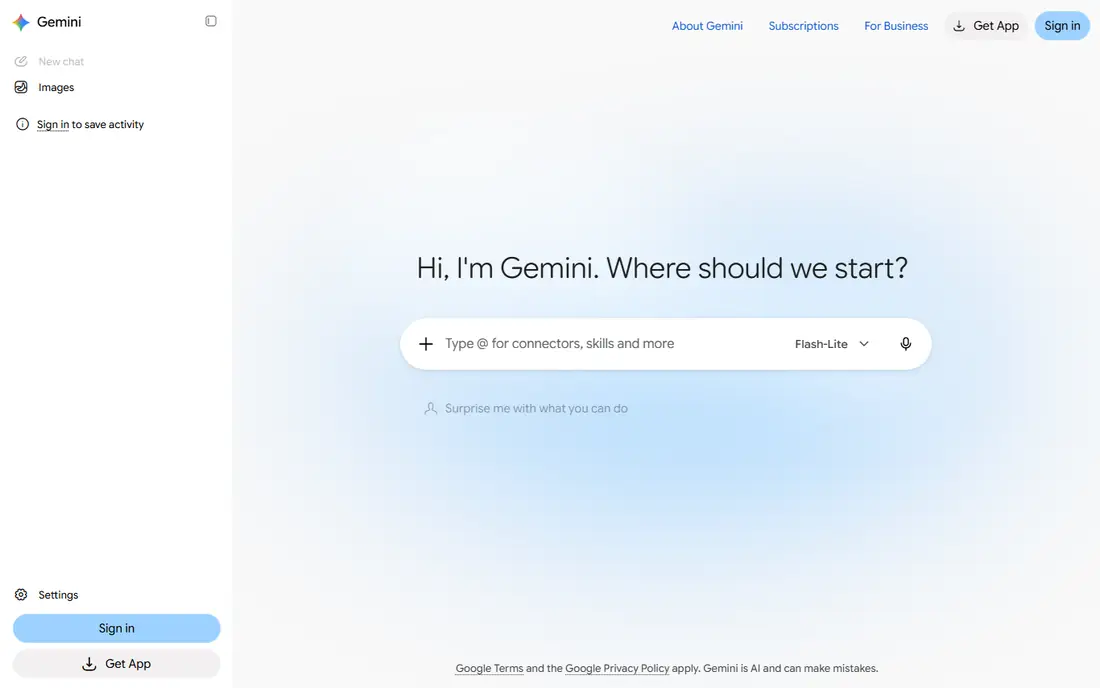
Google Gemini is our pick for most free users because it is already inside an account many people own. You can ask for a new image or describe an edit, and the result arrives in chat. That simplicity suits blog art, social posts, and quick mockups where a specialist workflow would slow you down.
The main caution is change. Free limits shift as Google adjusts its AI plans, so a limit that works today may tighten later. Check the current free allowance before planning a large project around it. For casual free use, Gemini is still the easiest place to start.
- Free image creation with a Google account
- Photo edits from a plain description
- No specialist tool to learn
- Free limits can change without much notice
- Paid plans bundle many features beyond images
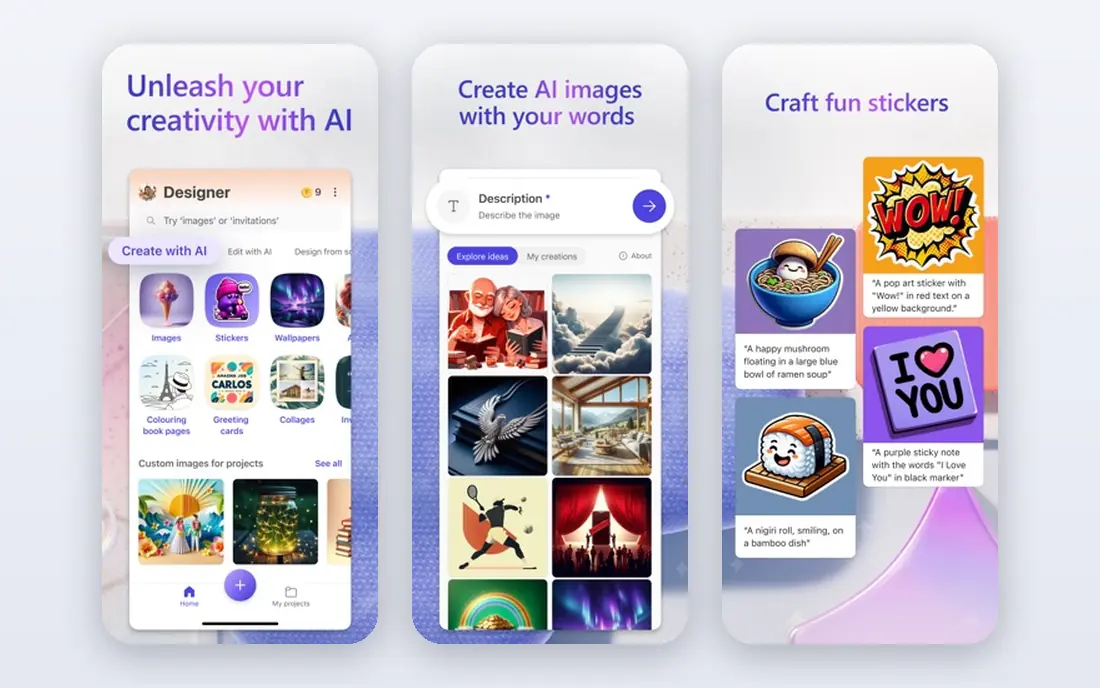
Microsoft Designer suits people who want a finished graphic, not just an image file. It generates an image and places it into a template you can adjust with text and layout tools. That workflow helps small businesses that need a post in minutes.
The trade-off is artistic depth. Designer images can feel generic for premium brand work, and heavier AI use may need a paid plan. For free everyday graphics, it is a dependable and approachable choice.
- Free with a Microsoft account
- Templates for social posts and marketing
- Simple editor for beginners
- Style range is narrower than specialist art tools
- Some advanced features need a paid plan
Leonardo AI offers one of the most useful free tiers for serious hobbyists. Daily tokens let you generate regularly without paying, and its models cover game art, illustration, and product-style images. The canvas editor also helps you refine a result rather than starting over each time.
Check privacy settings on the free plan, since free images may be public. Token math also takes a little learning, since larger or higher-quality images cost more. For free users who want control, Leonardo AI is a strong pick.
- Daily free tokens that reset for regular use
- Many models and style options
- Canvas editor for refining images
- Free images may be public
- Token costs vary by model and size
Ideogram is the free tool to try when words must appear in the image. Its free weekly credits let you test posters, thumbnails, and logo-style images without paying, and its text accuracy is better than many free rivals. That makes it useful for event graphics and social headers.
Free credits run out fast if you generate many variations, so plan prompts carefully. Paid plans also start higher than some rivals. For occasional text-heavy art, the free tier is still worth trying first.
- Free weekly credits for testing
- Strong readable text in posters and thumbnails
- Editing tools on the platform
- Free credits are limited each week
- Paid plans start at a higher monthly price
Adobe Firefly suits free users who may later use an image for client or business work. Its free tier gives a limited number of generations, and Adobe positions its models around licensed content, which helps with rights questions. Images can move into Adobe Express for finishing.
The limit is volume. Free credits do not stretch far for heavy experimentation, so free users should test prompts in small batches. For careful, commercially minded free use, Firefly is a sensible choice.
- Free generations on the free tier
- Focus on licensed training content
- Links to Adobe Express and Photoshop
- Free credit allowance is limited
- Style range can feel controlled
Canva AI suits free users who need a finished design. You can generate an image, add it to a template, and resize it for social channels without another tool. That all-in-one flow is why many small businesses start here.
Free AI uses are limited, so you cannot generate dozens of images a day on the free plan. Specialist tools offer more model control. For occasional finished posts, Canva free plan is practical.
- Free Canva account includes limited AI uses
- Templates, text, and resizing in one editor
- Easy for non-designers
- Free AI allowance is limited
- Heavy AI use needs a paid plan
NightCafe is a friendly free art community. Daily credits let you try different styles, join challenges, and learn prompting by seeing what other users create. That community aspect helps beginners who want inspiration as well as generation.
Free credits are modest, so daily volume is limited. Advanced models and higher resolutions may need paid credits. For casual art and learning, NightCafe is an enjoyable free option.
- Daily free credits for creation
- Many art styles and community challenges
- Simple web and mobile access
- Free credits limit daily volume
- Some advanced models need paid credits
Wombo Dream suits phone users who want a quick piece of stylized art. You type a short prompt, pick a style, and get an image in seconds. That speed makes it fun for social posts and personal art experiments.
Free use comes with app limits, and results may carry a watermark depending on the plan and export route. It also offers less fine control than Leonardo AI or Ideogram. For fast, casual mobile art, it is easy to enjoy.
- Fast stylized art from a short prompt
- Mobile app for on-the-go creation
- Free tier for casual use
- Free results may include a watermark or ads in the app
- Less control than desktop specialist tools
Craiyon is the no-fuss free option. You type a prompt and get images without signing up for a paid plan, which suits brainstorming and casual fun. It is useful for testing an idea before refining it in a higher-quality tool.
Quality is the compromise. Images are rougher than those from Midjourney, Firefly, or Gemini, and free exports may include a watermark. For drafts and play, Craiyon still earns a place, but do not rely on it for final client art.
- Free generation without a paid plan for casual use
- Simple prompt box with no learning curve
- Useful for fun ideas and drafts
- Image quality is lower than paid models
- Free images may include a watermark
StarryAI suits mobile creators who want style-led art on a phone. You pick a style, enter a prompt, and generate art that is easy to share. Its mobile focus makes it handy for creators who work mainly from a phone.
Free credits limit how much you can generate, and the desktop experience is less deep than web tools such as Leonardo AI. For mobile art on a free plan, StarryAI is a solid choice to try alongside Gemini or Designer.
- Mobile-first art creation with style choices
- Free credits for regular use
- Simple sharing for social posts
- Free credits are limited
- Desktop workflow is thinner than web specialist tools
How we picked these
We compared official free tier pages, app store listings, and public help pages for tools that offer free image generation in October 2026. We favored tools with a real free plan, not just a short trial, and we noted limits on credits, watermarks, privacy, and commercial use. We did not claim hands-on testing, and we used Free as the starting price where the free tier is the entry point.
How to get the most from a free plan
Use free credits on finished prompts, not endless variations. Write a clear prompt with subject, setting, and style, generate a small batch, and pick the best result to refine. If one tool runs out of credits, switch to another free tool for the next idea rather than paying in a hurry.
Check three things before publishing a free image: whether it has a watermark, whether free images are public, and whether the plan allows commercial use. Keep a note of the tool and plan for each image you publish. Only create images you own or have permission to use, and never create an image of a real person without their consent.
When to pay for an upgrade
Pay when free limits block real work, such as client deadlines, consistent brand styles, or private images. Compare the paid plan that removes the specific limit you hit, rather than buying the largest plan by default. Many creators do well with one paid tool for final work and free tools for drafts and ideas.
Frequently asked questions
What is the best free AI art generator app?
Google Gemini suits most free users for everyday images, while Leonardo AI suits free users who want style control and daily tokens. The best free AI art generator app depends on whether you need finished graphics, posters, or artistic styles.
What is the best AI art generator app free for posters?
Ideogram is a strong free choice for posters because it handles readable text better than many free tools. Canva AI also suits posters, since it adds templates and text layout around the generated image.
Is there a best free AI art generator app with no watermark?
Some free tools, such as Google Gemini and Microsoft Designer, do not add a visible watermark on standard exports, but terms change. Always check the export itself and the current plan terms before publishing, since free tiers vary.
Can I use free AI art for commercial work?
It depends on the tool and plan. Adobe Firefly free images are positioned for safer commercial use within credit limits, while other free tiers may limit commercial use or make images public. Check the license for your plan before client work.
Why do free AI art apps limit credits?
Free credits control computing costs and encourage upgrades for heavy use. Daily or weekly resets let casual users create regularly, while paid plans suit creators who need volume, privacy, or higher resolution.
Sources
See where you really rank - block by block
ProMapRanker scans Google Maps across a grid of your service area. Simple monthly plans from $19, white-label on every plan.
Start freeKeep reading
 who has the best home internet service
Who Has the Best Home Internet Service in 2026
Who has the best home internet service in 2026? Compare fiber, cable, and 5G providers on speed, price, data caps, and availability at your address today.
Read → visio alternatives
Best Visio Alternatives in 2026
Compare 9 Visio alternatives for flowcharts, org charts, and network diagrams, with free plans, pricing, and the best pick for teams and solo users in 2026.
Read → top 10 logistics software
Top 10 Logistics Software in 2026
We compared the top 10 logistics software tools for transport, warehousing, visibility and shipping, for shippers, carriers and 3PL teams in 2026 today.
Read →