 ProMapRanker
Best Free Accounting App for Small Business in 2026

Key takeaways
- Wave and GnuCash offer the most complete free core accounting, with Wave adding a mobile app and invoicing that suit freelancers.
- Zoho Books and ZipBooks give strong free tiers, but Zoho Books free eligibility ends above $50,000 in annual revenue, so check that limit first.
- Desktop tools such as Manager and GnuCash cost nothing and work offline, yet they need more manual setup than cloud tools.
- Payment processing, payroll, and bank feeds are the usual paid extras, even when the accounting itself is free.
Quick comparison
| Pick | Great for | Pricing starts at | Free tier | |
|---|---|---|---|---|
 Wave | Freelancers needing free invoicing | Free | Yes | Visit |
 Zoho Books | Micro businesses under the revenue cap | Free | Yes | Visit |
 ZipBooks | Simple books with unlimited invoicing | Free | Yes | Visit |
 QuickBooks Free | Owners who want a QuickBooks start | Free | Yes | Visit |
 Odoo Accounting | Growing firms wanting one app suite | Free | Yes | Visit |
 Akaunting | Self-hosted free accounting | Free | Yes | Visit |
 Manager | Free desktop bookkeeping | Free | Yes | Visit |
 GnuCash | Free double-entry accounting | Free | Yes | Visit |
 Invoice Ninja | Free invoicing with accounting basics | Free | Yes | Visit |
The best free accounting apps for small business
We compared free plans, not trial offers, and we kept paid-only tools out of this list. The picks below are free to start, with paid features clearly marked.
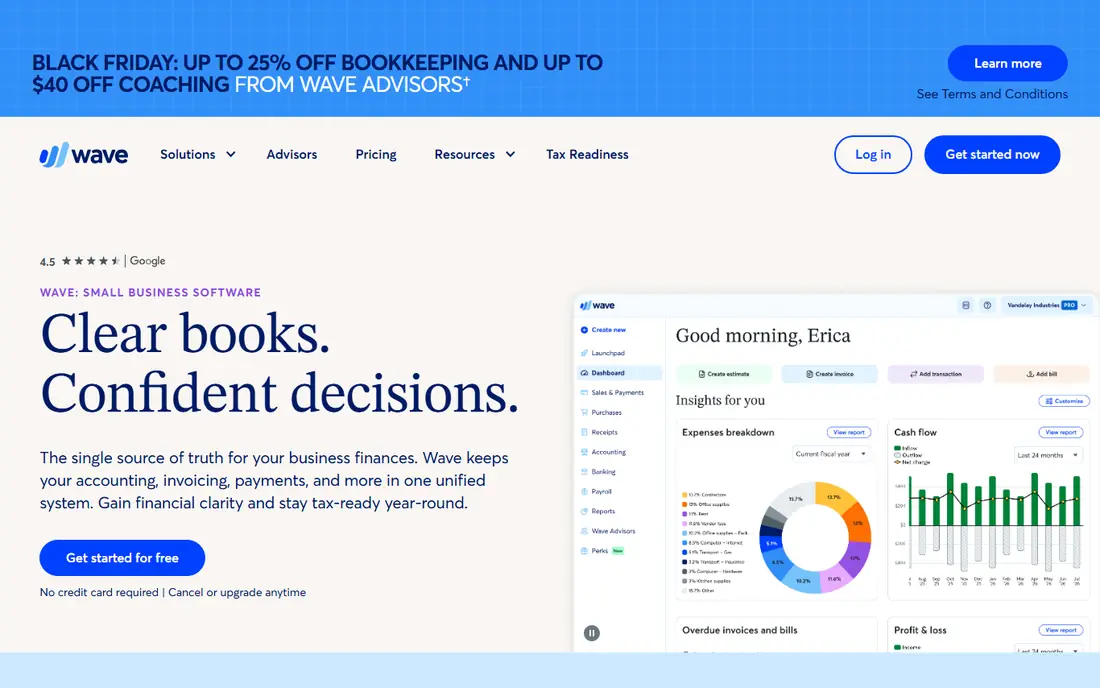
Wave is our pick for most small owners who want to start at no monthly cost. The free Starter plan covers income and expense tracking, invoicing, estimates, and core reports, and the mobile app makes it easy to record money while away from a desk. That combination matters for freelancers and sole traders, who often fall behind on books because the tool feels like extra work.
The catch is in the extras. Automated bank feeds, receipt scanning on some plans, and collaboration features move to paid tiers, and payment processing fees apply when clients pay through Wave. Payroll is also a separate paid service. If your books are simple and you can enter transactions by hand or import them, Wave stays free in practice. If you need hands-off bank syncing, budget for Pro or look at a tool with a different free mix.
- Free core accounting
- Unlimited invoicing
- Mobile app for income and expenses
- Bank feeds and some features sit on the Pro plan
- Payroll and payments carry separate fees
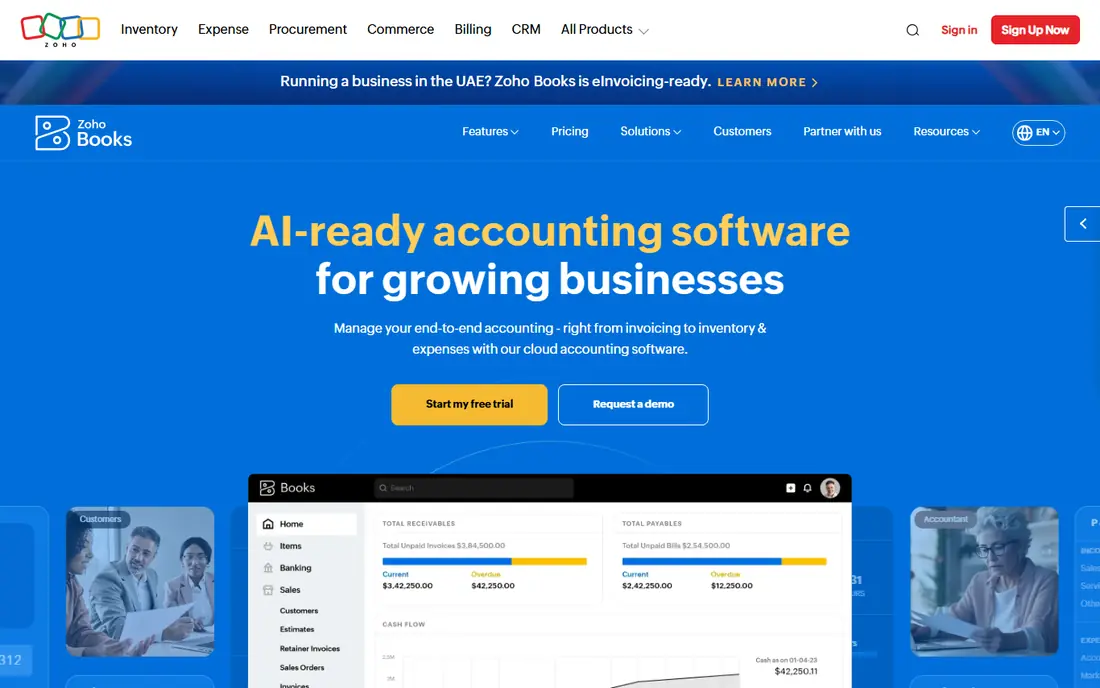
Zoho Books feels like a full accounting system rather than a stripped-down freebie. The free plan includes invoices, quotes, expenses, journals, recurring invoices, and bank reconciliation, which covers most day-to-day work for a very small business. Having an accountant user included is a real plus, since many free tools charge for extra seats.
The limit to watch is revenue. Once annual revenue passes $50,000, the free plan no longer applies, so a growing business should plan for the Standard plan from $20 per month. Bank feeds also start on paid plans, which means free users work with manual imports. For a micro business that is still under the cap, though, Zoho Books offers more depth than most free rivals.
- Up to 1,000 invoices a year on the free plan
- More than 50 reports
- Accountant access included
- Free eligibility ends above $50,000 annual revenue
- Direct bank feeds start on paid plans
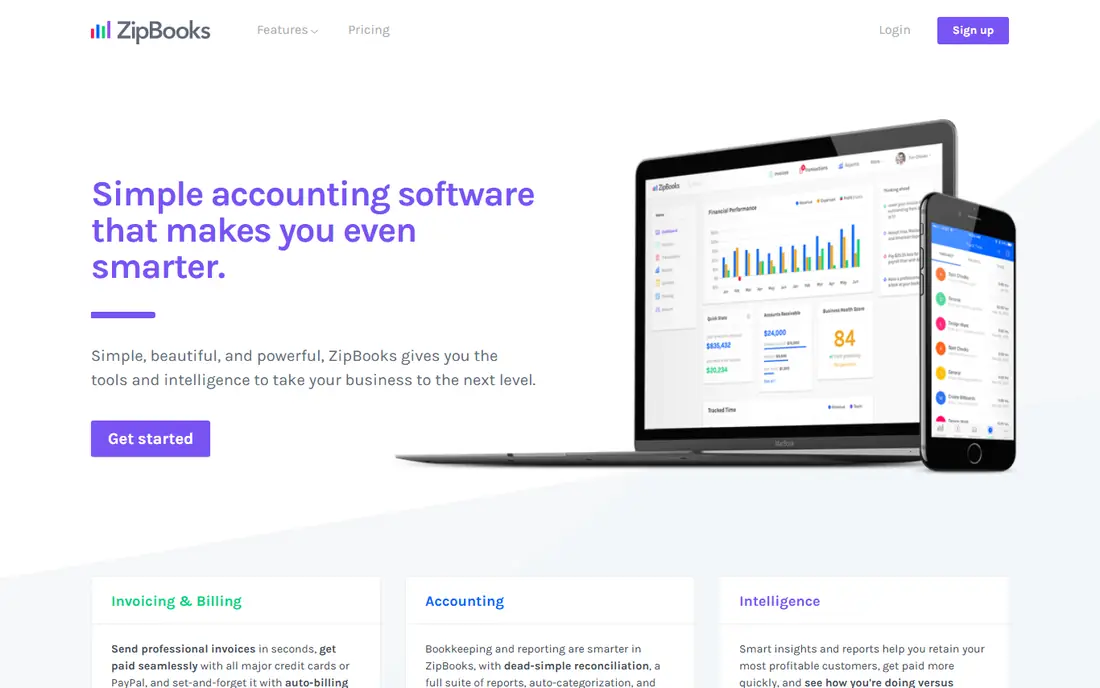
ZipBooks suits owners who want clean invoicing without a monthly bill. The free Starter plan includes income and expense tracking, unlimited customers and vendors, and unlimited invoices, which is generous for a service business that bills often. One connected bank account helps keep transactions flowing in without manual entry for every item.
The trade-off is depth. Team access and richer reporting sit on paid plans, starting around $15 per month for Smarter, so ZipBooks is less suited to a business that needs several staff in the books at once. It also works best for simple books rather than inventory-heavy or multi-entity accounting. For a solo owner or a small service firm, that simplicity is a strength, not a flaw.
- Free Starter plan
- Unlimited invoicing
- One connected bank account on the free plan
- Team access starts on paid plans
- Reports are basic on the free tier
QuickBooks Free is worth a look if you expect to grow into QuickBooks Online later. The free plan includes one automatically synced bank account, core financial reports, and mobile access, so the basics are covered. It also gives owners a path to the wider QuickBooks ecosystem, including its large accountant network, without switching tools later.
The invoice limit is the main constraint. The free plan allows two invoices a month, with unlimited invoices only for users eligible for and using QuickBooks Payments, so high-volume billers will hit the ceiling fast. Paid QuickBooks Online plans start at $38 per month. Treat this as a starter for very low invoice volume, or for a business testing QuickBooks before paying.
- One synced bank account
- Profit and loss and balance sheet reports
- Familiar QuickBooks layout
- Free plan allows only two invoices a month unless Payments is used
- No accountant access on the free plan
Odoo Accounting stands out because it is part of a much larger business app suite. The free accounting app includes bank synchronization, reconciliation, and invoicing with no stated invoice cap in the comparisons we checked, and unlimited users is a strong point for a small team. As the business grows, other Odoo apps for sales, inventory, and projects can be added without moving the books.
That breadth comes with a learning curve. Odoo has many settings, and a first-time owner may spend more time setting up charts of accounts and workflows than with a simpler tool. Paid plans start around $61 per user per month for fuller Odoo access in some listings, so check the current pricing page for the exact app combination you need. For a team that wants room to grow inside one system, the free start is hard to beat.
- Unlimited users on the free app
- Bank synchronization and reconciliation
- Broad app suite to add later
- Full setup takes more learning
- Some advanced features sit in paid Odoo plans
Akaunting is an open-source option for owners who want control over their data and hosting. The free core covers invoicing, expenses, bank and card account management, and basic financial reports, with no subscription fee for the self-hosted version. That makes it a good fit for a tech-comfortable owner, a small firm with its own server, or a business that prefers not to depend on a single vendor cloud.
Self-hosting is also the main drawback. You handle installation, updates, and backups, or you pay for Akaunting Cloud, which starts around $15 per month in some listings. Add-ons for deeper features cost extra as well. If you want a tool that just works in a browser with no maintenance, Wave or Zoho Books will feel easier. If you value open source and self-hosting, Akaunting gives you that freedom at no licence cost.
- Free self-hosted core
- Unlimited invoices and expenses
- Multi-language support
- Self-hosting needs technical setup
- Add-ons and cloud hosting cost extra
Manager is the pick for owners who want full bookkeeping on their own computer, with no monthly fee and no internet needed. The desktop edition is free and fully functional, with a flexible chart of accounts, invoicing, and reporting that suit a small business with varied income and expenses. Working offline is a plus for owners in areas with patchy internet, or for anyone who prefers local files.
The limits are clear. There is no native mobile app, so phone-based bookkeeping means using the cloud edition, which is paid, starting around $39 per month in some listings. Multi-user cloud access also costs extra. Manager suits a single owner or a small office that works mainly on desktop computers and does not need mobile access every day.
- Full-featured desktop edition at no cost
- Works offline
- Flexible chart of accounts
- No native mobile app
- Cloud edition is paid
GnuCash has been free and open source for many years, and it still offers proper double-entry accounting at no cost. It handles invoicing, accounts receivable and payable, reconciliation, scheduled transactions, and multi-currency work, with extensive reports for owners who want detail. For a student of bookkeeping, or an owner who wants to understand double-entry posting, it is a solid learning tool as well as a working ledger.
The interface is the trade-off. It looks and feels like desktop software from an earlier era, and there is no official mobile app, although free companion apps can log transactions for later import. Bank connectivity is limited compared with cloud tools, so expect more manual import work. If you want polish and automation, look elsewhere. If you want a free, complete ledger that you own outright, GnuCash delivers.
- Free and open source
- Proper double-entry accounting
- Scheduled transactions and multi-currency support
- No official mobile app
- Interface feels dated for new users
Invoice Ninja is best seen as an invoicing-first tool with useful accounting basics, rather than a full replacement for a ledger. The free plan covers invoicing, a client portal, and recurring invoices, which suits freelancers and small service firms whose main job is getting paid on time. Clients can view and pay invoices online, which cuts down on chasing payments by email.
The free plan limits the number of clients and users, so a growing firm will need a paid plan to expand. Expense tracking and reporting are present, but they are thinner than in Wave, Zoho Books, or GnuCash for owners who need detailed books. Use Invoice Ninja when invoicing is the priority and books are simple. Use a fuller accounting tool when tax reporting and reconciliations are the main work.
- Free plan for invoicing
- Client portal
- Recurring invoices and payment options
- Free plan limits clients and users
- Deeper accounting features are thinner than full ledgers
How we picked these
We compared official pricing pages, free-plan limits, and app store listings for tools that offer a genuine free plan or a free desktop or self-hosted edition in October 2026. We left out paid-only tools, even well-known ones, because this article is about free options. We also checked where free ends, since payment processing, payroll, bank feeds, and team seats are the usual points where a free tool starts to charge.
What to check before you commit to a free plan
Start with invoice volume, revenue, and team size, since those three limits decide most free plans. Zoho Books has a revenue cap, QuickBooks Free has a low monthly invoice count, and several tools reserve team access for paid plans. Count your monthly invoices and your expected revenue for the next year before you pick, and choose a tool whose free ceiling sits above both numbers.
Next, check bank feeds, payroll, and your accountant. If your accountant uses QuickBooks or Zoho, matching their system can save time at tax season, even if another free tool looks better on paper. If you need payroll, price that separately, since it is rarely free. Finally, test exporting your data. A free tool should let you export invoices, transactions, and reports, so you can move to a paid plan or another tool without retyping a year of books.
Frequently asked questions
What is the best free accounting software for small business?
Wave is our pick for most freelancers, thanks to free core accounting, unlimited invoicing, and a mobile app. Zoho Books suits micro businesses under its revenue cap, while Manager and GnuCash suit owners who want a free desktop ledger. The right choice depends on invoice volume, bank feeds, and if you need a mobile app.
Is free accounting software really free?
Yes, for the core features listed here, but paid extras are common. Payment processing fees, payroll, advanced bank feeds, and extra users often cost extra. Read the free-plan limits before you commit, and budget for the extras you will actually use.
Can I use free accounting software for taxes?
These tools produce profit and loss reports, balance sheets, and transaction records that help at tax time, but they do not replace a tax adviser. Check the reports your accountant needs, keep receipts, and confirm filing rules for your state and business type. This article is general information only, not tax advice.
What is the best free small business accounting software with invoicing?
Wave, ZipBooks, and Invoice Ninja all offer strong free invoicing. Wave and ZipBooks offer unlimited invoices on their free plans, while Invoice Ninja adds a client portal and recurring invoices. If invoicing volume is high, Wave or ZipBooks will feel less restrictive.
Does Zoho Books free plan have a revenue limit?
Yes, based on vendor and comparison pages we checked, free eligibility ends when annual revenue exceeds $50,000. The free plan also caps invoices and expenses at 1,000 each per year. Businesses above that level should price the Standard plan.
Can I switch from a free plan to a paid plan later?
In most cases, yes, and staying with the same vendor keeps your history intact. Wave, Zoho Books, ZipBooks, Odoo, and Akaunting all offer paid upgrades from their free tiers. Export a backup before you upgrade, and check whether the paid plan changes bank feed or user limits.
Sources
See where you really rank - block by block
ProMapRanker scans Google Maps across a grid of your service area. Simple monthly plans from $19, white-label on every plan.
Start freeKeep reading
 zscaler alternatives
Best Zscaler Alternatives in 2026
Looking for zscaler alternatives? We compare 9 SASE and zero trust platforms on architecture, data protection, pricing, and fit for your network and team.
Read → zapier alternatives free
Best Zapier Alternatives Free in 2026
Nine automation tools for zapier alternatives free in 2026, all with genuinely free tiers, plus free plan limits, starting prices and upgrade paths explained.
Read → which platform is best for online reputation
Which Platform Is Best for Online Reputation in 2026
Wondering which platform is best for online reputation? We compare 8 review, listing, and response tools for small and multi-location businesses and agencies.
Read →